



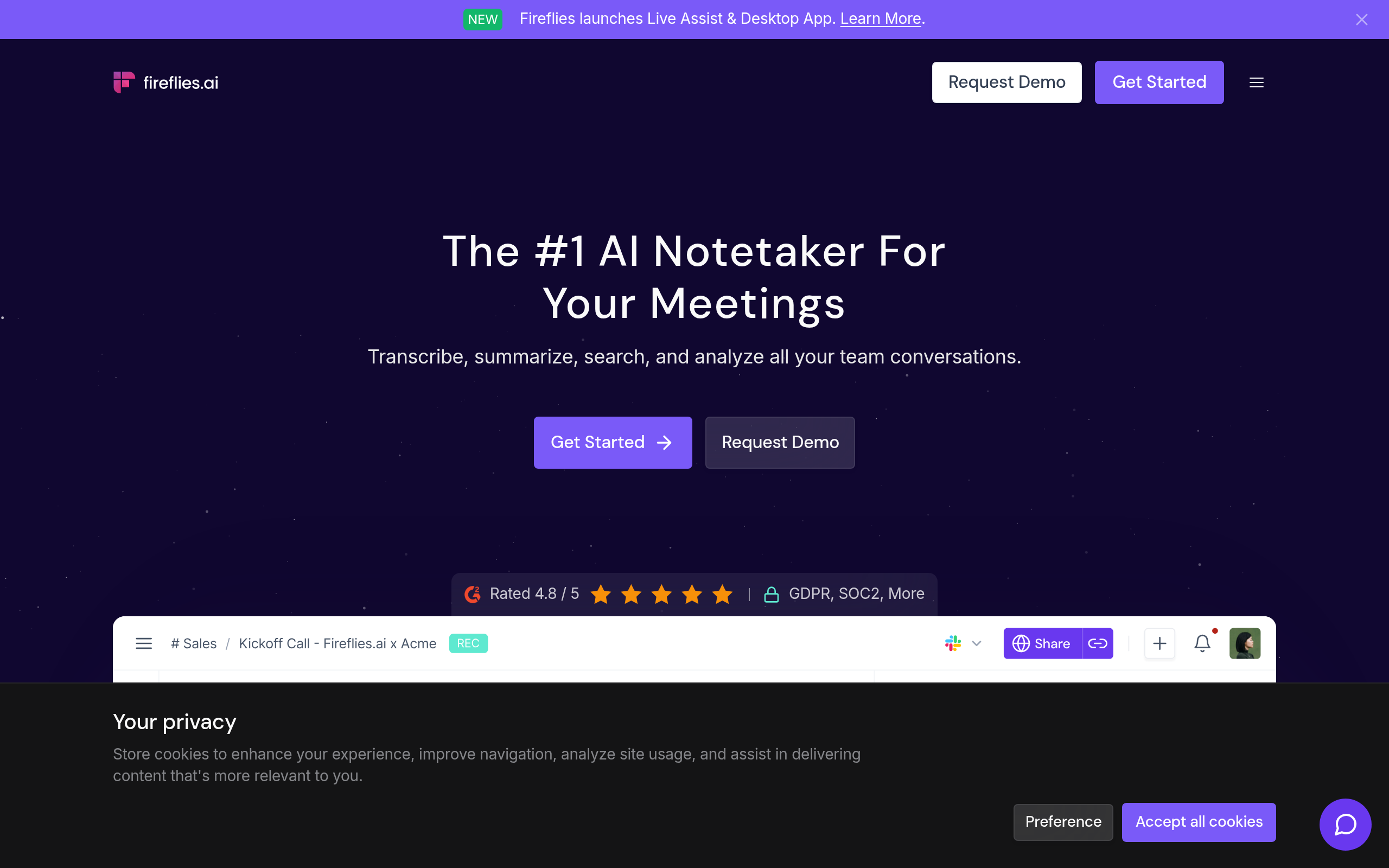
What is Fireflies.ai?
The most surprising thing about Fireflies.ai is how fast you forget it is in the room. You invite a bot named Fred to your calendar event, and it records everything.
Developed by Fireflies.ai Inc., this AI meeting assistant targets sales teams, recruiters, and managers. It solves the problem of manual note-taking during video calls. The software captures audio across Zoom, Google Meet, and Microsoft Teams. It then generates structured summaries and syncs action items to your CRM.
- Primary Use Case: Recording and summarizing multi-platform video meetings.
- Ideal For: Sales teams and project managers who need CRM data entry.
- Pricing: Starts at $10/month (Freemium): A cheap entry point for unlimited transcription.
Key Features and How Fireflies.ai Works
Meeting Capture and Transcription
- Multi-Platform Recording: The bot joins Zoom, Teams, and Google Meet calls. Limit: External participants often find the visible bot intrusive (I found the bot visible in the participant list, which confused some clients).
- Mobile App: You can record in-person meetings using iOS or Android devices. Limit: Audio quality depends on your phone microphone.
AI Summaries and Search
- Structured Summaries: The AI generates action items, keywords, and meeting outlines. Limit: Heavy accents or technical jargon require manual correction.
- Smart Search: You can filter past meetings by questions, tasks, or custom keywords. Limit: Processing transcripts takes up to 30 minutes after a meeting ends.
Integrations and Workflow
- CRM Syncing: Notes push to Salesforce, HubSpot, and Pipedrive. Limit: Advanced routing rules require higher-tier plans.
- Soundbites: You can clip short audio segments to share via Slack. Limit: Creating clips takes time away from other workflows.
Fireflies.ai Pros and Cons
Pros
- Multi-platform support lets the bot join almost any major video conferencing tool.
- Granular search functionality finds specific phrases across thousands of hours of audio.
- Vast integration ecosystem connects with Slack, Notion, and major CRMs.
- Mobile app records physical, in-person consultations or interviews.
Cons
- The Fred bot joining meetings confuses external participants who do not expect it.
- Transcription accuracy drops for heavy accents or niche technical jargon.
- The free tier restricts AI credits, forcing an early upgrade.
- Processing transcripts takes up to 30 minutes after a meeting ends.
Who Should Use Fireflies.ai?
- Sales Teams: Reps save hours by pushing meeting notes into HubSpot or Salesforce.
- Project Managers: The search function helps track decisions made across months of weekly syncs.
- Solo Freelancers: This tool is not a good fit for solo workers who only need basic transcripts. The paid plans offer too many enterprise features they will never use.
Fireflies.ai Pricing and Plans
The pricing structure uses a freemium model. The Free plan costs $0 per month but limits you to 800 minutes of storage and just three meeting credits (the $0 tier acts more like a trial). The Pro plan costs $10 per month billed annually. It includes 8,000 minutes of storage, unlimited transcription, and 20 AI credits. The Business plan costs $19 per month billed annually. It adds unlimited storage, video recording, and CRM integrations. The Enterprise plan costs $39 per month billed annually. It provides a dedicated account manager, HIPAA compliance, and single sign-on capabilities.
How Fireflies.ai Compares to Alternatives
Similar to Otter.ai, Fireflies focuses on transcription and summaries. Otter.ai provides a better live transcription experience in the browser. Fireflies wins on CRM integrations and data entry for sales teams.
Unlike Gong, Fireflies offers an affordable entry point for small teams. Gong targets enterprise sales organizations with deep revenue intelligence features. Fireflies provides basic conversation intelligence like speaker talk time at a fraction of the cost.
The Verdict for Sales and Management Teams
Sales teams and project managers get the most value from Fireflies.ai. The ability to sync notes to a CRM saves hours of manual data entry. The topic tracker helps managers coach representatives by analyzing speaker talk time. Solo users on a strict budget should look elsewhere. The free tier restricts AI summaries too much to be useful long-term. Otter.ai serves as a better alternative for students or solo freelancers needing basic live transcription.
The honest limit remains transcription accuracy.
You will still need to manually edit transcripts when speakers use heavy technical jargon or have thick accents.