
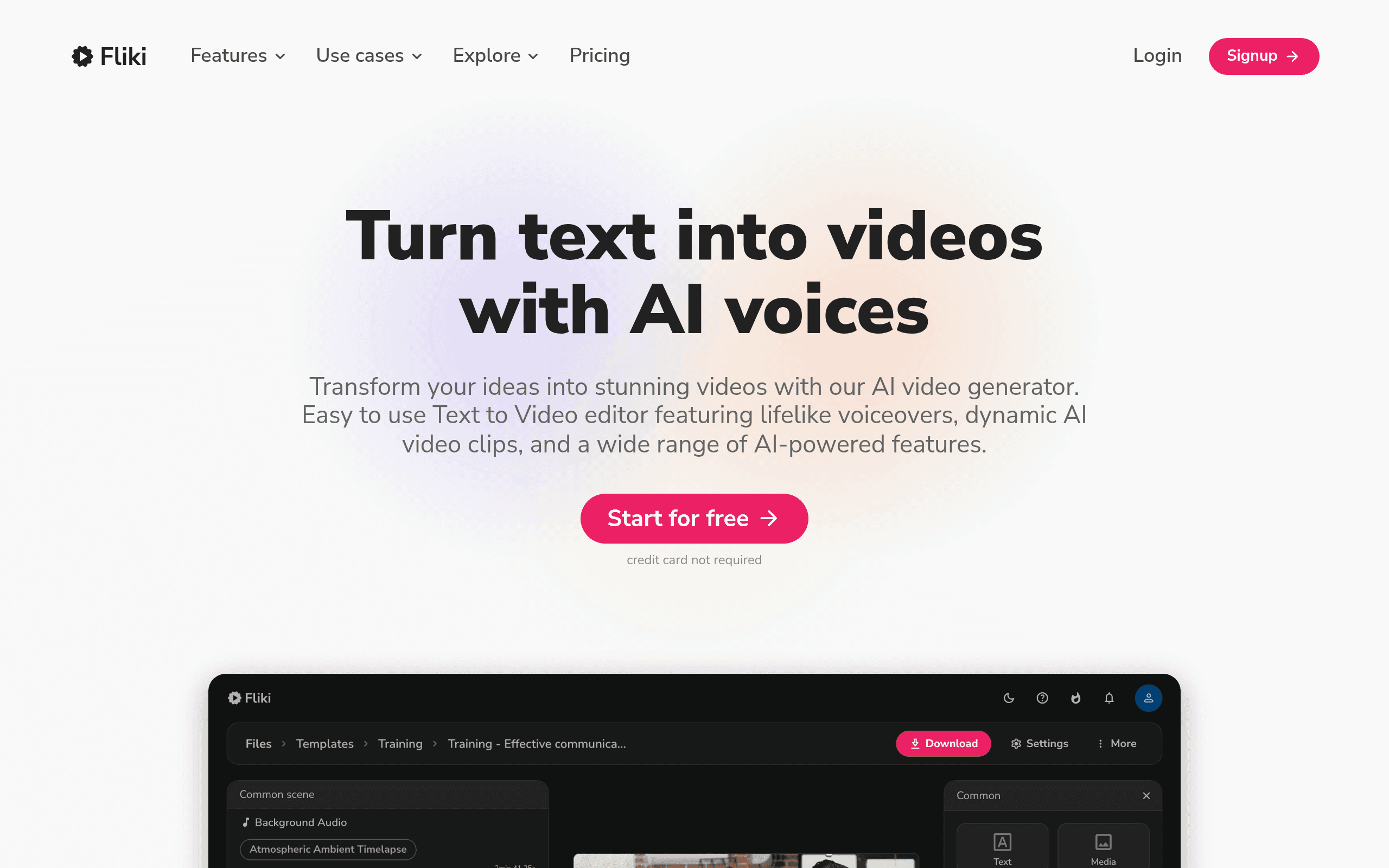

Fliki converts text, blog posts, and social media threads into videos using 2000 AI voices and stock media. It targets content creators needing fast video production. While the platform generates a one-minute video in under five minutes, its credit-based pricing restricts high-volume users.
What is Fliki?
The most impressive aspect of testing Fliki is its speed. You can paste a blog post URL and watch the platform generate a fully narrated, captioned video in under five minutes.
Developed by Rubber Meets Road, LLC, Fliki solves the blank-page problem for video creators. It targets marketers and social media managers who need to convert written text into short-form video content. The platform replaces complex timeline editing with a simple block-based interface.
- Primary Use Case: Converting blog posts and text into narrated videos with stock footage.
- Ideal For: Solo content creators and social media managers.
- Pricing: Starts at $21 (monthly subscription). This is a fair entry point but credit limits restrict heavy users.
Key Features and How Fliki Works
Text and URL Conversion
- Blog to Video: Automatically summarizes blog URLs into video scripts. This is limited to the text length your credit balance supports.
- Tweet to Video: Converts X posts into vertical videos. This requires manual adjustment if the original thread lacks visual context.
- Idea to Video: Generates a full video script and media from a single text prompt. The output quality depends heavily on prompt specificity.
Audio and Voice Generation
- AI Voices: Access 2000 voices across 75 languages. Ultra-realistic voices are locked behind the Premium plan.
- Voice Cloning: Create a digital twin of your voice. This requires a two-minute clean audio sample.
- Translation: One-click video translation into 75 languages using AI dubbing. This consumes additional credits per translated minute.
Visuals and Editing
- Stock Media Integration: Pulls clips from a library of 10 million assets. AI auto-selection often picks irrelevant clips (I spent ten minutes replacing weird stock clips on a single video).
- Scene Limits: The block-based editor supports up to 100 scenes per file on the Premium plan.
- Subtitles: Auto-generates captions with 20 customizable styles and animations. You cannot export the subtitle file separately on the basic tier.
Fliki Pros and Cons
Pros
- Massive voice library with 2000 options ensures high variety and natural-sounding narration.
- Extremely fast workflow allows users to create a one-minute video in under five minutes.
- Intuitive block-based editor requires no previous video editing experience.
- High-quality stock media integration provides access to millions of premium clips without extra cost.
Cons
- Credit-based pricing system restricts users producing long-form or high-volume content.
- AI-automated media selection occasionally picks irrelevant stock footage requiring manual correction.
- The free version includes a prominent watermark that prevents professional use.
- AI avatars can exhibit unnatural eye blinking and lip-sync issues in certain lighting conditions.
Who Should Use Fliki?
- Social Media Managers: You can turn existing text posts into TikToks or Reels quickly.
- Bloggers: The URL import tool makes repurposing written articles into YouTube videos simple.
- Educators: You can convert PowerPoint presentations into narrated videos with AI voiceovers.
- High-Volume Video Editors: This tool is not a good fit for you. The credit limits make producing daily long-form content too expensive.
Fliki Pricing and Plans
Fliki uses a freemium model with strict credit limits. The Free plan provides 5 credits per month and limits exports to 10 minutes at 720p resolution. This free tier acts mostly as a trial because it forces a large watermark on all exports.
The Standard plan costs $21 per month when billed annually. It provides 2160 credits per year, removes the watermark, and increases export length to 15 minutes at 1080p. Customer support response times are reported as slow by some users on this tier.
The Premium plan costs $66 per month annually. It offers 7200 credits per year, 40-minute export lengths, and unlocks ultra-realistic voices. Enterprise plans offer custom limits for large teams.
How Fliki Compares to Alternatives
Similar to Pictory, Fliki focuses heavily on text-to-video conversion. Pictory offers better automatic text summarization for long webinars. Fliki provides superior AI voice quality and a much larger selection of languages.
Unlike Invideo, Fliki relies entirely on a block-based scene editor rather than a traditional timeline. Invideo gives advanced users more granular control over transitions and audio mixing. Fliki wins on pure speed for beginners who want to avoid complex editing interfaces.
Final Verdict for Content Creators
Fliki delivers massive value for solo creators who want to repurpose written content into short videos. The voice quality alone justifies the entry price.
If you need to produce daily long-form YouTube videos, look elsewhere. The credit system will drain your budget quickly.
Users needing precise timeline editing should consider Invideo instead.
User Reviews
No reviews yet. Be the first to share your experience!
Sign in to write a review.
Related articles
Guides and articles related to Fliki.

AI Video Generator Prompting: The Filmmaker's Real Workflow

The AI Content Automation Stack: 7 Tools That Run a Full Blog Without a Team

AI Instagram Reels Factory: 30 Reels/Day on Autopilot (2026)

The Personal AI Productivity Stack (2026): One Tool Per Job, Nothing Extra

Wix Logo Maker Review (2026): Real Costs, the Edit Catch, and AI Alternatives
