



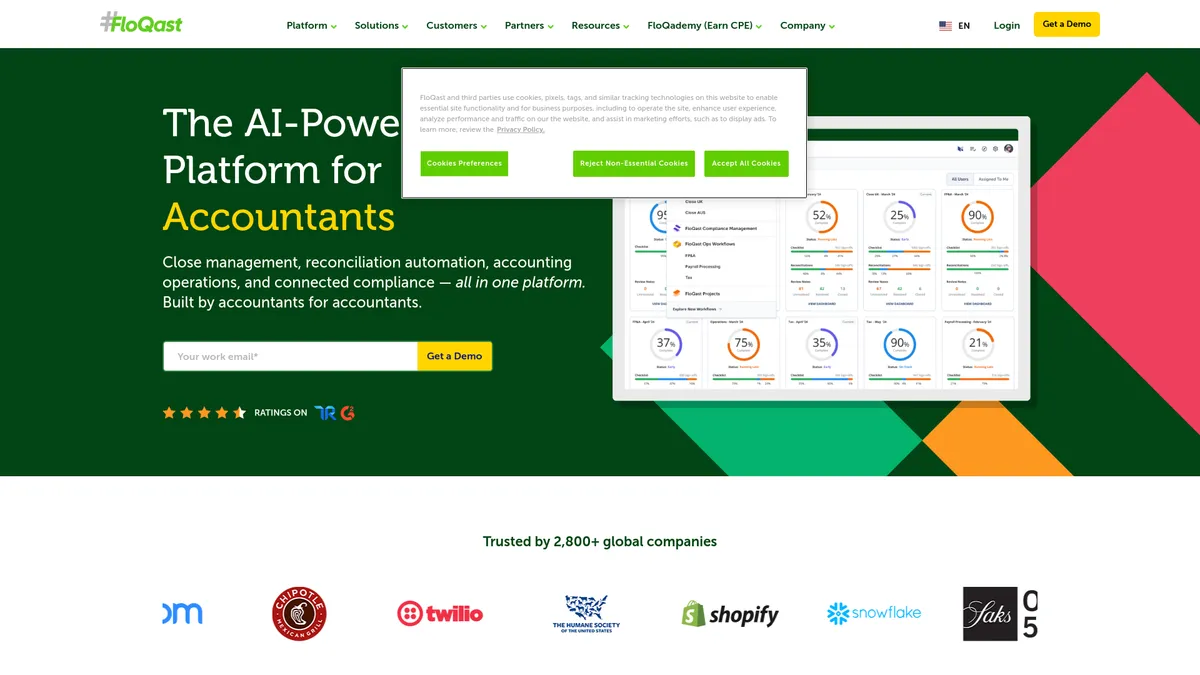
What is FloQast?
Accounting teams expect automation software to replace their spreadsheets. FloQast takes a different approach by keeping accountants in Excel while syncing their workbooks to a cloud dashboard.
Developed by FloQast, Inc., this accounting workflow platform targets mid-market finance departments. It automates the month-end close process, manages balance sheet reconciliations, and organizes audit documentation. The system connects to major ERPs like NetSuite and Sage Intacct.
- Primary Use Case: Automating month-end close checklists and balance sheet reconciliations.
- Ideal For: Mid-market accounting teams managing multiple entities.
- Pricing: Starts at $1,000/month (Custom Pricing) – Requires an annual contract.
Key Features and How FloQast Works
ERP and Excel Synchronization
- ERP Integration: Direct API connections link FloQast to NetSuite, Sage Intacct, and SAP. Custom ERP setups require manual workarounds.
- Excel Integration: The native Excel plug-in links local workbooks to the cloud platform. File size limits apply to massive workbooks.
Automated Reconciliations
- AutoRec: An AI matching engine reconciles thousands of transactions. It struggles with unstructured data formats.
- Reconciliation Management: The centralized dashboard tracks the status of all balance sheet accounts. Live updates depend on the ERP sync frequency.
Workflow and Audit Management
- FloQast Ops: Manages non-close processes like payroll and tax compliance. Task dependencies lack the depth of dedicated project management tools.
- Audit Management: A dedicated audit portal gives external auditors read-only access to documentation. Auditors cannot leave comments inside the portal.
FloQast Pros and Cons
Pros
- Built by former auditors to mirror real-world accounting workflows.
- Implementation takes less than 30 days for standard ERP setups.
- Accountants keep working in familiar Excel environments while syncing data.
- Setup Success Managers (often CPAs themselves) understand technical accounting requirements.
Cons
- Pricing requires a sales call with no public tiers available.
- The mobile app offers a restricted view compared to the web version.
- Automated email alerts cause notification fatigue without strict configuration.
- Deep ERP customizations require manual data mapping workarounds.
Who Should Use FloQast?
- Mid-market finance teams: Companies outgrowing basic spreadsheets need structured close processes.
- Excel power users: Accountants who refuse to abandon their complex workbooks benefit from the native plug-in.
- Solo accountants: This platform is too expensive and complex for single-person finance departments.
FloQast Pricing and Plans
FloQast hides its exact pricing behind a sales wall. Industry reports indicate the basic Business plan starts near $12,000 per year. This entry tier covers core task management and basic reconciliations.
The Corporate plan targets larger teams needing complex ERP integrations. The Enterprise plan adds multi-entity support and premium compliance modules. There is no free tier or self-serve trial available.
How FloQast Compares to Alternatives
Similar to BlackLine but FloQast focuses on keeping users inside Excel. BlackLine forces users into its proprietary cloud interface for most tasks. BlackLine targets massive enterprise organizations. FloQast dominates the mid-market sector.
Unlike Workiva, FloQast specializes in the month-end close and reconciliations. Workiva handles complex SEC reporting and ESG compliance across massive global teams. FloQast offers a faster implementation time (under 30 days) compared to Workiva.
The Verdict for Mid-Market Accounting Teams
FloQast speeds up the month-end close without forcing accountants to abandon Excel. Mid-market finance teams managing multiple entities get the most value from this platform. Small businesses should look at simpler tools like QuickBooks Online Advanced instead.