



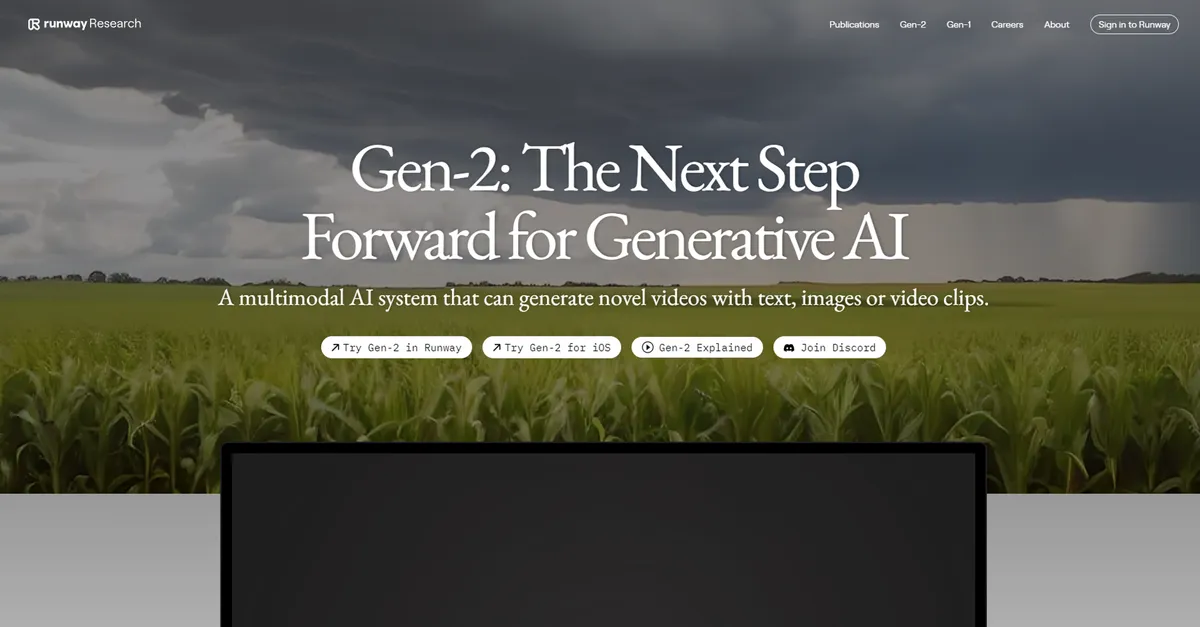
What is Gen-2 by Runway?
Runway Gen-2 processes text prompts into four-second video clips in under 60 seconds. This generative AI video model turns static images and text into moving footage. The system renders 720p or 4K video files depending on your subscription tier.
Runway AI, Inc. built Gen-2 to solve the blank canvas problem for digital artists and filmmakers. The platform gives creators granular control over camera movement and subject animation. Professional video editors use it to generate B-roll, while solo creators animate still photography.
- Primary Use Case: Generating four-second cinematic video clips from text prompts or static images.
- Ideal For: Digital artists and filmmakers needing quick B-roll or motion graphics.
- Pricing: Starts at $12 (freemium). The free tier offers 125 one-time credits with watermarked 720p exports.
Key Features and How Gen-2 by Runway Works
Motion and Camera Controls
- Motion Brush: Select up to five specific areas of an image to animate with directional control. Complex overlapping movements cause visual artifacts.
- Director Mode: Fine-tune camera movements including pan, tilt, zoom, and roll. Users cannot keyframe these movements over time within a single generation.
Video Generation and Extension
- Text-to-Video: Generate four-second clips from natural language descriptions. The system struggles to maintain consistent character identity across multiple prompts.
- Extend Video: Add four-second increments to existing clips. Extending clips beyond 16 seconds degrades the visual quality.
Styling and Resolution
- Style Transfer: Apply the aesthetic of any image or text prompt to an existing video. The output flickers between frames during high-motion sequences.
- Upscaling: Enhance low-resolution generations to high-definition quality. Only paid users can export these upscaled videos in 4K resolution.
Gen-2 by Runway Pros and Cons
Pros
- Generates four-second video clips in under 60 seconds.
- Motion Brush allows users to control up to five different moving elements per frame.
- Paid plans offer 4K export options for professional production workflows.
- Integrates directly with other Runway tools like Inpainting and Gen-1.
Cons
- The credit system depletes after a few failed generations.
- Complex human or animal movements result in melting or morphing artifacts.
- Free tier credits are one-time only and do not renew at the start of a new month.
- Maximum video length is restricted to short bursts of 4 to 16 seconds.
Who Should Use Gen-2 by Runway?
- Solo Digital Artists: You can animate static Midjourney images into dynamic video content using the Motion Brush.
- Professional Filmmakers: The 4K export options and Director Mode camera controls fit well into existing post-production workflows.
- Budget-Conscious Hobbyists: This tool is not a good fit for you. The one-time free credits disappear fast, and the $12 monthly starting price requires an annual commitment.
Are the paid plans worth the investment?
Gen-2 by Runway Pricing and Plans
The Free plan costs $0 and provides 125 one-time credits. These credits never renew. Users get three video projects, 5GB of storage, and watermarked 720p exports.
The Standard plan costs $12 per month billed per year. It includes 625 monthly credits, unlimited projects, 100GB of storage, 4K exports, and removes watermarks.
The Pro plan costs $28 per month billed per year. Users receive 2,250 monthly credits, 500GB of storage, custom AI voices, and access for up to 10 users.
The Unlimited plan costs $76 per month billed per year. It offers 2,250 high-priority credits per month plus unlimited relaxed generations.
The Enterprise plan features custom pricing. It adds SSO, advanced security, priority support, and custom integrations.
How Gen-2 by Runway Compares to Alternatives
Similar to Pika, Gen-2 offers specific region animation through its Motion Brush feature. Pika focuses on 3D animation styles and anime aesthetics. Gen-2 produces more photorealistic cinematic outputs. Pika gives users 30 free daily credits, while Runway limits free users to a strict 125 lifetime credits.
Unlike Luma Dream Machine, Gen-2 provides granular camera controls through Director Mode. Luma Dream Machine excels at generating realistic physics and fluid human motion. Gen-2 struggles with complex human movements, producing melting artifacts. Luma Dream Machine allows 30 free generations per month, offering a better testing ground for casual users.
The Verdict for Professional Video Editors
Professional video editors get the most value from Gen-2.
The 4K exports and precise camera controls justify the $28 monthly Pro tier. (I burn through 50 credits just trying to get one usable four-second clip). The platform integrates well into existing post-production pipelines.
Casual creators looking for free video generation should look elsewhere.
The strict 125 lifetime credit limit makes experimentation impossible without paying. If you need realistic human motion without paying upfront, Luma Dream Machine is a better alternative. The persistent melting artifacts in Gen-2 make it unreliable for character-driven narratives.