



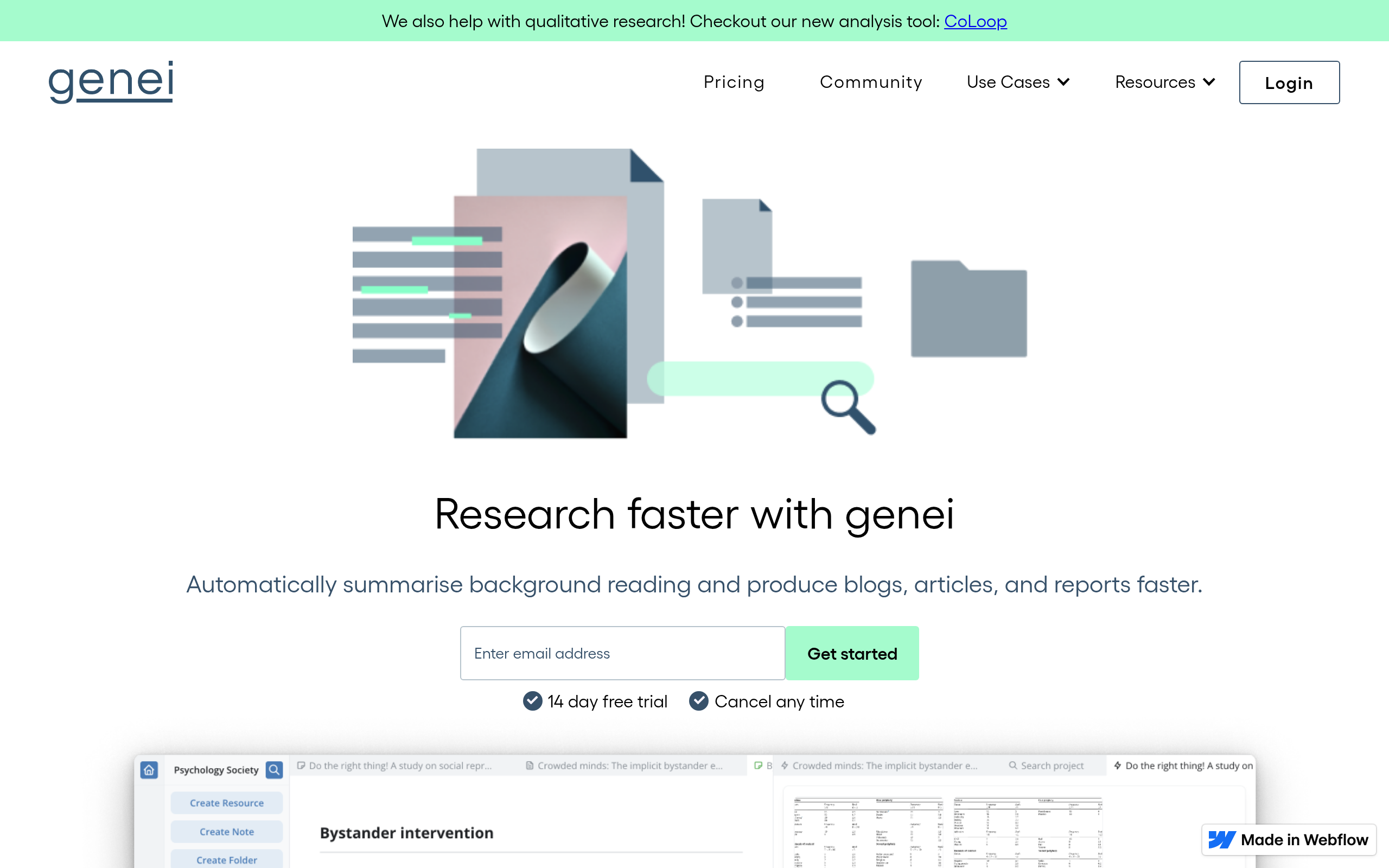
What is Genei?
Users expect AI research assistants to read entire libraries of PDFs and instantly write perfect literature reviews. Genei delivers a more grounded approach by summarizing documents up to 50 pages long.
Developed by Genei Ltd., the platform targets academics and professionals drowning in long-form text. It provides a structured workspace that extracts up to 15 keywords per paper to speed up reading. The software automatically detects images, tables, and charts within complex PDF files.
- Primary Use Case: Summarizing academic papers and extracting key figures for literature reviews.
- Ideal For: Graduate students and professional researchers managing large document libraries.
- Pricing: Starts at $5.07 (Freemium) – Academic pricing offers a 50 percent discount.
Key Features and How Genei Works
Document Summarization and Analysis
- AI Summarization: Generates bulleted summaries for PDFs and web pages up to 50 pages long.
- Keyword Extraction: Automatically identifies the top 10 to 15 keywords per document for quick navigation.
- Figure Extraction: Detects and extracts images, tables, and charts from PDF files automatically.
Organization and Storage
- Project Folders: Creates unlimited folders to categorize research by topic or client.
- File Storage: Restricts uploads to 5GB on Basic plans but offers unlimited storage on Pro plans.
- Multi-document Search: Searches across 100 or more documents simultaneously to find specific phrases.
Writing and Citation Tools
- Integrated Notepad: Provides a side-by-side note-taking interface with direct linking to source text.
- Citation Generator: Creates bibliographies in APA, MLA, Harvard, and Vancouver citation styles.
- Chrome Extension: Saves and summarizes articles directly from Google Chrome with one click.
Genei Pros and Cons
Pros
- Reduces reading time by up to 70 percent by highlighting core arguments automatically.
- The Chrome extension lets users research while browsing without switching tabs.
- Pricing targets students directly with a 50 percent discount compared to professional tiers.
- Keeps all research sources and notes in one searchable location to prevent data loss.
Cons
- Users cannot access or summarize documents on iOS or Android devices natively.
- Summaries occasionally contain inaccuracies when processing highly technical or niche terminology.
- The platform lacks direct export capabilities with popular tools like Zotero or Notion.
Who Should Use Genei?
- Graduate Students: The 50 percent academic discount makes this an affordable way to process hundreds of papers.
- Professional Researchers: The multi-document search helps locate specific data points across massive client reports.
- Casual Readers: If you only summarize a few short articles a month, the paid tiers offer poor value.
Genei Pricing and Plans
Genei operates on a freemium model with a starting price of $5.07 per month.
The free tier acts mostly as a trial with highly restricted storage.
- Basic Academic: $5.07 per month. Includes a 5GB file upload limit, unlimited projects, AI summaries, and search.
- Basic Professional: $10.15 per month. Matches the academic basic tier but targets non-students.
- Pro Academic: $20.31 per month. Removes file upload limits and adds GPT-3 summaries, multi-document analysis, and figure extraction.
- Pro Professional: $31.74 per month. Includes all Pro features plus priority server access.
How Genei Compares to Alternatives
Similar to Scholarcy, Genei focuses heavily on academic research and literature reviews. Scholarcy excels at creating interactive flashcards from papers to help students memorize key concepts. Genei provides a more traditional workspace with side-by-side note-taking and multi-document search across 100 or more files.
Unlike ChatPDF, Genei requires users to create an account and organize files into projects. ChatPDF allows instant anonymous chatting with a single PDF document without any setup. Genei builds a long-term research library with 5GB of storage on basic plans, while ChatPDF serves quick one-off queries.
The Verdict for Academic Researchers
Graduate students and professional analysts get the most value from Genei. The platform organizes messy folders of PDFs into a searchable database. The 50 percent academic discount makes the Basic plan highly accessible for university students on a budget.
Users who rely heavily on Zotero or Mendeley should look elsewhere. The lack of direct integration creates a frustrating manual export process (I found myself copying and pasting citations constantly). If you just need to ask questions about a single paper without building a library, try ChatPDF instead.