



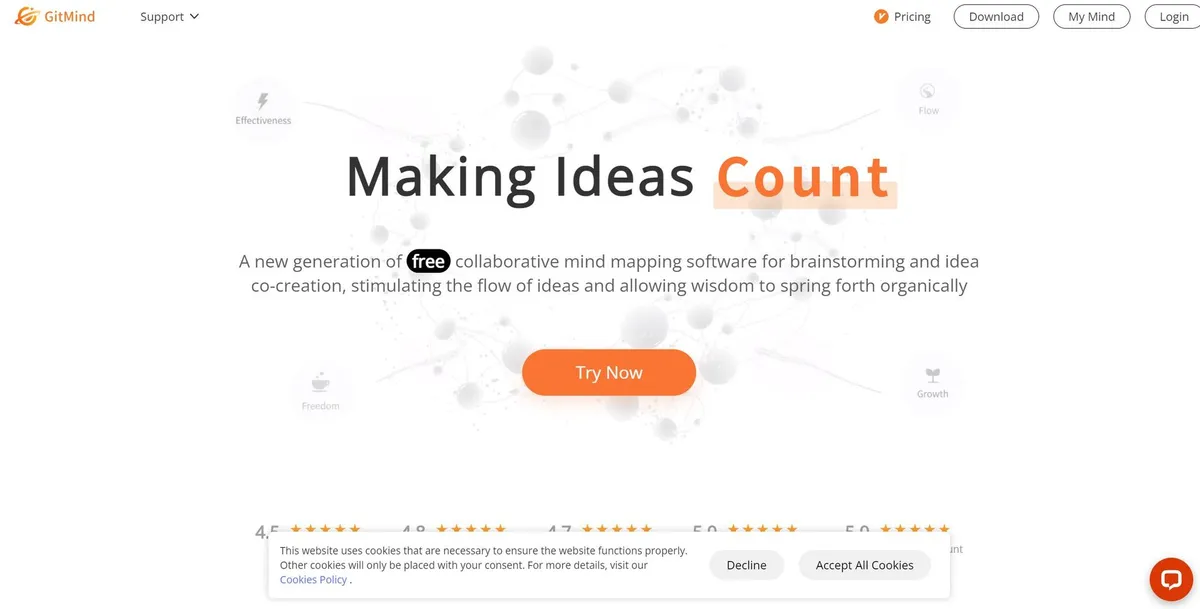
What is GitMind AI?
Users expect AI mind mapping tools to spit out generic bubble charts. GitMind AI reads your 50-page PDF and builds a structured visual hierarchy you can edit. Most automated mappers fail at context. This tool extracts specific arguments from text and places them into logical branches. You paste a YouTube link, and the tool builds a flowchart of the video chapters. (I tested this with a 20-minute lecture).
WANGXU TECHNOLOGY developed this platform for project managers and students who need to organize scattered information. It turns text prompts and documents into editable flowcharts. You type a concept, and the engine generates a full diagram in 30 seconds.
- Primary Use Case: Converting long documents and text prompts into structured visual mind maps.
- Ideal For: Project managers and students organizing complex research.
- Pricing: Starts at $4.08 (Annual) : A cheap entry point for basic AI mapping.
Key Features and How GitMind AI Works
AI Generation and Document Analysis
- Prompt to Map: Type a keyword to generate a full diagram. The system limits generation time to 30 seconds per prompt.
- Document Import: Upload PDF or Word files for automatic visual conversion. File size limits apply based on your specific subscription plan.
- GitMind Chat: Ask the GPT-4 assistant to summarize YouTube videos. Every query consumes AI credits from your monthly allowance.
Organization and Collaboration
- Planet System: Group maps into knowledge folders called Planets. Free users get exactly one Planet for all their files.
- Real-time Co-editing: Invite team members via a web link. This feature requires an active internet connection to sync changes.
- Outline Mode: Toggle between a visual map and a text list. Edits sync across both views without manual saving.
Exporting and Cross-Platform Sync
- Multi-device Sync: Access files across Windows, macOS, iOS, and Android. Syncing stops if your device goes offline.
- High-Definition Exports: Save maps as PDF, JPG, PNG, or SVG. Free users cannot export files in high definition.
GitMind AI Pros and Cons
Pros
- Cross-platform apps sync data between mobile and desktop devices without manual saves.
- The Planet system organizes hundreds of files better than standard folder trees.
- Free tier includes 30 AI credits to test GPT-4 features before buying.
- Vector exports like SVG maintain sharp text for large format printing.
- Built-in OCR extracts text from uploaded images into editable map nodes.
Cons
- The 30-credit limit on the free plan runs out after three document scans.
- Custom styling options fall short compared to dedicated design tools like Miro.
- Performance drops when rendering maps with more than 500 individual nodes.
- Offline mode restricts access to AI generation and real-time syncing.
Who Should Use GitMind AI?
- Students and Researchers: You can upload lengthy PDFs and get a visual summary in seconds.
- Remote Project Teams: The shared digital whiteboard helps distributed workers brainstorm together on one canvas.
- Budget-Conscious Users: The $4.08 annual plan offers cheap access to basic AI mapping tools.
- Not for Heavy Designers: If you need pixel-perfect custom themes, use Miro or Figma instead.
GitMind AI Pricing and Plans
The Free plan costs $0 per month. It includes 10 files, 1 planet, and 30 AI credits. You only get standard resolution exports.
The Annual plan costs $4.08 per month (billed at $49 yearly). You get unlimited files, 5 planets, 2000 credits, and HD exports. The 2000 credits reset every year, not every month. This forces you to budget your AI usage.
The Monthly plan costs $9.00 per month. It includes unlimited files, 5 planets, 300 credits, and priority support.
GitMind Chat Premium costs $19.00 per month. This adds unlimited Basic 3.5 chats and 300 credits for Advanced 4.0 queries.
The Free plan acts more like a trial.
How GitMind AI Compares to Alternatives
Similar to XMind, GitMind offers a clean interface for building hierarchical diagrams. XMind provides better offline desktop apps. GitMind wins on cloud collaboration and direct AI document imports. XMind requires manual data entry for most maps. GitMind automates the initial drafting phase.
Unlike MindMeister, GitMind includes built-in OCR and YouTube summarization. MindMeister integrates better with Google Workspace and offers more flexible node styling. GitMind is cheaper for users who need AI generation. MindMeister charges a premium for basic team features.
Ayoa focuses heavily on neurodivergent users with organic, hand-drawn map styles. GitMind sticks to rigid, professional layouts. Ayoa includes task management features. GitMind keeps the focus strictly on knowledge mapping and brainstorming.
Final Verdict for Visual Thinkers
GitMind AI delivers fast document-to-map conversions for students and managers. The $4.08 annual tier provides excellent value for organizing scattered research. You get enough credits to map out dozens of projects.
Heavy users hit the 500-node performance wall fast.
If you need deep custom branding or offline access, look elsewhere. XMind remains the better choice for strict offline desktop mapping. Choose GitMind if you want AI to do the heavy lifting on document summaries.