



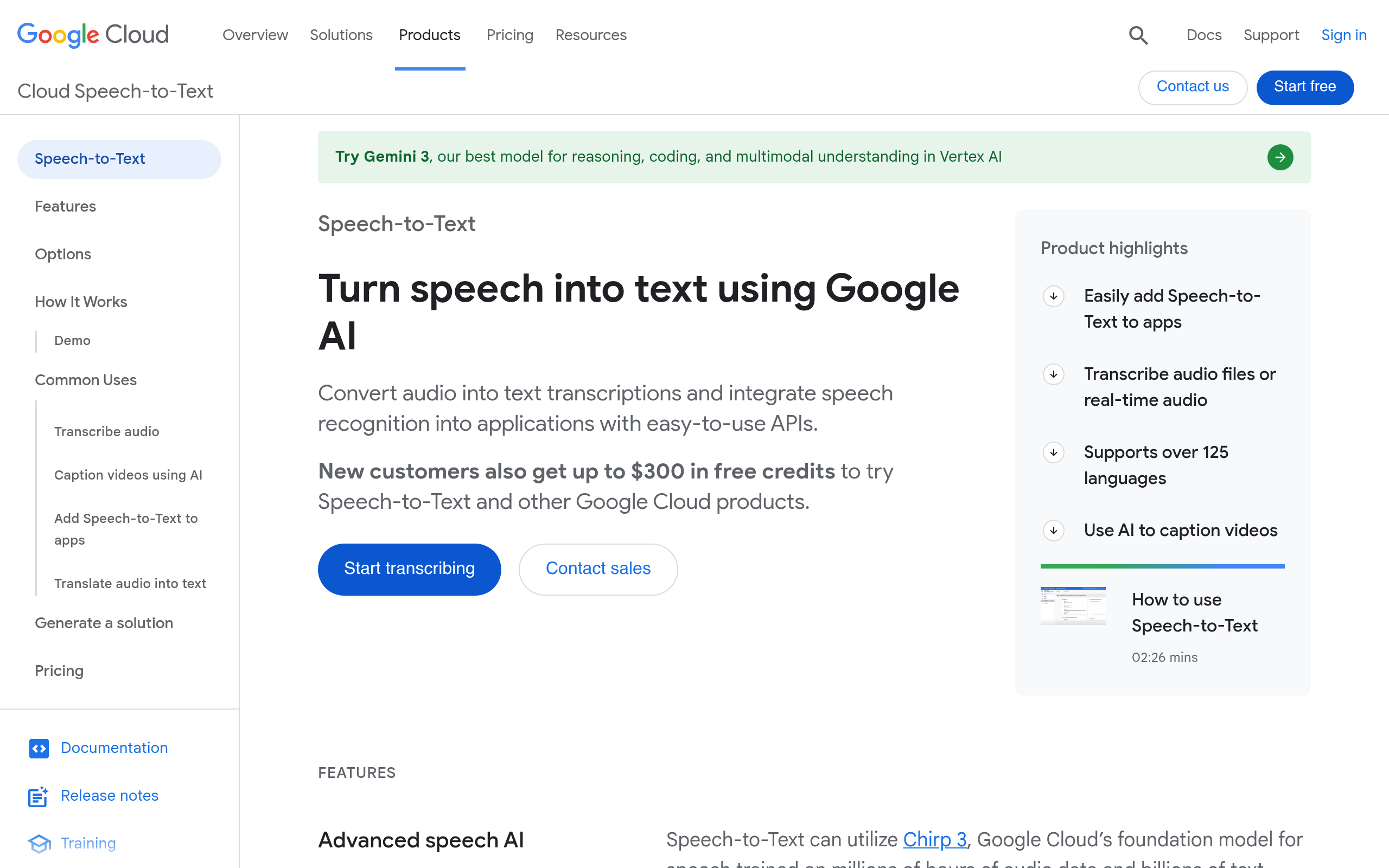
What is Google Cloud Speech-to-Text?
Google Cloud Speech-to-Text processes audio across 125 languages using deep neural network models. Enterprise teams use this API (which requires coding knowledge) to transcribe thousands of hours of audio daily. The system handles both real-time streaming and asynchronous batch processing.
Google LLC developed this transcription service to solve automated speech recognition at scale. It targets software developers building voice-controlled interfaces, call center analytics, and media captioning tools. The API returns detailed JSON files containing word-level confidence scores and exact timestamps.
- Primary Use Case: Transcribing customer service calls for automated sentiment analysis.
- Ideal For: Enterprise software developers.
- Pricing: Starts at $0.016 per 15 seconds (Standard Model) – Free tier covers the first 60 minutes monthly.
Key Features and How Google Cloud Speech-to-Text Works
Audio Processing and Streaming
- Real-time Streaming: Uses gRPC to return text while audio records. The API limits streaming requests to 5 minutes of audio per connection.
- Multi-channel recognition: Processes up to 2 separate audio channels to distinguish speakers. This helps call centers separate agent and customer voices accurately.
- Speaker Diarization: Automatically identifies and labels different speakers within a single audio stream. The system supports up to 6 distinct speakers per audio file.
Language and Vocabulary Adaptation
- 125+ Language Support: Covers global languages and regional dialects. It includes specific variants for English, Spanish, French, and Chinese.
- Speech Adaptation: Accepts up to 5,000 custom phrases to improve technical jargon recognition. Developers pass these phrase hints directly in the API request.
- Content Filtering: Automatically detects and masks profanity in transcripts. The API replaces offensive words with asterisks in the final JSON output.
Output Formatting and Metadata
- Word-level Confidence: Assigns a score from 0.0 to 1.0 for every transcribed word. Applications use this score to flag uncertain transcriptions for human review.
- Metadata Tagging: Generates start and end timestamps for every word in the JSON output. Video editors use these timestamps to sync subtitles perfectly.
- Auto-punctuation: Uses machine learning to insert periods, commas, and question marks automatically. This improves the readability of long-form transcriptions significantly.
Google Cloud Speech-to-Text Pros and Cons
Pros
- Achieves high accuracy in noisy environments using Google training data.
- Supports over 125 languages, beating niche competitors in global coverage.
- Processes thousands of audio hours simultaneously through batch processing.
- Maintains HIPAA, SOC, and ISO certifications for enterprise data handling.
- Integrates directly with BigQuery and Vertex AI for automated data workflows.
Cons
- Bills in 15-second increments, making exact monthly cost prediction difficult.
- Requires API knowledge and lacks a graphical interface for non-coders.
- Restricts technical support to paid tiers costing hundreds of dollars monthly.
Who Should Use Google Cloud Speech-to-Text?
- Enterprise developers: Teams building automated call center analytics need the multi-channel recognition and speaker diarization. The API handles massive concurrent request volumes easily.
- Media companies: Broadcasters use the enhanced video model to generate captions for massive video archives. The word-level timestamps make subtitle synchronization exact.
- Healthcare providers: Clinics use the specialized medical dictation model to automate patient documentation securely. The HIPAA compliance ensures patient data remains protected.
- Non-technical users: Solo creators needing a simple drag-and-drop transcription tool should avoid this API. The lack of a graphical interface creates a high barrier to entry.
Google Cloud Speech-to-Text Pricing and Plans
Google Cloud Speech-to-Text uses a consumption-based pricing model. Users pay only for the exact seconds of audio processed.
- Free Tier: $0 per month. Covers the first 60 minutes of audio processed monthly. This acts as a permanent free tier rather than a temporary trial.
- Standard Model: $0.016 per 15 seconds. Handles general purpose transcription after the free limit. This tier suits basic voice commands and clean audio recordings.
- Enhanced Model: $0.024 per 15 seconds. Optimizes recognition for phone calls and video content. This model uses advanced neural networks for higher accuracy.
- Medical Models: $0.078 per 15 seconds. Provides specialized vocabulary recognition for healthcare dictation. The higher price reflects the specialized medical training data.
How Google Cloud Speech-to-Text Compares to Alternatives
Similar to AWS Transcribe, Google Cloud Speech-to-Text targets enterprise developers needing scalable API access. AWS Transcribe charges $0.024 per minute, which often costs less than Google billing in 15-second increments. Google offers broader language support with 125 options compared to AWS. Both platforms maintain strict security certifications for enterprise data.
Unlike OpenAI Whisper, Google Cloud Speech-to-Text provides dedicated enterprise support and strict SLA guarantees. Whisper offers an open-source model you can host for free. Google requires cloud connectivity but delivers specialized models for medical dictation and phone calls. Whisper struggles with real-time streaming, an area where Google excels using gRPC connections.
Enterprise Developers Win With Google Cloud Speech-to-Text
Software engineers building complex voice applications get the most value from this API. The 5,000 custom phrase limit helps teams transcribe highly technical industry jargon. The multi-channel recognition separates call center audio perfectly.
Solo podcasters should look elsewhere.
OpenAI Whisper provides a better alternative for users wanting a free, locally hosted transcription model. Google Cloud Speech-to-Text will likely integrate deeper with generative AI models to offer instant audio summarization within 12 months.