



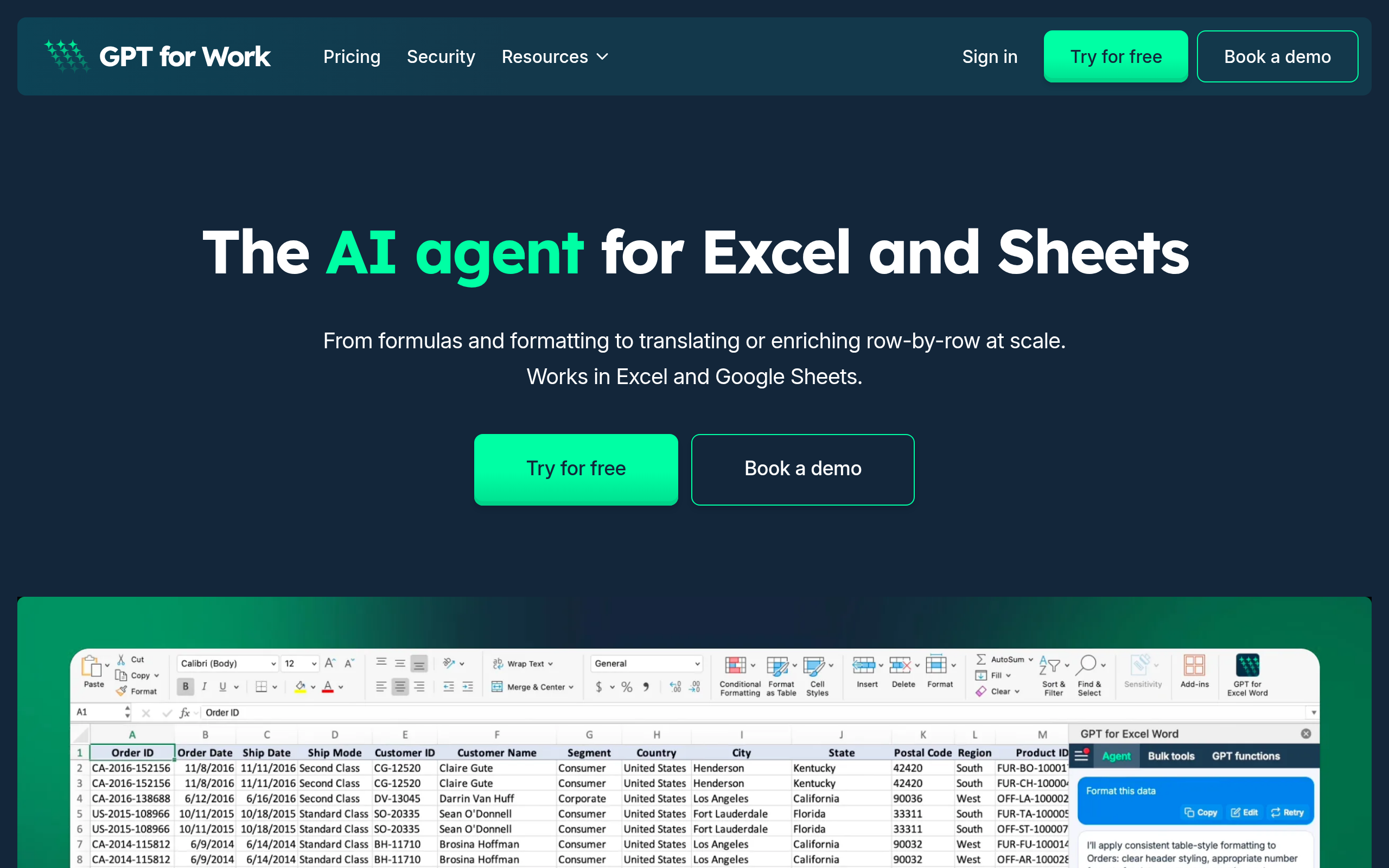
What is GPT for Sheets and Docs?
You have a spreadsheet with 4,000 messy customer addresses that need formatting into separate columns. Doing this manual work takes hours. Writing complex regex formulas takes just as long (I learned this the hard way on a recent data migration project). GPT for Sheets and Docs solves this exact problem by applying AI models to your spreadsheet cells.
Talarian built this Google Workspace extension to eliminate the constant copying and pasting between ChatGPT and your spreadsheets. The tool targets data analysts, marketers, and operations teams who need to clean data, translate text, or generate content in bulk.
- Primary Use Case: Bulk data cleaning and text classification within Google Workspace.
- Ideal For: Data analysts and marketing teams handling large text datasets.
- Pricing: Starts at $29 (Prepaid Credit Pack): Shared team balance with no per-seat fees.
Key Features and How GPT for Sheets and Docs Works
Automated Data Extraction and Formatting
- GPT_EXTRACT: Pulls specific data points like emails or prices from unstructured text. It struggles with ambiguous text blocks.
- GPT_FORMAT: Standardizes dates and currencies across thousands of rows. Processing speed drops on batches larger than 1,000 rows.
Bulk Content Generation and Translation
- GPT_TRANSLATE: Processes bulk translations using models like GPT-4o and Claude 3.5 Sonnet. API rate limits apply based on your selected model.
- Custom Prompts: Allow users to create reusable templates for document editing. The sidebar interface limits prompt history visibility.
Text Classification and Pattern Recognition
- GPT_CLASSIFY: Categorizes text data into predefined sentiment labels. Accuracy decreases if you provide more than 20 categories at once.
- GPT_FILL: Completes ranges based on two or three examples provided in the spreadsheet. It requires consistent examples to work well.
GPT for Sheets and Docs Pros and Cons
Pros
- Native integration removes the need to copy data between external AI tools and Google Workspace.
- Multi-model support lets users compare outputs from OpenAI and Anthropic for better accuracy.
- No per-seat pricing on credit packs lets entire teams share a single balance without extra costs.
- The GPT_FILL function handles complex pattern recognition better than standard spreadsheet formulas.
Cons
- Performance lags when processing datasets exceeding 5,000 rows due to Google execution limits.
- Users encounter maximum execution time errors on complex scripts or large batches.
- The credit system confuses users because GPT-4o consumes credits faster than GPT-3.5.
- The extension requires broad permissions to access Google Drive files, triggering security reviews in corporate environments.
Who Should Use GPT for Sheets and Docs?
- Marketing Teams: Marketers can generate SEO meta descriptions for hundreds of URLs in bulk using GPT-4o.
- Data Analysts: Analysts can clean messy mailing lists by extracting names and addresses from unstructured text strings.
- E-commerce Managers: Store owners can translate product descriptions across hundreds of spreadsheet rows into multiple languages.
- Enterprise IT Departments: The broad Drive permissions required by the extension often violate strict corporate data security policies.
GPT for Sheets and Docs Pricing and Plans
The Free Tier costs $0 and provides free credits to test core functions. This acts as a trial, as credits run out fast on large datasets.
The Starter Prepaid Credit Pack costs $29 as a one-time purchase. Credits remain valid for 12 months with a pooled team balance and no per-seat fees.
The Medium Prepaid Credit Pack costs $99. This tier offers higher credit volume for bulk processing and shared team access.
The Large Prepaid Credit Pack costs $999. This option provides maximum credit volume for high-scale enterprise workloads.
Enterprise Custom Plans feature custom pricing. These plans offer flat per-seat subscriptions with unlimited usage, dedicated support, and SSO. You must bring your own API key for this tier.
How GPT for Sheets and Docs Compares to Alternatives
Similar to Coefficient, this tool connects spreadsheets to external data models. Coefficient focuses on syncing live data from CRMs like Salesforce or HubSpot into Sheets. GPT for Sheets and Docs focuses on text manipulation and AI generation within the cells.
Unlike Numerous.ai, Talarian offers a shared credit system with no per-seat fees. Numerous.ai charges a monthly subscription per user, making it expensive for large teams. GPT for Sheets and Docs allows you to buy a $29 credit pack and share it across your department.
The Best AI Spreadsheet Extension for Budget-Conscious Teams
GPT for Sheets and Docs delivers excellent value for marketing and operations teams needing bulk text manipulation without recurring per-user fees. Enterprise users requiring strict data privacy should look at Coefficient instead.