



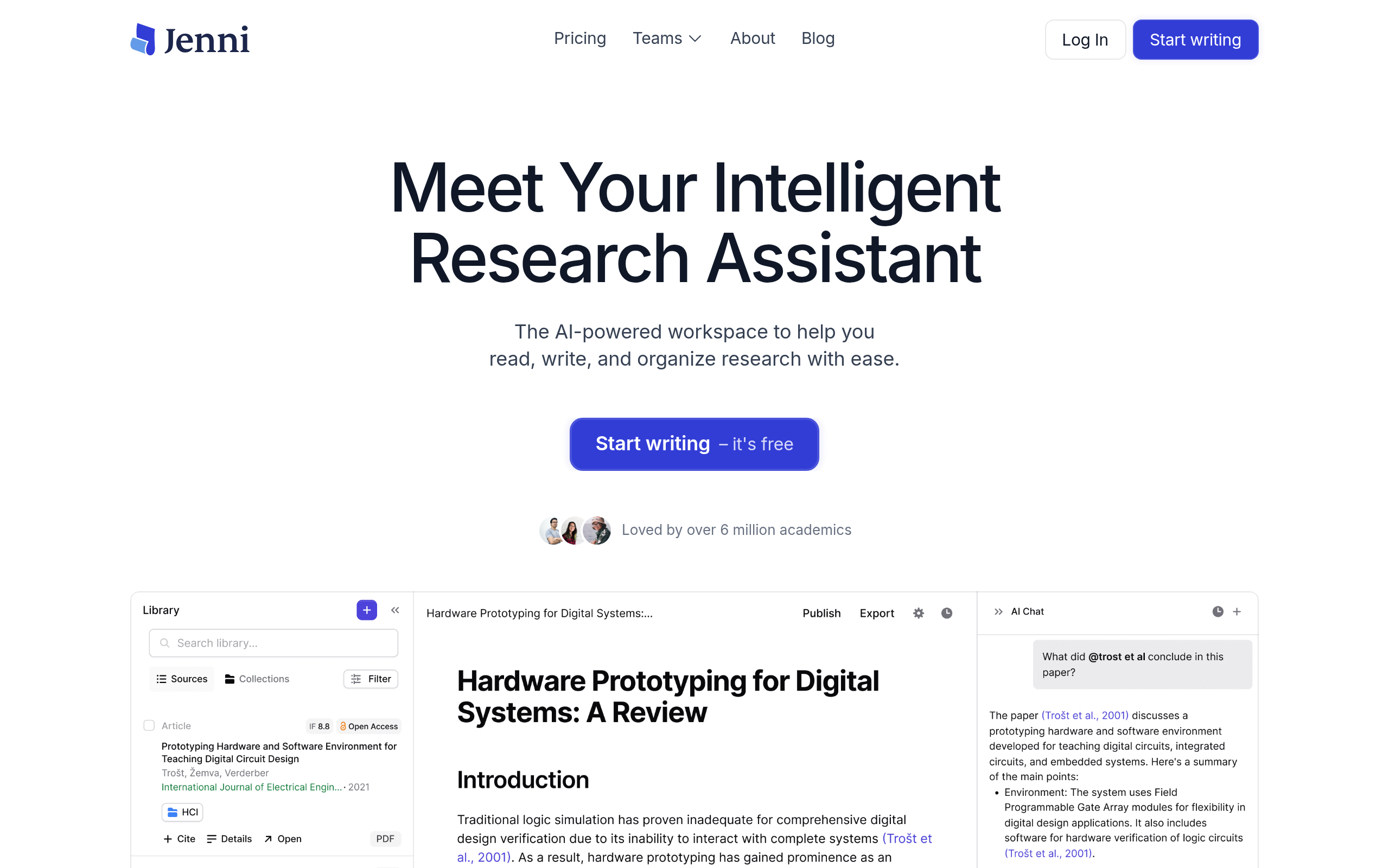
What is Jenni?
Many students expect AI writers to generate a complete, ready to submit thesis in seconds. Instead, Jenni acts as a strict academic co-author that forces you to build arguments piece by piece using its autocomplete engine.
Developed by Jenni AI, Inc., this tool targets researchers and university students who struggle with formatting and literature reviews. It processes uploaded PDF files to generate context aware text.
- Primary Use Case: Drafting academic essays with automated APA, MLA, or Chicago citations.
- Ideal For: University students and academic researchers.
- Pricing: Starts at $12 (monthly). A restrictive free tier pushes most users to paid plans.
Key Features and How Jenni Works
Academic Writing and Autocomplete
- AI Autocomplete: Suggests the next sentence based on your draft context. Limited by your daily word allowance.
- Paraphrase Tool: Rewrites existing text to sound professional. Restricted to sentence by sentence edits.
- Tone Adjustment: Switches between academic, professional, and casual styles. Available only on paid tiers.
Research and Document Analysis
- PDF Upload: Reads your uploaded research papers to inform the AI suggestions. File size limits apply based on your subscription tier.
- Chat with PDF: Answers specific questions about your uploaded documents. Restricted to the text within the specific PDF file.
- Research Library: Stores your references in a central dashboard. Storage capacity scales with your pricing plan.
Formatting and Originality Checks
- Citation Management: Formats sources in APA, MLA, IEEE, Harvard, or Chicago styles. Requires manual verification to catch hallucinated authors.
- Plagiarism Checker: Scans your final draft against web databases. Consumes additional credits outside your base subscription.
Jenni Pros and Cons
Pros
- Automated citation formatting saves hours of manual reference checking for graduate students (I found the APA formatting saved me at least an hour on a standard ten page paper).
- The autocomplete engine uses academic phrasing rather than the generic marketing tone found in standard AI writers.
- Users can chat with uploaded PDFs to extract specific data points for their literature reviews.
- The minimalist interface hides complex settings, keeping the focus on the writing process.
Cons
- The free plan limits users to a daily word count that cannot support long form academic writing.
- Generated citations hallucinate fake authors or incorrect publication years (the AI once invented a 2024 paper by a researcher who retired in 2015).
- Running the plagiarism checker drains credits and requires purchasing a higher tier subscription.
Who Should Use Jenni?
- Graduate Students: You need to synthesize multiple PDF research papers into a single literature review.
- Undergraduate Students: You struggle with APA or MLA formatting and need an automated citation helper.
- Non-Native English Speakers: You want to paraphrase your research findings into a professional academic tone.
- Marketing Copywriters: This tool is not for you. The academic focus makes it too rigid for writing blog posts or sales emails.
How much does this academic assistance cost?
Jenni Pricing and Plans
The pricing structure relies on word counts and feature access. The Free plan costs $0 per month but acts like a trial. It imposes a strict daily word limit that makes finishing a full essay impossible.
The Plus plan costs $12 per month and unlocks entry level paid features. The Creator plan costs $16 per month (billed annually) and provides unlimited words, tone controls, and basic citation tools.
The Pro plan costs $29 per month for advanced features and higher usage limits. The Pro Research plan costs $32 per month. It adds database connectors and priority support for heavy academic users.
How Jenni Compares to Alternatives
Similar to QuillBot, Jenni offers paraphrasing tools for students. Unlike QuillBot, Jenni includes a full document editor with AI autocomplete and PDF analysis. QuillBot focuses on rewriting existing text, while Jenni helps you draft new content from scratch.
Jasper targets marketing teams with templates for blogs and social media. Jenni ignores marketing to focus on academic research. If you need APA citations and PDF literature reviews, Jasper will frustrate you with its generic outputs.
The Verdict: A Capable Assistant for Graduate Students
If you are a university student drowning in PDF research papers, choose Jenni.
It organizes your sources and formats your citations.
If you need to rewrite a few sentences for clarity, look elsewhere.
A simpler tool like QuillBot makes more sense for basic paraphrasing.