


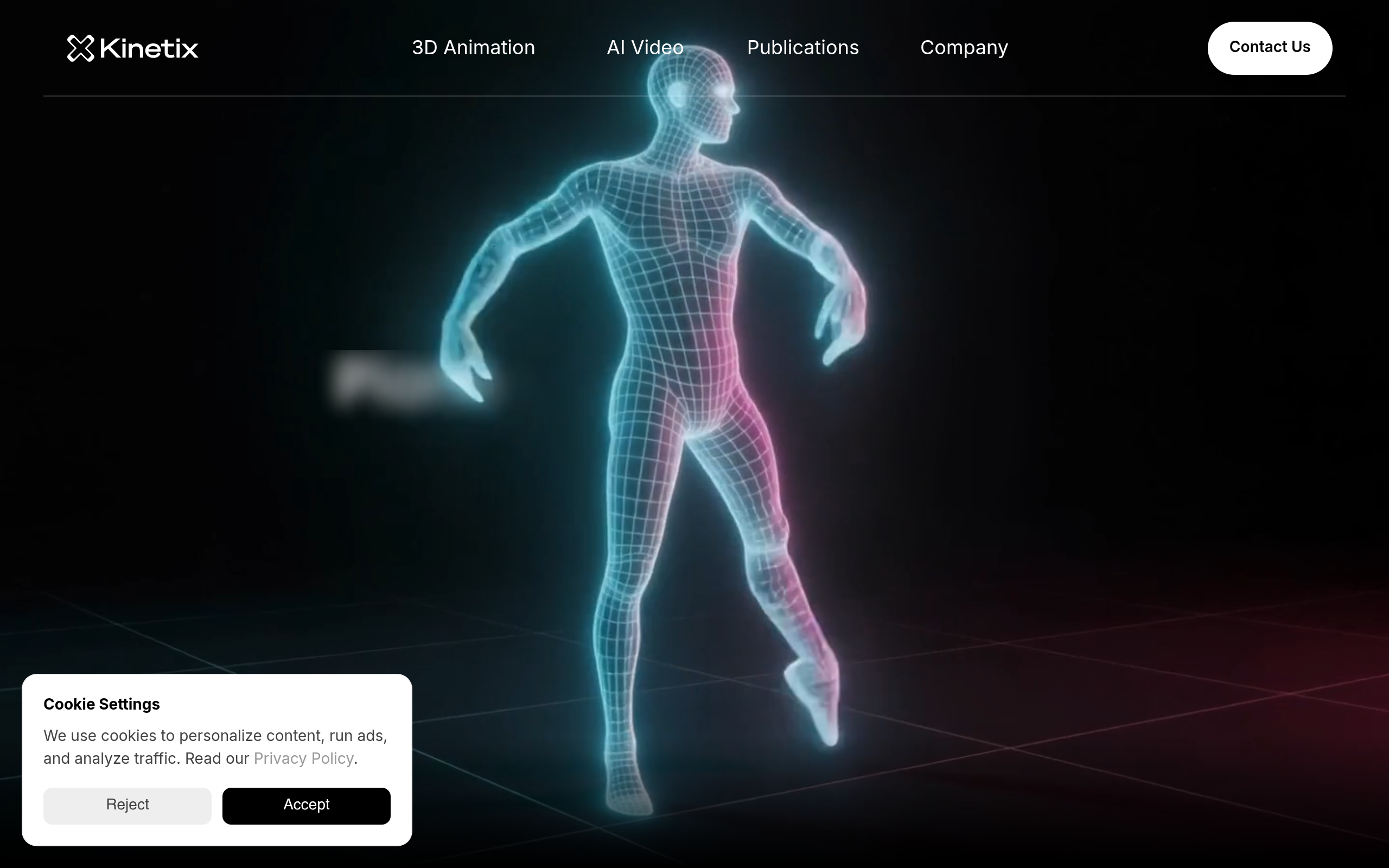
What is Kinetix?
Over 1,000 pre-animated 3D assets sit in the Kinetix library, but its primary draw is generating new motion data from scratch. The platform processes standard MP4 video clips and outputs 3D skeletal data in under two minutes. Developer Kinetix SAS built this AI motion capture tool to replace expensive mocap suits.
Game developers and virtual world creators use Kinetix to generate custom emotes and character animations. The browser-based editor handles retargeting directly on custom GLB rigs. Users export FBX files straight into Unity or Unreal Engine.
- Primary Use Case: Converting smartphone video into FBX 3D animation files for game engines.
- Ideal For: Solo game developers and Roblox creators needing custom emotes.
- Pricing: Starts at $22.99 (paid) – A flat monthly rate for cloud-based motion capture generation.
Key Features and How Kinetix Works
Video Processing and Export
- Video-to-3D Motion: Converts MP4 and MOV files into skeletal data, limited to single-actor footage.
- FBX and GLB Export: Generates industry-standard files for Unity and Blender, though complex rigs require manual bone mapping.
- Batch Processing: Uploads multiple video files simultaneously, capped by your monthly subscription processing limits.
In-Browser Editing Tools
- Web-based Editor: Trims videos and adjusts animation timing directly in Chrome or Safari, limited to basic timeline cuts.
- Custom Avatar Upload: Accepts GLB rigs for direct motion retargeting, with a strict 50MB file size limit.
- AI Denoising: Applies automatic filtering to smooth out jitter, which sometimes over-smooths intentional fast movements.
Platform Integrations
- Roblox Integration: Provides a direct export pipeline optimized for Roblox Studio, restricted to standard R15 rigs.
- Emote Library: Grants access to over 1,000 pre-animated assets, though many cater to casual social games.
- API Access: Offers a REST API for developers, requiring a custom enterprise agreement for high-volume calls.
Kinetix Pros and Cons
Pros
- Eliminates the need for expensive motion capture hardware by extracting data from standard 2D video clips.
- Operates in the cloud, requiring zero local GPU power to process complex animation data.
- Converts video clips into usable 3D assets in under two minutes.
- Exported files work across major platforms like Roblox, Unity, and Unreal Engine.
Cons
- Fails to track limbs when they cross behind the actor’s body or other objects.
- Exhibits frequent foot sliding, a common AI artifact requiring manual cleanup in Blender.
- Drops performance and tracking accuracy if a second person enters the video frame.
- Lacks a permanent free tier, forcing casual hobbyists to pay $22.99 upfront.
Who Should Use Kinetix?
- Solo Game Developers: Indie creators can populate Unity projects with custom animations without renting a mocap studio.
- Roblox Creators: The direct export pipeline saves hours of manual rigging for custom in-game emotes.
- Professional AAA Animators: This tool is a poor fit for high-end studios. The occlusion errors and foot sliding require too much manual cleanup for cinematic projects.
Kinetix Pricing and Plans
Kinetix offers a single paid tier and no permanent free version. The Standard Plan costs $22.99 per month. This tier includes access to the AI-driven 3D animation tools, the web-based editor, and the full emote library.
Users must pay upfront to test the video-to-3D conversion. (I found this frustrating, as most competitors offer at least a watermarked trial). The $22.99 fee covers standard processing, but high-volume API access requires contacting sales for custom pricing.
How Kinetix Compares to Alternatives
Similar to DeepMotion, Kinetix extracts motion data from single-camera video. DeepMotion offers a freemium model with limited monthly credits, making it better for testing. Kinetix forces an upfront paid subscription but provides a smoother direct pipeline into Roblox Studio.
Both tools struggle with foot sliding during complex dance routines.
Unlike Rokoko Video, Kinetix focuses on casual creators and virtual worlds. Rokoko Video integrates with Rokoko Studio and their physical mocap suits, targeting professional indie teams. Kinetix wins on ease of use for beginners, while Rokoko offers better cleanup tools for advanced animators using Unreal Engine.
The Best AI Mocap Tool for Roblox Creators
Kinetix delivers clear value for solo developers building assets for social virtual worlds. The browser-based retargeting and direct Roblox export save massive amounts of technical setup time.
Professional animators should look elsewhere.
If you need precise foot tracking, Rokoko Video provides a better bridge to professional workflows. Within 12 months, Kinetix will likely introduce multi-actor tracking to compete with high-end studio software.