



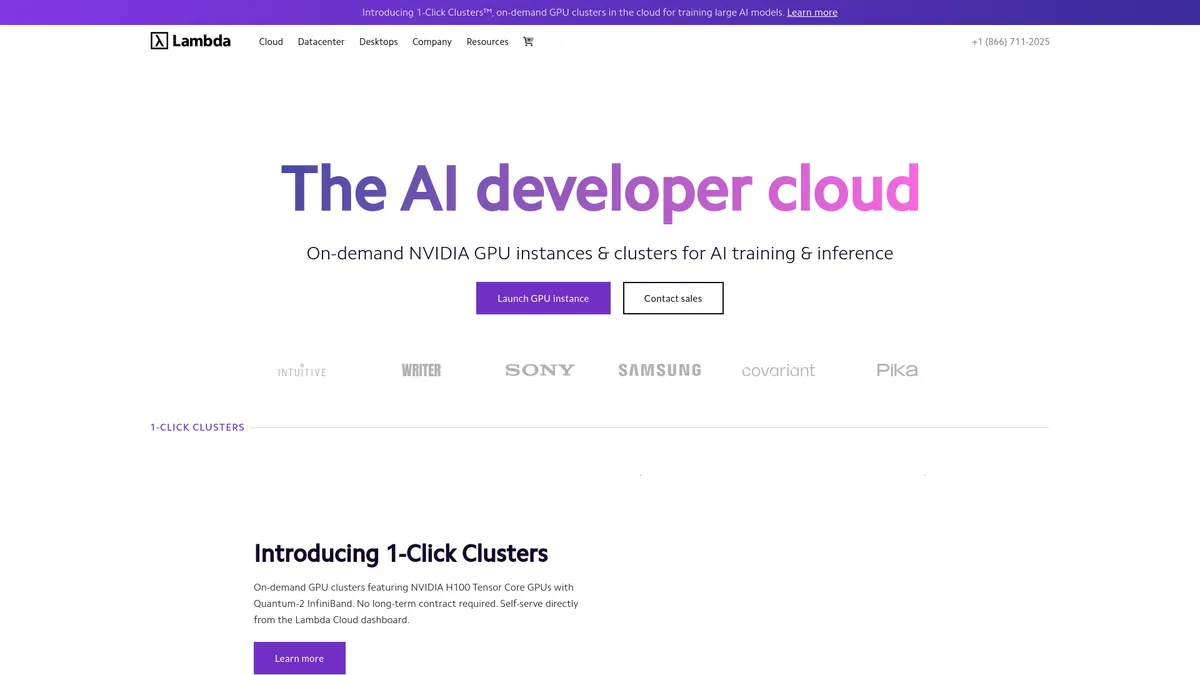
What is Lambda?
The most surprising thing about renting an NVIDIA H100 from Lambda is the empty dashboard. You will not find managed databases, serverless queues, or complex identity access panels. You just get a raw Linux terminal attached to high-end silicon.
Lambda, Inc. built this cloud platform for AI researchers and machine learning engineers. The service solves the high cost and configuration nightmare of deep learning hardware. Users spin up instances pre-loaded with PyTorch and CUDA drivers to train large language models or run inference endpoints.
- Primary Use Case: Training large language models on H100 GPU clusters.
- Ideal For: Machine learning engineers and AI researchers.
- Pricing: Starts at $20 (monthly) : A fraction of the cost of equivalent AWS instances.
Key Features and How Lambda Works
Compute and Hardware Access
- NVIDIA H100 GPUs: Access 80GB HBM3 memory per card for large model training. Limit: On-demand availability fluctuates based on global demand.
- 1-Click Clusters: Deploy multi-node systems with InfiniBand interconnect for distributed workloads. Limit: Requires reserved instance contracts for guaranteed uptime.
Environment and Storage
- Lambda Stack: Boot into a pre-installed environment with PyTorch 2.0 and CUDA drivers. Limit: Customizing base images requires manual Docker configuration.
- Persistent Storage: Attach NVMe-based block storage with up to 10,000 GB capacity. Limit: Storage remains locked to specific geographic regions.
Access and Management
- JupyterLab: Write interactive Python code and visualize data in a web-based IDE. Limit: Lacks native multi-user collaboration features.
- SSH Access: Control your instance directly via RSA or Ed25519 keys. Limit: No built-in web terminal fallback exists if you lose your private key.
Lambda Pros and Cons
Pros
- Cost Efficiency: Hourly rates run 50 to 70 percent lower than equivalent GPU instances on AWS or Google Cloud.
- Setup Speed: Lambda Stack eliminates manual driver installation, reducing environment setup from hours to minutes.
- Hardware Access: The platform provides early access to the latest NVIDIA hardware like the H100 and L40S.
- Developer Focus: The interface drops enterprise bloat to focus on SSH access and compute management.
Cons
- Stock Availability: High demand causes popular on-demand GPUs like the A100 to show as out of stock.
- Feature Set: The platform lacks the ecosystem of managed services found in hyperscale clouds.
- Support Response: Users on community tiers report response times exceeding 48 hours for technical support tickets.
- Monitoring Tools: The dashboard provides minimal real-time telemetry for GPU utilization or temperature.
Who Should Use Lambda?
- Budget-conscious researchers: You get raw compute power at half the cost of major cloud providers.
- Machine learning engineers: The pre-installed Lambda Stack saves hours of driver troubleshooting and environment configuration.
- Enterprise web developers: This is not a good fit. You will miss the managed databases and load balancers found on AWS.
Lambda Pricing and Plans
Lambda uses a straightforward billing system. The base platform requires a paid subscription starting at $20.
- Monthly Plan: $20 per month. Includes standard features and monthly billing.
- Annual Plan: $20 per month billed annually. Offers a discounted rate for a yearly commitment.
Users pay hourly rates for actual GPU compute time on top of these base plans.
The platform does not offer a free trial.
How Lambda Compares to Alternatives
Similar to RunPod, Lambda offers cheap GPU access for fine-tuning models. RunPod focuses on serverless container execution and community templates. Lambda provides a traditional virtual machine experience with persistent storage (which feels like a local workstation).
Unlike CoreWeave, Lambda targets individual researchers alongside enterprise teams. CoreWeave requires larger minimum commitments and focuses on massive Kubernetes deployments. Lambda lets a solo developer rent a single GPU with a credit card.
The Verdict for AI Developers
Solo researchers and small AI startups get the most value here.
You pay for the GPU and nothing else.
Teams needing complex cloud infrastructure should look elsewhere. AWS remains a better choice if you need managed databases and strict compliance controls.
The honest limit remains hardware availability. You might log in ready to train a model only to find zero A100s available in your region.