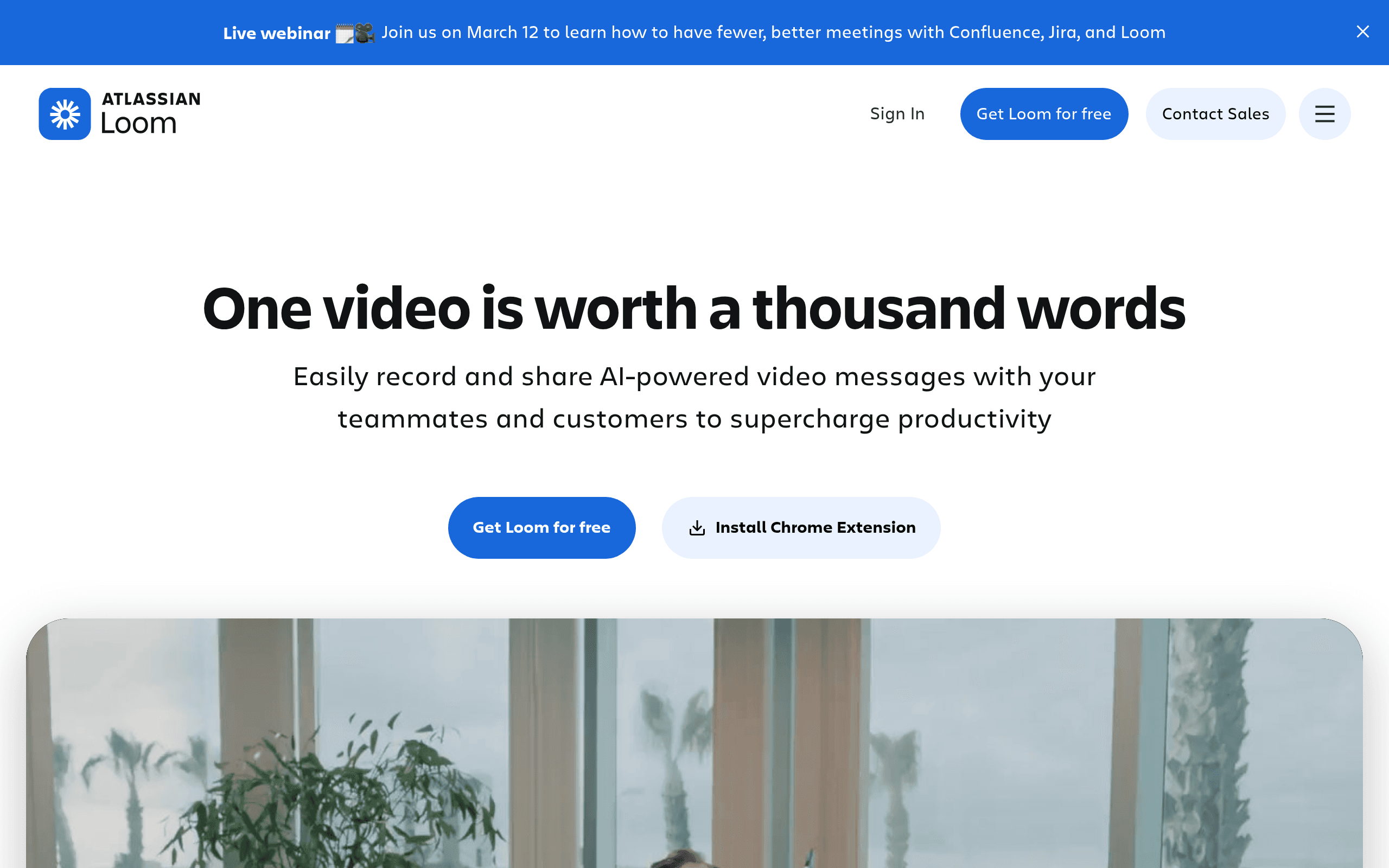

Loom is an asynchronous video messaging platform built for remote teams. It records your screen, camera, and microphone simultaneously to replace live meetings. The tool generates instant shareable links with zero upload wait time. The desktop app occasionally causes CPU spikes during long recording sessions.
What is Loom?
The most expensive meeting on your calendar is the one that could have been a five-minute video. Loom proves this daily by replacing thousands of live status updates with asynchronous recordings.
Atlassian acquired Loom to solve the remote work communication gap. This video messaging platform lets users record their screen, camera, and microphone simultaneously. Engineering teams use it to document bug reports. Sales professionals record personalized outreach videos to increase email open rates. (I keep the Chrome extension pinned for instant bug reporting).
- Primary Use Case: Recording asynchronous screen and camera updates to replace live meetings.
- Ideal For: Remote engineering and sales teams.
- Pricing: Starts at $15 (freemium) : A high per-seat cost for large teams needing AI features.
Key Features and How Loom Works
Recording and Capture
- Screen and Camera Recording: Captures desktop, specific browser tabs, or webcam simultaneously. Resolution caps at 4K for paid users.
- Drawing Tools: Annotates the screen with a digital pen during recording. This feature is absent on mobile apps.
AI and Editing
- AI-Powered Summaries: Generates video titles and bulleted summaries automatically. This requires the $24 per month Business + AI plan.
- Filler Word Removal: Detects and cuts ‘um’ and ‘uh’ sounds from the audio track. This is also locked behind the AI tier.
- Auto-Chapters: Segments long recordings based on visual cues. The accuracy drops on videos under three minutes.
Sharing and Analytics
- Instant Sharing: Generates a unique URL immediately after recording finishes. There is zero upload wait time.
- Engagement Insights: Shows who viewed the video and how much they watched. Anonymous viewers only register as total view counts.
- Interactive CTAs: Adds clickable buttons within the video player. You can only add one CTA per video.
Loom Pros and Cons
Pros
- Instant availability means videos process in real-time for immediate sharing.
- Deep Atlassian integration embeds videos directly into Jira and Confluence.
- Cross-platform support includes a Chrome extension, desktop apps, and mobile apps.
- High-quality output supports 4K resolution to keep small text legible in tutorials.
Cons
- The Starter plan restricts recordings to five minutes.
- The desktop application causes CPU spikes during long recording sessions.
- The mobile app lacks advanced editing capabilities and drawing tools.
- The Business + AI tier costs $24 per user monthly.
Who Should Use Loom?
- Remote Engineering Teams: Developers record bug reports with screen capture and voice narration. This helps QA teams debug faster.
- Sales Professionals: Reps create personalized outreach videos. This humanizes cold prospecting and increases email open rates.
- Project Managers: Leaders deliver asynchronous project updates to stakeholders. This reduces the number of live status meetings.
- Budget-Conscious Solo Users: This tool is a bad fit for users needing long recordings for free. The five-minute limit forces them to upgrade or leave.
Loom Pricing and Plans
The Starter plan is free but highly restricted. Users get 25 videos per person and a strict five-minute recording limit. This acts more like a trial than a permanent solution for professionals.
The Business plan costs $18 per month or $15 billed annually. It unlocks unlimited videos, unlimited recording length, custom branding, and video downloads.
The Business + AI plan costs $24 per month or $20 billed annually. It includes all Business features plus AI workflows, auto-summaries, filler word removal, and auto-chapters.
The Enterprise plan uses custom pricing. It adds SSO (SAML), SCIM, advanced content privacy, and premium support.
How Loom Compares to Alternatives
Similar to Vidyard but Loom focuses heavier on internal team communication. Vidyard targets external sales and marketing teams with advanced CRM integrations. Loom integrates better with engineering tools like Jira. Vidyard offers better video hosting features for public websites.
Unlike Screencastify, Loom offers a dedicated desktop application for macOS and Windows. Screencastify operates entirely within the Chrome browser. Screencastify limits free users to ten videos. Loom gives free users 25 videos but caps them at five minutes.
The Verdict for Asynchronous Remote Teams
Loom delivers massive value to distributed teams already using Atlassian products. Engineering and product teams save hours by replacing live meetings with quick screen recordings. The instant sharing feature removes all friction from the communication process.
Solo creators on a strict budget should look elsewhere. The five-minute limit on the free tier makes it useless for long tutorials. If you need basic screen recording without a monthly subscription, try the free version of OBS Studio instead.
User Reviews
No reviews yet. Be the first to share your experience!
Sign in to write a review.
Related articles
Guides and articles related to Loom.

The Personal AI Productivity Stack (2026): One Tool Per Job, Nothing Extra

AI User Testing in 2026: The Tools That Test Your Product While You Sleep

Perplexity AI Tutorial: Maximize Your Research Workflows

Wix Logo Maker Review (2026): Real Costs, the Edit Catch, and AI Alternatives

The AI Content Automation Stack: 7 Tools That Run a Full Blog Without a Team