



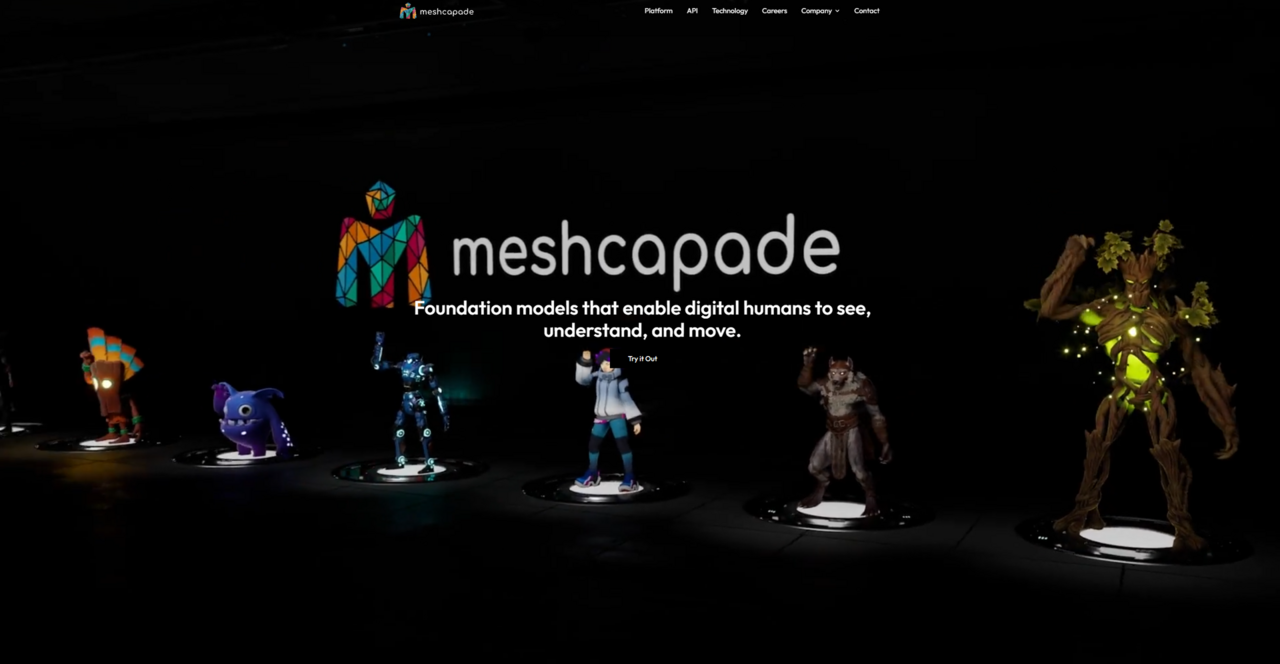
What is Meshcapade?
Meshcapade converts a single JPEG image into a fully rigged 3D human avatar in under 60 seconds. Meshcapade GmbH developed this platform for fashion designers, game developers, and motion researchers. It prioritizes biomechanical accuracy over stylized art. The software extracts data from photos, video clips, or manual tape measurements. It builds digital humans using the industry-standard SMPL statistical model.
Think of the SMPL body model as a steel building framework. Once the frame is mathematically sound, the software wraps it in a textured facade based on the source image. The system handles all processing in the cloud, removing the need for local hardware acceleration. Users download the final assets to animate in traditional 3D software.
- Primary Use Case: Generating accurate, rigged 3D human meshes from manual measurements or 2D images.
- Ideal For: Fashion tech developers and biomechanical researchers requiring exact anatomical proportions.
- Pricing: Starts at $0 (Freemium) — highly restricted export limits limit its utility for testing.
Key Features and How Meshcapade Works
Input Methods and Cloud Processing
- Image and Video Parsing: The system analyzes standard image files or MP4 clips to generate 3D geometry. Cloud servers handle the mathematical computation, so you do not need a high-end local GPU.
- Measurement Generation: Users input over 50 exact anthropometric measurements. This produces a highly specific body shape for virtual apparel fitting.
Motion Extraction and Rigging
- Video-to-Motion: The platform extracts 3D skeletal motion from 2D video inputs. Animators use this data to drive character movement in software like Blender or Maya.
- Standardized Rigs: Every exported character includes a standard skeletal rig. (The resulting bone hierarchy works directly in Mixamo, though you will likely need to adjust the root bone orientation manually).
Asset Management and Export Capabilities
- Meshcapade Me Dashboard: A web-based interface lets users store, view, and organize generated 3D assets remotely.
- Industry-Standard Formats: The software exports files in FBX, OBJ, and GLB formats. These files drop cleanly into Unity and Unreal Engine pipelines.
Meshcapade Pros and Cons
Pros
- The SMPL model ensures anatomically accurate body shapes and joint kinematics for scientific research.
- Image-to-3D processing generates fully rigged and textured characters in less than one minute.
- Exporting to FBX, OBJ, and GLB formats guarantees immediate compatibility with professional 3D software.
- Max Planck Institute researchers developed the core technology, providing strong scientific credibility.
Cons
- The free tier severely restricts file exports, preventing independent developers from testing the software thoroughly.
- Generating characters from poorly lit source photos results in muddy, low-resolution texture maps.
- Video-based motion capture frequently produces motion jitter that requires manual cleanup in Blender.
- The dashboard relies heavily on technical 3D terminology, creating a steep learning curve for beginners.
Who Should Use Meshcapade?
- Fashion Designers: The measurement-based generation provides exact sizing for virtual apparel fitting. This solves a major problem for custom clothing creation.
- Motion Researchers: The SMPL model offers precise biomechanical data. This makes the tool highly effective for scientific motion analysis.
- Independent Game Developers: The restrictive free tier creates a difficult entry point. Hobbyists should look elsewhere for casual character generation.
Meshcapade Pricing and Plans
Meshcapade operates on a freemium pricing model.
The Free plan costs $0 per month and includes basic generation features. The real issue: this tier severely limits file exports. Users cannot download enough files to test a full production pipeline. The Free plan functions more like a restricted trial than a usable tier.
Professional users must upgrade to a paid tier.
Meshcapade does not list public pricing for its Pro or Enterprise plans. You must contact their sales team to negotiate rates based on generation volume and API access.
How Meshcapade Compares to Alternatives
Ready Player Me focuses on stylized, low-polygon avatars for web applications and metaverse games. It is highly accessible and completely free for non-commercial users. Compare that to Meshcapade, which focuses heavily on anatomical precision and scientific accuracy. Ready Player Me wins on ease of use, but Meshcapade provides vastly superior biomechanical realism.
Reallusion Character Creator offers highly detailed, morphable characters for AAA game development. It requires high-end local hardware and a significant upfront software purchase. The difference here: Meshcapade generates bodies automatically from measurements or photos via the cloud. Reallusion requires manual artistic sculpting and fine-tuning.
Avaturn creates high-fidelity game characters from mobile phone scans. It produces better facial textures and more realistic hair than Meshcapade. That said, Meshcapade generates a more accurate underlying body skeleton.
The Right Pick for Data-Driven Researchers and Fashion Tech
Meshcapade excels at generating mathematically accurate human bodies. It serves technical users who prioritize exact measurements over cinematic beauty. Fashion tech developers building virtual try-on systems get immense value from the API. Biomechanical researchers benefit directly from the SMPL model foundation.
The short version: the tool struggles with high-fidelity textures. (You will quickly notice that poor lighting in source photos creates extremely muddy textures on the final asset). Except, casual users building a single avatar will hit immediate export limits.
Independent developers looking for quick, stylized avatars should use Ready Player Me instead. Even so, technical teams requiring exact human proportions will find Meshcapade highly effective.