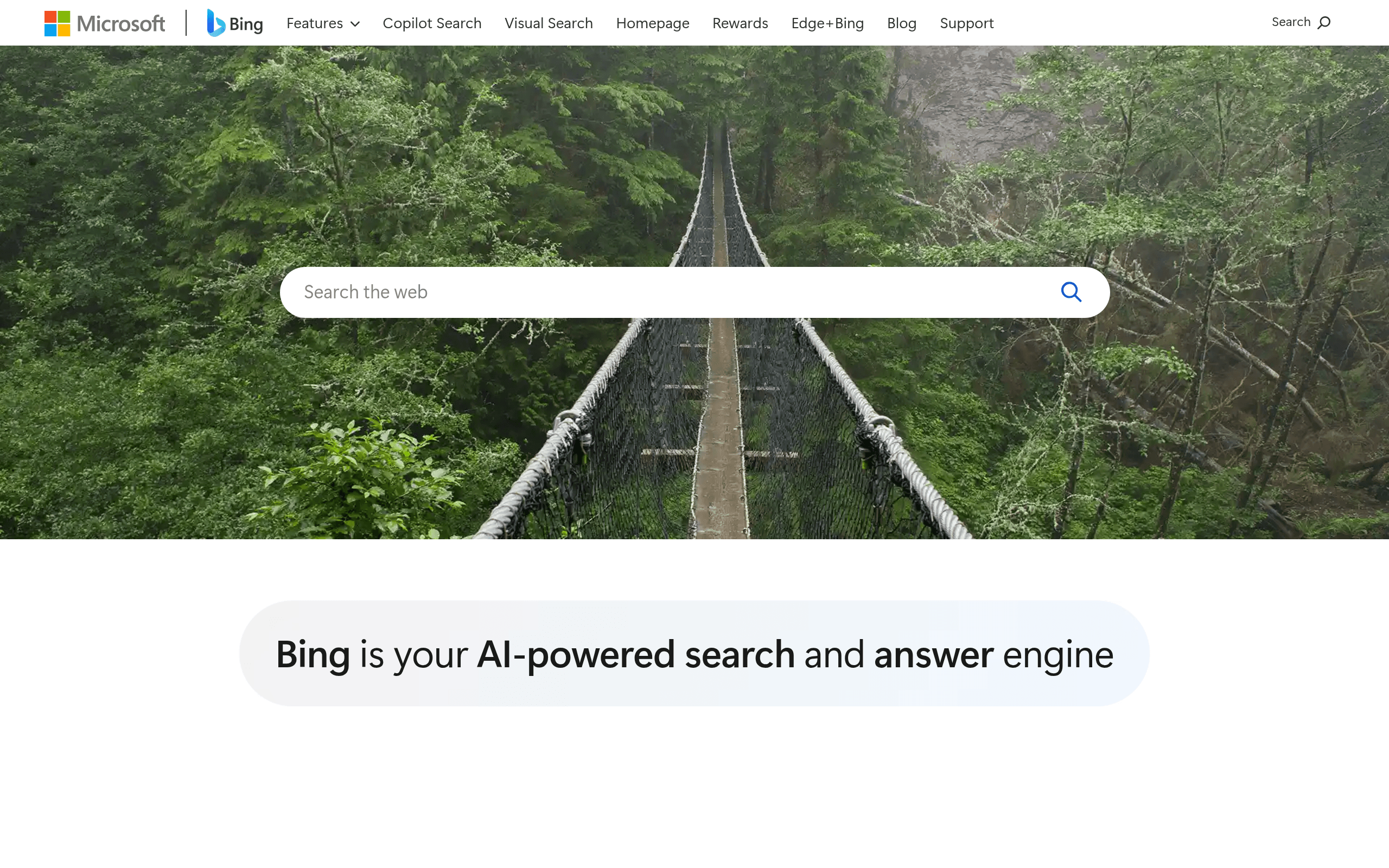

Microsoft Bing is an AI search engine and chatbot for web users seeking free access to GPT-4. It generates images via DALL-E 3 and provides real-time web citations. Strict 30-message turn limits force users to clear history frequently, making it frustrating for long coding sessions.
What is Microsoft Bing?
You need to summarize a 40-page PDF report on market trends and extract specific data points. Instead of reading every page, you open the Microsoft Edge sidebar and ask the AI to find the exact figures. The tool reads the active tab and generates a bulleted list with citations in seconds.
Microsoft Corporation developed Bing as an AI-powered search engine and chatbot. It solves the problem of outdated AI responses by connecting OpenAI models directly to live web search. The primary audience includes budget-conscious researchers and office workers who want premium AI capabilities without paying a monthly fee.
- Primary Use Case: Summarizing long web articles or PDF documents directly within the Microsoft Edge sidebar.
- Ideal For: Budget-conscious researchers and office workers.
- Pricing: Starts at $5 (freemium). The free tier offers full GPT-4 access while paid plans add enterprise data protection.
Key Features and How Microsoft Bing Works
Understanding the specific constraints of each feature helps you avoid frustrating workflow interruptions.
Conversational Search and Reasoning
- GPT-4 Integration: Accesses OpenAI models for complex queries, limited to 30 messages per conversation.
- Tone Selection: Offers Creative, Balanced, and Precise modes. (I found the Creative mode often hallucinates facts during complex queries).
- Source Citations: Adds clickable footnotes to every response, limited to indexed web pages.
Visual Content Generation
- DALL-E 3 Image Creator: Generates four images per text prompt, limited to 15 daily boosts for fast processing.
- Multi-modal Input: Accepts image uploads for visual analysis, restricted to a 20MB file size limit.
Workspace Integration
- Edge Sidebar: Keeps the chat interface open while browsing, limited to the Microsoft Edge browser.
- Notebook Mode: Provides a side-by-side interface for long-form writing, capped at an 18,000-character input limit.
Microsoft Bing Pros and Cons
Pros
- Free access to GPT-4 saves users the $20 monthly subscription fee required by competitors.
- Real-time web indexing allows the AI to discuss news events that occurred within the last hour.
- Integrated DALL-E 3 creates high-quality visuals directly in the chat interface.
- Commercial data protection for Enterprise users ensures sensitive business data remains private.
Cons
- Strict 30-message turn limits force users to clear history and lose context frequently.
- The user interface in the Edge browser contains distracting advertisements and unnecessary widgets.
- Safety filters are over-sensitive and frequently refuse to answer benign queries about public figures.
Who Should Use Microsoft Bing?
- Budget-conscious professionals: Users who need GPT-4 capabilities but cannot justify a monthly subscription fee.
- Microsoft 365 subscribers: Enterprise users get commercial data protection included at no extra cost.
- Heavy researchers: The real-time web citations make it easy to verify facts and find original sources.
- Long-form fiction writers: This tool is not a good fit. The strict 30-message limit destroys context, making it impossible to maintain long narrative threads.
Microsoft Bing Pricing and Plans
Bing offers a freemium model with distinct tiers for different user needs.
- Bing (Free): $0 per month. Includes GPT-4 chat, DALL-E 3 image generation, and live web search.
- Bing Chat Enterprise (Standalone): $5 per month. Adds commercial data protection so chat data is not saved.
- Microsoft 365 Business/Enterprise: Included for free with M365 E3, E5, Business Standard, and Business Premium subscriptions.
- Copilot Pro: $20 per month. Grants priority access to new models and integrates AI into Office applications.
- Microsoft 365 Copilot: $30 per month. Provides full enterprise AI integration across the Microsoft 365 suite.
How Microsoft Bing Compares to Alternatives
Similar to ChatGPT, Bing uses OpenAI models to generate text and code. Unlike ChatGPT, Bing forces users into the Microsoft ecosystem and imposes strict conversation limits. (The 30-message limit is especially annoying when debugging code). ChatGPT offers a cleaner interface and longer memory retention, while Bing provides live web access for free.
Google Gemini competes directly with Bing in the search-integrated AI space. Gemini processes information faster during peak hours and integrates deeply with Google Workspace. Bing produces better images through DALL-E 3, but Gemini handles long-context document analysis with fewer restrictions.
Verdict: The Best Free AI Search Engine for Casual Researchers
Microsoft Bing delivers incredible value by offering premium AI models at no cost.
It works best for casual researchers and office workers who need quick answers with verifiable citations.
Power users who need deep context retention should look at ChatGPT instead.
User Reviews
No reviews yet. Be the first to share your experience!
Sign in to write a review.
Related articles
Guides and articles related to Microsoft Bing.

Perplexity AI Tutorial: Maximize Your Research Workflows

Claude vs Microsoft Copilot in Word, Excel and Outlook: Which Should You Actually Use (2026)

Google Vision AI Explained (2026): Pricing Per 1,000 Units, Free Tier, and Alternatives

Wix Logo Maker Review (2026): Real Costs, the Edit Catch, and AI Alternatives

Replit Pricing Explained (2026): Core vs Pro and Effort-Based Agent Billing