



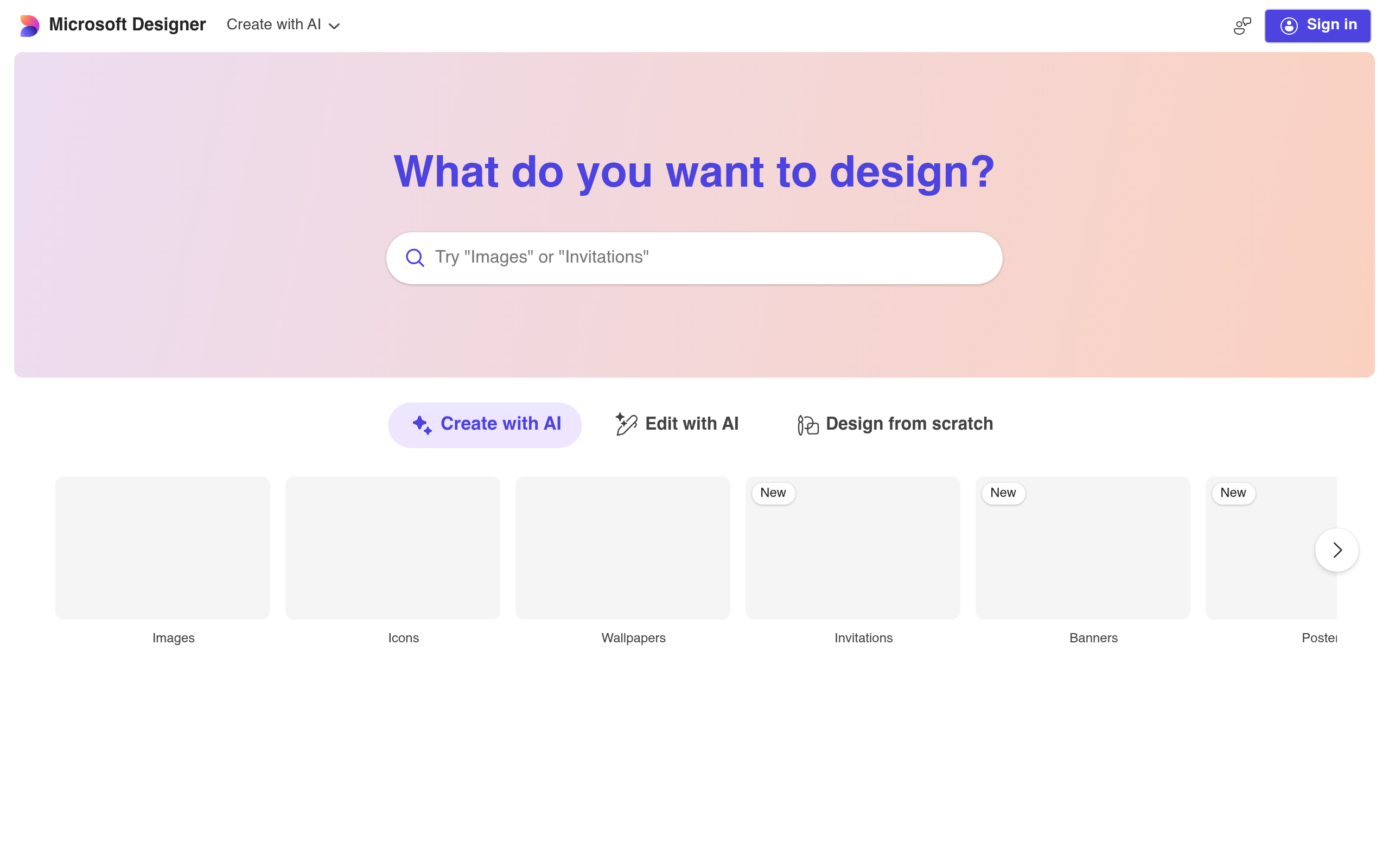
What is Microsoft Designer?
Microsoft Designer is a web-based graphic design tool that turns text prompts into finished social media posts and digital assets.
Developed by Microsoft Corporation, this AI-powered application solves the blank-page problem for casual creators and small business owners. It uses DALL-E 3 to generate images and pairs them with automated layout suggestions. Users type a description of what they want to see, and the software builds a complete design around that concept.
- Primary Use Case: Generating custom social media posts and brand kits from text prompts.
- Ideal For: Small business owners and casual creators needing quick digital assets.
- Pricing: Starts at $9.99 (freemium) – The free tier offers 15 daily AI boosts.
Key Features and How Microsoft Designer Works
AI Image and Asset Generation
- Image Creator: Generates four unique images per prompt using DALL-E 3, limited by your daily AI boosts.
- Sticker Creator: Produces custom transparent stickers for messaging apps, restricted to basic prompt interpretations.
- Restyle Image: Applies artistic filters to existing photos using AI, capped at standard resolutions.
Automated Layout and Branding
- Design Ideas: Provides real-time layout suggestions as you add content, though template variety trails behind Canva.
- Brand Kit: Builds logos, fonts, and color schemes from a text description, limited to one active kit on the free tier.
Photo Editing and Manipulation
- Background Remover: Isolates subjects from uploaded images with one click, capped at standard web resolutions.
- Generative Erase: Removes unwanted elements and fills the gap. (I noticed this tool leaves blurred artifacts on complex backgrounds).
- Generative Fill: Adds specific objects into an image using natural language descriptions, limited by the accuracy of the prompt.
Microsoft Designer Pros and Cons
Pros
- Integrates with Word and PowerPoint for quick workflow transitions.
- Uses DALL-E 3 to produce prompt-accurate images that outperform older generation models.
- The Design Ideas panel cuts manual layout time by suggesting instant typography pairings.
- Provides 15 daily AI boosts on the free tier for casual users.
Cons
- Lacks advanced layer management, making complex file organization difficult.
- AI-generated text inside images contains spelling errors.
- Requires a constant internet connection with no offline editing mode available.
- Features a smaller font library than established competitors like Canva.
Who Should Use Microsoft Designer?
- Small business owners: Generate quick promotional graphics without hiring a dedicated designer.
- Office workers: Create custom illustrations for PowerPoint presentations using the Microsoft 365 integration.
- Social media managers: Build daily content calendars using the automated layout suggestions.
- Professional graphic designers: This tool is not a good fit. The missing layer controls and limited manual typography adjustments will frustrate advanced users.
Microsoft Designer Pricing and Plans
The Free plan costs $0 per month and includes 15 daily AI boosts, basic templates, and 5GB of cloud storage. This tier is a real, usable option for casual creators, not just a disguised trial. These boosts accelerate image generation speed rather than acting as a hard cap on usage.
The Microsoft 365 Personal plan costs $9.99 per month. It provides 60 monthly AI credits, advanced editing features, and 1TB of storage.
The Microsoft 365 Family plan costs $12.99 per month. The subscription owner gets 60 monthly AI credits, and the plan includes 6TB of total storage.
The Microsoft 365 Premium or Copilot Pro plan costs $19.99 per month. Users receive 100 daily AI boosts and priority access to the latest models.
How Microsoft Designer Compares to Alternatives
Similar to Canva, Microsoft Designer focuses on template-based design for non-professionals. Canva offers a massive library of manual design assets and third-party app integrations. Microsoft Designer relies on generative AI to build layouts from scratch. (I found Canva better for multi-page documents, while Designer wins at single-image generation).
Unlike Adobe Express, this tool prioritizes text-to-image generation over precise video editing or complex animation. Adobe Express provides superior layer controls and integrates with Adobe Stock. Microsoft Designer wins on simplicity and integration with Microsoft Office apps.
Similar to Kittl, Microsoft Designer targets users who want fast results without learning complex software. Kittl provides superior vector text manipulation for merchandise design. Microsoft Designer focuses on social media graphics and presentation slides.
The Verdict: Best For Office Creators
Microsoft Designer delivers fast AI-generated layouts for users already working inside the Microsoft ecosystem.
Professional designers should look elsewhere.
If you need precise layer control and extensive font libraries, Canva remains the better choice.