n8n is a fair-code workflow automation platform that lets developers and technical teams build complex automations and AI agents, either self-hosted for free or on n8n Cloud. With 500+ native integrations and MCP support, it is the leading open-source alternative to Zapier and Make.
n8n (pronounced "n-eight-n") is a fair-code workflow automation platform built by n8n GmbH and first released in 2019 by founder Jan Oberhauser. It sits in the same category as Zapier and Make, connecting apps and automating processes through a visual node-based canvas, but with one defining difference: you can host it yourself, on your own server, for free. The Community Edition carries no execution limits, no user caps, and no workflow restrictions. Your only cost is the server. As of April 2026, the project has crossed 185,000 GitHub stars and serves over 3,000 enterprise customers including Vodafone, Delivery Hero, and Microsoft.
The platform ships 500+ native integration nodes covering databases, CRMs, cloud services, and communication tools, plus full JavaScript and Python Code nodes for logic that goes beyond drag-and-drop. The AI layer, expanded significantly through 2025, includes dedicated AI Agent nodes with memory, planning agents, multi-agent orchestration, and native support for OpenAI, Anthropic Claude, Google Gemini, and Mistral AI. In April 2025, n8n added native MCP (Model Context Protocol) nodes, letting external AI agents like Claude and Cursor directly call n8n workflows as tools. The result is a platform that functions as both a traditional integration hub and a serious AI agent runtime.
What n8n actually does in April 2026
At its core, n8n is a visual automation builder where each step in a workflow is represented by a node. Nodes connect linearly or branch with conditional logic, loops, and sub-workflow calls. A webhook node receives an incoming request; a Transform node reshapes JSON; a database node writes to PostgreSQL; an HTTP Request node hits a custom API. The canvas handles complex branching that Zapier cannot represent visually.
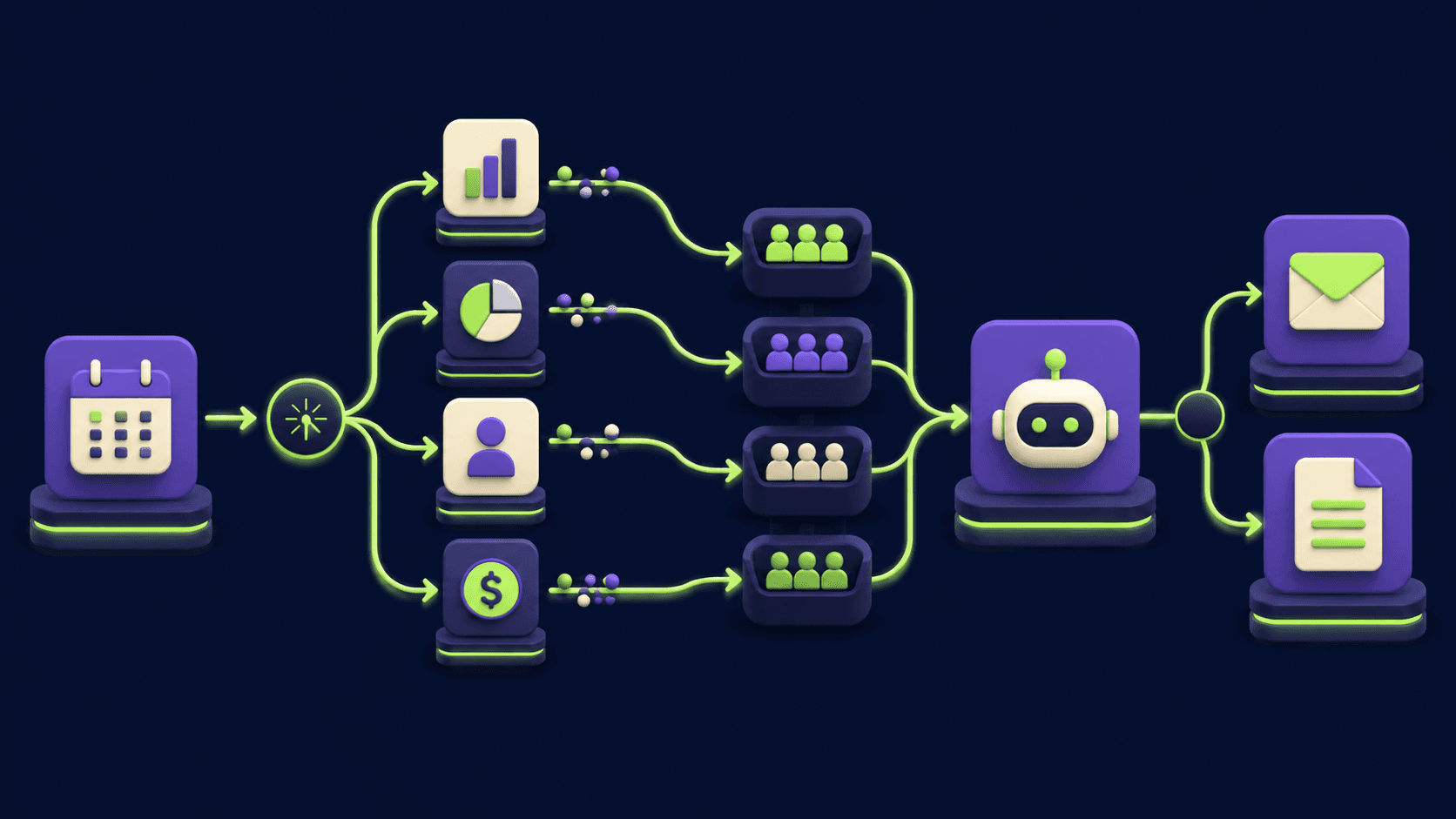
The AI agent layer is the most significant evolution since 2024. The AI Agent node functions as an autonomous loop: it takes an incoming trigger (typically a chat message or webhook), selects from available tool nodes, executes them, evaluates the result, and iterates. Memory nodes let agents maintain context across sessions. Planning agents can decompose a goal into subtasks and delegate to specialized sub-agents. The entire multi-agent system is buildable without writing code, though Code nodes are available for logic that requires it.
On April 10, 2025, n8n released v1.88.0 with native MCP Client Tool and MCP Server Trigger nodes, making n8n the first major visual automation platform with native MCP support. This means an AI agent running in Claude Desktop or Cursor can call an n8n workflow directly as a tool, turning your entire automation library into an AI-accessible function library.
"absolutely a game-changer" - mohamed3nan, n8n Community forum, April 2025, on the MCP node launch
December 2025's version 2.0 introduced secure-by-default execution through isolated task runners, separating workflow logic from the main n8n process to contain failures and reduce attack surface. It also added a publish/save model that separates drafting from pushing changes live, which matters for teams running production workflows.
Where n8n sits versus Zapier and Make
Zapier is the incumbent. It targets non-technical business users with a wizard-driven setup, 6,000+ integrations, and a pricing model that charges per task, where every action inside a multi-step Zap counts separately. A 10-step Zap running 1,000 times costs 10,000 tasks. Zapier has no self-hosting option, no custom code in lower tiers, and no dedicated AI agent runtime with memory and tool loops. Its strength is simplicity and breadth of supported apps. n8n undercuts it on pricing at volume (1,000 workflow executions = 1,000 n8n executions vs. 10,000 Zapier tasks), adds full JavaScript/Python code access, and adds self-hosting that Zapier cannot match. Community members consistently report annual savings of $300-$500 after switching from Zapier mid-tier plans to self-hosted n8n.
Make (formerly Integromat) is the closest visual competitor. It uses a "Scenario" canvas that is arguably cleaner and more intuitive than n8n's canvas for straightforward flows, and it prices by operations, not tasks. Make has no self-hosting option, however, which locks out all data-sovereignty use cases. Make's AI integration is basic: there are AI steps available, but no dedicated agent loop, no memory nodes, and no MCP support. n8n's multi-agent orchestration and MCP integration sit in a different tier from anything Make currently ships. Make wins for non-technical users who want a polished visual experience without touching JSON; n8n wins for teams that need data control, code access, or real AI agent workflows.
Pipedream is the developer-first managed alternative. Where n8n is a visual canvas with optional code, Pipedream is code-first with linear steps that stack vertically; every step can be Node.js, Python, Go, or Bash. Pipedream is fully managed with no self-hosting, which suits teams that want developer-level power without DevOps overhead. n8n beats Pipedream on visual workflow building and self-hosting; Pipedream beats n8n for teams that think in code rather than nodes and want a serverless runtime with no infrastructure management.
What the workflow and agent loop reality looks like
Building a basic webhook-to-database workflow in n8n takes under 30 minutes for someone familiar with APIs. Building a production-grade AI agent that processes support tickets, looks up customer records, drafts responses, and routes exceptions to a human review queue takes days. One developer documented building a 23-node invoice automation workflow that took 3 days and reduced a client's manual invoice processing from 40-50 invoices per week to 90% automated handling.
The experience gap between simple and complex is real. For simple trigger-action automations (Google Sheets row added, send Slack notification), n8n is no harder than Zapier once the initial setup is done. The difficulty jumps when workflows branch, involve custom data transformations, or layer multiple agents. Error messages lean technical: when a node fails, you see the exact error, but parsing it requires knowing what a 401 response means and how to read a JSON parse error.
"If you're technical and running more than ~1,500 tasks/month, self-hosting n8n pays for itself within 2-3 months." - nguyenthieutoan, n8n Community forum, April 2026
Self-hosting adds a maintenance layer. The Community Edition runs on Docker, requires a database (SQLite for lightweight use, PostgreSQL for production), and needs periodic updates as new versions ship. Users report spending 2-8 hours per month on maintenance in practice. This is the real cost of the free tier that the pricing page does not mention.
Who n8n is built for
n8n's core user is a developer or technical operations lead who needs automation that goes beyond what SaaS tools permit. This means teams that hit Zapier's pricing ceiling on high-volume workflows, companies that process sensitive data and cannot route it through third-party cloud servers, and AI builders who want a visual interface for composing agent workflows rather than scripting them from scratch.
Enterprise teams in regulated industries (healthcare, finance, legal) use n8n self-hosted specifically because all workflow data stays inside their own infrastructure. EU-based companies with GDPR obligations use it for the same reason. These teams may pay for the Business tier ($800/mo) or run Enterprise for the SSO, SAML, LDAP, and Git version control that regulated environments require.
The AI agent use case has attracted a distinct builder community: people building autonomous research assistants, content generation pipelines, multi-step customer service agents, and internal copilots. n8n's visual agent builder is accessible enough that non-engineers with a basic understanding of APIs can compose working agents, even if writing Code nodes is beyond them.
What n8n is not
n8n is not a Zapier replacement for non-technical users. If your team cannot read a JSON error message, cannot configure a webhook, and does not understand the difference between a GET and POST request, n8n will be frustrating. Tom Crawshaw, an n8n educator with 18,000 LinkedIn followers, described the pattern clearly: "Get excited about n8n, spend 20+ hours trying to learn it, build absolutely nothing that works." His November 2025 post generated 2,593 comments, most validating the experience.
n8n is not a managed, zero-DevOps solution unless you pay for n8n Cloud. Self-hosting is genuinely free but it is not free of time. Server updates, failed workflow debugging, database backups, and infrastructure scaling are real responsibilities. Teams without any technical capacity should use the cloud tier or consider Zapier.
The Business plan pricing cliff is a recurring complaint. Moving from Pro ($60/mo) to Business ($800/mo) is a 13x jump triggered by needing SSO, Git version control, or more than 3 shared projects. Mid-sized teams that have outgrown Pro but cannot justify $800/mo are left either self-hosting or staying on a plan that lacks the organizational features they need. n8n has not addressed this gap as of April 2026.
n8n is also not a real-time, high-frequency event processor. It handles scheduled and webhook-triggered workflows well, but workflows processing large datasets (500+ items per run) can take 10-15 minutes and are not suitable for latency-sensitive applications.
User Reviews
No reviews yet. Be the first to share your experience!
Sign in to write a review.
How n8n compares
Side-by-side breakdowns against other tools.
Featured in collections
Curated lists that include n8n.
Related articles
Guides and articles related to n8n.

15 AI Agent n8n Workflows You Can Build This Weekend (2026)

Replace 6 SaaS Subscriptions With 4 n8n AI Agents (2026)
Build n8n Workflows with Claude Code: n8n-MCP Setup Guide (2026)

n8n vs Zapier vs Make in 2026: The Honest Migration Math

The Orchestrator-Worker n8n Template: One Workflow, Six AI Agents (2026)