
Outread is an AI meeting assistant that records, transcribes, and summarizes calls across Zoom, Teams, and Google Meet. It helps professional teams generate searchable archives and action items automatically. While it offers high transcription accuracy, users cannot access video playback unless they upgrade to the expensive Enterprise tier.
What is Outread?
Over 30 languages are supported by Outread, an AI meeting assistant designed to capture and summarize digital conversations. Professionals spend hours taking manual notes during virtual calls. This tool automates that process entirely.
Developed by Outread AI, Inc., this software solves the problem of lost meeting context. It joins calls on Zoom, Microsoft Teams, and Google Meet to generate structured notes and action items. Project managers and researchers use it to build searchable archives of past decisions.
- Primary Use Case: Generating automated meeting minutes and action items for recurring team syncs.
- Ideal For: Project managers and researchers who need searchable transcripts.
- Pricing: Starts at $15 (Pro) : The Pro plan removes the five-meeting limit found on the free tier.
Key Features and How Outread Works
Automated Capture and Transcription
- Calendar Integration: Joins Zoom, Google Meet, and Teams calls automatically. This feature is limited to scheduled events with valid meeting links.
- Multi-language Support: Transcribes audio in over 30 languages. Accuracy drops slightly with heavy background noise or thick accents.
- Extended Duration: Records continuous sessions up to 8 hours. This extended limit is only available on the Enterprise+ tier.
Summarization and Workflows
- Meeting Summaries: Generates structured notes and action items. Lower-tier plans restrict your ability to customize the output templates.
- CRM Integrations: Connects with Salesforce, HubSpot, and Slack to update records automatically. You need active accounts on these third-party platforms.
- File Uploads: Processes external MP4 or MP3 files. The Pro plan limits this to 100 credits per month.
Video and Security Controls
- Video Highlights: Allows users to clip specific video segments. This feature is restricted entirely to Enterprise plans.
- HIPAA Compliance: Meets healthcare data security standards. This protection is available exclusively on the Enterprise+ plan.
- Custom Data Retention: Lets administrators define automatic deletion timelines for stored transcripts. This requires an Enterprise license.
Outread Pros and Cons
Pros
- High transcription accuracy handles multiple speakers and technical jargon well during complex engineering syncs.
- Direct calendar synchronization ensures the bot joins every scheduled meeting automatically without manual invites.
- The free tier allows users to test core summarization features without entering a credit card.
- Strong security options like SSO and HIPAA compliance meet strict corporate IT requirements.
Cons
- The free tier caps usage at five reports per month, making it useless for daily meetings.
- Video playback and highlight clipping require an upgrade to the $22.50 per month Enterprise plan.
- Processing times for summaries often drag when meetings exceed two hours in length.
- Users cannot customize the AI summary templates on the Free or Pro plans.
Who Should Use Outread?
- Project Managers: Teams with recurring syncs benefit from automated action items and Slack integration.
- Qualitative Researchers: The ability to upload 100 external audio files per month helps researchers process long interviews quickly.
- Healthcare Providers: The Enterprise+ plan offers HIPAA compliance for transcribing sensitive medical consultations.
- Casual Users: Individuals who only need occasional transcriptions will find the five-meeting free limit too restrictive.
Outread Pricing and Plans
The Free plan costs $0 per month. It includes five meeting reports per month and caps meeting length at one hour. This is a real free tier, not a trial, but the low limit forces active users to upgrade quickly.
The Pro plan costs $15.00 per month billed annually. It provides unlimited meeting reports, 100 file upload credits, and a four-hour maximum meeting length.
The Enterprise plan costs $22.50 per month billed annually. It adds audio and video playback, video highlights, and 200 file upload credits.
The Enterprise+ plan costs $29.75 per month billed annually. It includes HIPAA compliance, SSO, custom data retention, 300 file upload credits, and an eight-hour meeting limit.
How Outread Compares to Alternatives
Similar to Otter.ai, Outread provides real-time transcription and automated summaries. Otter.ai offers a more generous free tier with 300 monthly transcription minutes. Outread focuses more heavily on structured action items and CRM integrations for sales teams.
Users who need basic transcription on a budget should choose Otter.ai.
Unlike Fireflies.ai, Outread restricts video playback to its higher pricing tiers. Fireflies.ai includes video capture on its $19 per month Pro plan. Outread counters this by offering HIPAA compliance and custom data retention policies for enterprise clients.
Final Verdict for Corporate Teams and Researchers
Outread delivers highly accurate transcripts and structured summaries for professionals who spend hours in virtual meetings. Project managers and researchers get the most value from its automated action items and searchable archives.
The strict limits on the free tier mean you must pay to see real benefits.
The lack of video playback on the Pro plan is a notable friction point (I used the tool for a week and found this restriction frustrating). If you need video highlights without paying enterprise rates, look elsewhere. Fathom offers a completely free version that includes video recording and playback. Choose Outread if you prioritize CRM integrations and strict data security.
User Reviews
No reviews yet. Be the first to share your experience!
Sign in to write a review.
Related articles
Guides and articles related to Outread.

The Personal AI Productivity Stack (2026): One Tool Per Job, Nothing Extra
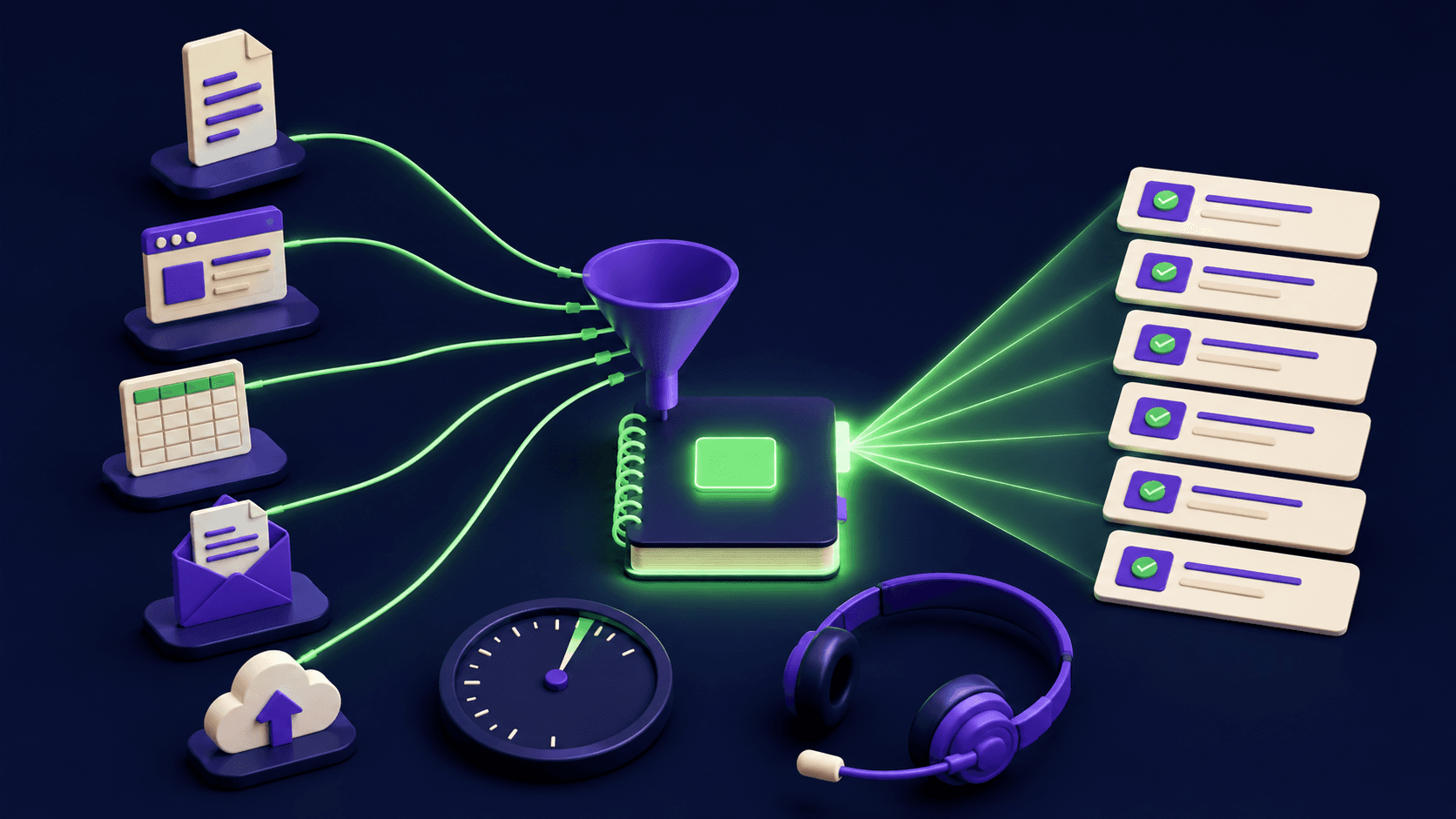
NotebookLM Sales Call Prep: 5 Sources, 6 Questions, 60 Seconds (2026)

Undetectable AI Review (2026): What It Does, What It Costs, and 7 Alternatives
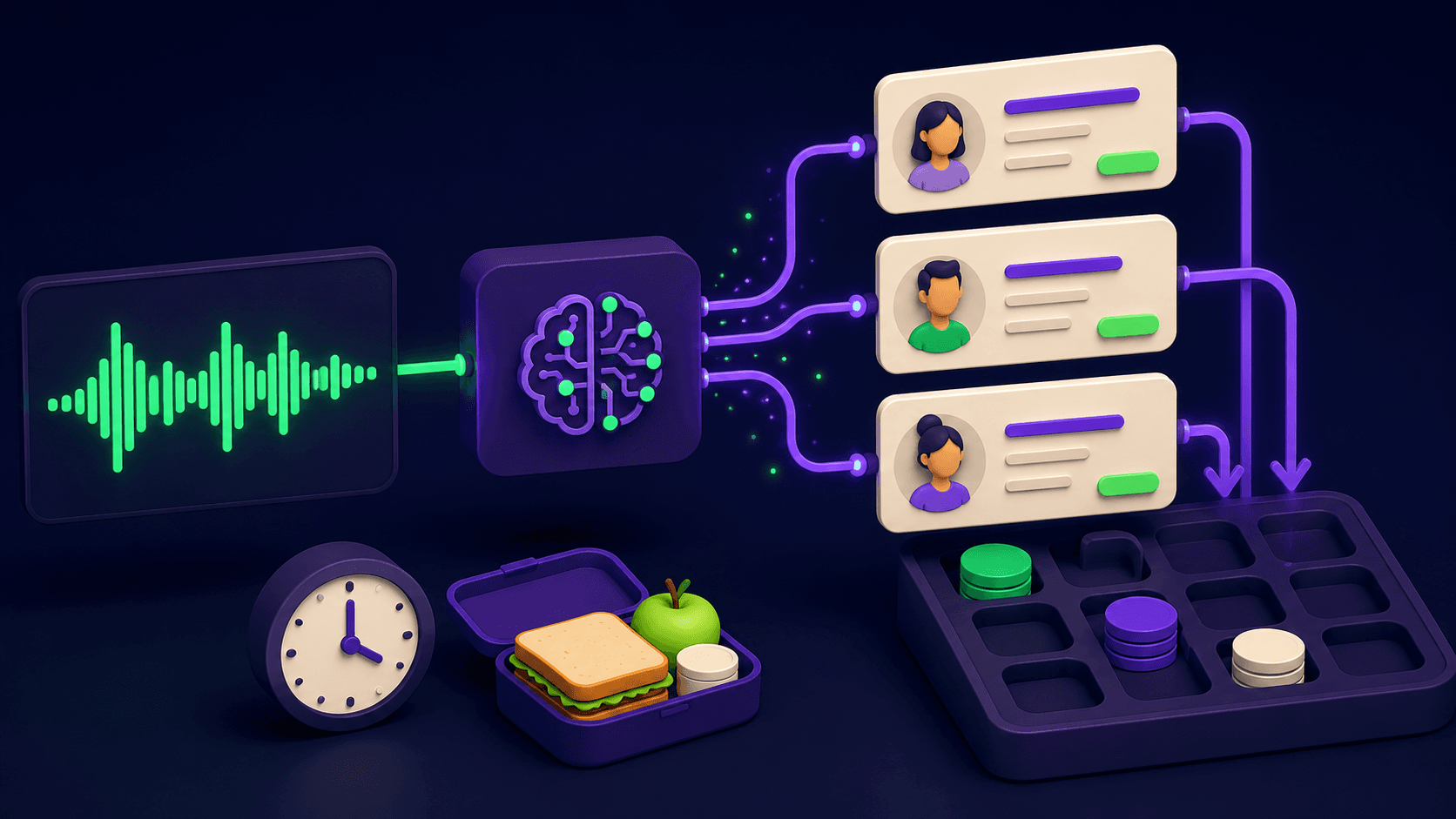
Claude Plus Notion: Turn Meeting Transcripts Into Tasks Automatically (2026)

Replit Pricing Explained (2026): Core vs Pro and Effort-Based Agent Billing