


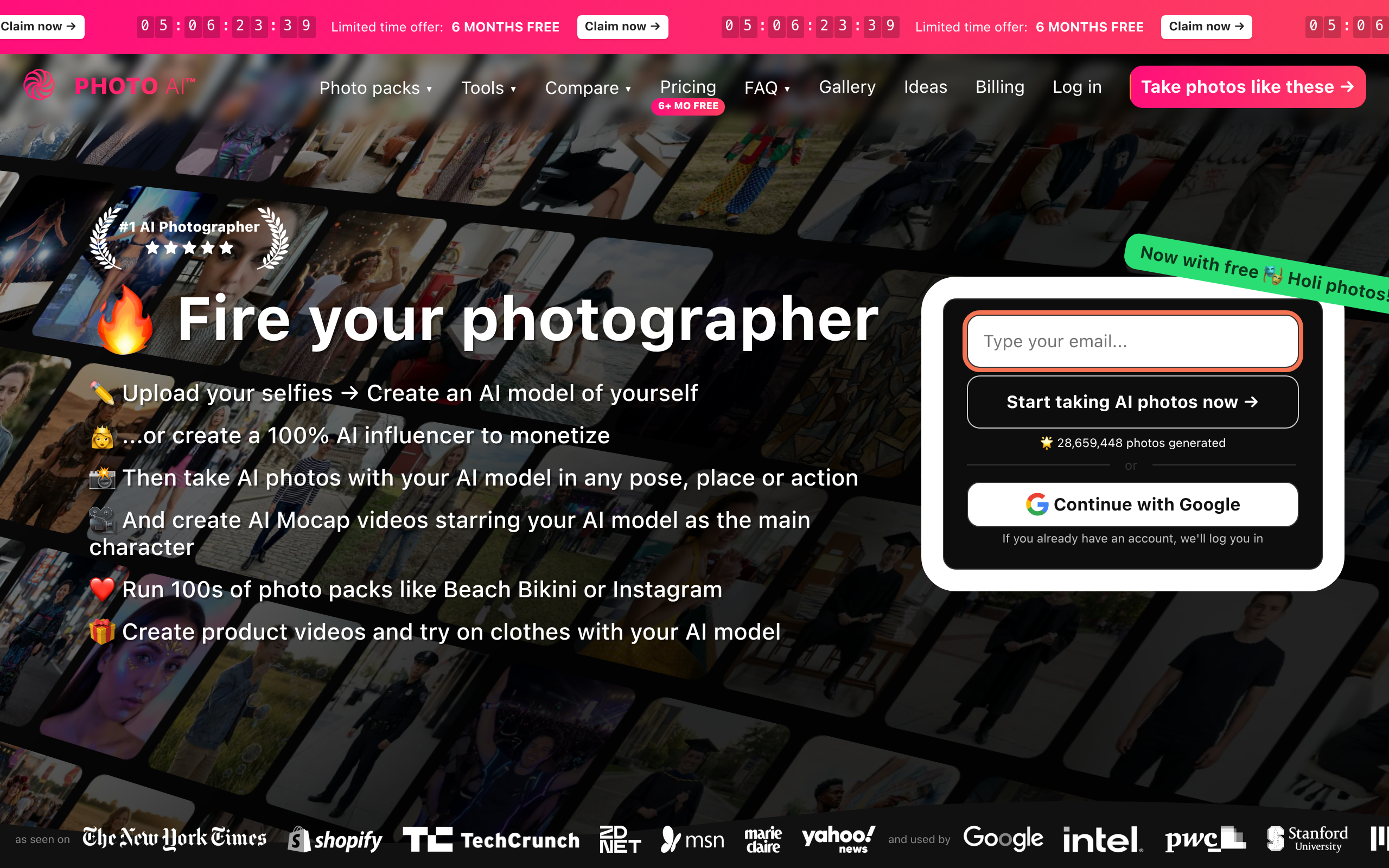
What is Photo AI?
Photo AI processes over 100,000 images each month for users seeking studio quality portraits without hiring a photographer. Created by independent developer Levels.io, this AI photo studio replaces physical photo shoots with digital rendering. The software places your digital twin in over 100 global locations.
Levels.io built Photo AI to solve the high cost of commercial photography. The platform targets solo professionals needing LinkedIn headshots and clothing brands requiring fashion lookbooks. Users upload selfies to train a custom AI model. The system then generates new photos in various settings.
- Primary Use Case: Generating professional headshots and fashion lookbooks using custom trained AI models.
- Ideal For: Solo professionals and clothing brands.
- Pricing: Starts at $7 (Pay-as-You-Go) for users needing only a few images.
Key Features and How Photo AI Works
Custom Model Training and Generation
- AI Model Training: Requires 30 or more high quality photos to create a personalized digital twin.
- Virtual Photo Shoots: Access 100 pre-configured scenes, limited by your monthly credit allowance.
Image Editing and Modification
- Magic Editor: Modify specific clothing elements using text prompts, restricted to generated images.
- Copy Appearance: Replicate specific lighting from a reference photo. Complex poses tend to fail.
Advanced Output Tools
- High-Res Upscaling: Enhance generated images to print ready 4K resolution. This costs extra credits per use.
- AI Video: Generate short motion clips based on static portraits, limited to basic head movements.
Photo AI Pros and Cons
Pros
- High realism achieved through personalized model training rather than generic prompt generation.
- Extensive library of themed packs including LinkedIn aesthetics for quick results.
- Fast generation speed. The system completes most model training in under 30 minutes.
- Significant cost savings compared to traditional commercial photography and model hiring fees.
Cons
- High source requirement as users must provide 30 varied photos for the AI to maintain accuracy.
- Occasional anatomical errors such as distorted fingers in complex poses.
- Cluttered user interface that confuses first time users due to numerous experimental tools.
Who Should Use Photo AI?
- Solo Professionals: Individuals needing high quality LinkedIn headshots without paying $200 for a studio session.
- Clothing Brands: Retailers looking to visualize garments on diverse models without booking live talent.
- Casual Users: People wanting a quick avatar filter should avoid this tool due to the strict 30 photo training requirement.
Photo AI Pricing and Plans
Photo AI operates on a freemium model with a basic free trial.
- Pay-as-You-Go: $7 per month minimum charge. Photos cost $0.05 each. Unused minimum charges roll over as credits.
- Explorer: $32.67 per month. Includes up to 1,000 photos per month and access to ready made styles.
- Pro: $49.50 per month. Provides up to 1,250 photos per month and includes 1 Personal AI Profile.
- Limitless: $113.00 per month. Offers unlimited use and allows multiple AI tools per project.
The free trial offers limited features and acts as a basic preview.
How Photo AI Compares to Alternatives
Similar to Aragon AI, Photo AI targets professionals needing corporate headshots. Aragon AI focuses on corporate use cases and requires fewer source photos. Photo AI offers more creative control and diverse environments (like fashion lookbooks and exotic locations).
Unlike Secta AI, which specializes in editing a single perfect headshot, Photo AI acts as a full virtual studio. Secta AI provides better tools for tweaking facial expressions on a single image. Photo AI excels at placing your digital twin into new scenarios.
Final Verdict for Digital Portrait Generation
Photo AI delivers excellent value for users willing to invest time in training a custom model.
Clothing brands and influencers get the most value from the diverse scene generation. Users seeking a fast corporate headshot should look at Aragon AI instead.