



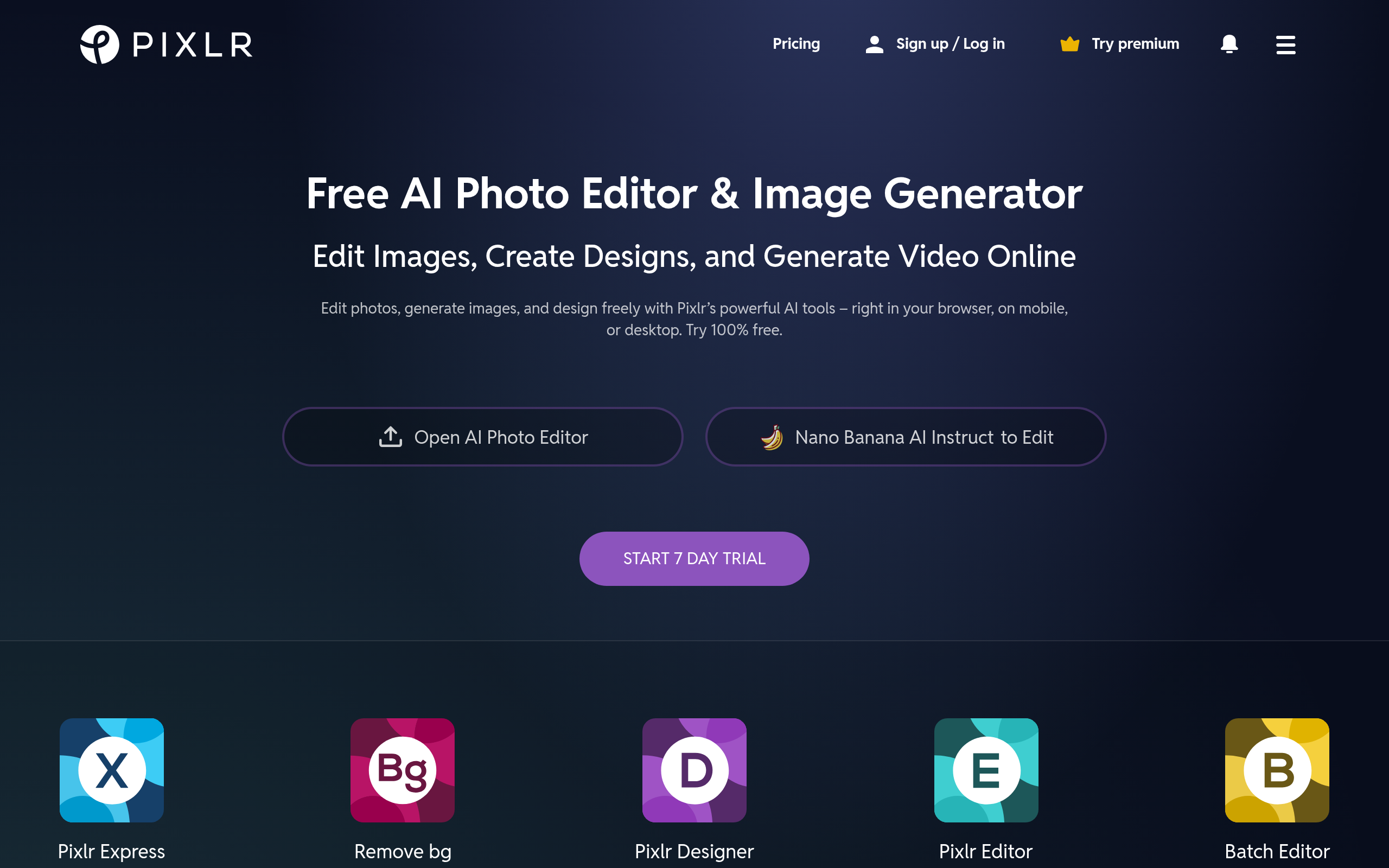
What is Pixlr?
You can run a full photo editing suite on a ten-year-old Chromebook. Pixlr requires no installation and processes complex AI edits entirely within modern web browsers.
Inmagine Group built Pixlr as a web-based photo editing and design suite. It helps creators and small businesses handle automated background removal and image generation without buying expensive hardware. The tool replaces heavy desktop software with a single browser tab.
Users get two distinct interfaces. Pixlr X provides a simplified dashboard for quick social media templates. Pixlr E offers a traditional workspace with layer masks and clone stamps for detailed photo manipulation.
- Primary Use Case: Removing backgrounds from product photos and generating stock images from text prompts.
- Ideal For: Budget-conscious solo creators and small business owners using older hardware.
- Pricing: Starts at $1.49 (freemium model) offering a cheap entry point for basic ad-free editing.
Key Features and How Pixlr Works
AI Image Generation and Expansion
Pixlr includes several generative AI tools to create new visual assets from scratch.
- AI Image Generator: Creates images from text prompts using 50 different style presets. You are limited by your monthly AI credit allowance.
- AI Generative Expand: Extends image canvases beyond original borders. This tool struggles to match complex architectural backgrounds.
- AI Generative Fill: Replaces elements within a selection using text prompts. High-resolution fills cost more AI credits per generation.
Automated Object Removal
The platform excels at isolating subjects and cleaning up messy photos.
- AI Background Remover: Provides one-click removal with edge refinement for complex subjects. It works best on high-contrast product photos.
- AI Heal and Remove: Deletes unwanted objects or people from photos. Large object removal often leaves blurry artifacts behind.
Batch Processing and Export
Small business owners can automate repetitive editing tasks using the built-in batch tools.
- Batch Editor: Processes multiple images simultaneously for resizing or filtering. The tool caps batch processing at 50 images per run.
- AI Super-Resolution: Upscales images without losing visual quality. The maximum output resolution is capped at 4000px.
Pixlr Pros and Cons
Pros
- The Plus plan costs just $1.49 per month, making it cheaper than almost any competitor.
- The platform supports 28 different languages, helping global users work in their native tongue.
- It connects directly to Google Drive and Dropbox for quick file access.
- Low system requirements mean the editor runs smoothly on basic laptops and Chromebooks.
Cons
- The free version displays large banner ads that disrupt the creative workflow.
- Performance lags when you edit high-resolution files exceeding 50MB.
- The software lacks advanced CMYK support, making it useless for professional print production.
Who Should Use Pixlr?
- Solo Creators: You get cheap access to AI background removal for YouTube thumbnails and social media posts.
- Small E-commerce Owners: You can batch process up to 50 product photos at once to standardize your store catalog.
- Professional Print Designers: You should avoid this tool. The lack of CMYK support means your physical prints will have inaccurate colors.
Pixlr Pricing and Plans
The Free plan costs $0 per month but acts more like a restricted trial (you will hit the three-save limit in ten minutes). It includes 50 one-time AI credits and forces you to view ads.
The Plus plan costs $1.49 per month billed annually. It removes all ads, allows unlimited saves, and provides 80 monthly AI credits.
The Premium plan costs $6.49 per month billed annually. You get 1,000 monthly AI credits, private mode, and access to a 10 million asset library.
The Team plan costs $11.99 per month billed annually. It includes multiple seats and collaborative features for small agencies.
The Enterprise plan requires custom pricing. It offers custom seats and API solutions for large organizations.
How Pixlr Compares to Alternatives
Similar to Canva, Pixlr offers a web-based interface with templates for social media graphics. Canva provides a much larger template library and better video editing features. Pixlr focuses more on traditional photo manipulation tools like clone stamps and layer masks. You will find Pixlr feels closer to a lightweight Photoshop clone (especially if you use the advanced Pixlr E interface).
Unlike Adobe Express, Pixlr gives you a very cheap entry point at $1.49 per month. Adobe Express integrates directly with Adobe Creative Cloud, making it better for users already paying for Photoshop or Illustrator. Pixlr runs faster on older Chromebooks because it requires fewer system resources than the Adobe suite.
The Best Budget Editor for Web Graphics
Pixlr delivers massive value for solo creators and small business owners who need basic photo manipulation. The $1.49 Plus plan is an absolute steal for ad-free background removal and basic AI generation. You will save money and avoid the steep learning curve of desktop software.
Professional designers preparing files for physical printing must look elsewhere. The strict RGB focus and 50MB file limit will break your workflow. If you need CMYK support and advanced typography controls, you should purchase an Adobe Creative Cloud subscription instead.