



What is Prezi?
A prospect interrupts your sales pitch five minutes in to ask about pricing. Instead of clicking through twenty slides to find the cost breakdown, you zoom out to a visual map and click directly into the pricing module. This non-linear approach keeps the conversation natural and prevents audience fatigue.
Prezi Inc. built this platform to fix the rigid structure of traditional slide decks. It targets educators, remote teams, and sales professionals who need interactive visual aids. The tool relies on spatial storytelling rather than bullet points.
- Primary Use Case: Creating non-linear sales pitches and interactive lectures.
- Ideal For: Sales professionals and educators presenting complex, interconnected information.
- Pricing: Starts at $7/mo (freemium) – The free tier forces public sharing, making paid plans necessary for business use.
Key Features and How Prezi Works
Spatial Canvas and Navigation
- Zoomable Canvas: Users arrange content on an open map and zoom into specific details. Limit: Rapid zooming can cause motion sickness for viewers.
- Smart Structures: Layout containers automatically resize as you add elements. Limit: Customizing the exact padding inside these containers requires manual tweaking.
Video and Remote Presentation
- Prezi Video: Presenters overlay content directly onto their webcam feed in Zoom or Microsoft Teams. Limit: High system resource requirements cause lag on older laptops during live recording.
- Offline Presenting: The desktop app allows presenting without an internet connection. Limit: This feature requires the $19 per month Plus plan.
AI Generation and Analytics
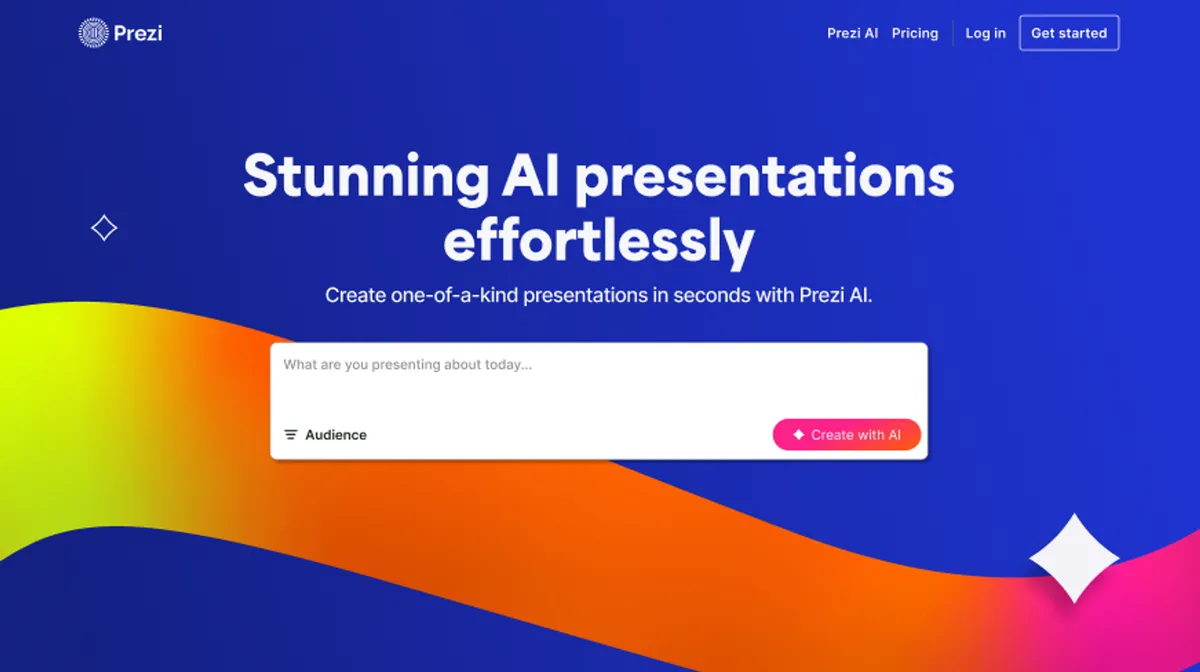
- Prezi AI: Generates presentation drafts and outlines from text prompts. Limit: Free users only get 500 monthly AI credits.
- Viewer Analytics: Tracks view counts and time spent per frame. Limit: Analytics are locked behind the $29 per month Premium tier.
Prezi Pros and Cons
Pros
- Non-linear navigation lets presenters pivot instantly to any topic without scrolling through slides.
- Native video integration works directly with major conferencing tools for professional remote delivery.
- Spatial storytelling improves audience information retention compared to traditional linear bullet points.
- Real-time collaboration supports up to 10 simultaneous editors on a single presentation canvas.
Cons
- Rapid zooming transitions can cause motion sickness or dizziness for some audience members.
- The spatial canvas logic creates a steeper learning curve than standard slide software.
- The basic free plan forces all content to be public.
- High system resource requirements cause lag on older hardware during video recording.
Who Should Use Prezi?
- Sales Professionals: Reps can adapt their pitch on the fly based on prospect questions.
- Educators: Teachers can use zoomable maps to show historical context or scientific processes.
- Remote Teams: Presenters can keep their face on screen while showing data during virtual meetings.
- Traditional Corporate Speakers: Users who just need to display simple financial charts should stick to PowerPoint. The zooming effects distract from basic data readouts.
Prezi Pricing and Plans
The Basic plan is free but acts more like a trial for business users. It includes 500 AI credits and essential creation tools. All content created on this tier remains public.
The Standard plan costs $7 per month billed annually. It adds privacy controls, advanced image editing, and access to premium visuals.
The Plus plan costs $19 per month billed annually. It unlocks unlimited AI generation, PDF and PPT imports, offline access, and removes the Prezi watermark.
The Premium plan costs $29 per month billed annually. It includes presentation analytics, exclusive support, and advanced live training.
The Enterprise plan requires custom pricing. It adds team collaboration features, single sign-on, and a dedicated success manager.
How Prezi Compares to Alternatives
Similar to Canva, Prezi offers a massive library of templates and visual assets for non-designers. Canva focuses heavily on static graphic design and simple linear slides. Prezi specializes in dynamic, spatial presentations. Canva provides a much more generous free tier for private use.
Unlike Gamma, which uses AI to generate scrolling web pages, Prezi relies on a zoomable map. Gamma excels at rapid document conversion with minimal formatting effort. Prezi requires more manual layout work but offers superior live video integration for remote meetings.
The Verdict: Best for Interactive Storytellers
Prezi offers distinct advantages for sales teams and educators who need to hold audience attention during long sessions. The ability to jump around a visual map prevents the fatigue associated with standard slide decks. The video overlay feature (which works surprisingly well on modern hardware) keeps remote presentations engaging.
Users looking for quick, simple slide creation should look elsewhere. The spatial logic takes time to learn. If you just need fast, professional slides without the learning curve, Gamma is a better choice. We still do not know if Prezi will optimize its desktop app to run smoothly on lower-end machines.