



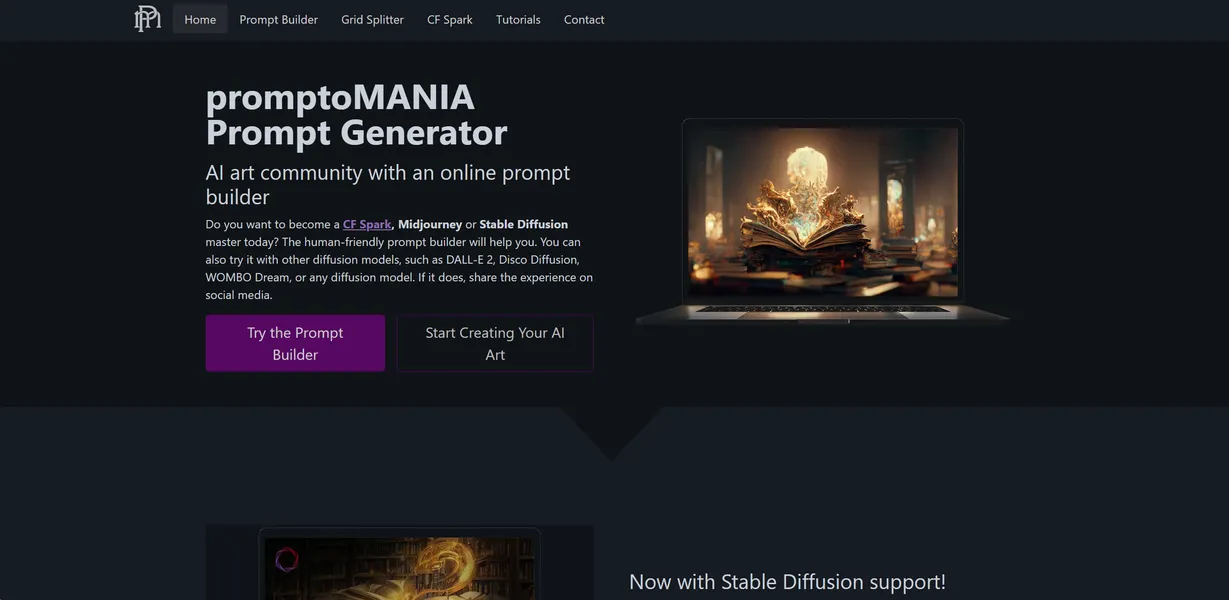
What is Promptomania?
Promptomania acts as a visual translation layer between human ideas and AI image generators. It replaces the trial and error of typing text prompts with a structured grid of visual modifiers. Users click icons representing specific lighting conditions, camera angles, and art styles to assemble complex prompt strings.
Developed by Promptomania, this tool solves the syntax problem for AI art creation. Midjourney and Stable Diffusion require specific parameter formatting to achieve predictable results. Promptomania targets digital artists and hobbyists who want exact control over their image outputs without memorizing model-specific commands.
- Primary Use Case: Building precise text-to-image prompts using visual selectors.
- Ideal For: Digital artists and AI hobbyists managing complex workflows.
- Pricing: Starts at $4 (freemium). This provides an affordable entry point for ComfyUI access.
Key Features and How Promptomania Works
Visual Prompt Construction
- Visual Prompt Builder: Select lighting, camera, and style via icons (limited to available database categories).
- Artist Reference Library: Browse over 500 visual artist styles to mimic specific aesthetics (requires manual search).
- Aspect Ratio Presets: Click buttons for 16:9, 9:16, and 4:3 formatting (limited to standard ratios).
Multi-Model Workflow Tools
- Multi-Model Support: Access dedicated interfaces for Midjourney, Stable Diffusion, and DALL-E (syntax updates depend on developer patches).
- Weighting Sliders: Adjust the importance of specific terms for Stable Diffusion (slider precision varies by model version).
- Grid Splitter: Slice Midjourney 2×2 grids into four individual high-res images (only works with standard 2×2 grid outputs).
Advanced Generation and Hosting
- ComfyUI Integration: Access node-based AI generation (requires Artisan plan or higher).
- AI Microsites: Host landing pages for AI art portfolios (Designer plan limits users to 10 sites).
- Custom Domain Mapping: Connect personal domains to hosted microsites (restricted to the $25 per month tier).
Promptomania Pros and Cons
Pros
- Visual interface removes the need to memorize complex text parameters for Midjourney.
- Cross-platform compatibility lets users translate prompts between different AI engines.
- The Grid Splitter utility accelerates batch image processing for high-volume creators.
- An extensive artist library gives immediate visual feedback on specific style applications.
- The $4 monthly entry tier offers high-value features like ComfyUI access for hobbyists.
Cons
- The densely packed user interface overwhelms beginners during their first session.
- Poor mobile optimization makes prompt building difficult on smartphone screens.
- Free trial users exhaust their 1,000 credits fast when testing high-resource workflows.
- Dependency on third-party AI syntax causes prompts to break when models update.
Who Should Use Promptomania?
- AI Art Hobbyists: The visual interface helps casual users experiment with complex styles without learning syntax.
- Batch Image Processors: The Grid Splitter saves hours of manual cropping for users generating hundreds of Midjourney concepts (I found the grid splitter saves about ten minutes per batch).
- Advanced ComfyUI Users: The $49 one-time license provides offline access for complex node-based workflows.
- Mobile-First Creators: The dense grid layout fails to scale well on small screens, making smartphone use frustrating. This tool is not a good fit for phone users.
Promptomania Pricing and Plans
The Free Trial provides 1,000 credits, web-only access, and a basic gallery.
This tier functions as a brief test drive rather than a permanent free solution.
The Artisan plan costs $4 per month billed annually or $5 monthly. It includes 5,000 monthly credits, AI video generation, ComfyUI access, and three AI microsites.
The Designer plan costs $20.83 per month billed annually or $25 monthly. Users receive 25,000 monthly credits, all CosyFlows, 10 AI microsites, and custom domain mapping with email. A One-Time License costs $49. This grants 10,000 credits and lifetime offline access to ComfyUI.
How Promptomania Compares to Alternatives
Similar to PromptHero, Promptomania offers a massive database of visual references. Unlike PromptHero, which functions as a search engine for existing images, Promptomania provides an active workspace to construct new prompts from scratch. PromptHero works better for inspiration, while Promptomania serves as a direct production tool.
Midjourney Prompt Helper shares the same core goal of simplifying syntax. Promptomania offers a much larger visual library and supports multiple models like Stable Diffusion and DALL-E. Midjourney Prompt Helper maintains a cleaner interface that beginners prefer over Promptomania’s dense layout.
The Ideal Visual Builder for Desktop AI Artists
Desktop users generating high volumes of AI art get the most value from Promptomania. The visual modifiers and Grid Splitter save significant time during long production sessions. Beginners overwhelmed by the dense options should try Midjourney Prompt Helper for a simpler experience.
Mobile users should look elsewhere.
Promptomania will likely integrate direct API generation within its interface over the next 12 months, removing the need to copy and paste prompts into external Discord servers.