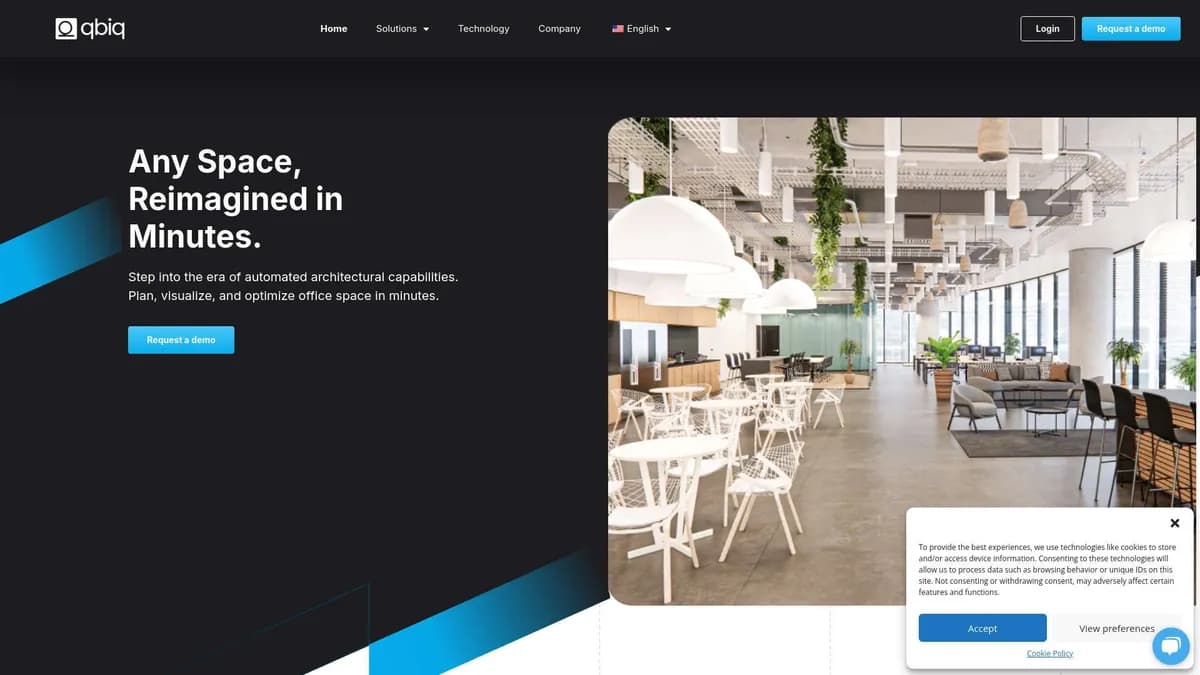

Qbiq is an AI space planning platform that generates commercial real estate layouts and 3D walkthroughs in under 24 hours. It targets brokers and architects needing rapid feasibility studies. While it exports directly to Revit, it struggles with highly irregular building footprints and requires human architect sign-off.
What is Qbiq?
Qbiq is an automated space planning engine that turns empty commercial floor plans into fully furnished 3D layouts in under 24 hours. You upload a floor plan, set your parameters, and the system generates multiple architectural options.
It replaces the traditional weeks long feasibility study phase with a rapid generation cycle.
Developed by Qbiq Ltd., this tool solves a specific bottleneck in commercial real estate leasing. Brokers and landlords use it to show prospective tenants exactly how an empty shell can fit their specific headcount. It works exceptionally well for standard office spaces but struggles with highly irregular building footprints.
- Primary Use Case: Generating multiple commercial office floor plan variations and 3D walkthroughs within 24 hours.
- Ideal For: Commercial real estate brokers and enterprise landlords.
- Pricing: Starts at $3/user/month (Lite) – an unusually low entry point for basic file insights.
Key Features and How Qbiq Works
Generative Layout Engine
- AI Floor Plans: Produces full architectural plans using proprietary algorithms. Limit: Takes up to 24 hours per generation.
- Multi-scenario Generation: Requests multiple distinct layout options per project submission. Limit: Capped at 5 variations per request.
- Customization Parameters: Accepts user inputs for meeting room counts and desk sizes. Limit: Restricted to standard commercial office configurations.
Visualization and Export
- 3D Walkthroughs: Creates interactive virtual tours automatically for every generated layout. Limit: Visuals use a standardized furniture library rather than custom pieces.
- CAD/Revit Integration: Exports directly to Autodesk Revit and AutoCAD formats. Limit: Requires manual cleanup by a licensed architect before construction.
- Cloud-based Viewer: Shares plans via a web browser without specialized software. Limit: Requires an active internet connection to view high fidelity 3D models.
Compliance and Analytics
- Compliance Engine: Checks local building codes and ADA accessibility regulations automatically. Limit: Only validates against programmed regional codes.
- Real-time Analytics: Calculates rentable versus usable square footage instantly. Limit: Accuracy depends entirely on the quality of the uploaded base plan.
Qbiq Pros and Cons
Pros
- Shortens the feasibility study phase from several weeks to less than 24 hours.
- Reduces architectural overhead costs by automating initial design phases.
- Generates layouts based on precise building geometry and structural constraints.
- Helps brokers close deals faster by providing immediate visualizations to tenants.
- Processes hundreds of floor plans simultaneously for large real estate developers.
Cons
- Final plans still require review and sign off by a licensed architect.
- AI generated designs often feel repetitive and lack bespoke artistic flair.
- The system occasionally fails to process highly irregular or non standard building footprints.
- It offers almost zero utility for residential or industrial real estate sectors.
Who Should Use Qbiq?
- Commercial Real Estate Brokers: You need to show a prospective tenant how their 150 employees will fit into an empty floor.
- Enterprise Landlords: You manage large property portfolios and need to compare different rentable area calculations quickly.
- Architectural Firms: You want to automate the tedious initial layout phase before applying custom design work.
- Not for Residential Designers: If you design homes or retail spaces, this tool will frustrate you. It focuses entirely on commercial office environments.
Qbiq Pricing and Plans
Qbiq offers a paid model with two primary tiers. The platform does not offer a free trial.
- Lite: $3 per user per month. This tier includes basic functionality, permission aware responses, a browser extension, and file insights.
- Pro: $20 per user per month. This tier unlocks the full suite of capabilities. (The developer lists Amazon Q Apps and Amazon Q in QuickSight under this tier, which suggests a backend integration for data querying).
How Qbiq Compares to Alternatives
Similar to TestFit, Qbiq automates the early stages of real estate planning. TestFit focuses heavily on site feasibility, parking layouts, and multifamily housing developments. Qbiq ignores residential spaces entirely to focus on interior commercial office layouts and 3D walkthroughs.
If you need to plan a new apartment complex, TestFit wins.
Unlike Saltmine, which targets enterprise workplace teams managing their own internal real estate, Qbiq serves the landlord and broker side of the transaction. Saltmine offers deep tools for ongoing space management and employee engagement. Qbiq acts as a rapid sales tool to get a tenant to sign a lease. Both export to Revit, but Saltmine requires a much heavier initial setup process.
The Ideal Tool for Commercial Leasing Teams
Qbiq delivers massive value to commercial brokers and landlords who need to visualize empty office spaces quickly. It removes the friction of waiting weeks for an architect to draft a preliminary floor plan. Solo architects might find the $20 monthly Pro tier useful for generating base layouts, but they must still manually refine the exported Revit files. Residential designers should look elsewhere entirely. If you need to plan a retail or industrial space, consider an alternative like Hypar. Over the next 12 months, expect Qbiq to expand its compliance engine to cover more international building codes automatically.
User Reviews
No reviews yet. Be the first to share your experience!
Sign in to write a review.
Related articles
Guides and articles related to Qbiq.

The Boring B2B AI Agent Niches That Actually Pay (2026)
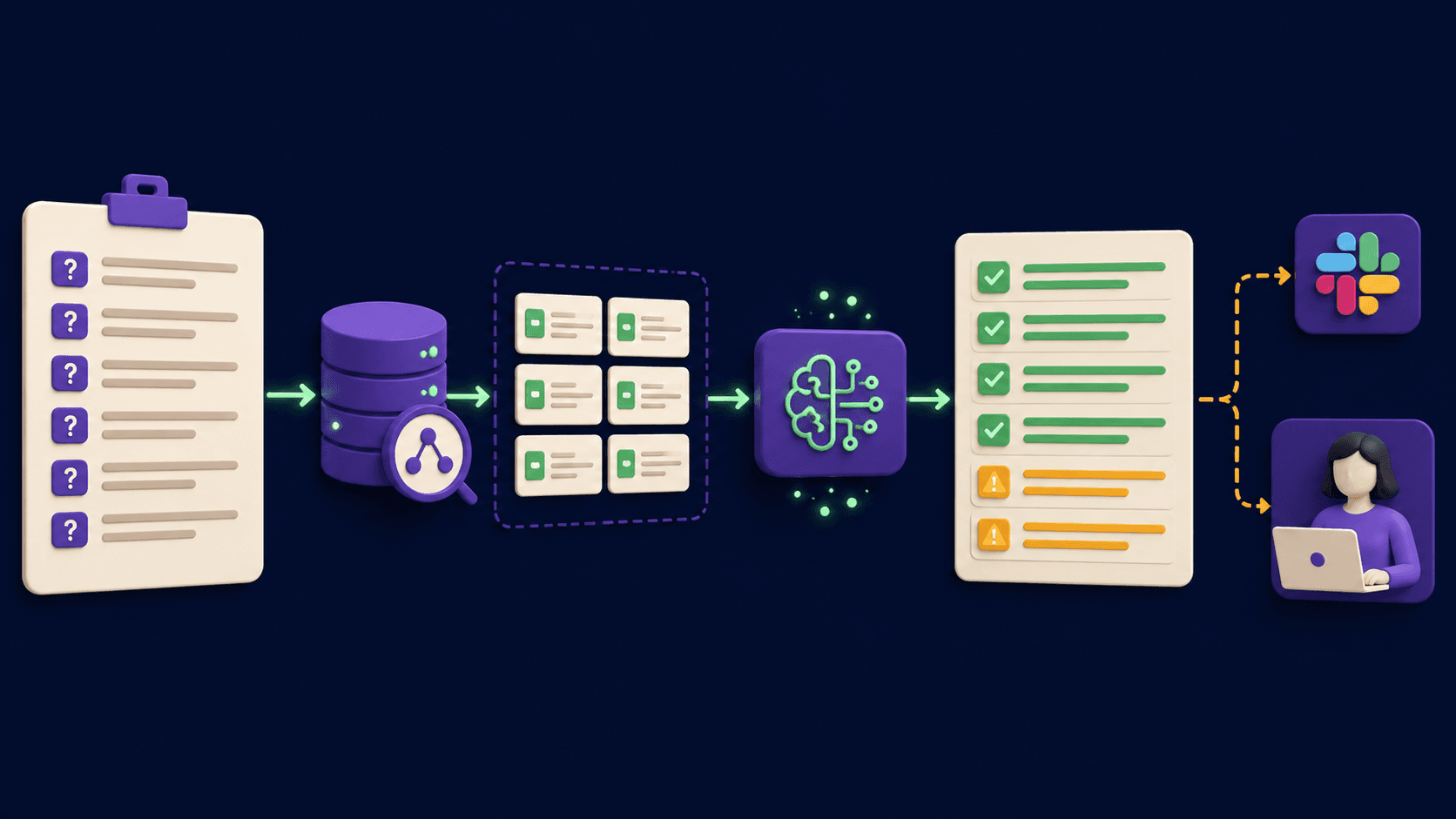
RFP and Proposal Auto-Fill: The Agent That Handles 80% of the Repeating Questions (2026)

Google Vision AI Explained (2026): Pricing Per 1,000 Units, Free Tier, and Alternatives

What Are AI Agents? Complete Beginner’s Guide (2025)

AI Agent Use Cases: 5 Industries Transformed in 2026