



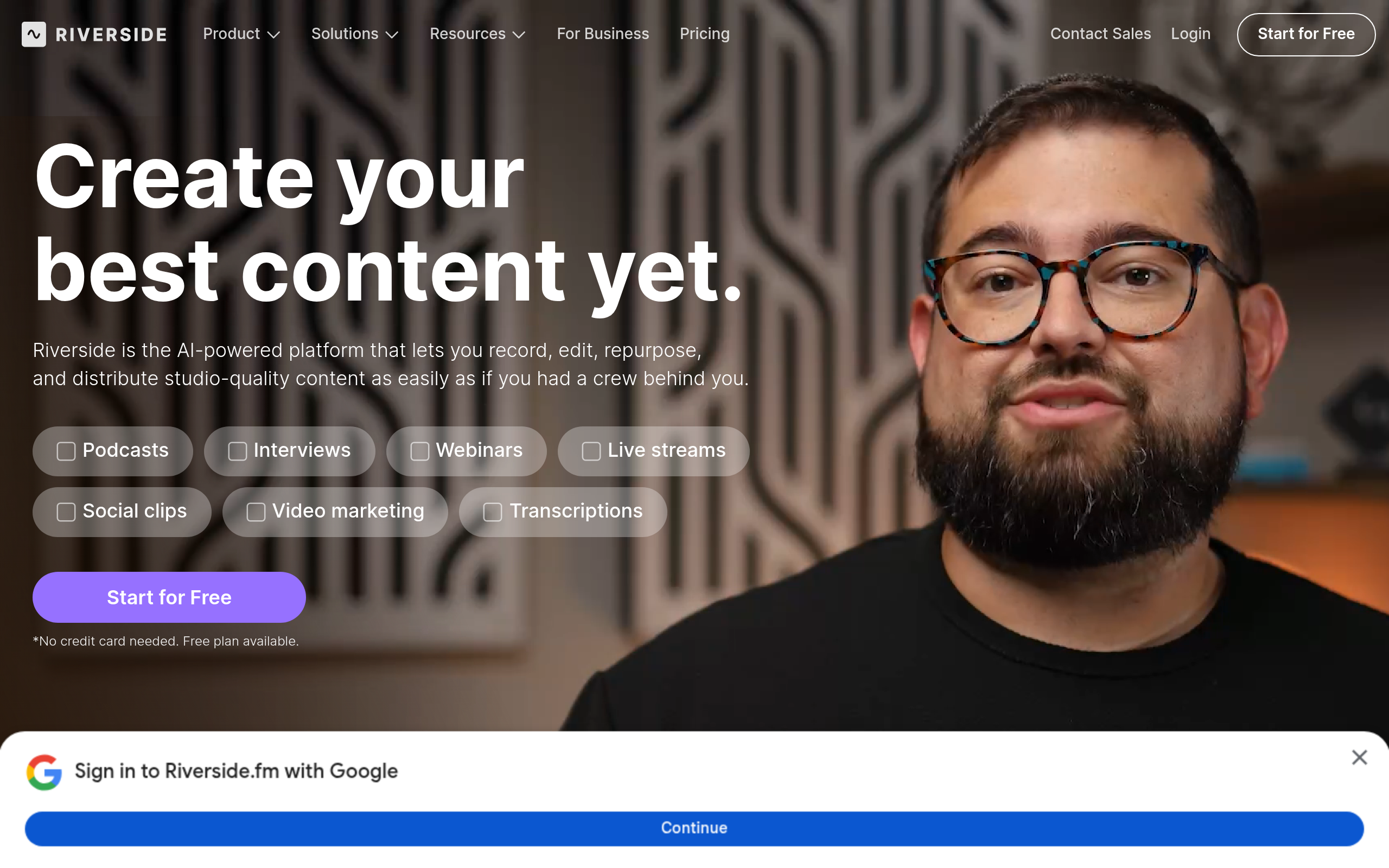
What is Riverside?
The biggest threat to a remote podcast interview is not a bad microphone, but a slight dip in internet speed. Riverside solves this by ignoring the live connection entirely.
Developed by Riverside.fm Ltd., this remote recording platform captures local 4K video and 48kHz audio directly on each participant’s computer. It functions as a virtual studio for podcasters, video creators, and corporate communication teams. Instead of recording the compressed feed you see on your screen, Riverside saves the raw files locally and uploads them in the background.
- Primary Use Case: Recording high-definition remote podcast interviews with separate audio and video tracks.
- Ideal For: Video podcasters and content teams who need studio-quality files without a physical studio.
- Pricing: Starts at $24/month (Pro plan) – A steep jump from free tools but necessary for 4K exports.
Key Features and How Riverside Works
Local Recording and Track Separation
- Local 4K Video: Captures video directly on the device up to 4K resolution. Limit: Guests need a webcam capable of 4K and sufficient local hard drive space.
- Separate Audio Tracks: Provides individual 48kHz WAV files for up to eight participants. Limit: You cannot add more than eight people to a single recording session.
- Producer Mode: Lets a producer monitor audio levels and adjust settings behind the scenes. Limit: Producers cannot be recorded while in this mode.
AI Editing and Post-Production
- Text-Based Editor: Deleting text in the generated transcript cuts the corresponding video segment. Limit: The AI transcription struggles with heavy accents and technical jargon.
- Magic Clips: Identifies highlights and formats vertical clips for TikTok or Reels. Limit: The AI often misses the actual climax of a conversation, requiring manual adjustment.
- AI Transcriptions: Generates automated transcripts in over 100 languages. Limit: Accuracy drops if participants talk over each other.
Live Broadcasting Tools
- Multi-streaming: Broadcasts live to YouTube, Twitch, LinkedIn, and custom RTMP destinations. Limit: Full HD live streaming requires the $34/month Live plan.
- Media Board: Plays intro music or sound effects live during the session. Limit: Audio files must be uploaded in advance and cannot exceed 50MB each.
- Teleprompter: Displays a script on screen to help hosts maintain eye contact. Limit: Only the host can control the scrolling speed.
Riverside Pros and Cons
Pros
- Local recording guarantees high-quality files even if a guest loses their internet connection during the call.
- The text-based editor cuts post-production time in half for creators who lack professional video editing software like Premiere Pro.
- Separate audio tracks allow editors to isolate and remove background noise from a single speaker without affecting the whole recording.
- The platform supports 4K video resolution, providing a massive visual upgrade over standard 720p Zoom recordings.
Cons
- Uploading massive 4K video files takes time and forces guests to keep their browser tab open after the interview ends.
- The mobile app suffers from occasional audio and video sync issues on older Android smartphones.
- The $24 monthly starting price is high for casual hobbyists who only record one or two episodes a month.
Who Should Use Riverside?
- Professional Podcasters: You need uncompressed 48kHz audio and separate tracks to mix a high-quality show.
- Corporate Marketing Teams: You record customer testimonials remotely and need them to look like they were shot in a studio.
- Social Media Creators: You want to turn one hour-long interview into a dozen vertical TikTok clips using the Magic Clips feature.
- Not for Casual Hobbyists: If you just want to record a quick chat with a friend for fun, the strict browser requirements and high price make this overkill.
Riverside Pricing and Plans
Riverside uses a freemium model, but the free tier functions more like a trial.
The Free plan costs $0 per month. It limits you to two hours of total one-off multi-track recording. Video exports are capped at 720p and include a permanent Riverside watermark.
The Pro plan costs $24 per month when billed annually. It provides 15 hours of multi-track recording per month. You get 4K video quality, no watermarks, and full access to the AI editing tools.
The Live plan costs $34 per month on an annual billing cycle. It includes everything in Pro, plus full HD multistreaming and live studio features.
The Webinar plan costs $79 per month annually. It adds advanced webinar features while keeping the 15-hour recording limit.
The Business plan requires custom pricing. It offers unlimited recording, single sign-on, dedicated support, and enterprise security features.
How Riverside Compares to Alternatives
Similar to Zencastr, Riverside focuses on local recording to bypass internet instability. Zencastr offers a cheaper starting tier for audio-only podcasters. Riverside provides superior video tools, including the text-based editor and 4K support. Zencastr struggles with video reliability on older computers, while Riverside handles video processing more efficiently.
Unlike StreamYard, Riverside prioritizes the final recorded file over the live broadcast experience. StreamYard makes it easy to run a live show with on-screen graphics and audience comments. Riverside offers basic live streaming, but its true value lies in the uncompressed local files it saves for post-production.
The Verdict for Video Podcasters
Riverside delivers the highest quality remote video recordings available today. If you run a professional video podcast or a corporate YouTube channel, the $24 monthly fee pays for itself in saved editing time. The local recording engine ensures you never lose an interview to a bad Wi-Fi connection (I have lost count of how many times a guest closed their laptop too early, pausing the upload).
If you only record audio, you should look elsewhere. Zencastr provides a much cheaper path for audio-only shows. If you prioritize live audience interaction over post-production video quality, StreamYard is the better choice.