


What is Salesforce AI?
The biggest surprise about Salesforce AI is its reliance on your existing data hygiene. If your sales team leaves fields blank, the artificial intelligence will fail. Salesforce Inc. built this suite of generative and predictive tools to automate customer service and sales forecasting. It targets large enterprise teams that process thousands of customer interactions each day.
The platform uses two main frameworks.
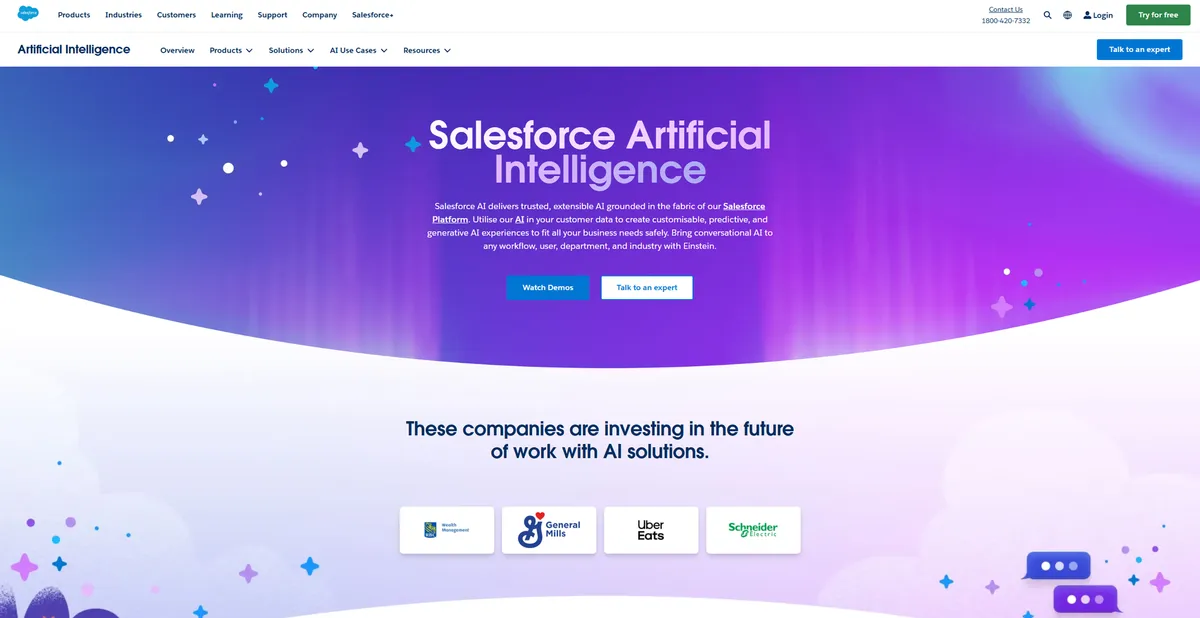
Einstein provides predictive analytics and a conversational copilot for human workers. Agentforce deploys autonomous agents that resolve support tickets without human intervention. Both tools aim to reduce manual data entry and accelerate response times. But accessing these capabilities requires a massive financial investment.
- Primary Use Case: Resolving customer support tickets and generating customized sales outreach using CRM data.
- Ideal For: Enterprise sales and service teams with dedicated administrators and clean data.
- Pricing: Starts at $25 per user per month (freemium). Advanced AI features require tiers costing $350 or more.
Key Features and How Salesforce AI Works
Autonomous Agents and Copilots
- Agentforce: Deploys autonomous AI agents to handle complex service tasks on their own. This is limited by the 1 million Flex Credits included in the top tier.
- Einstein Copilot: Provides a conversational side-panel assistant integrated across all applications. Access is restricted to users with specific assigned permission sets.
- Einstein Service Replies: Generates real-time chat responses grounded in verified knowledge base articles. It cannot generate answers from unverified external web sources.
Data Security and Grounding
- Einstein Trust Layer: Masks personal information and ensures zero data retention by external providers. This is limited by the accuracy of its automated data masking algorithms.
- Data Cloud: Harmonizes data from external sources like Snowflake or Amazon Web Services. Usage is limited by your purchased Data Cloud credit balance.
- Prompt Builder: Allows administrators to create custom prompt templates using CRM data. Output quality is restricted by the user’s underlying data access permissions.
Predictive Analytics and Workflows
- Predictive Lead Scoring: Ranks leads from 1 to 99 based on conversion probability. The model requires at least 1,000 new leads and 120 conversions to function.
- Einstein Discovery: Provides statistical modeling for advanced business intelligence. It requires clean historical data to produce accurate predictions.
- Flow Builder AI: Uses natural language prompts to generate complex workflow logic. It supports standard Salesforce flow structures and elements.
Salesforce AI Pros and Cons
Pros
- Deep integration with CRM data allows for customized AI outputs without manual data entry.
- The Einstein Trust Layer provides enterprise-grade privacy by preventing sensitive data from training public models.
- Agentforce offers 24/7 autonomous support to reduce the operational cost of human service teams.
- Low-code tools like Prompt Builder enable administrators to deploy custom AI features in hours.
Cons
- Total cost of ownership is high since advanced features require expensive Unlimited tiers.
- Implementation is complex and requires a certified Salesforce consultant.
- AI accuracy is dependent on the quality and cleanliness of the user’s existing CRM data.
- Generative features produce hallucinations that require human oversight for high-stakes interactions.
Who Should Use Salesforce AI?
- Enterprise Support Centers: Teams handling massive ticket volumes can use Agentforce to deflect routine inquiries and lower costs.
- Data-Driven Sales Teams: Organizations with strict data entry rules will benefit from accurate predictive lead scoring and customized email drafts.
- Small Businesses: This tool is a bad fit for small teams. The high licensing costs and complex setup requirements will drain limited budgets.
Salesforce AI Pricing and Plans
Salesforce offers a freemium model, but the free tier is a basic trial.
You must upgrade to access real AI capabilities.
- Free Suite: $0 per month. Limits you to 1 user and provides basic CRM features.
- Starter Suite: $25 per user per month. Supports up to 25 users with basic sales and service tools.
- Pro Suite: $100 per user per month. Offers unlimited users and advanced customization.
- Enterprise: $175 per user per month. Provides full CRM customization. This tier is required to purchase AI add-ons.
- Unlimited: $350 per user per month. Includes advanced AI features, chat, bots, and premier support.
- Agentforce 1 Service/Sales: $550 per user per month. Includes unlimited AI access, 1 million Flex Credits, and Data Cloud credits.
How Salesforce AI Compares to Alternatives
Similar to Microsoft Dynamics 365 AI, Salesforce targets large enterprises with complex data needs. Microsoft integrates its Copilot into Office 365 applications (like Word and Excel). This gives Microsoft an edge for teams using the Windows ecosystem. Salesforce counters this with its AppExchange, offering deeper integrations with third-party marketing and service tools. Both platforms require significant setup time and dedicated administrators.
Unlike HubSpot AI, Salesforce AI is built for slow, deliberate deployment. HubSpot includes its AI features across all pricing tiers, making it accessible for mid-market companies. A small team can activate HubSpot AI in an afternoon. Salesforce requires weeks of data mapping and permission configuration. But Salesforce offers granular control over prompt templates and data masking through its Trust Layer.
Verdict for Enterprise Teams with Clean Data
Salesforce AI delivers massive value to large organizations that maintain excellent data hygiene. The combination of Agentforce and Data Cloud creates an automated service environment. But small teams and startups should look elsewhere. The steep learning curve and $350 monthly user fees make it impractical for tight budgets. If you need a faster setup with lower costs, HubSpot AI is a better alternative.