



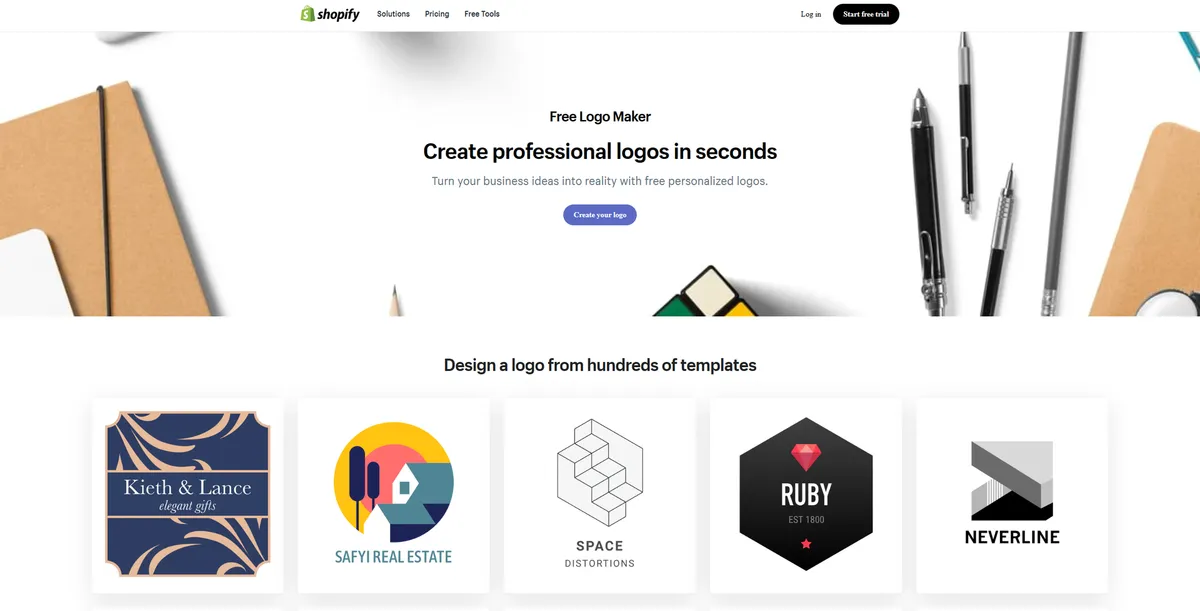
What is Shopify Logo Maker?
The most surprising aspect of Shopify Logo Maker is its total lack of a paywall. Users download high-resolution PNG files and social media kits without entering a credit card.
Shopify Inc. developed this online branding tool to help new entrepreneurs launch stores fast. The software generates professional logos and social media assets (a rare feature among free tools) using industry-specific templates. Solo founders skip the expense of hiring a graphic designer.
- Primary Use Case: Generating a basic logo and social media asset kit for a new online store.
- Ideal For: Solo entrepreneurs and budget-conscious founders testing new business ideas.
- Pricing: Starts at $0 (Free) – Users receive unlimited high-resolution downloads at no cost.
Key Features and How Shopify Logo Maker Works
Template Library and Industry Selection
- Industry Filters: The tool sorts over 100 templates by niches like Fashion or Tech. Users cannot mix elements across different industry categories.
- Visual Styles: Users select visual themes like Bold or Classic to narrow options. The system restricts custom font pairings outside these preset themes.
Social Media Asset Generation
- Automated Resizing: The software generates 10 different profile and cover image sizes by default. Users cannot adjust the crop or padding on these specific social media files.
- Brand Kit Export: Downloads include a favicon.ico file and transparent background PNGs. The tool does not export SVG or EPS vector files for large print jobs.
Customization Interface
- Drag-and-Drop Editor: Users edit text, colors, and layouts within a simplified workspace. The editor lacks layering controls or precise alignment grids.
- Color Palettes: The interface provides preset color combinations based on design theory. Users cannot input specific HEX codes to match existing brand guidelines.
Shopify Logo Maker Pros and Cons
Pros
- Users pay $0 for unlimited high-resolution downloads and commercial usage rights.
- The export bundles 10 specific social media image sizes in one ZIP file.
- The guided interface allows absolute beginners to finish a design in under five minutes.
- Native iOS and Android applications let users build brand assets on mobile devices.
Cons
- The editor blocks users from uploading proprietary fonts or custom vector graphics.
- Thousands of other businesses use the exact same generic icon templates.
- The system restricts color choices to preset palettes instead of custom HEX codes.
- Users cannot download scalable vector formats like SVG for billboard printing.
Who Should Use Shopify Logo Maker?
- Bootstrapped Solo Founders: Entrepreneurs testing a new product concept save hundreds of dollars on initial branding.
- Dropshipping Store Owners: Fast setup times help merchants launch multiple niche test stores in a single weekend.
- Social Media Creators: The asset generation provides exact image sizes for Facebook and Instagram profiles.
- Not for Established Brands: Companies needing trademark protection or precise brand guideline matching must hire a professional designer.
Shopify Logo Maker Pricing and Plans
Shopify Logo Maker operates on a free model. Users create an account to access the unlimited generation features.
- Free Plan: $0 per month. Users generate unlimited logos, download high-resolution PNG files, and receive commercial usage rights. The plan includes the full 10-piece social media asset kit.
How Shopify Logo Maker Compares to Alternatives
Canva offers a massive library of graphic elements and custom HEX code inputs. Users manipulate individual layers and upload their own vector files. Shopify Logo Maker restricts users to preset layouts but generates the entire social media kit in one click. Canva requires users to resize designs by hand unless they purchase the $14.99 monthly Pro plan.
Looka uses artificial intelligence to generate unique icon combinations and typography pairings. Users purchase a basic logo package for $20 or a full brand kit for $65. Shopify Logo Maker provides the full brand kit for free. Looka delivers scalable SVG files for print production (a necessity for physical merchandise). Shopify limits exports to rasterized PNG files.
The Verdict for Budget-Conscious Founders
Bootstrapped entrepreneurs extract the most value from this software. The tool removes the financial barrier of launching a professional storefront. Users get exact image dimensions for their Facebook pages and website headers in seconds.
The inability to upload custom graphics remains a hard ceiling for growing businesses.
Companies planning to trademark their logo should avoid this platform. Thousands of other merchants share the same icon library. Founders needing unique vector graphics should hire a designer or use Looka to generate original concepts.
We still do not know if Shopify plans to add SVG export capabilities in future updates.