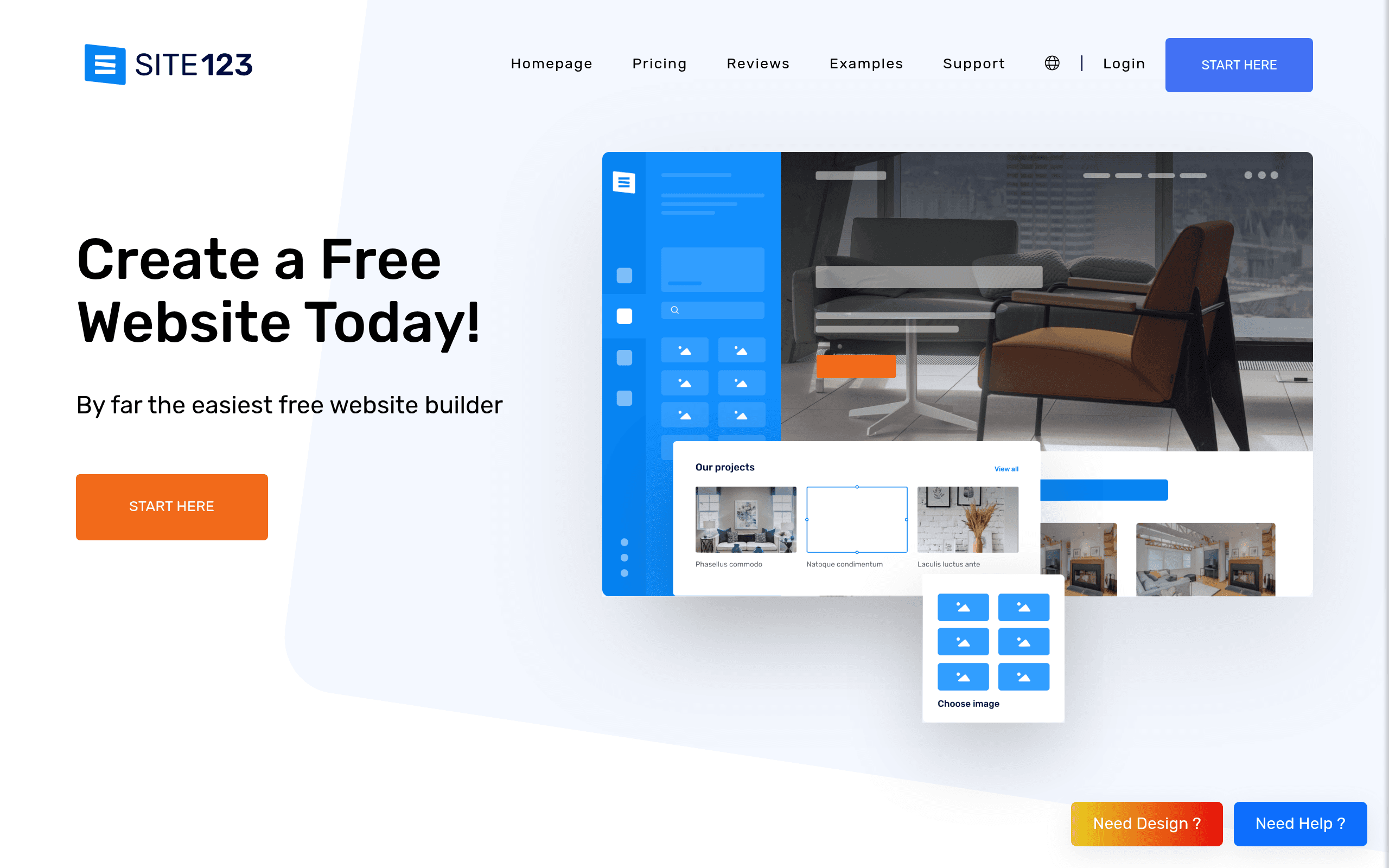

SITE123 is a template-based website builder designed for non-designers who need to launch a site quickly. It allows users to create multilingual business pages with automatic translation for up to 80 languages. The strict layout editor prevents design errors but completely restricts custom HTML or CSS modifications.
What is SITE123?
The most restrictive aspect of SITE123 is also its biggest advantage.
SITE123 LTD built this platform to solve the blank canvas problem for absolute beginners. The tool forces users into pre-defined layout structures to guarantee mobile responsiveness. Small business owners and solo entrepreneurs use it to launch functional sites in under an hour.
- Primary Use Case: Rapid deployment of multilingual business websites and basic landing pages.
- Ideal For: Absolute beginners and small business owners with zero coding experience.
- Pricing: Starts at $10.80 (monthly) – Connects a custom domain with 10GB of storage.
Key Features and How SITE123 Works
Layout and Design Constraints
- Layout-based Editor: Forces content into pre-defined grid structures. You cannot move elements outside these safe zones.
- Image Library: Provides direct access to hundreds of royalty-free images. Users cannot upload files larger than the storage limit of their specific plan.
E-commerce and Marketing Tools
- Basic Online Store: Integrates PayPal and Stripe for physical product sales. It lacks complex product variation support for large inventories.
- Email Marketing: Sends automated campaigns directly from the dashboard. The Basic plan limits this to 100 messages per month.
Localization and SEO
- Multilingual Support: Translates site content into 80 different languages. Each language creates a specific sub-directory structure automatically.
- SEO Adviser: Scans pages to generate a meta tag checklist. It does not allow advanced schema markup editing.
SITE123 Pros and Cons
Pros
- Setup takes less than an hour because the layout system prevents users from breaking the design grid.
- Mobile responsiveness works perfectly on all devices without requiring manual adjustments in a separate mobile editor.
- Live chat support typically connects users to a human agent in under three minutes.
- Multilingual site creation requires fewer clicks than similar setups on Wix or Squarespace.
Cons
- Users cannot access or modify the underlying HTML or CSS code.
- The Free and Basic plans force a visible SITE123 floating tag onto the live website.
- E-commerce functionality lacks the depth required to manage stores with hundreds of variable products.
Who Should Use SITE123?
- Local Service Businesses: Restaurants and contractors can use the built-in reservation systems and contact forms to capture leads quickly.
- Hobbyists on a Budget: The free tier provides permanent hosting on a subdomain for personal projects that do not need a custom URL.
- Global Niche Sites: Creators needing rapid translation into multiple languages benefit from the automated sub-directory generation.
- Not for Custom Designers: Agencies or creatives who need pixel-perfect control will find the grid restrictions incredibly frustrating.
SITE123 Pricing and Plans
The free tier is a permanent plan, not a disguised trial. It includes hosting and a web editor but restricts users to a SITE123 subdomain.
The Basic plan costs $10.80 per month billed annually. It allows custom domain connections and provides 10GB of storage alongside 5GB of bandwidth. (The floating tag on the Basic plan feels overly intrusive for a paid tier).
The Advanced plan runs $16.80 per month annually. It increases storage to 30GB, bandwidth to 15GB, and adds two custom email accounts.
The Professional plan costs $22.80 per month annually. Users receive 90GB of storage, 45GB of bandwidth, and five email accounts.
The Gold plan sits at $28.80 per month annually. This top tier offers 270GB of storage, 135GB of bandwidth, and ten email accounts.
How SITE123 Compares to Alternatives
Similar to Wix but far more restrictive. Wix offers a true drag-and-drop canvas where users can place text and images anywhere. SITE123 forces elements into specific blocks, which speeds up creation but limits creative freedom. (I noticed the editor interface on Wix can overwhelm beginners, whereas SITE123 keeps choices minimal).
Unlike Weebly, this tool prioritizes multilingual support right out of the box. Weebly requires third-party apps to translate pages effectively. Weebly offers better e-commerce inventory management for physical products, making it a better choice for dedicated online stores.
The Verdict for Absolute Beginners
SITE123 delivers exactly what it promises to non-technical users.
If you need a functional business site online by this afternoon, choose this platform. The strict layout system prevents ugly design mistakes. If you require complex product variations or custom code access, look elsewhere. Users who want more design control without learning to code should consider Wix instead.
User Reviews
No reviews yet. Be the first to share your experience!
Sign in to write a review.
Related articles
Guides and articles related to SITE123.

Wix Logo Maker Review (2026): Real Costs, the Edit Catch, and AI Alternatives

The AI Content Automation Stack: 7 Tools That Run a Full Blog Without a Team

Perplexity AI Tutorial: Maximize Your Research Workflows

AI Content Automation Services: What a Done-For-You Setup Includes (and Costs)
AI SOP Generator: Document Every Process in Your Business in a Weekend