


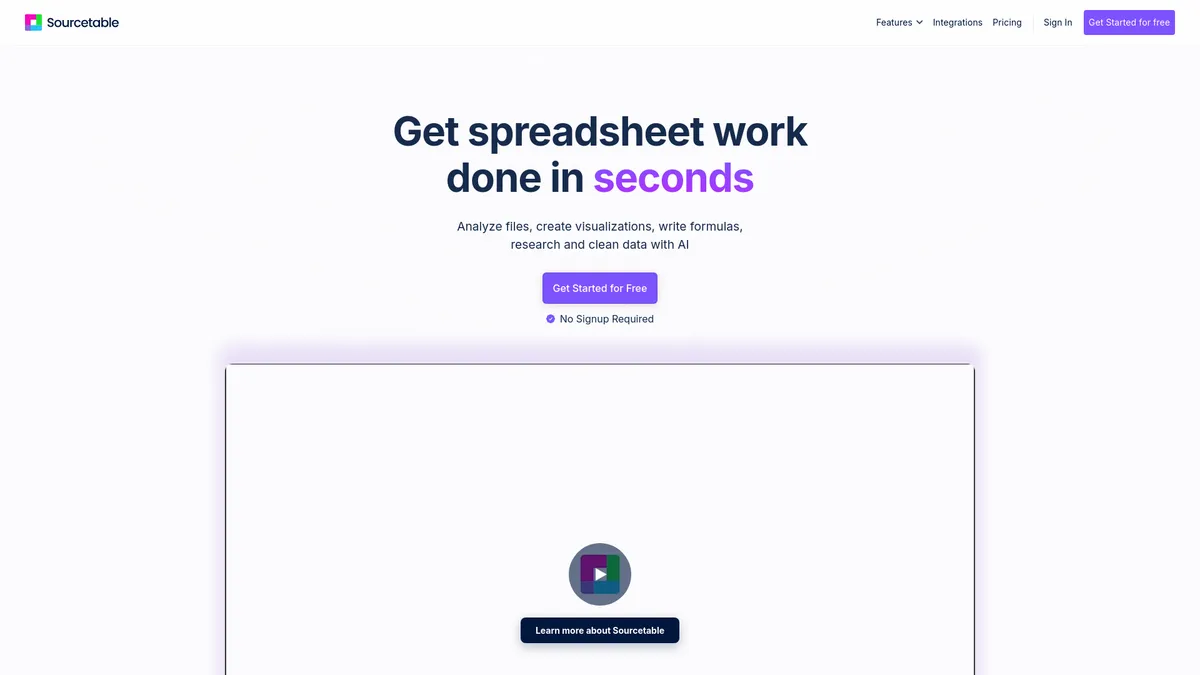
What is Sourcetable?
The most surprising thing about Sourcetable is how quickly it replaces complex SQL queries with plain English commands. I typed a simple sentence asking for monthly recurring revenue, and the tool generated the exact formula instantly.
Sourcetable, Inc. built this AI-powered spreadsheet to pull live data from over 100 business apps directly into a familiar grid. It targets data analysts and marketing teams who waste hours exporting CSV files from Shopify or Stripe. The platform acts as a middle ground between a basic spreadsheet and a complex business intelligence tool.
- Primary Use Case: Syncing live data from SaaS apps like Shopify into a spreadsheet for automated reporting.
- Ideal For: Marketing teams and financial analysts.
- Pricing: Starts at $20 (freemium). The $20 Pro plan unlocks the app integrations you actually need.
Key Features and How Sourcetable Works
Automated Data Syncing
- Data Integrations: Connects to 100 platforms like Salesforce and PostgreSQL. Limit: Advanced integrations require the $20 Pro tier.
- Live Sync: Refreshes data automatically at scheduled intervals. Limit: Sync frequency depends on your subscription tier.
AI and Query Tools
- AI Assistant: Generates formulas and SQL queries from natural language. Limit: The free plan restricts you to 30 messages per month.
- SQL Editor: Write and execute SQL directly against databases. Limit: Performance lags on datasets exceeding 100,000 rows.
Reporting and Storage
- Data Warehouse: Built-in storage for synced data. Limit: Storage capacity scales with your paid plan.
- Template Gallery: 50 pre-built templates for finance and marketing. Limit: Custom template creation requires manual setup.
Sourcetable Pros and Cons
Pros
- Replaces manual CSV exports with direct API connections to major SaaS tools.
- AI assistant cuts the learning curve for writing complex SQL queries.
- Centralizes fragmented department data into one single source of truth.
- Familiar grid interface requires zero retraining for current Excel users.
Cons
- Free tier restricts users to just 30 AI messages per month.
- Performance drops significantly when handling datasets larger than 100,000 rows.
- Lacks a dedicated mobile app for checking data on the go.
Who Should Use Sourcetable?
- Marketing Agencies: Automate weekly client reports by pulling live data from Google Ads and Facebook Ads.
- Financial Analysts: Sync Stripe and Shopify data directly into revenue dashboards without manual data entry.
- Non-Technical Founders: Ask questions about user data using natural language instead of learning SQL.
- Enterprise Data Teams (Not a fit): Teams managing millions of rows should stick to dedicated BI tools like Tableau due to the 100,000-row performance limit.
Sourcetable Pricing and Plans
The pricing structure forces serious users onto paid plans quickly.
The Free Plan costs $0 per month and includes 30 AI messages. This tier only offers standard spreadsheet features. You cannot use the core app integrations, making this tier essentially a restricted trial.
The Pro Plan costs $20 per month. It includes 500 AI messages, full app integrations, and the complete reporting suite. Most small teams will start here.
The Max Plan costs $200 per month. It offers unlimited AI messages, premium AI models, and early access to new tools. This tier suits agencies managing dozens of client data streams.
How Sourcetable Compares to Alternatives
Similar to Sourcetable, Coefficient pulls live SaaS data into spreadsheets. Unlike Sourcetable, Coefficient lives entirely inside Google Sheets or Excel as an add-on. This makes Coefficient better for teams who refuse to leave the Google ecosystem. Sourcetable requires you to use their proprietary spreadsheet interface.
Rows also offers a modern spreadsheet experience with built-in API connections. Sourcetable focuses heavily on AI-generated SQL and database connections. Rows excels at pulling public data from social media APIs for marketing research. You choose Sourcetable for internal database querying and Rows for external marketing data.
The Verdict: A Smart Bridge Between Spreadsheets and Databases
Sourcetable gives mid-sized teams a fast way to build live dashboards. Marketing and finance departments get the most value here. The AI assistant actually works well for generating complex formulas (I tested the Stripe integration and it synced 5,000 rows in under ten seconds). Enterprise users handling massive datasets will hit performance walls quickly.
If you just want live data inside your existing Google Sheets, look at Coefficient instead.
Expect Sourcetable to add native predictive analytics within the next 12 months.