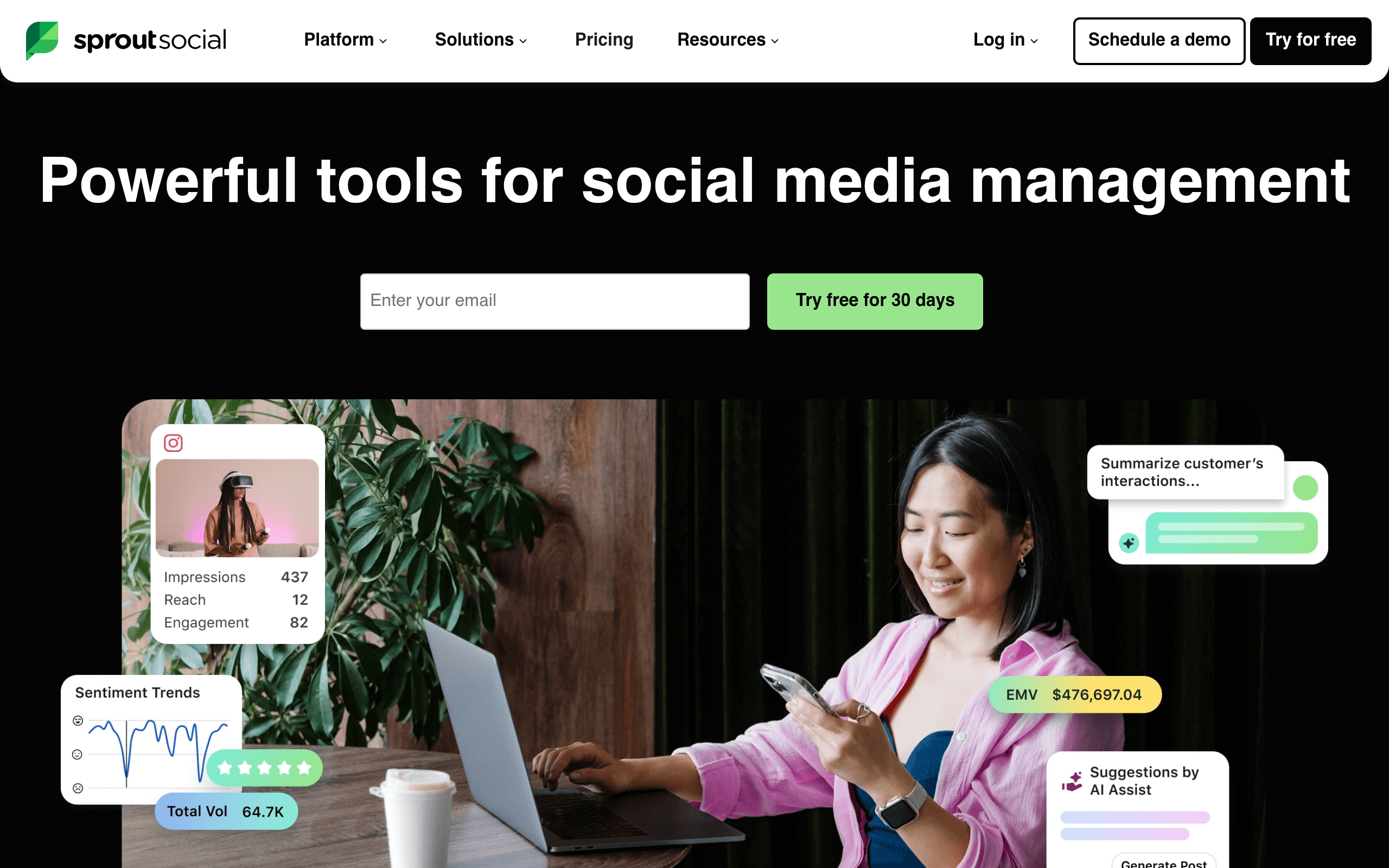

Sprout Social manages social media publishing and inbox engagement for enterprise marketing teams. It generates presentation-ready analytics reports across six major networks from a single dashboard. The $199 monthly per-user cost prices out small businesses, and advanced features require expensive add-on fees.
What is Sprout Social?
Sprout Social charges $199 per user every month for its entry-level plan. This price point prices out most solo creators. The high cost sets expectations for a premium experience.
Sprout Social, Inc. developed this social media management platform to centralize publishing, engagement, and analytics. Enterprise marketing teams use it to manage Facebook, Instagram, X, LinkedIn, Pinterest, and TikTok from a single dashboard.
- Primary Use Case: Centralizing social media publishing and inbox management across six major networks.
- Ideal For: Mid-market and enterprise marketing teams with dedicated software budgets.
- Pricing: Starts at $199 (per user per month) – High entry cost restricts access for small businesses.
Key Features and How Sprout Social Works
Inbox and Engagement Management
- Smart Inbox: Centralizes messages from five networks into one stream. Limits historical data access based on your specific plan tier.
- Message Tagging: Categorizes incoming messages to track campaign volume. Available only on the $299 Professional plan and above.
Publishing and Content Scheduling
- ViralPost: Analyzes past engagement to suggest optimal posting times. Requires sufficient historical data to generate accurate predictions.
- Asset Library: Stores images and videos with built-in editing tools. Storage limits depend on your specific enterprise agreement.
Analytics and Social Listening
- Custom Report Builder: Generates cross-channel performance reports using 20 pre-built templates. Export formats restrict some custom branding options.
- Social Listening: Tracks keywords and sentiment across millions of sources. Sold as an expensive add-on rather than a core feature.
Sprout Social Pros and Cons
Pros
- Consolidates interactions from Facebook, Instagram, X, LinkedIn, and TikTok into a single filterable view.
- Generates presentation-ready reports that require zero manual formatting before client meetings.
- Provides a clean dashboard design that reduces onboarding time for new hires.
- Includes dedicated account managers for customers on the Custom Enterprise plan.
Cons
- Charges $199 per user monthly, making it more expensive than competitors for large teams.
- Lacks a permanent free tier, offering only a 30-day trial.
- Gates advanced features like social listening and employee advocacy behind expensive add-on fees.
- Experiences occasional data syncing delays from Instagram due to strict API restrictions.
Who Should Use Sprout Social?
- Enterprise marketing teams: Large organizations benefit from custom workflows and helpdesk integrations.
- Agency account managers: Agencies use the automated report builder to send client updates.
- Solo creators (Not Recommended): Independent users should avoid this tool due to the $199 monthly per-user cost.
Sprout Social Pricing and Plans
Sprout Social does not offer a free tier.
Users can test the platform via a 30-day trial. After the trial, you must choose one of four paid tiers.
- Standard: $199 per user per month. Includes 5 social profiles, a centralized inbox, and basic analytics.
- Professional: $299 per user per month. Adds unlimited social profiles, competitive reports, and AI suggestions.
- Advanced: $399 per user per month. Includes AI sentiment analysis, automated rule builders, and message spike alerts.
- Enterprise: Custom pricing. Provides tailored solutions with additional security and dedicated support.
How Sprout Social Compares to Alternatives
Similar to Hootsuite, Sprout Social offers a unified inbox and cross-channel scheduling. Hootsuite charges $99 per month for its entry plan, making it cheaper for small teams. Sprout Social provides better visual reporting templates out of the box.
Unlike Agorapulse, Sprout Social charges per user rather than offering a flat team rate. Agorapulse includes basic social listening in its standard $69 plan. Sprout Social requires an expensive add-on for similar listening capabilities.
Verdict: The Premium Choice for Enterprise Teams
Sprout Social delivers excellent reporting and inbox management for large organizations. Mid-market teams with dedicated budgets get the most value from its clean interface. (I noticed a slight delay when syncing Instagram comments during peak hours).
Small businesses and solo creators should look elsewhere.
The per-user pricing model breaks tight budgets. If you need affordable team collaboration, Agorapulse offers a better pricing structure.
User Reviews
No reviews yet. Be the first to share your experience!
Sign in to write a review.
Related articles
Guides and articles related to Sprout Social.

The AI Content Automation Stack: 7 Tools That Run a Full Blog Without a Team

What Are AI Agents? Complete Beginner’s Guide (2025)

AI Instagram Reels Factory: 30 Reels/Day on Autopilot (2026)

The Personal AI Productivity Stack (2026): One Tool Per Job, Nothing Extra

AI Content Automation Services: What a Done-For-You Setup Includes (and Costs)