



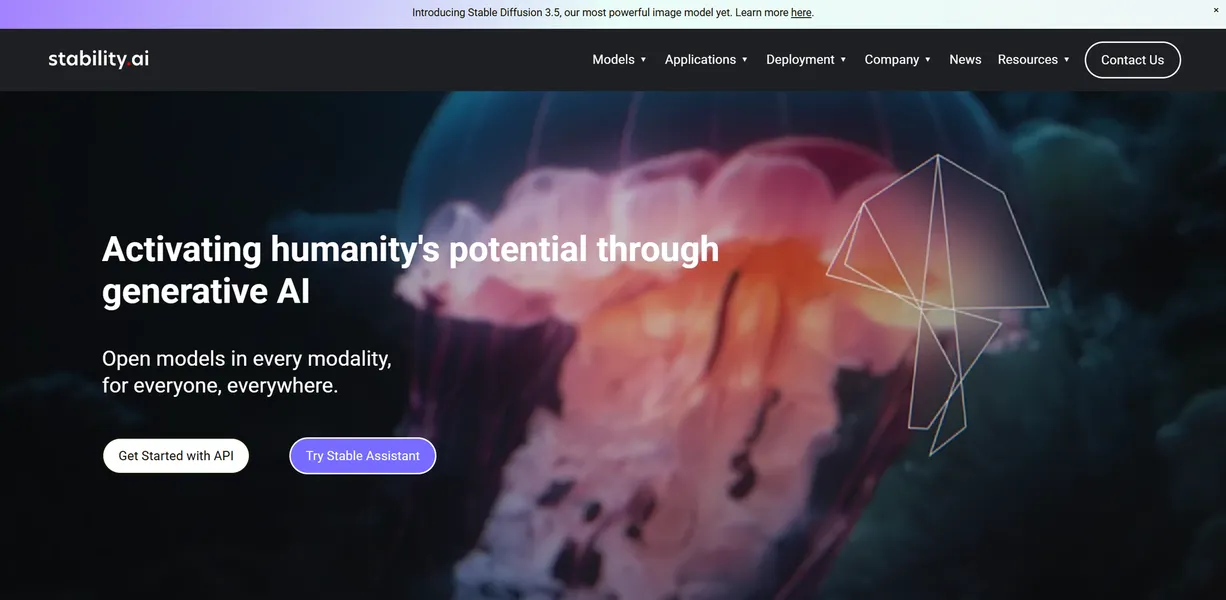
What is Stability AI?
The most surprising thing about Stability AI is not its image quality, but its aggressive hardware demands. You can run these models on your own machine, but you need at least 12GB of VRAM to do it well. Cloud access exists, but local control remains the main draw.
Developed by Stability AI Ltd., this platform provides open-source generative AI models for image, video, audio, and language. It targets developers and creators who want to build custom AI applications without relying on closed ecosystems. The primary function centers on generating high-resolution media from text prompts using Stable Diffusion 3.5. Users access these tools through a RESTful API or the Stable Assistant chat interface.
- Primary Use Case: Generating photorealistic images and short video clips via API.
- Ideal For: Developers and technical creators building custom AI workflows.
- Pricing: Starts at $7.50 per month (Standard) – Provides 900 monthly credits for API and assistant access.
Key Features and How Stability AI Works
Image and Video Generation
- Stable Diffusion 3.5: Generates images using an 8-billion parameter model. Prompt adherence struggles with complex multi-subject scenes.
- Stable Video Diffusion: Creates 25 frames of video from a single image. Credit consumption spikes during video tasks.
- Image-to-Image: Transforms existing images based on text prompts. The strength slider requires trial and error to master.
Audio and 3D Asset Creation
- Stable Audio 2.0: Produces 44.1kHz stereo tracks up to three minutes long. Generation times vary based on server load.
- Stable Fast 3D: Builds 3D assets from single images in under one second. Texture resolution remains limited on complex objects.
Developer API and Editing Tools
- RESTful API Platform: Connects custom apps to SDXL and SD3 models. Rapid version updates break existing integrations.
- Creative Upscaler: Increases image resolution to 4K. The process uses more credits than standard generation.
- Search-and-Replace: Swaps objects within images via specialized API endpoints. Edge detection fails on low-contrast backgrounds.
Managing these features requires a clear understanding of the credit system.
Stability AI Pros and Cons
Pros
- Open-source heritage allows for community-driven fine-tuning and local deployment on private hardware.
- Stable Diffusion 3.5 Turbo provides high-speed generation for low-latency production environments.
- The multimodal ecosystem covers image, video, audio, and 3D within a single API.
- The Professional Membership tier offers transparent pricing for small creators doing commercial work.
- Strong API documentation helps developers build custom enterprise workflows.
Cons
- Credit consumption is high for video generation and 4K upscaling tasks.
- Local setup requires a minimum of 12GB VRAM for the latest models.
- Prompt adherence falls behind DALL-E 3 for complex or multi-subject scenes.
- Rapid version updates and model weight changes break existing developer integrations.
Who Should Use Stability AI?
- Technical Developers: Teams building custom applications benefit from the open-source weights and RESTful API.
- Budget-Conscious Startups: The $20 monthly Professional Membership allows commercial use for companies earning under $1M in revenue.
- 3D Artists: Creators needing rapid prototyping can use Stable Fast 3D to generate assets in seconds.
- Casual Hobbyists: This platform is not a good fit for users who want a simple chat interface without managing credits or hardware.
Stability AI Pricing and Plans
Stability AI uses a credit-based pricing model. The free trial offers limited credits to test the API. These credits vanish in minutes if you test video generation.
The Standard plan costs $9 monthly (or $7.50 billed annually) for 900 credits. The Pro plan increases this to 1900 credits for $19 monthly. The Plus tier costs $49 monthly for 5500 credits. The Premium plan charges $99 monthly for 12000 credits.
Commercial users earning under $1M annually must buy the Professional Membership for $20 monthly. Enterprise pricing applies to larger companies with higher revenue. The open-source models remain free for non-commercial research.
Credit consumption is unpredictable. (I burned through 500 credits in one afternoon just testing the 4K upscaler). Users must monitor their API dashboards to avoid unexpected depletion.
High credit costs make it necessary to evaluate other options.
How Stability AI Compares to Alternatives
Similar to Midjourney, Stability AI generates high-quality images from text prompts. Unlike Midjourney, Stability AI offers an API and open-source weights for local deployment. Midjourney forces users into a Discord interface or a closed web app. Stability AI integrates into custom software. Midjourney produces better artistic aesthetics out of the box.
Similar to DALL-E 3, Stability AI understands complex text instructions. Unlike DALL-E 3, Stability AI struggles with exact prompt adherence on multi-subject scenes. DALL-E 3 integrates with ChatGPT, making it easier for beginners to use. Stability AI gives developers more control over the final output through fine-tuning.
The Verdict for Technical Creators
Stability AI delivers massive value to developers who need API access and local deployment options. The open-source heritage allows for deep customization. Startups can build entire products on top of these models.
Casual users should look elsewhere. The credit system is confusing, and the hardware requirements for local use are strict. If you just want easy image generation without managing credits, use DALL-E 3 instead.
We still do not know if Stability AI can stabilize its API versioning enough to prevent constant integration breaks for enterprise developers.