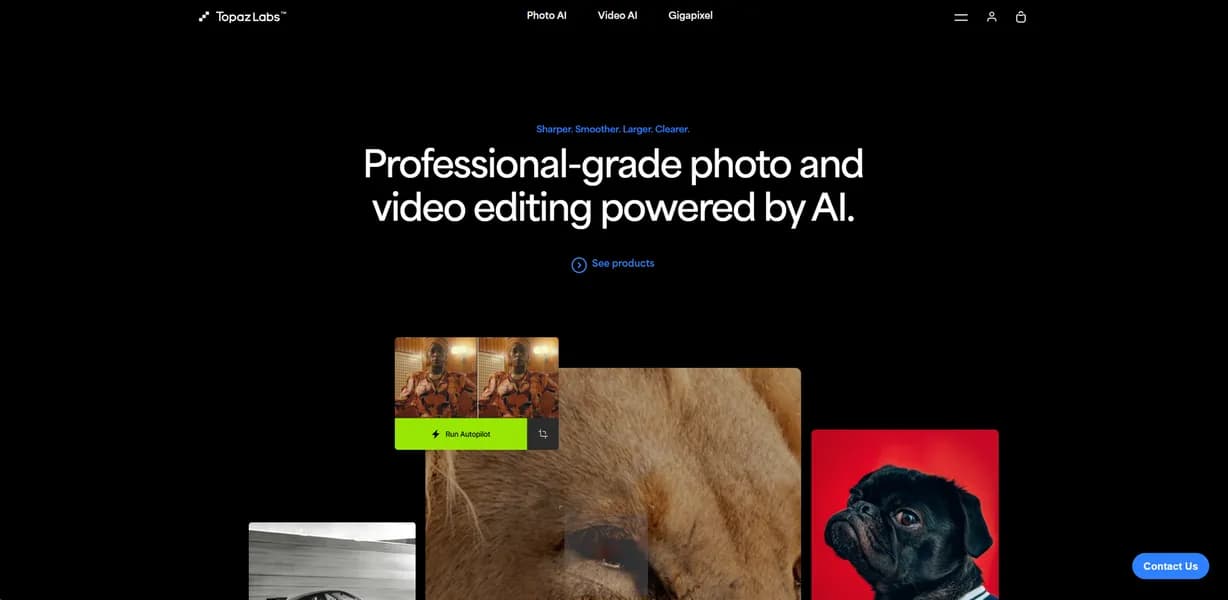

Topaz Labs is a professional AI software suite for image and video enhancement. It helps photographers and video editors upscale media, reduce noise, and sharpen details. Users can upscale historical photos up to 600 percent. But the software requires heavy local GPU power to avoid long rendering times.
What is Topaz Labs?
Users expect AI photo editors to fix blurry images with a single click.
Topaz Labs delivers on that promise for minor focus issues. But it struggles with heavy motion blur. You will still need a decent source file (and realistic expectations) to get usable results.
Topaz Labs LLC developed this media enhancement suite to fix common image and video quality problems. The software targets professional photographers and video editors who need to upscale low-resolution files. It functions as a standalone application or a plugin for existing editing workflows.
- Primary Use Case: Upscaling low-resolution images and removing high-ISO digital noise from RAW files.
- Ideal For: Professional photographers and video editors with high-end computer hardware.
- Pricing: Starts at $33.25/mo (Annual) – A high entry price that requires a long-term commitment for the best rate.
Key Features and How Topaz Labs Works
Image Upscaling and Restoration
- Gigapixel AI: Upscales images up to 600 percent using neural networks, limited by the quality of the original file.
- Face Recovery: Reconstructs low-resolution faces in group photos, but sometimes creates unnatural plastic-looking skin textures.
Noise Reduction and Sharpening
- DeNoise AI: Removes luminance and chroma noise from RAW files, though heavy application destroys fine edge details.
- Sharpen AI: Corrects minor motion blur and lens softness, limited to recovering slightly out-of-focus subjects.
- Photo AI Autopilot: Detects image quality issues automatically, but occasionally applies overly aggressive sharpening.
Video Enhancement and Processing
- Video AI: Enhances video resolution up to 16K using motion-compensated models, restricted by massive local rendering times.
- Frame Interpolation: Generates intermediate frames for slow-motion effects, but struggles with fast erratic movements.
- Batch Processing: Enhances hundreds of images in a single queue, limited by available system RAM.
Topaz Labs Pros and Cons
Pros
- Superior upscaling quality compared to traditional bicubic interpolation methods.
- Autopilot feature reduces manual editing time by suggesting optimal settings for each image.
- Native Apple Silicon optimization ensures fast processing speeds on M1, M2, and M3 Mac hardware.
- Handles native RAW formats from over 100 camera manufacturers for non-destructive editing.
Cons
- High hardware requirements cause significant lag and crashes on computers with less than 16GB RAM.
- Video rendering times take hours for a few minutes of 4K footage on mid-range PCs.
- Occasional AI hallucinations create unnatural textures in complex patterns like grass or hair.
- The Photo AI all-in-one tool lacks granular manual controls found in legacy standalone apps.
Who Should Use Topaz Labs?
- Professional Photographers: Wildlife and sports photographers can save high-ISO shots ruined by digital noise.
- Archivists: Historians can upscale low-resolution historical photos to 600 percent of their original size.
- Video Editors: Broadcasters can convert 1080p video footage to 4K resolution using AI interpolation.
- Budget Hobbyists (Not Recommended): Casual users will find the $399 annual price tag and heavy hardware requirements too demanding.
Topaz Labs Pricing and Plans
Topaz Labs offers several paid tiers.
The free trial places a visible watermark on all exported files.
The Topaz Studio Annual plan costs $33.25 per month, billed as $399 yearly. It includes all seven apps, unlimited local rendering, and 300 monthly video cloud credits.
The Topaz Studio Monthly plan costs $69 per month. It includes the same features without a long-term commitment.
The Topaz Studio Pro plan costs $75 per month, billed as $900 yearly. It adds Pro exclusive models, 600 monthly video cloud credits, and full commercial use rights.
Individual apps start at $21 per month with an annual commitment. Enterprise plans offer custom pricing for seat management and offline authentication.
How Topaz Labs Compares to Alternatives
Similar to Adobe Lightroom, Topaz Labs offers noise reduction for RAW files. But Lightroom includes a full cataloging system and basic editing tools. Topaz focuses entirely on AI enhancement and upscaling. Lightroom requires a monthly Creative Cloud subscription. Topaz offers individual app purchases for users who hate subscriptions.
Unlike DxO PureRAW, Topaz Labs includes dedicated video enhancement tools. DxO PureRAW excels at optical corrections and demosaicing for specific camera and lens combinations. Topaz provides better extreme upscaling capabilities through Gigapixel AI. DxO PureRAW integrates better as a pure pre-processing step for Lightroom users.
Final Verdict for Professional Media Creators
Topaz Labs delivers excellent noise reduction and upscaling for users with high-end computer hardware. Professional photographers and archivists will get the most value from the suite. Budget users with older laptops should look at Adobe Lightroom for basic noise reduction instead.
User Reviews
No reviews yet. Be the first to share your experience!
Sign in to write a review.
Related articles
Guides and articles related to Topaz Labs.

Perplexity AI Tutorial: Maximize Your Research Workflows

The Personal AI Productivity Stack (2026): One Tool Per Job, Nothing Extra
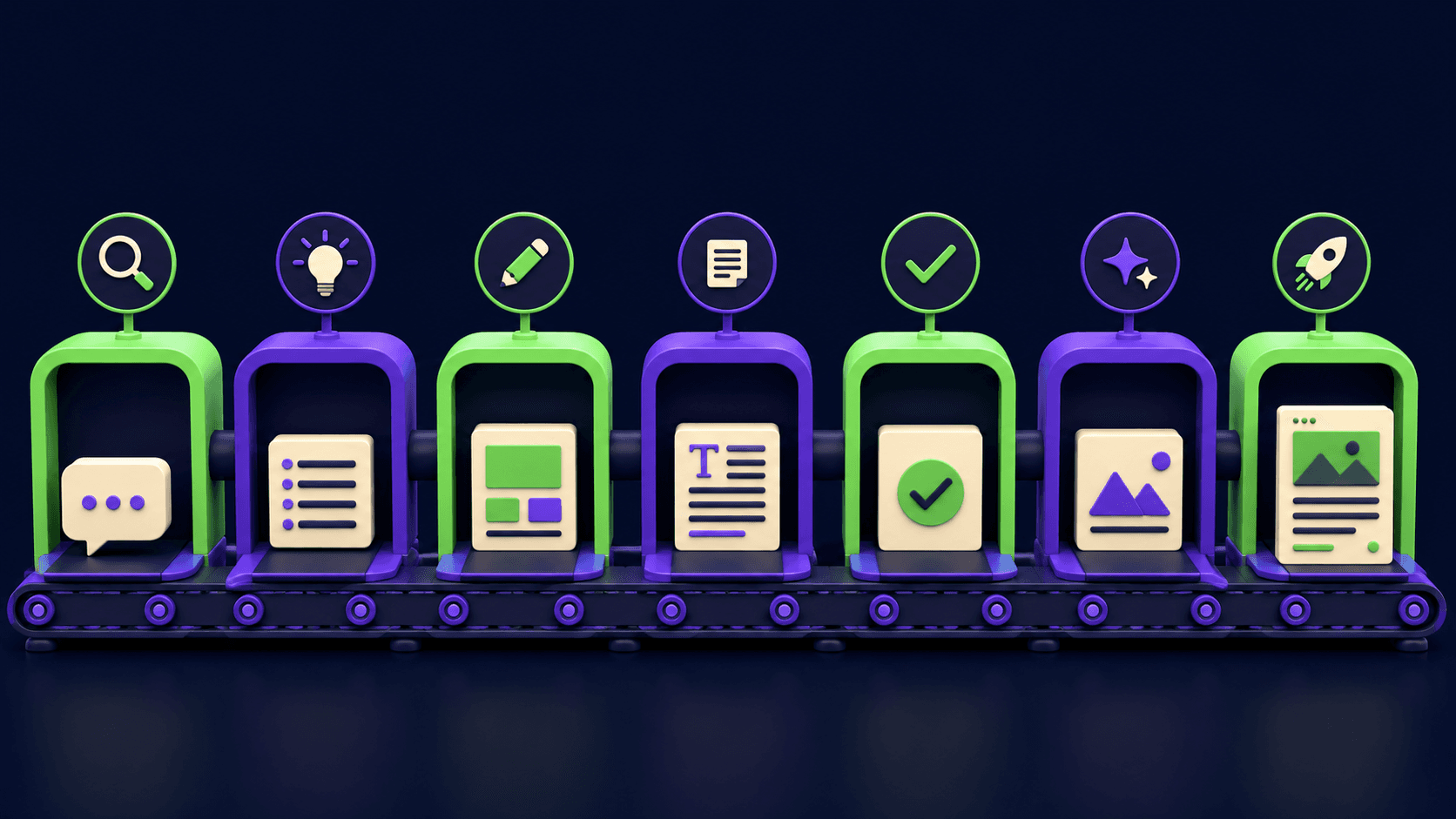
The AI Content Automation Stack: 7 Tools That Run a Full Blog Without a Team
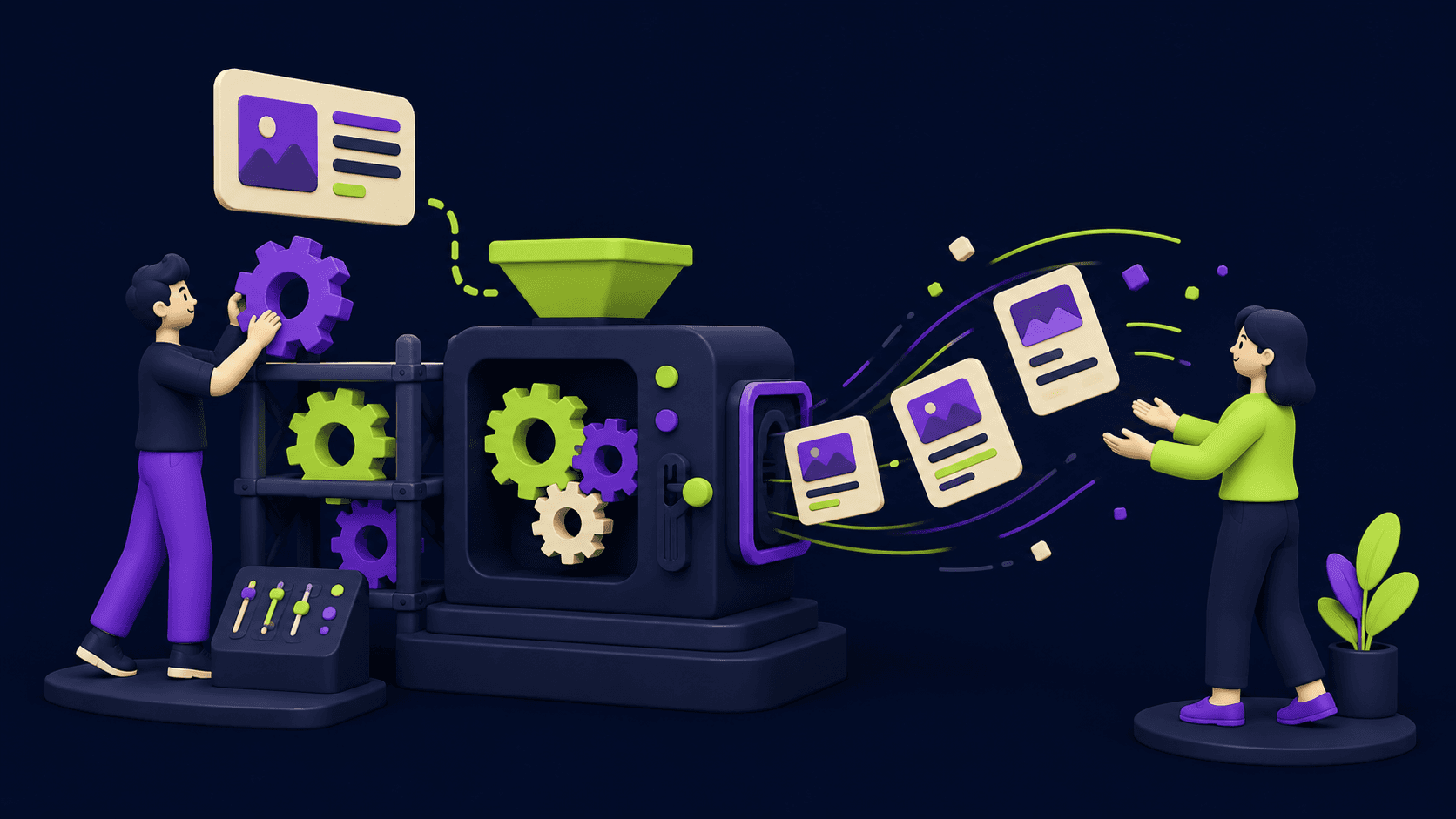
AI Content Automation Services: What a Done-For-You Setup Includes (and Costs)
AI Video Generator Prompting: The Filmmaker's Real Workflow