



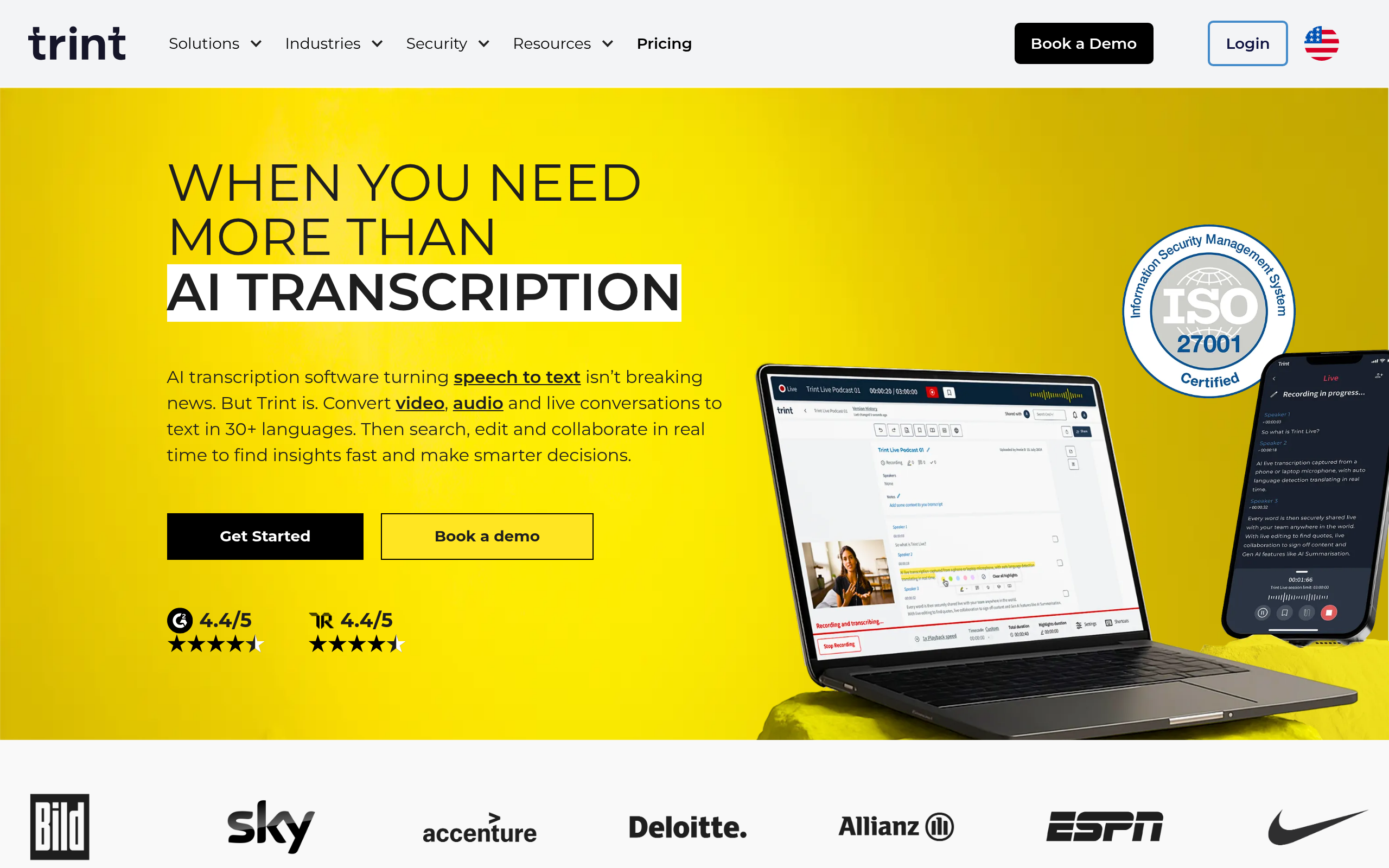
What is Trint?
Trint operates as a premium audio transcription and editing suite built specifically for media professionals. It turns recorded interviews into searchable text documents with up to 99 percent accuracy on clear audio.
Developed by Trint Ltd., this platform solves the tedious problem of manual audio logging. It targets journalists, researchers, and video producers who need to extract quotes quickly. Users highlight text to pull audio clips directly into a rough script.
- Primary Use Case: Transcribing long-form interviews and building rough-cut video scripts.
- Ideal For: Professional journalists and media production teams.
- Pricing: Starts at $52 per month (billed annually) for 7 transcribed files.
Key Features and How Trint Works
Automated Transcription and Translation
- Automated Transcription: Converts audio to text in 40 languages, limited to 7 files on the Starter plan.
- Instant Translation: Translates transcripts into 54 languages, restricted to Advanced and Enterprise tiers.
- Live Transcription: Generates real-time text for live events, available only on custom Enterprise plans.
Editing and Scripting Tools
- Trint Editor: Syncs interactive text to audio playback, limited by occasional lag on files over 2GB.
- Story Builder: Allows drag-and-drop text segmenting to create scripts, limited to text generated within Trint.
- AI Summaries: Generates headlines and social posts with one click, restricted to the Advanced plan.
Workflow Integrations
- Mobile App: Records and uploads audio directly from iOS and Android devices, limited by mobile storage capacity.
- Export Formats: Supports .docx, .srt, .vtt, .txt, and .xml exports, limited to standard formatting options.
- Adobe Premiere Pro Integration: Connects directly to video editing software, requiring an active Adobe subscription.
Trint Pros and Cons
Pros
- High accuracy on clear audio reduces manual editing time by hours per project.
- Story Builder allows users to transition from transcript to script without leaving the application.
- Mobile app integration lets field journalists upload and transcribe audio immediately after an interview.
- ISO 27001 certification ensures data security for sensitive corporate or legal recordings.
Cons
- The $52 monthly starting price sits much higher than consumer transcription tools.
- Accuracy drops noticeably when processing audio with heavy accents or background street noise.
- The Starter plan restricts users to just 7 files per month.
- Users experience occasional interface lag when handling video files larger than 2GB.
Who Should Use Trint?
- Newsrooms and Journalists: Reporters can upload field interviews and pull exact quotes for daily deadlines.
- Documentary Filmmakers: Producers can use Story Builder to arrange interview clips into a cohesive narrative structure.
- Academic Researchers: Teams can collaborate on qualitative research by adding time-coded comments to shared files.
- Not for Casual Podcasters: Hobbyists will find the $52 monthly fee too expensive for occasional audio transcription.
Trint Pricing and Plans
Trint does not offer a permanent free tier. Users can access a 7-day free trial before committing to a paid subscription.
The Starter plan costs $80 per month, or $52 per month if billed annually. This tier restricts users to 7 transcribed files per month and includes basic team collaboration.
The Advanced plan costs $100 per month, or $60 per month annually. It removes the file limit and adds AI summaries alongside 54-language translation.
Enterprise plans require custom pricing. These packages include live transcription, API access, advanced security, and single sign-on capabilities.
How Trint Compares to Alternatives
Similar to Otter.ai but built for a different audience, Trint focuses heavily on media production workflows. Otter.ai targets corporate meetings with a generous free tier and a $16.99 monthly Pro plan. Trint ignores the budget market entirely to offer specialized tools like Story Builder and Adobe Premiere integration.
Unlike Rev, this tool relies primarily on artificial intelligence rather than human transcribers. Rev charges $1.50 per minute for 99 percent accurate human transcription. Trint charges a flat monthly fee for AI transcription, which saves money for high-volume users but requires more manual correction on noisy audio.
The Final Verdict on Trint for Media Professionals
Professional media teams get the most value from Trint.
Solo creators and budget-conscious podcasters should look elsewhere. Otter.ai provides a much better entry point for users who just need basic text logs. Trint justifies its high price tag through its specialized video editing integrations and strict security compliance. (I found the Adobe Premiere integration particularly useful for rough cuts).
Expect Trint to integrate deeper generative AI features into its Story Builder over the next 12 months.