



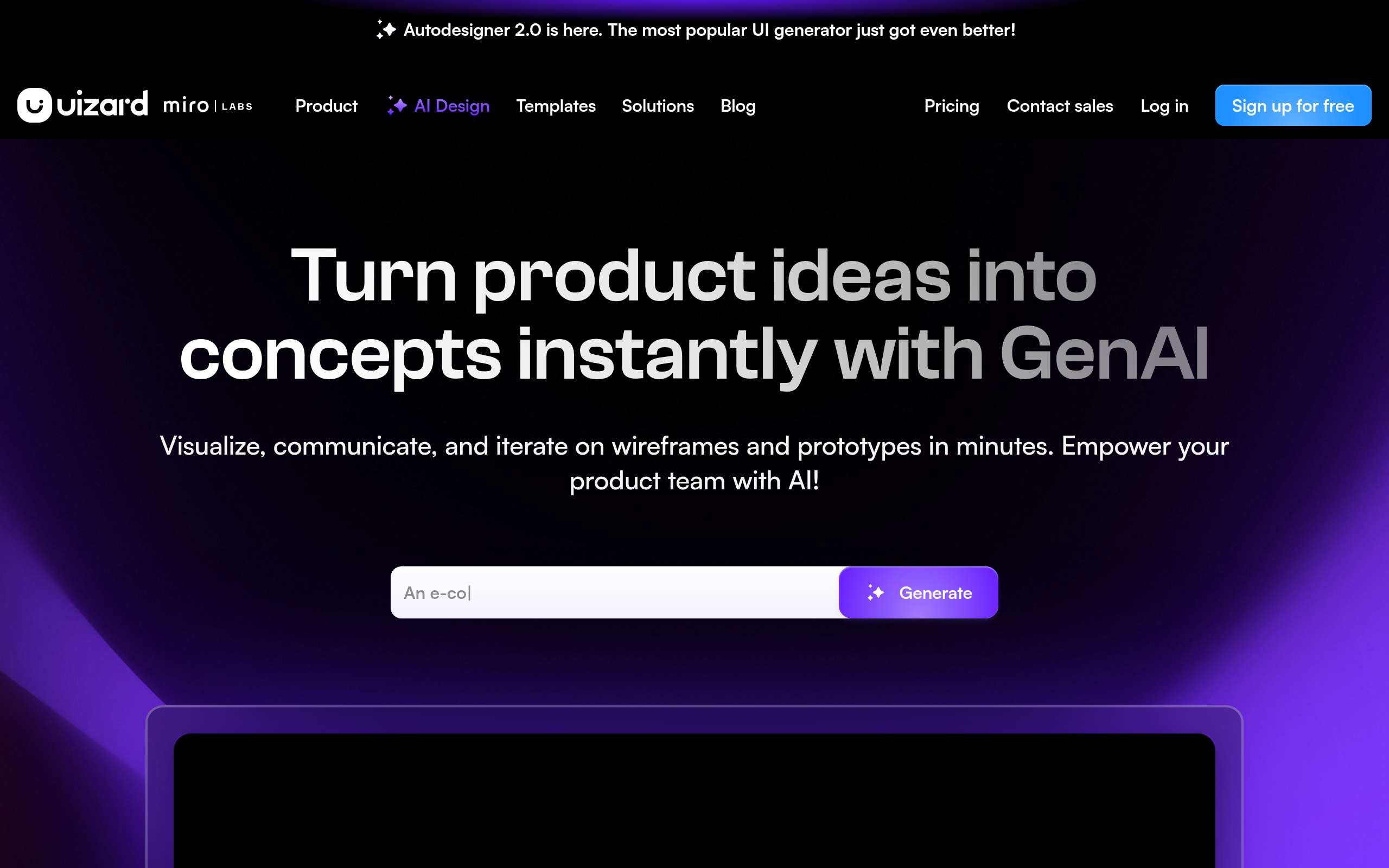
What is Uizard?
Uizard functions as a rapid prototyping engine that turns text prompts and rough sketches into editable user interface mockups.
Developed by Uizard Technologies ApS, this platform targets product managers and startup founders who lack formal design training. It replaces blank canvases with generated screens, though users still need to adjust layouts manually.
- Primary Use Case: Generating multi-screen UI mockups from text prompts or hand-drawn sketches.
- Ideal For: Startup founders and product managers needing rapid visual prototypes.
- Pricing: Starts at $12 (freemium) – The free tier restricts users to just three AI generations per month.
Key Features and How Uizard Works
AI Generation Tools
- Autodesigner: Generates multi-screen mockups from text descriptions in under 60 seconds. Limit: Output often requires manual alignment correction.
- Wireframe-to-Design: Transforms low-fidelity hand-drawn sketches into high-fidelity digital mockups. Limit: Struggles with messy handwriting or overlapping lines.
Reverse Engineering Existing Designs
- Screenshot-to-Design: Converts JPG or PNG screenshots into editable UI elements and layers. Limit: Complex custom graphics often import as flat images rather than editable vectors.
- Smart Themes: Extracts color palettes and fonts from uploaded images or URLs. Limit: Sometimes misinterprets accent colors as primary backgrounds.
Collaboration and Handoff
- Real-time Editing: Multiple users edit the same project simultaneously with live cursors. Limit: Performance lags slightly when more than five users edit one screen.
- Developer Handoff: Exports designs as CSS code or React components. Limit: The generated code lacks the structural optimization found in professional development environments.
Uizard Pros and Cons
Pros
- The extremely low learning curve allows non-designers to create professional mockups in minutes.
- Autodesigner builds a 5-screen app layout from a single text prompt in under 60 seconds.
- The screenshot converter accurately identifies standard UI elements like buttons and text fields.
- Built-in heatmaps predict user focus areas before you run actual usability tests.
Cons
- The free tier only allows three AI generations per month, making it a trial rather than a usable plan.
- Users lack the advanced vector control and component states found in Figma.
- Export options restrict complex development workflows, as React code often requires heavy refactoring.
Who Should Use Uizard?
- Startup Founders: You can visualize an app concept for pitch decks without hiring a freelance designer.
- Product Managers: You can communicate feature requirements to engineering teams using clickable prototypes instead of static text documents.
- Marketing Teams: You can quickly generate landing page variations to test different color schemes and layouts.
- Not for Professional UI/UX Designers: If you need pixel-perfect control, complex auto-layout rules, or advanced component variants, this tool will frustrate you.
Uizard Pricing and Plans
The Free plan costs $0 per month but limits you to two projects and 10 templates. It only includes three AI generations per month. This acts more like a restricted trial than a practical free tier.
The Pro plan costs $12 per month billed annually. It provides 100 projects, 500 AI generations per month, and developer handoff features.
The Business plan costs $39 per month billed annually. It includes unlimited projects, 5,000 AI generations per month, a custom brand kit, and priority support.
The Enterprise plan requires custom pricing. It adds unlimited AI generations, design system setup, single sign-on, and whiteglove onboarding.
How Uizard Compares to Alternatives
Similar to Figma, Uizard offers real-time collaboration and web-based design. Unlike Figma, Uizard prioritizes speed and AI generation over precise vector control. Figma provides auto-layout and complex component variants, which Uizard lacks. Uizard wins for quick ideation, while Figma remains the standard for final production design.
Visily also targets non-designers with AI-powered wireframing and screenshot conversion. Visily currently offers a completely free beta with generous limits. Uizard restricts free users to just three generations. However, Uizard provides better text-to-design capabilities and a larger template library.
The Verdict for Rapid Prototyping
Uizard delivers massive value for non-technical founders and product managers who need to visualize ideas quickly. The ability to turn a napkin sketch into a clickable prototype justifies the $12 monthly price tag.
Professional designers will find the platform restrictive.
The AI often misses exact alignments.
(I spent ten minutes fixing button padding on an AI-generated screen).
If you need pixel-perfect control and complex design systems, stick with Figma. If you want to bypass the blank canvas and generate functional mockups instantly, Uizard serves well.
The real limitation remains the code export quality. Developers will still need to rewrite the generated code for production.