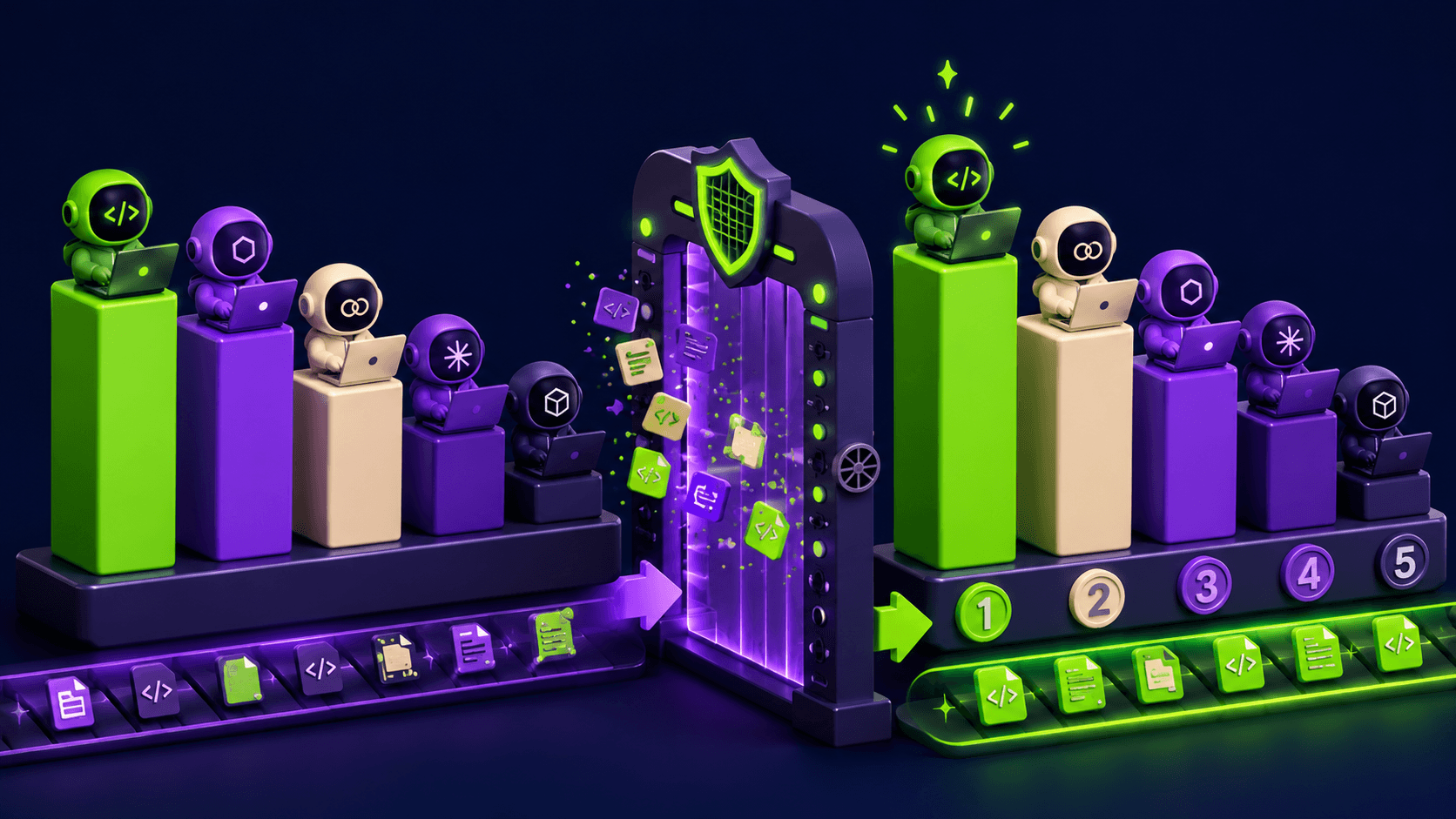

Vertex AI is Google Cloud's enterprise AI platform for model training, deployment, and agentic workflows. It combines a 200-model garden including Gemini, Claude, and Llama with managed MLOps tools, but carries significant complexity and billing risks for teams outside the GCP ecosystem.
Vertex AI is Google Cloud's enterprise machine learning and generative AI platform, built and maintained by Google LLC. Originally launched in 2021 to consolidate the company's fragmented AI Cloud services, it gives data science and MLOps teams a single place to train custom models, access foundation models via API, build retrieval-augmented applications, and deploy AI agents at scale. In April 2026, Google rebranded the product as the Gemini Enterprise Agent Platform at Google Cloud Next, but documentation, tooling, and pricing pages still widely use the Vertex AI name. The platform competes directly with AWS Bedrock and Azure AI Foundry for enterprise generative AI workloads.
The platform's Model Garden gives teams access to 200+ foundation models through a unified interface: the full Gemini 3 and Gemini 2.5 series (Google's first-party models), Claude 3.5 and Claude 3.7 Sonnet via Anthropic's partnership, Meta's Llama series, Gemma, and dozens of third-party and open-source models. Beyond model access, Vertex includes Vertex AI Studio for prompt prototyping, Agent Builder for constructing and deploying multi-step AI agents with no-code and API options, AutoML for training vision and text classifiers without custom code, Vertex AI Search for building enterprise RAG applications, Vector Search for similarity retrieval across billions of items, and Pipeline tools for orchestrating full ML workflows. All compute, model usage, and storage costs consolidate under one GCP billing account, which helps enterprise procurement teams but creates real risk of runaway costs if idle resources are left running.
What Vertex AI actually does in April 2026
Following Google Cloud Next 2026, Vertex AI now positions itself as a full-stack agent operating system rather than a model access layer. Agent Studio gives teams a visual, low-code environment for building multi-step agentic workflows. Agent Engine handles the runtime execution, session state, and memory management for deployed agents, billed separately from model tokens. Agent Gateway provides traffic management, routing, and observability across deployed agents. These pieces work together, but they require different configurations and carry different billing meters.
The Model Garden is the most immediately useful entry point for most teams. Accessing Gemini 2.5 Pro or Claude 3.7 Sonnet through Vertex rather than direct API calls adds enterprise governance benefits: data never leaves the customer's VPC, usage is not fed back into training, and all requests flow through GCP's IAM and VPC Service Controls. This matters for HIPAA, SOC 2, and financial regulation compliance use cases. For teams without those requirements, the direct Gemini API via Google AI Studio is simpler and costs the same per token.
Pricing runs on several independent meters simultaneously. Model usage charges per token: Gemini 2.5 Flash Lite costs $0.10 per million input tokens and $0.40 per million output tokens; Gemini 2.5 Pro runs $1.25 per million input tokens and $10.00 per million output tokens. Agent Engine infrastructure charges $0.0864 per vCPU-hour and $0.0090 per GB-hour, with session memory storage at $0.25 per 1,000 events. Custom training jobs charge GPU/CPU compute separately. Google Search Grounding, which grounds responses in live web results, adds $35 per 1,000 grounded prompts beyond the free daily quota. A production deployment with custom training, an always-on Agent Engine endpoint, regular grounding, and high token volume can reach thousands of dollars monthly without careful cost management.
"I'm a relatively new user of Google Cloud and recently received an unexpected bill of ~£925 for March 2026. The majority of the cost (~£440) came from Vertex AI. I did not realise that certain Vertex AI services (e.g. endpoints, jobs, or background processes) could continue to incur charges without active use." -- Rav_Khangurra, Google AI Developers Forum, April 2, 2026
Where Vertex AI sits versus AWS Bedrock and Azure OpenAI
All three platforms offer curated model catalogs, agent orchestration tools, and enterprise security controls. The differences are architectural and ecosystem-driven, not superficial.
AWS Bedrock uses a single unified boto3 API pattern to access 100+ models from Anthropic, Meta, AI21, Cohere, Stability AI, and Amazon Titan. One API call covers all model vendors; you switch models by changing a parameter, not an integration. Bedrock's Guardrails service sits as a separate, independently configurable safety layer. Bedrock does not charge separately for Agent infrastructure on standard usage; the compute is bundled with the inference pricing. Vertex charges Agent Engine runtime separately, which adds billing complexity but also gives more granular control. For teams whose data, identity, and billing already live in AWS (S3, Lambda, CloudWatch, IAM), Bedrock requires less migration overhead. Bedrock does not offer Google's Gemini family; teams requiring Gemini models must use Vertex.
Azure AI Foundry (Azure OpenAI) gives enterprises first access to OpenAI's flagship models, including GPT-5 and future releases, before those models appear on any other managed cloud. This is a structural differentiator Vertex cannot match: Vertex has Claude and Gemini, but not OpenAI models at all. Azure AI Foundry catalogs 1,700+ models including OpenAI's full lineup, Meta Llama, Mistral, and others. The Microsoft Agent Framework, which reached GA in December 2025, uses open-source SDKs with MCP server support. Azure integrates most naturally with Microsoft 365, Azure Active Directory, and organizations on enterprise Microsoft licensing. Vertex integrates most naturally with BigQuery, Google Workspace, and GKE. Provisioned Throughput Units with Reservations on Azure can reduce costs up to 70% for steady workloads, similar to Vertex's Batch API 50% discount but with different reservation mechanics.
The honest competitive picture: all three platforms solve the same enterprise AI deployment problem, but the right answer is almost entirely determined by where your data and compute already live. Vertex wins when you are already on GCP and BigQuery. Bedrock wins when you are already on AWS. Azure wins when you are already on Microsoft infrastructure or specifically need OpenAI models.
What the agent and workflow reality looks like
Building with Vertex Agent Builder in April 2026 requires navigating several overlapping products. Agent Studio provides a visual drag-and-drop environment for connecting tools, grounding sources, and multi-agent handoffs. The underlying Agent Development Kit (ADK) is the programmatic layer for developers who need more control. These two paths are documented separately, and the documentation itself is fragmented across the Google Cloud docs, the Generative AI on Vertex AI docs, and the Vertex AI Agent Builder release notes, which are separate pages.
Authentication is a recurring friction point. Using Vertex requires setting up a GCP project, enabling the Vertex AI API, configuring service accounts and IAM roles, and in some cases navigating regional restrictions for specific models. Multiple developers report "permission denied" errors after completing what appears to be a successful setup. Google launched a "Vertex express mode" in mid-2025 to simplify API key generation for developers coming from the Gemini API, acknowledging the authentication problem directly.
"Have to work hard to figure out the difference between Vertex AI, AI Studio, Gemini, Firebase Gen AI." -- ashu1461, Hacker News, mid-2025
The integration with BigQuery is the platform's strongest workflow differentiator. Teams doing analytics-first ML can move data from BigQuery directly into AutoML training jobs, Feature Store, or Vertex Search indexes without intermediate data exports. This pipeline is genuinely faster and cheaper for BigQuery-native organizations than equivalent workflows on Bedrock or Azure. TPU access for high-throughput training is also a meaningful hardware advantage: Google's custom silicon is not available on competing clouds.
A security issue disclosed in March 2026 adds a new operational requirement for agent deployments. Palo Alto Networks Unit 42 found that Vertex AI Agent Engine assigned excessive default permissions to deployed agents through the Per-Project, Per-Product Service Agent (P4SA). Researchers demonstrated that a compromised agent could access all GCS buckets in the project and download private container images from Google's internal Artifact Registry. Google's remediation requires explicitly configuring Bring Your Own Service Account (BYOSA) to enforce least-privilege IAM, an additional configuration step that enterprise security teams must now build into their deployment process.
Who Vertex AI is built for
Enterprise data science teams on GCP: The core and strongest use case. If your data lives in BigQuery, your compute runs on GKE, and you have an existing GCP billing account, Vertex provides a unified MLOps environment that reduces infrastructure overhead significantly. Feature Store, Pipelines, and Model Monitoring integrate directly with Google-native tooling.
MLOps engineers needing managed Kubeflow: Vertex Pipelines is a managed Kubeflow environment. Teams that need pipeline orchestration without running their own Kubeflow cluster on GKE benefit from Vertex's management overhead. The limit is metadata: Vertex Pipelines caps at 10 million artifacts per project.
Compliance-sensitive enterprises: HIPAA, SOC 2, and FedRAMP workloads that need data to stay within a VPC boundary and cannot allow usage data to reach model providers get that guarantee from Vertex. The June 2024 GA of Claude on Vertex (with full Anthropic enterprise compliance terms) was specifically designed for this buyer profile.
Teams building multi-vendor generative AI applications: Model Garden lets a single team experiment with Gemini, Claude, Llama, and custom fine-tuned models under one governance framework without negotiating separate enterprise agreements with each model provider.
What Vertex AI is not
Vertex is not a good starting point for solo developers or small teams without GCP infrastructure. The Google AI Studio at aistudio.google.com gives access to Gemini models with a simple API key and no IAM configuration. For developers who just want to call Gemini, Vertex adds complexity with no benefit unless the compliance controls are needed.
It is not a path to OpenAI models. GPT-4 Turbo and GPT-5 are exclusively available on Azure AI Foundry for managed cloud customers. Vertex has Claude and Gemini, which are strong alternatives, but they are not API-compatible with OpenAI. Teams migrating workloads that assume OpenAI API signatures will need to rework integrations regardless of cloud choice.
It is not suitable for teams needing predictable flat-rate pricing. The multi-dimensional billing model (tokens, compute, storage, QPM, grounding, session events) makes cost forecasting difficult without dedicated FinOps tooling. Teams that have been burned by cloud billing surprises should set aggressive budget alerts before deploying any always-on endpoints or Agent Engine workloads.
User Reviews
No reviews yet. Be the first to share your experience!
Sign in to write a review.
Related articles
Guides and articles related to Vertex AI.

Google Vision AI Explained (2026): Pricing Per 1,000 Units, Free Tier, and Alternatives
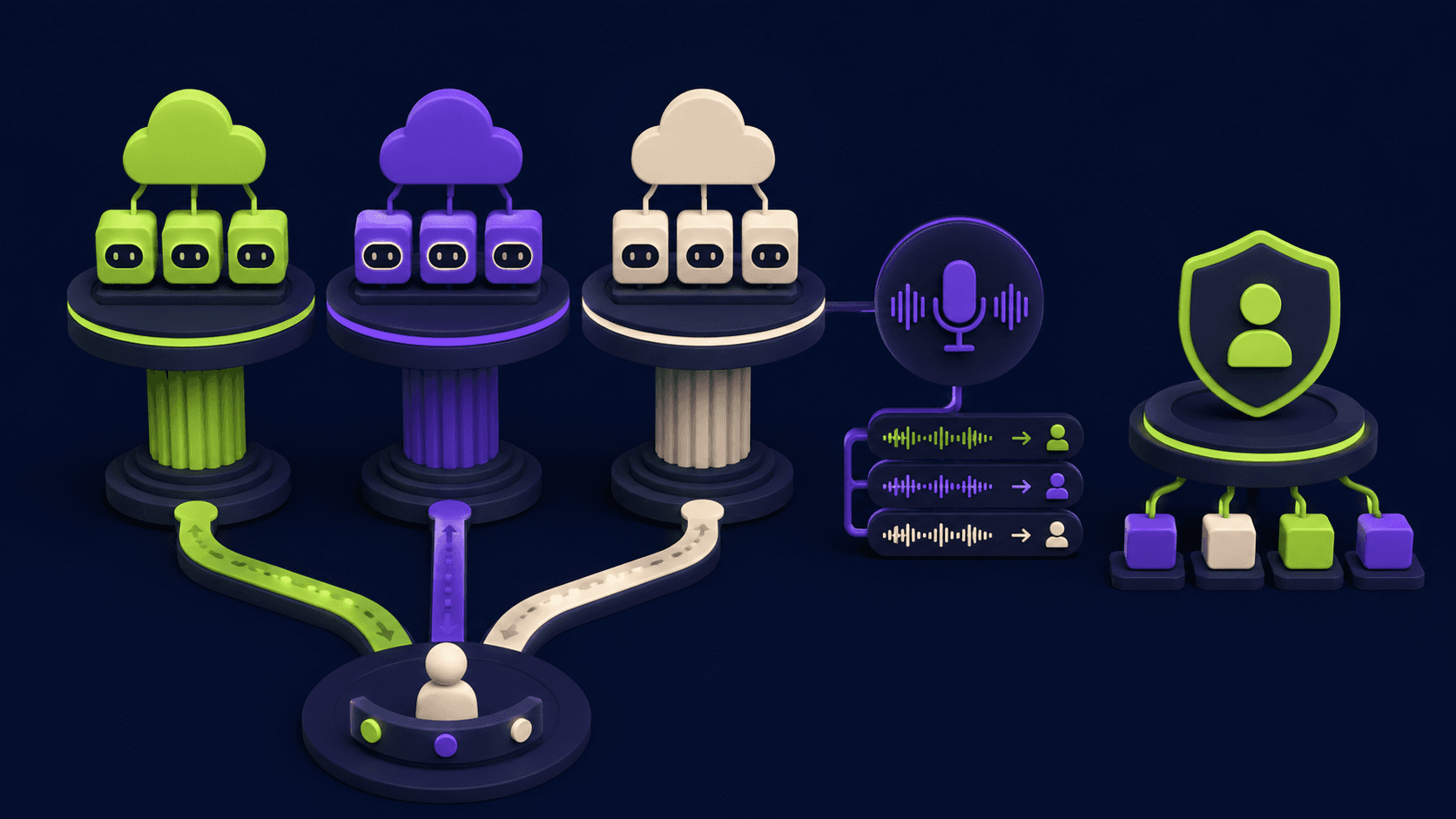
Google vs OpenAI vs Anthropic Agents: The May 2026 Platform Showdown
Grok 4.3 API for Agents (May 2026): Pricing, Benchmarks, Migration
Replit Pricing Explained (2026): Core vs Pro and Effort-Based Agent Billing
Turn Any AI Agent Into a Superagent: The 12-Integration Stack (2026)