



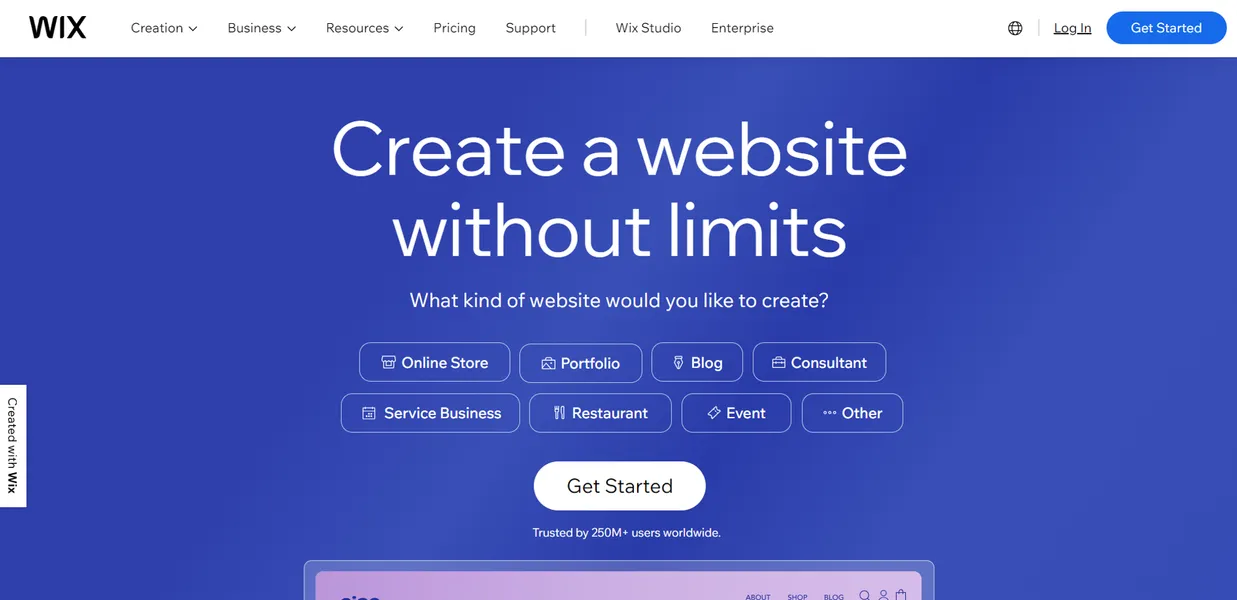
What is Wix ADI?
A local bakery owner needs a website by tomorrow morning to accept holiday orders. They lack coding skills and have zero time to learn web design. They answer five questions about their business. Ten minutes later, they have a published site with a menu, contact form, and business hours.
Wix.com Ltd. built Wix ADI as an AI-driven website builder to solve the blank page problem. The platform targets small business owners and solo professionals who want fast results. It removes the friction of traditional drag-and-drop editors.
You get a working site without touching a single line of code.
- Primary Use Case: Generating a complete business website layout by answering five initial setup questions.
- Ideal For: Absolute beginners and local business owners.
- Pricing: Starts at $17 (freemium) : The free tier includes Wix ads, making the $17 Light plan necessary for professional use.
Key Features and How Wix ADI Works
Automated Site Generation
- AI Site Generator: Creates a full website structure including pages, text, and images based on a brief description. Limit: Users cannot change the fundamental structure without a full reset.
- Auto-Import Tool: Scrapes existing content from a provided URL or Google Business Profile to populate the new site. Limit: It often pulls in low-resolution images from old social profiles (you will need to replace these manually).
Content and Design Assistance
- AI Text Creator: Generates headlines and body copy using GPT technology within the editor. Limit: The generated copy often requires manual editing to match your specific brand voice.
- Smart Section Layouts: Offers 10 variations for every page section that adjust to match the site theme. Limit: Users cannot move individual elements outside the predefined grid.
Media and Optimization
- Mobile Editor: Optimizes the desktop design for mobile screens automatically. Limit: Manual override options are basic compared to the standard editor.
- SEO Setup Checklist: Provides a step-by-step guide to getting the site indexed on Google. Limit: It covers only basic on-page SEO factors.
Wix ADI Pros and Cons
Pros
- Speed: A functional multi-page website generates in under 10 minutes.
- Ease of Use: Requires zero coding skills.
- Design Consistency: The AI keeps colors and fonts uniform across all pages.
- Content Integration: Pulls business hours and contact info from existing online profiles automatically.
- Scalability: Users can switch to the full Wix Editor for more control.
Cons
- Limited Customization: Users cannot move elements pixel by pixel.
- Template Rigidity: Changing the core design style requires a complete site reset.
- App Limitations: Not all 300 Wix apps work in the ADI interface.
- Performance: Generated sites sometimes load slowly due to heavy script overhead.
Who Should Use Wix ADI?
- Local Business Owners: Need a fast digital storefront with basic contact forms.
- Freelancers: Want a quick portfolio site without spending hours on design.
- Absolute Beginners: Have zero technical background and need guided setup.
- Not for Custom Designers: Users who want pixel-perfect control will find the grid system frustrating.
Wix ADI Pricing and Plans
Wix offers six pricing tiers. The Free plan costs $0 per month and includes 500MB storage and 500MB bandwidth. This tier forces Wix ads onto your site, making it essentially a trial.
The Light plan costs $17 per month. It offers 2GB storage, 2 collaborators, and light marketing tools. The Core plan costs $29 per month. It provides 50GB storage, basic e-commerce, and 5 collaborators.
The Business plan costs $39 per month. It includes 100GB storage, standard e-commerce, and 10 collaborators. The Business Elite plan costs $159 per month. It offers unlimited storage, advanced e-commerce, and priority support.
Enterprise plans require custom pricing. They include dedicated support, single sign-on, and multi-site management.
How does this tool stack up against the competition?
How Wix ADI Compares to Alternatives
Similar to Hostinger AI Website Builder, Wix ADI focuses on speed and simplicity. Hostinger costs less per month and includes hosting. Wix offers a much larger app market for future growth.
Unlike Squarespace Blueprint, which relies on manual section selection, Wix ADI generates the entire layout automatically. Squarespace provides better default typography. Wix ADI builds the initial draft faster.
The Verdict for Small Business Owners
Wix ADI delivers massive value to local service providers and solo operators. You get a working website fast. The AI handles the heavy lifting of layout and color matching.
Users who want complete creative freedom should look elsewhere.
The rigid grid system prevents precise element placement. If you need pixel-perfect control, Squarespace Blueprint is a better alternative. The biggest unknown remains performance. We still do not know if Wix will eventually fix the slow load times caused by heavy script overhead.