



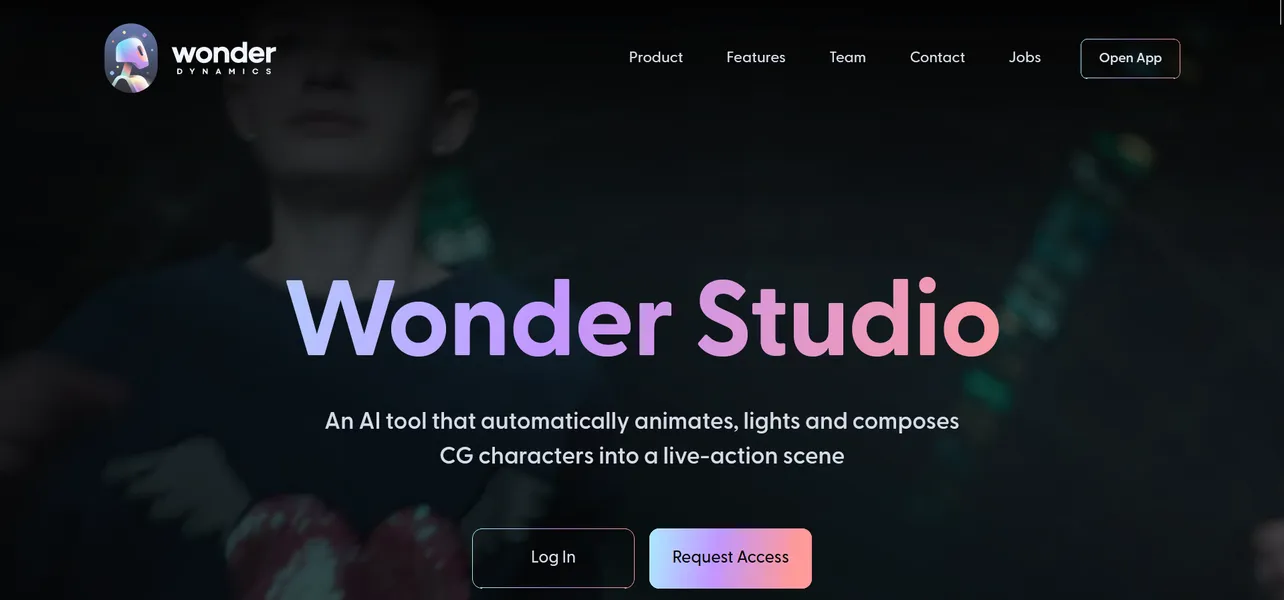
What is Wonder Studio?
You can shoot a sci-fi film on an iPhone and replace your lead actor with a CGI alien in a web browser. Wonder Studio removes the physical constraints of traditional visual effects.
Autodesk acquired Wonder Dynamics to build this browser-based AI platform. It targets independent filmmakers and small VFX teams. The software extracts body poses and facial expressions from standard 2D video. It solves the expensive problem of renting motion capture suits and infrared cameras.
- Primary Use Case: Replacing live actors with stylized 3D characters in single-camera shots.
- Ideal For: Indie filmmakers and small VFX teams with limited hardware budgets.
- Pricing: Custom pricing. Costs scale with video length and render resolution.
Key Features and How Wonder Studio Works
Motion Capture and Tracking
- No-suit motion capture: Extracts body poses and facial expressions from standard video. It struggles with heavy motion blur.
- Multi-character tracking: Tracks multiple actors in one shot. High-speed action sequences confuse the algorithm.
Environment Integration
- Automated Lighting: Matches character lighting to the original scene environment map. Extreme low-light conditions produce inaccurate shadows.
- Clean Plate Generation: Fills the background behind the replaced actor using AI inpainting. Complex background patterns show visible warping.
Export and Pipeline
- Blender and Maya Integration: Exports character rigs and animation data. Users must fix foot sliding (a common animation headache) in these external programs.
- Cloud-based rendering: Processes heavy VFX tasks on remote servers. Users cannot control specific keyframe decisions within the web interface.
Wonder Studio Pros and Cons
Pros
- Reduces VFX production time by automating manual rotoscoping tasks.
- Removes the need for expensive hardware like physical motion capture suits.
- Provides direct integration with industry standards like Blender, Maya, and Unreal Engine.
- Handles complex lighting scenarios without requiring manual HDRI mapping.
Cons
- Credit-based pricing becomes expensive for independent creators on long-form projects.
- Occasional foot sliding issues require manual cleanup in external 3D software.
- Performance degrades with low-resolution or motion-blurred source video.
Who Should Use Wonder Studio?
- Indie Filmmakers: Small teams can produce CGI-heavy scenes without renting expensive studio space.
- VFX Pre-visualization Artists: Directors can prototype complex character interactions in minutes.
- Solo YouTube Creators: The credit-based pricing model drains budgets for creators producing daily long-form content. This tool is a bad fit for them.
Wonder Studio Pricing and Plans
Wonder Studio operates on a custom pricing model based on rendering credits. Autodesk does not publish a standard monthly subscription tier.
Users pay based on the length of the processed video and the chosen export resolution.
The platform does not offer a free trial. You must contact sales to negotiate rates for feature films or commercial projects.
How Wonder Studio Compares to Alternatives
Similar to Move.ai, Wonder Studio extracts motion data from standard video. Move.ai requires multiple camera angles to capture accurate 3D space data. Wonder Studio operates on single-camera footage. This makes Wonder Studio better for spontaneous shoots. Move.ai provides superior spatial tracking for complex athletic movements.
Unlike DeepMotion, Wonder Studio handles lighting and clean plate generation. DeepMotion focuses on generating animation files from video clips. Users must composite the DeepMotion animations into their scenes. Wonder Studio delivers a finished composite in the browser. DeepMotion offers cheaper entry-level pricing for hobbyists.
The Final Verdict for Indie VFX Artists
Wonder Studio offers massive value to small VFX teams shooting single-camera projects. It eliminates the physical friction of motion capture suits. Solo creators producing daily content should look elsewhere due to the opaque custom pricing. For users needing raw animation data for a game engine, DeepMotion provides a cheaper alternative.
We do not know how Autodesk will structure pricing for individual creators in the future.