



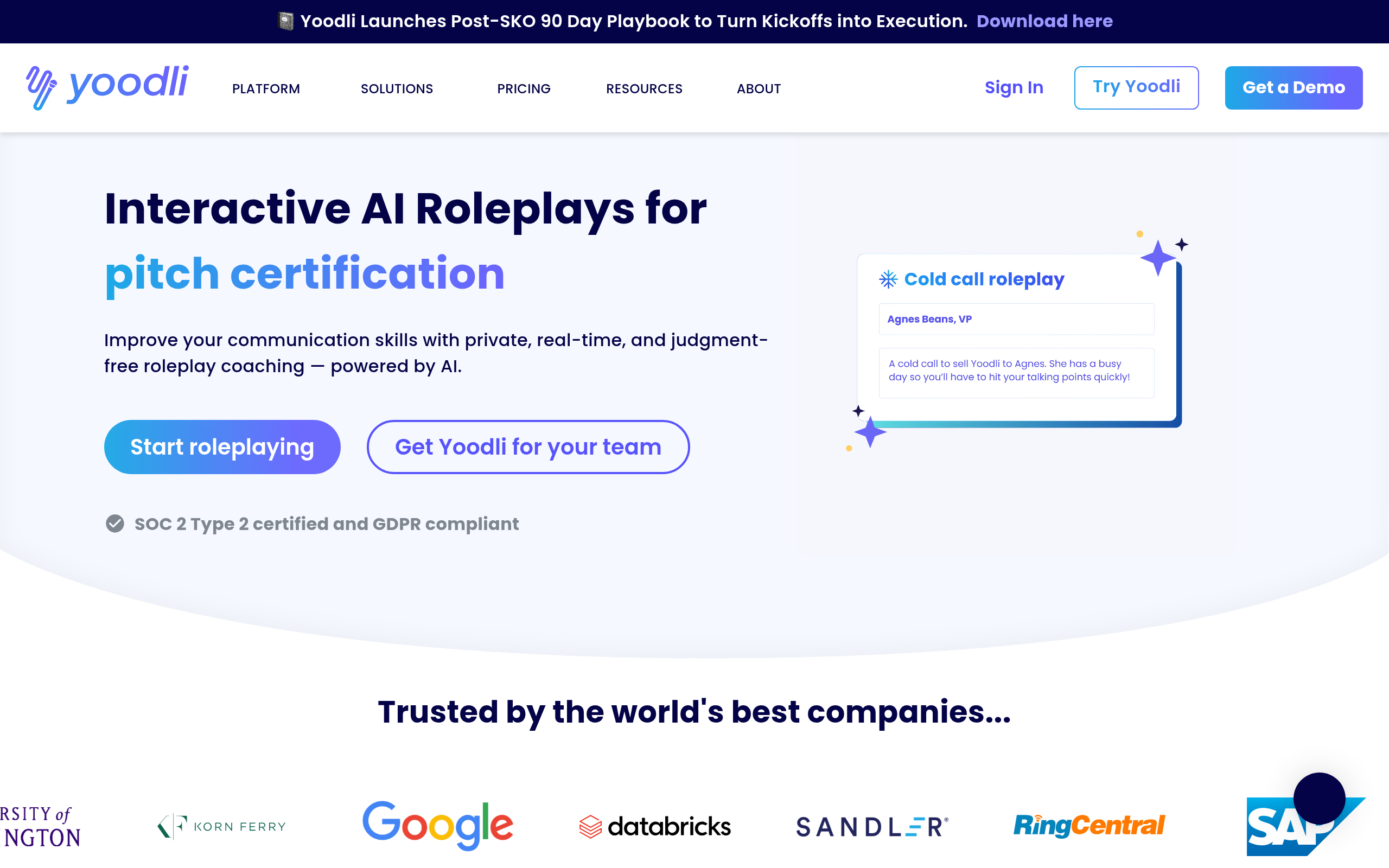
What is Yoodli AI?
You are five minutes into a high-stakes sales discovery call. You catch yourself saying ‘um’ for the fourth time. A small, private widget on your screen flashes a gentle warning.
You slow your pacing to 140 words per minute and finish the pitch with clarity.
Yoodli, Inc. built Yoodli AI as a real-time communication coach for professionals and teams. The software monitors live speech (using your default system microphone) during video calls to track filler words, pacing, and eye contact. It targets remote workers and sales teams who need instant feedback without recording entire meetings.
- Primary Use Case: Real-time speech coaching and pacing alerts during live Zoom or Google Meet calls.
- Ideal For: Remote sales professionals and managers conducting high-stakes virtual meetings.
- Pricing: Starts at $8/month (Freemium) – The free tier only allows five total roleplays, making it a brief trial.
Key Features and How Yoodli AI Works
Live Meeting Analytics
- Real-Time Filler Word Alerts: Monitors ‘um’, ‘ah’, and ‘like’ during live calls, limited to the active speaker audio feed.
- Pacing Analysis: Measures words per minute against a target range of 130 to 170 WPM, requiring a stable microphone connection.
- Eye Contact Tracking: Uses webcam data to monitor camera focus, though it struggles with multi-monitor setups.
AI Roleplay and Practice
- AI Roleplay Scenarios: Offers over 50 situations for salary negotiations and sales pitches, limited to 10 sessions per week on the Pro plan.
- Conciseness Scoring: Identifies redundant phrases in transcripts for removal, processing up to one hour of audio per upload.
- Sentiment Analysis: Detects confidence and energy levels in vocal delivery, but occasionally misinterprets dry humor.
Team and Enterprise Controls
- Weekly Progress Reports: Aggregates data from all sessions to track improvement, accessible only via the web dashboard.
- Custom Rubrics: Enterprise users create specific evaluation criteria for team training, requiring a custom pricing contract.
- Private Mode: Keeps recordings visible only to the user, restricted only by company admin policies on Enterprise plans.
Yoodli AI Pros and Cons
Pros
- Privacy-first design ensures AI coaching data stays hidden from employers by default.
- Low-latency real-time feedback lets users adjust their speech patterns mid-sentence.
- Scientific backing from speech experts provides credible metrics for improvement.
- Desktop application integrates with major video conferencing tools without heavy CPU usage.
Cons
- Eye contact tracking frequently reports false negatives for users with multi-monitor setups.
- The desktop application occasionally conflicts with system audio drivers on Windows 11.
- The free Starter tier limits users to five total roleplays, acting as a very short trial.
Who Should Use Yoodli AI?
- Remote Sales Professionals: Account executives use the real-time pacing alerts to maintain a steady 150 WPM during discovery calls.
- Job Seekers: Candidates practice with the AI roleplay feature to improve answers for high-stakes interviews.
- Engineering Managers: Technical leaders use conciseness scoring to simplify complex updates during weekly standups.
- Not for In-Person Presenters: Users who primarily speak on physical stages will find the webcam-dependent features useless.
Yoodli AI Pricing and Plans
The Starter plan costs $0 per month. It includes live AI roleplays and feedback on uploaded recordings. This tier caps usage at five roleplays total. It functions as a brief trial rather than a sustainable free plan.
The Pro plan costs $8 per month when billed annually. It increases limits to 10 roleplays per week. Users also gain access to an exclusive community forum.
The Advanced plan costs $20 per month on an annual billing cycle.
It offers unlimited roleplays. Yoodli excludes data from this tier from its AI training models. The Team and Enterprise plan requires custom pricing. It adds customizable rubrics, team dashboards, and SSO integrations.
How Yoodli AI Compares to Alternatives
Similar to Poised, Yoodli provides real-time alerts during live video calls. Poised focuses heavily on background noise reduction and meeting summaries. Yoodli prioritizes interactive AI roleplay scenarios for interview preparation. Poised charges $19 per month for its pro tier, making Yoodli the cheaper option at $8.
Unlike Orai, which functions primarily as a mobile app for rehearsing speeches, Yoodli targets live desktop meetings. Orai offers a four-week structured course for public speaking anxiety. Yoodli relies on continuous background monitoring during daily Zoom calls. Orai costs $10 per month, placing it slightly above Yoodli in price.
The Verdict for Remote Sales Teams
Remote sales professionals and managers get the most value from Yoodli AI. The real-time pacing alerts prevent fast talkers from overwhelming potential clients. Budget-conscious solo users will find the $8 Pro plan highly accessible.
Users who need advanced meeting transcription and CRM logging should look elsewhere. Yoodli focuses on personal coaching rather than administrative automation. If you need deep CRM integration, Fathom is a better alternative.
How will this technology evolve?
Within 12 months, communication coaches will likely integrate directly into browser-based CRMs to score pitch effectiveness against actual closed-won revenue data.