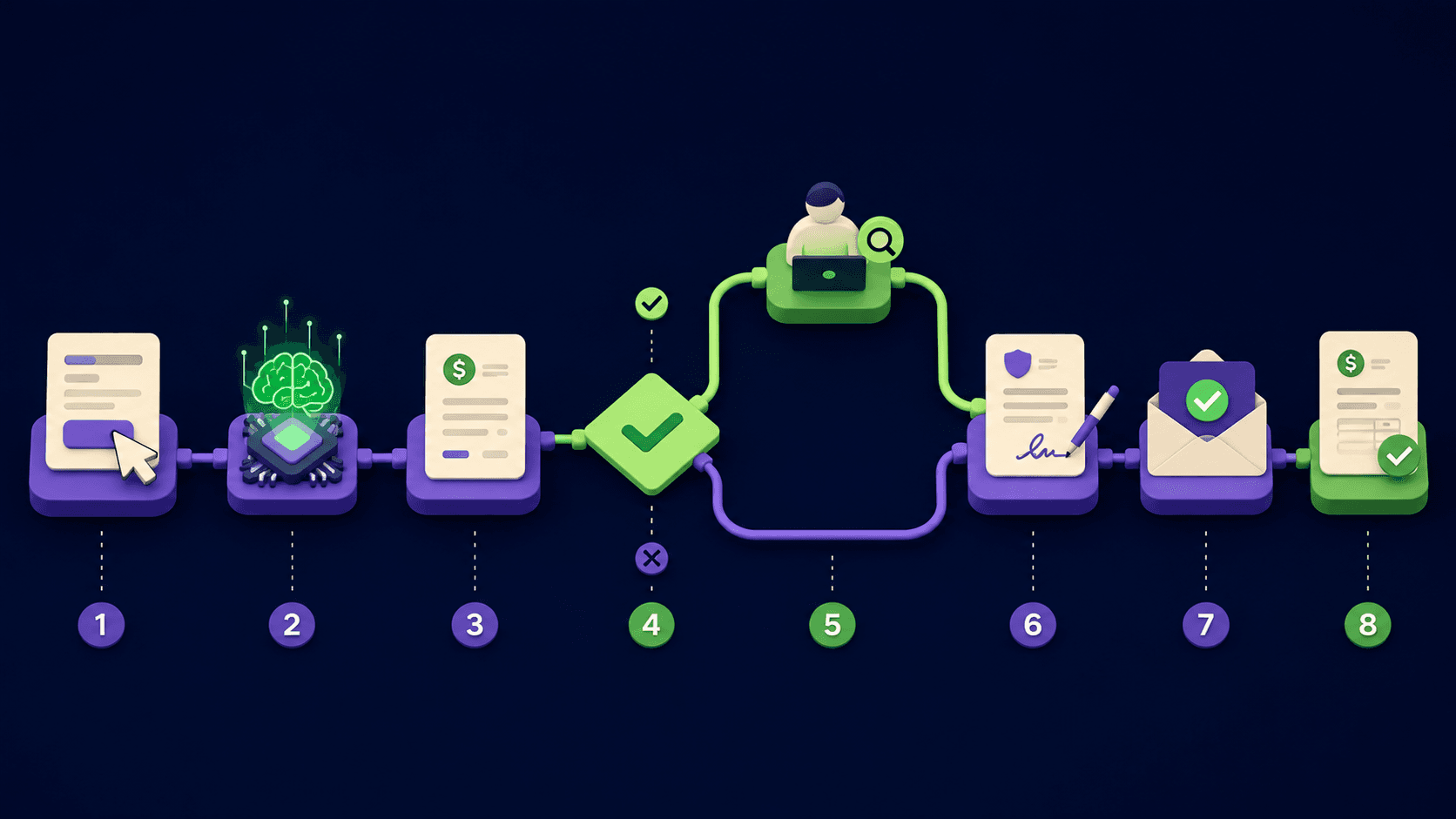

Dash is an AI teammate that lives in Slack and Microsoft Teams. It connects to 3,000+ tools, does the work in your channel, and asks for approval before it sends, posts, writes or spends.
Dash is an AI teammate built by Process Street that works inside Slack and Microsoft Teams. Tag @Dash in any channel, describe what you need in plain English, and the finished work lands in the thread for the whole team to see. It connects to more than 3,000 business tools through one-click OAuth and handles research, reporting, documents, follow-ups and recurring routines across all of them, without requiring anyone to learn a new app.
Dash covers a broad surface area: prospect research with cited sources, cross-tool reports pulled from your CRM and billing systems, documents drafted from your workspace context, recurring schedules that post updates automatically, pull request reviews for engineering teams, and browser-based automation for tools that have no API. Every action that writes, sends, posts or spends triggers an approval card in Slack so nothing changes without a human sign-off. The product is SOC 2 Type II attested and ISO/IEC 27001 certified, with each workspace running in its own isolated sandbox.
How Dash works in your team's channels
The setup takes one click from Slack's App Directory or Microsoft Teams' app store. From that moment, @Dash is available in every channel the team adds it to. There is no separate interface to open, no prompt editor to learn, and no diagram to build. You write a message the same way you would write one to a colleague, and Dash reads it, plans the steps, connects to the right tools, and posts the result.
Tools are connected per workspace, not per person. When one teammate connects HubSpot, everyone in the workspace can ask Dash to pull from HubSpot. Skills, memory and integrations are shared, so the team builds a compound asset over time rather than each person starting from scratch.
What Dash can do
Research with sources. Ask Dash to brief a prospect, scan a competitor or compare vendors. The result is a one-page summary with the bottom line first and clickable citations. No more tabbing between tabs and copying notes.
Cross-tool reports and dashboards. Dash pulls from your CRM, billing, analytics and ad accounts, joins the numbers, and posts the result in chat or as a hosted dashboard. It connects to Stripe, HubSpot, Google Ads, Meta Ads and Google Sheets without SQL or formulas.
Documents on demand. Investor updates, proposals, onboarding guides and SOPs are drafted from your workspace context as PDFs, slide decks, spreadsheets or Word files. Dash also edits existing Word, Excel and PowerPoint files and handles PDF forms.
Scheduled recurring work. Save a prompt once and Dash runs it daily, weekly or monthly. A Monday pipeline update can land in your leadership channel at 9 AM every week without anyone pressing send.
Engineering tasks. Dash reads repositories, reviews pull requests for breaking changes and missing tests, and drafts implementations inside a sandbox. It connects to GitHub, Linear, Vercel and Railway.
Browser automation. When a tool has no integration, Dash uses a cloud browser to fill forms, capture screenshots and collect data. The Chrome extension (keyboard shortcut Cmd+Shift+E) opens Dash next to any webpage so you can ask questions, complete forms and draft questionnaire responses from approved documents.
Approval controls and trust model
Every connection in Dash has three permission levels: Auto, Ask and Off. Reads run automatically. Writes, posts, sends and spends pause and show an approval card in Slack or Teams describing exactly what Dash is about to do before it does it. Irreversible deletes start switched off by default. Admins set each operation per connection and can restrict access to a connection owner and their invited teammates. New Gmail and Outlook connections start private.
The proactive features, including a heartbeat check every four hours and workflow discovery twice a week, surface suggested routines for the team's approval. Admins can adjust cadence, set cooldown periods, and opt out of specific suggestions entirely.
Compared to similar tools
Lindy is a close competitor: it also builds AI agents and supports many integrations. The key difference is where the work happens. Lindy runs agents from its own interface, while Dash works directly inside Slack or Microsoft Teams channels, so the output is visible to the whole team without anyone switching apps. For teams that live in chat, Dash's channel-native approach removes a context-switch that Lindy requires.
Zapier Agents takes a similar direction but inherits Zapier's trigger-and-action model. Dash is designed around natural-language requests in a conversation thread, which means less configuration upfront and more flexibility for one-off tasks. Zapier Agents is stronger for rigid, predictable workflows; Dash handles ad-hoc requests more naturally.
Who Dash is built for
Founders, operators, marketers, finance leads, customer success teams and agencies that run their communication in Slack or Microsoft Teams and spend significant time each week on reports, follow-ups and inbox triage. Specific verticals Dash targets include property management, accounting, real estate, e-commerce, and events and media.
Dash is not the right fit for teams that need highly structured, compliance-audited workflow automation with branching logic and approval chains. Process Street, the parent product, covers that use case. Dash is for the unstructured, conversational work that fills the gaps between structured processes.
Getting started and the free tier
New workspaces start with $100 in credits and no credit card required. Credits meter the work Dash does: a quick summarization runs 100 to 400 credits, a multi-tool workflow runs 500 to 1,500, and a larger project such as building an internal dashboard or auditing a codebase runs 2,000 to 6,000. The free credits are enough to run meaningful real work before spending anything.
When credits run out, Dash pauses new work and notifies the workspace. The Team plan at $50 per workspace per month includes 20,000 credits, unlimited team members, channel introductions, scheduled routines, heartbeat suggestions and email support. Unused credits roll over month to month. Enterprise plans are custom and add SSO, SCIM provisioning, custom approval policies and a dedicated customer success manager.
"@Dash check HubSpot and post today's pipeline pulse in #leadership" (Dash homepage demo, dashpup.ai, 2026)
"Draft ready. Copy, structure, metadata, and image included." (Dash homepage demo, dashpup.ai, 2026)
Security and compliance
Dash is SOC 2 Type II attested and ISO/IEC 27001 certified. Each workspace runs in an isolated sandbox. Workspace credentials are encrypted. Data is never used to train models. A full workspace deletion request is completed within 24 hours. Customers can request the SOC 2 report and security overview directly. The product is available in English, Portuguese, Spanish and French.
تقييمات المستخدمين
لا توجد تقييمات بعد. كن أول من يشارك تجربته!
سجّل الدخول لكتابة تقييم.
مقالات ذات صلة
أدلة ومقالات ذات صلة بـ Dash by Process Street.
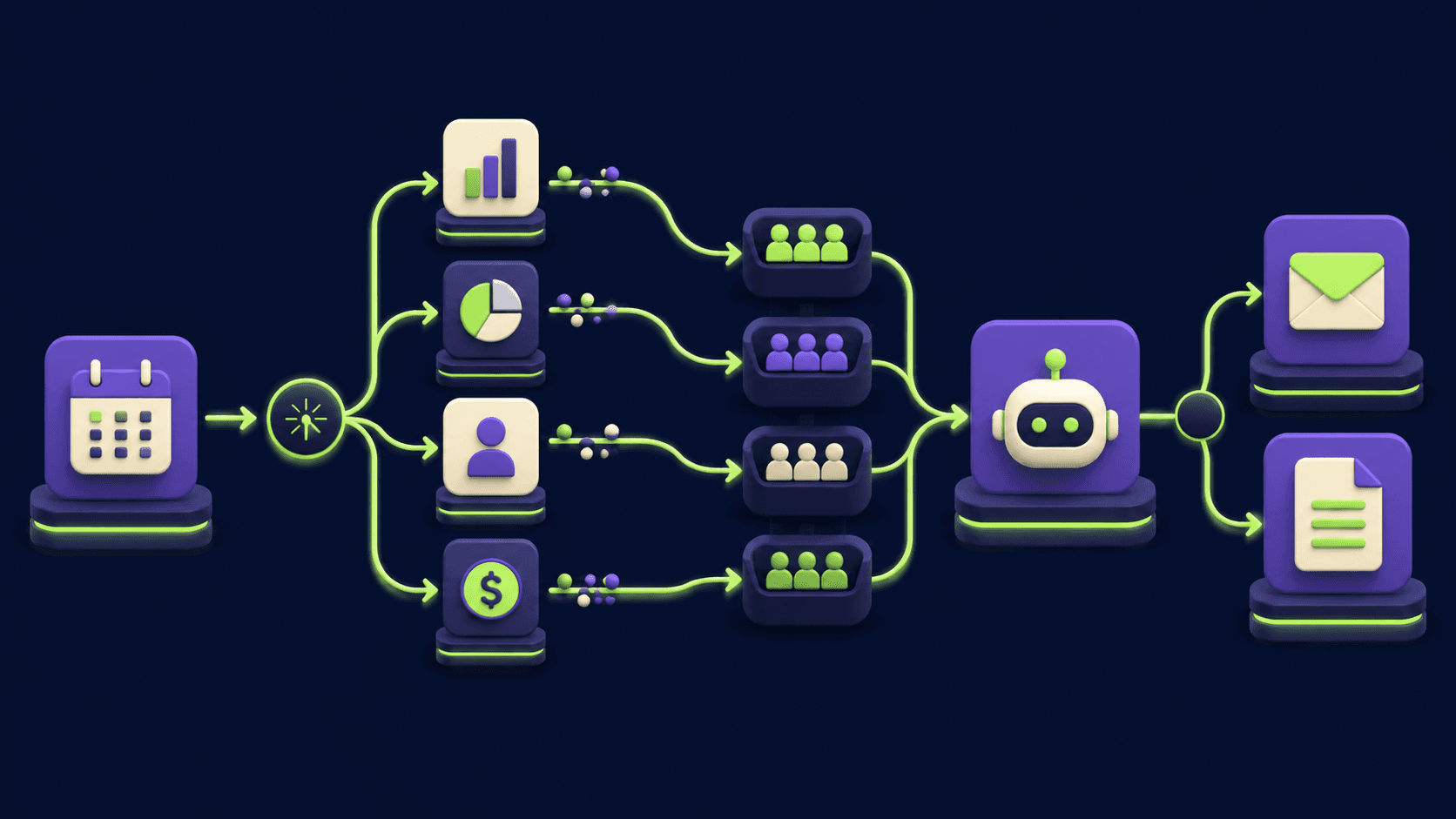
Auto-Build Weekly Client Status Reports From Slack, Asana, GitHub & Stripe (2026)

Turn Any AI Agent Into a Superagent: The 12-Integration Stack (2026)
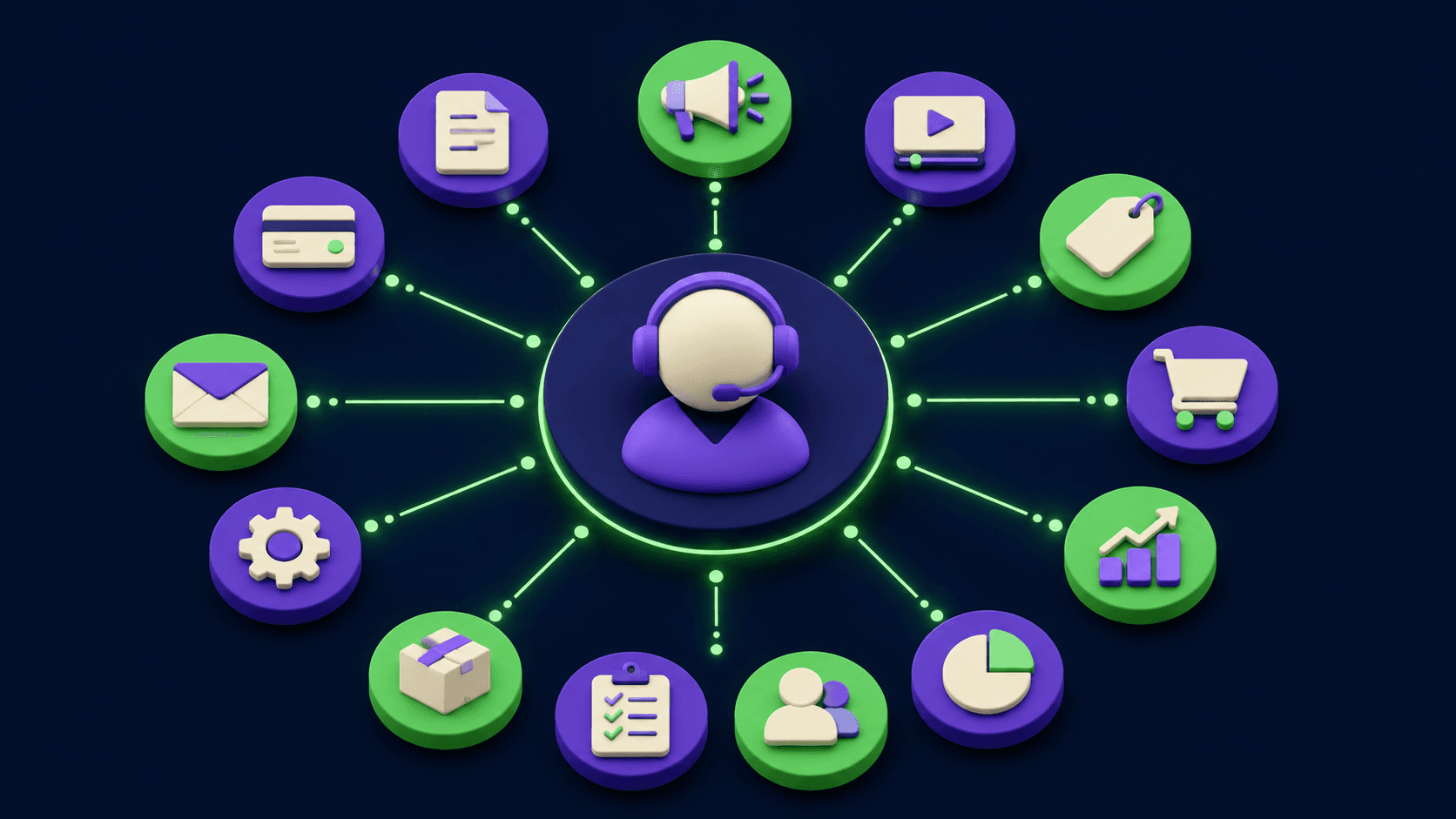
AI Agents for Business: What They Actually Are and 12 Things You Can Automate Today

Build and Sell AI Automations as a Service: The Operator Playbook (2026)
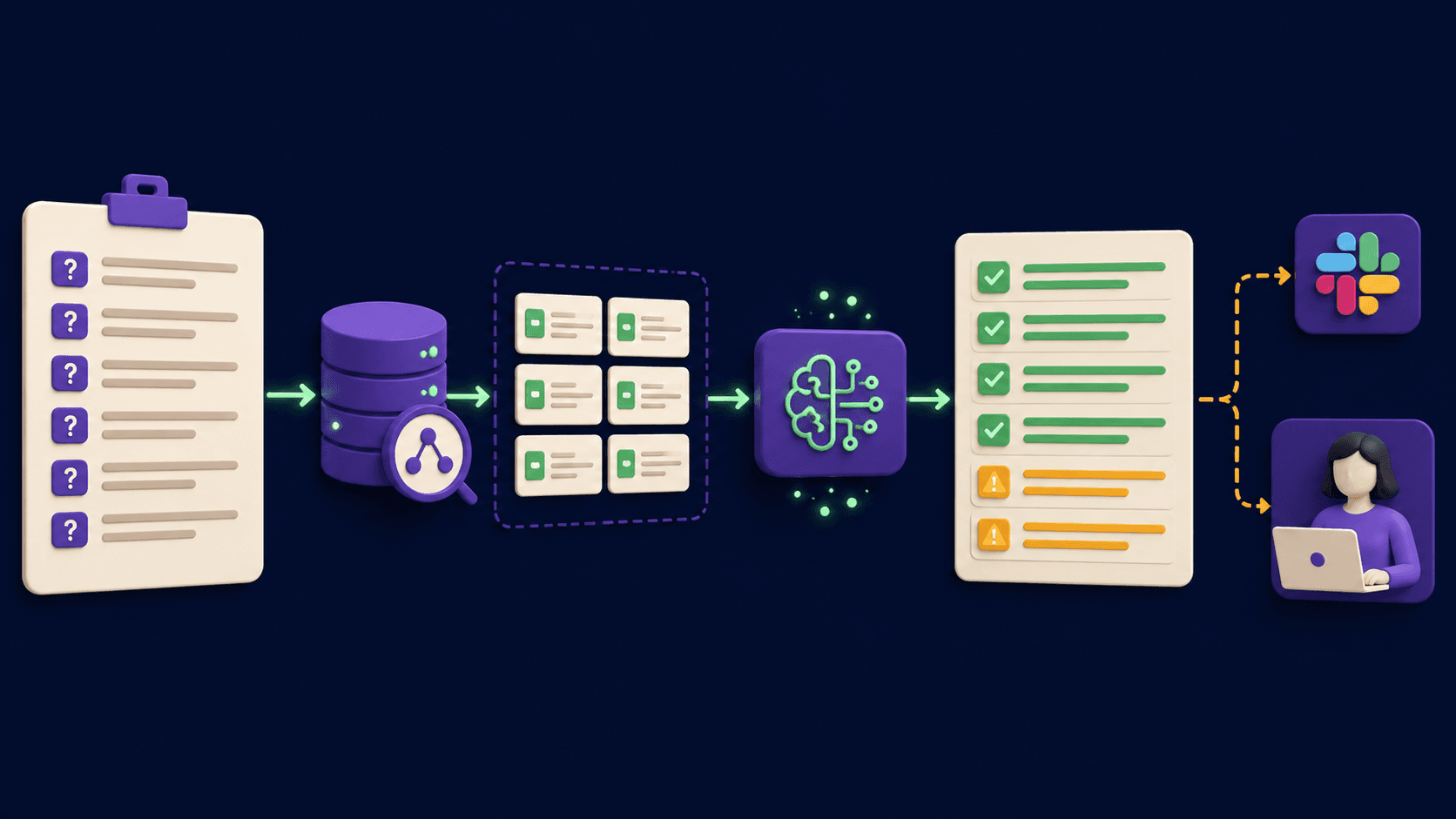
RFP and Proposal Auto-Fill: The Agent That Handles 80% of the Repeating Questions (2026)