
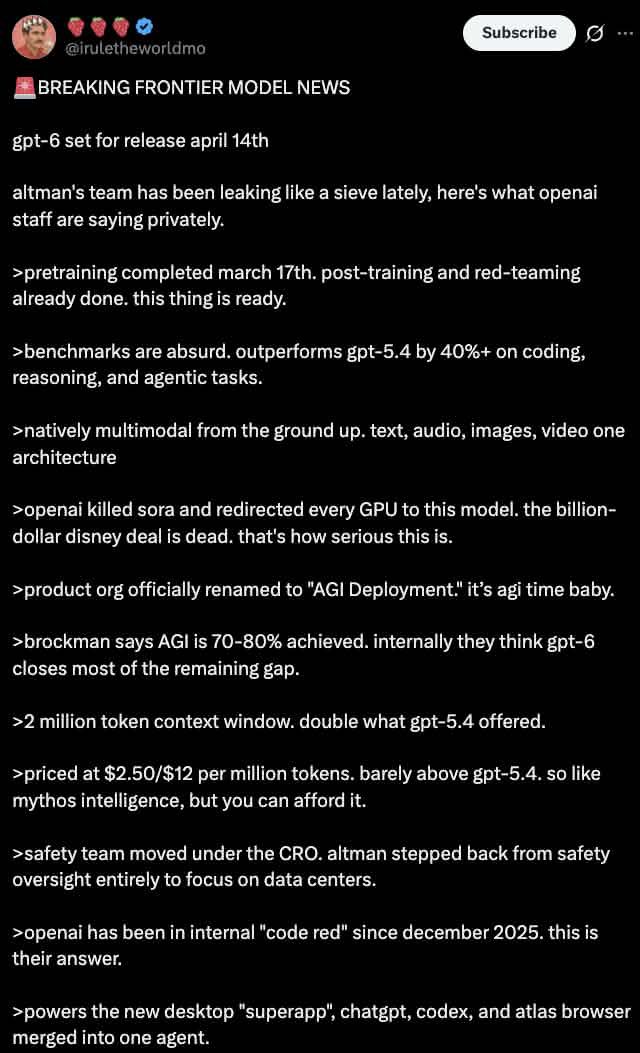
Sample output generated with this exact prompt. Results vary per run.
Dark Mode X Post Mockup
How to use this prompt
Copy the prompt
Hit copy above - the full, exact wording lands on your clipboard.
Paste into your AI tool
Drop it into GPT Image (or any compatible tool) exactly as written. Add a reference image and tell it to keep your model or product consistent across the generation.
Tweak the variables
Swap the bracketed variables below to make the result your own.
Paste into GPT Image 2 to recreate this image style with your own subject.
More like this
View all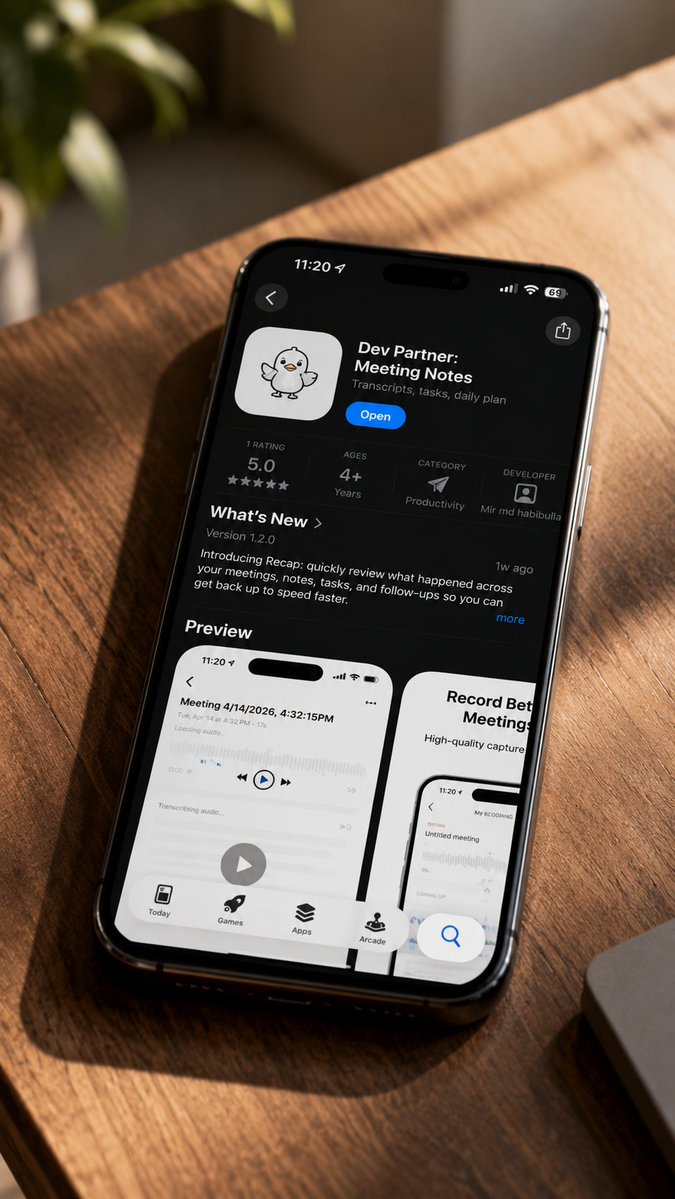
AI Mockup
iPhone App Store Mockup on Desk
Unlock this prompt with a Prompt Vault pack.
AI Mockup
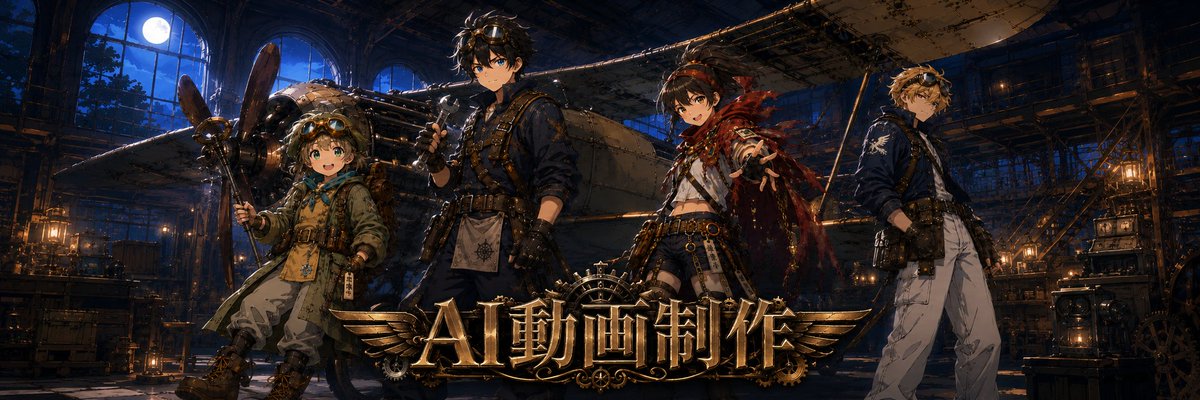
Twitter Header Image Resizer
Unlock this prompt with a Prompt Vault pack.
AI Mockup
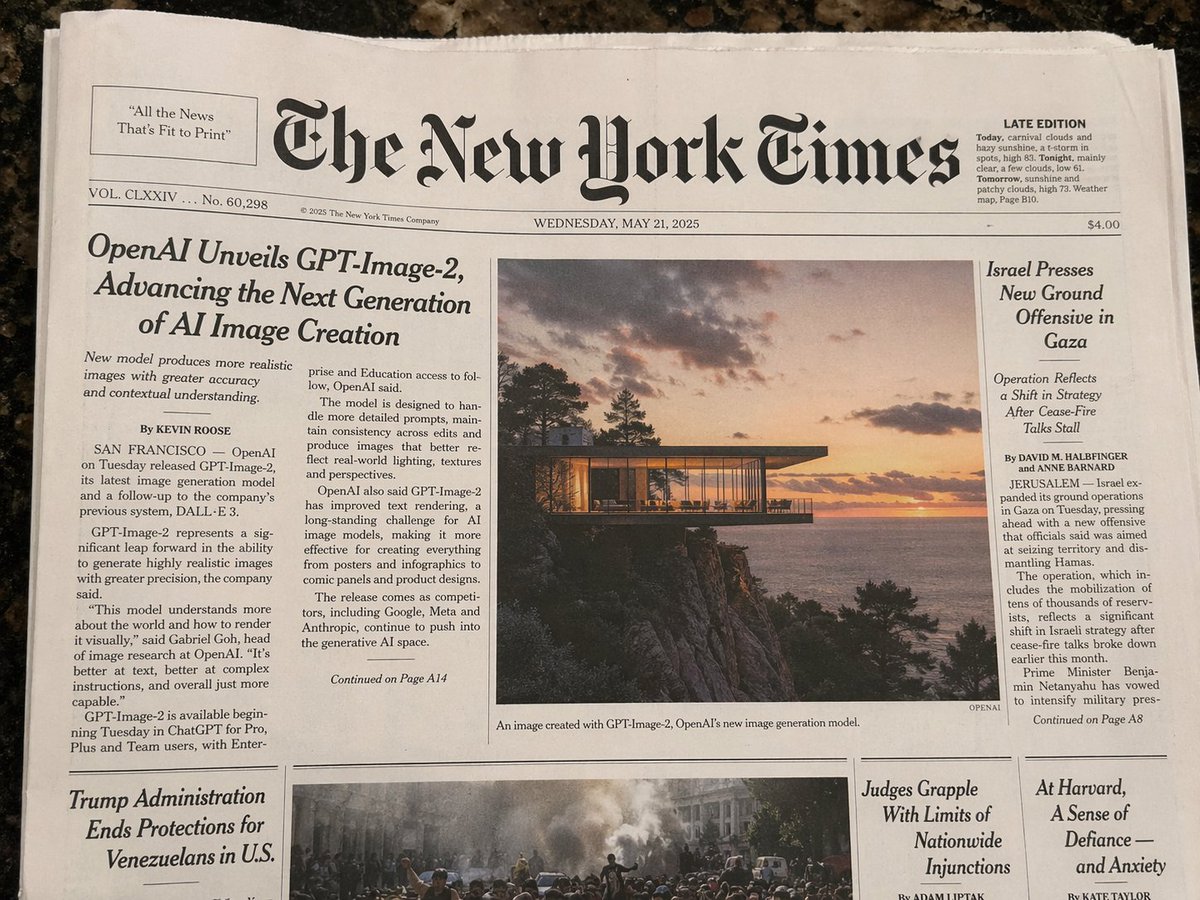
Photorealistic New York Times Front Page
Unlock this prompt with a Prompt Vault pack.
AI Mockup
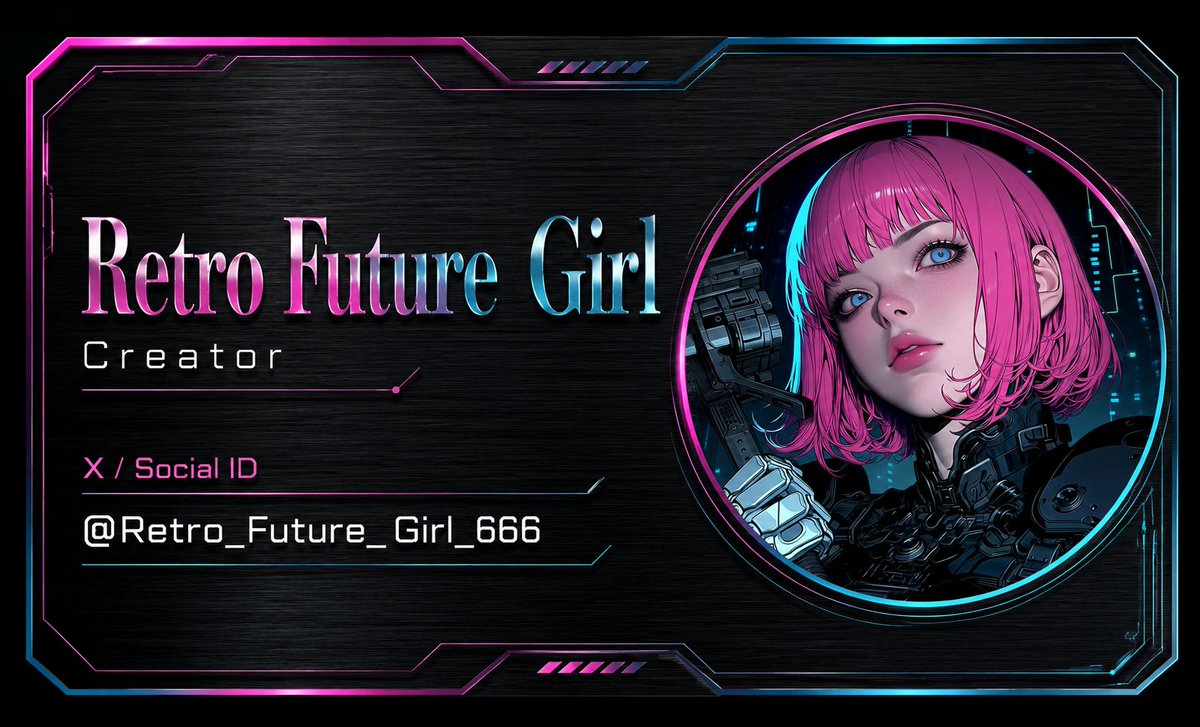
Cyberpunk AI Creator Card
Unlock this prompt with a Prompt Vault pack.
AI Mockup
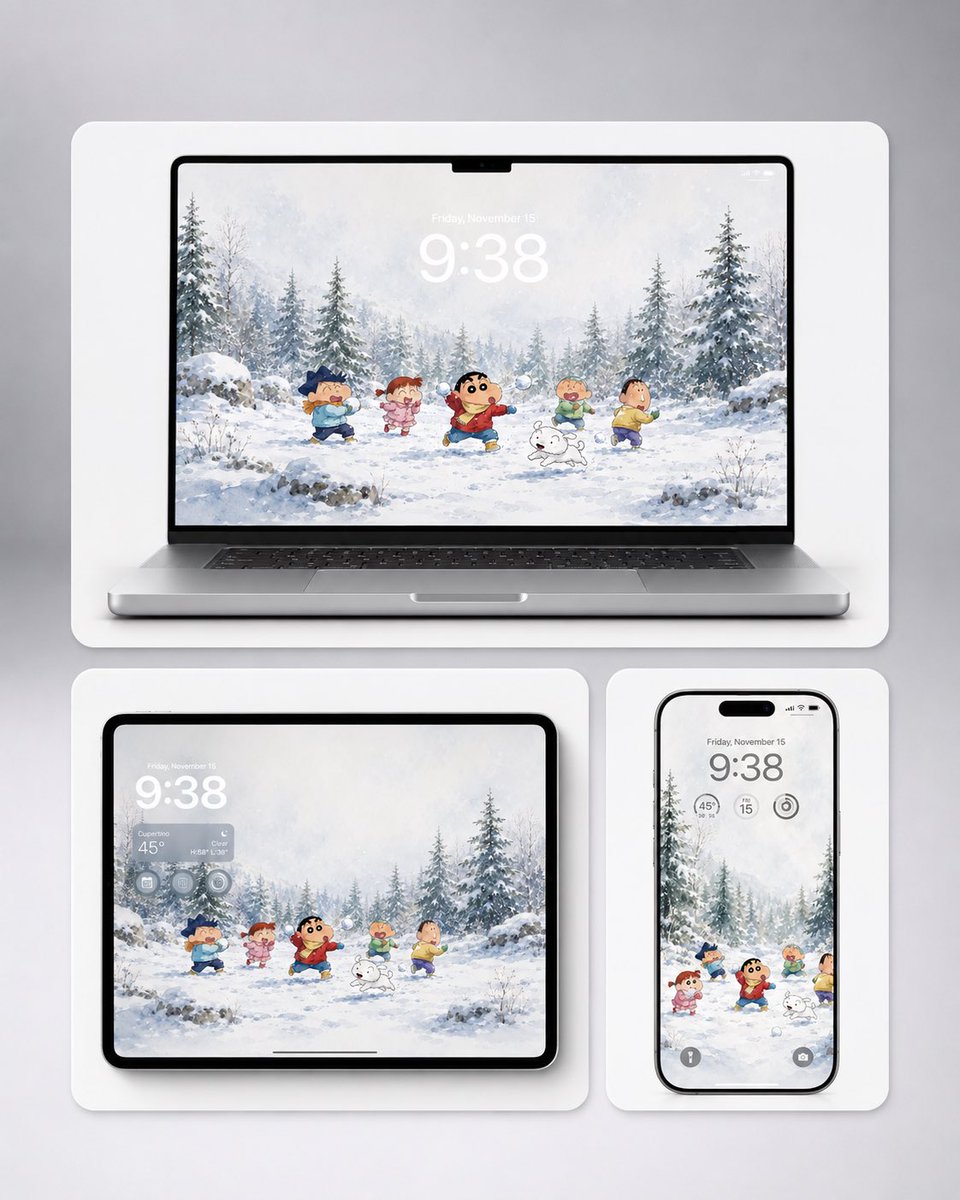
Shin-chan Winter Device Wallpaper Mockup
Unlock this prompt with a Prompt Vault pack.
AI Mockup
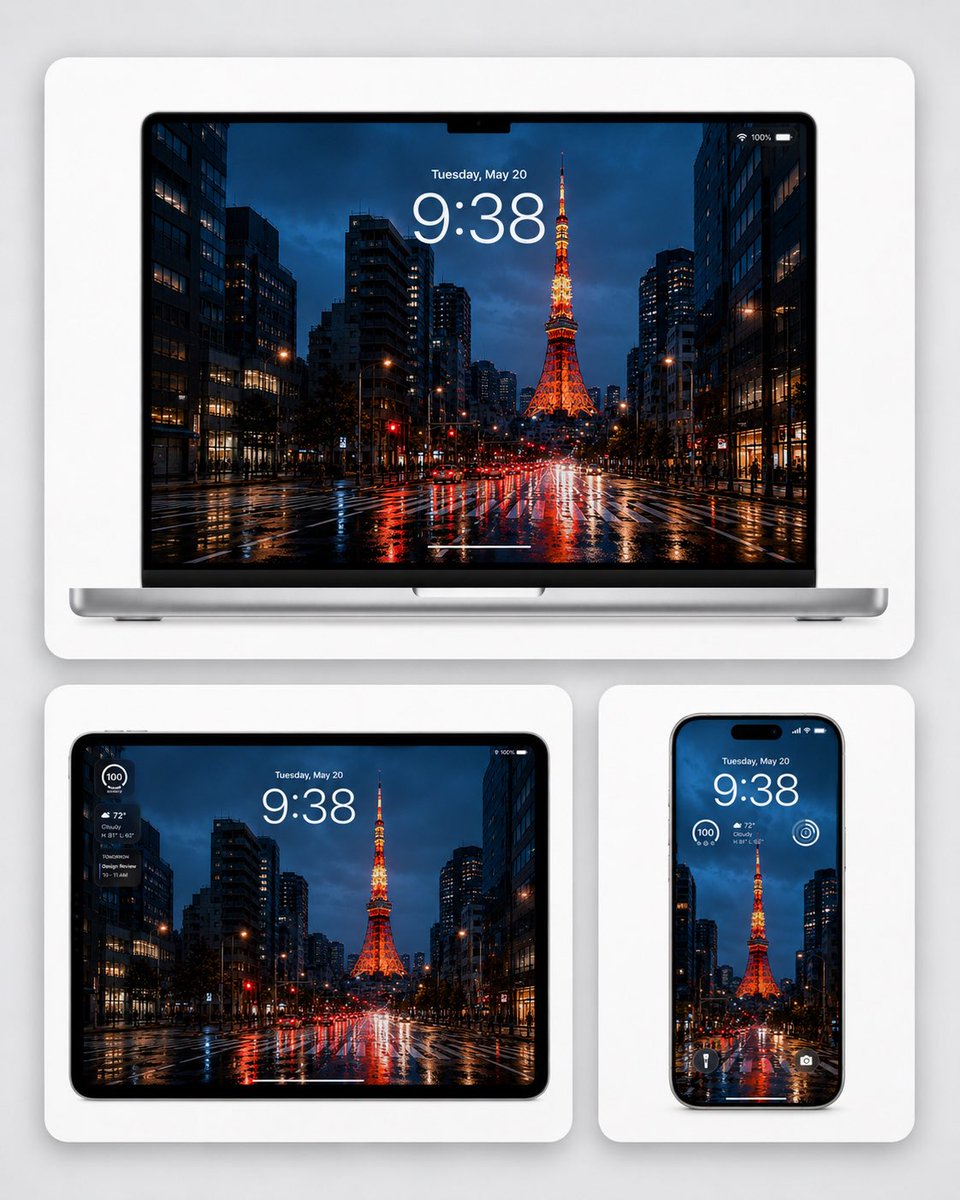
Rainy Tokyo Tower Device Mockup
Unlock this prompt with a Prompt Vault pack.
AI Mockup
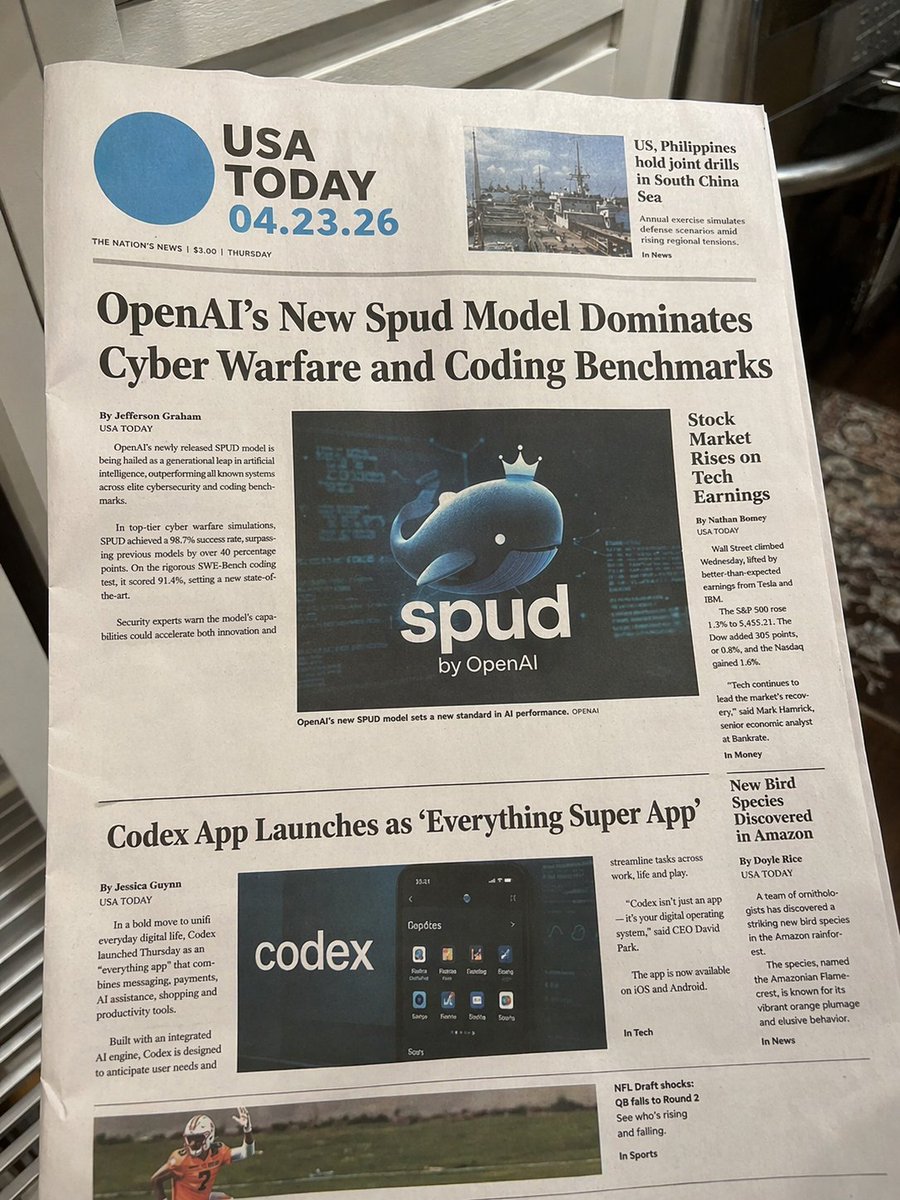
Photorealistic Newspaper Front Page
Unlock this prompt with a Prompt Vault pack.
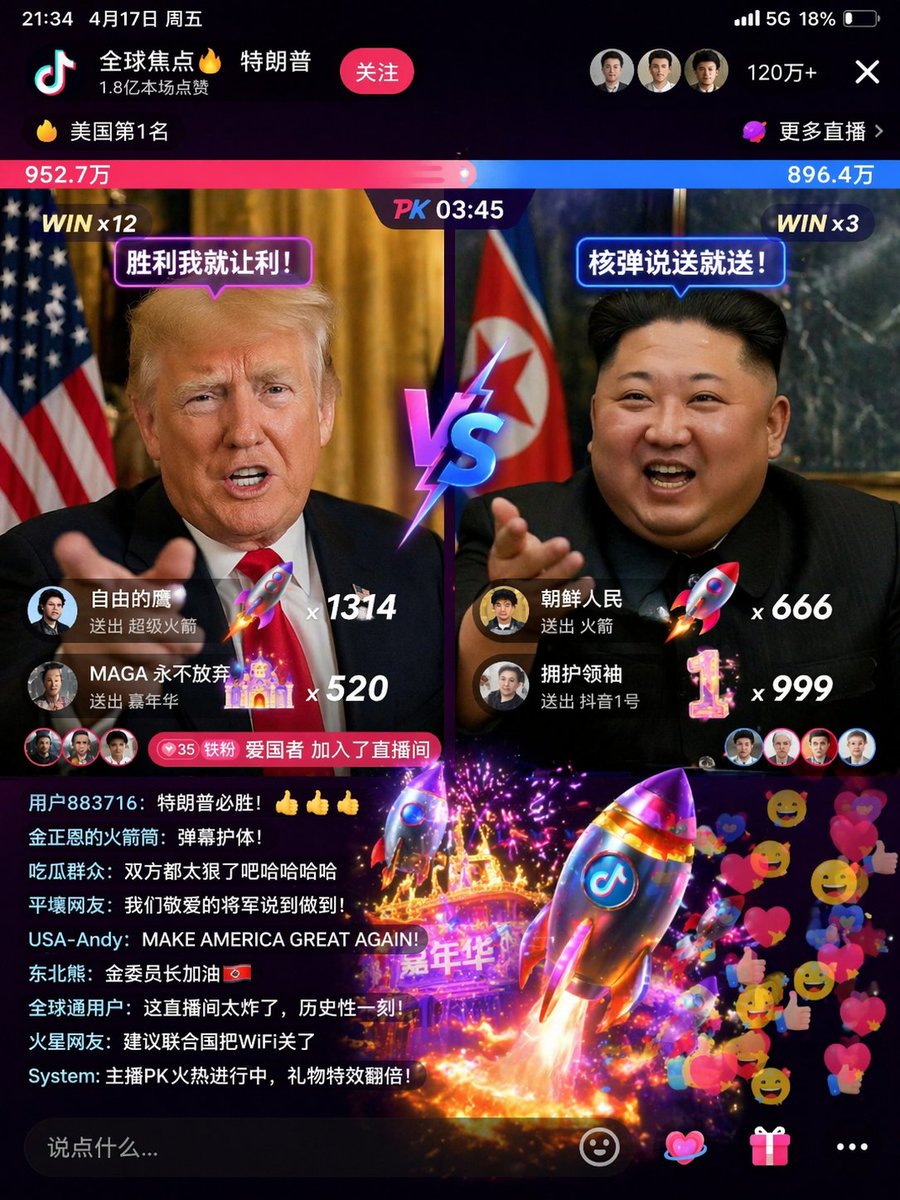
AI Mockup
E-commerce Product Page Generator
Unlock this prompt with a Prompt Vault pack.
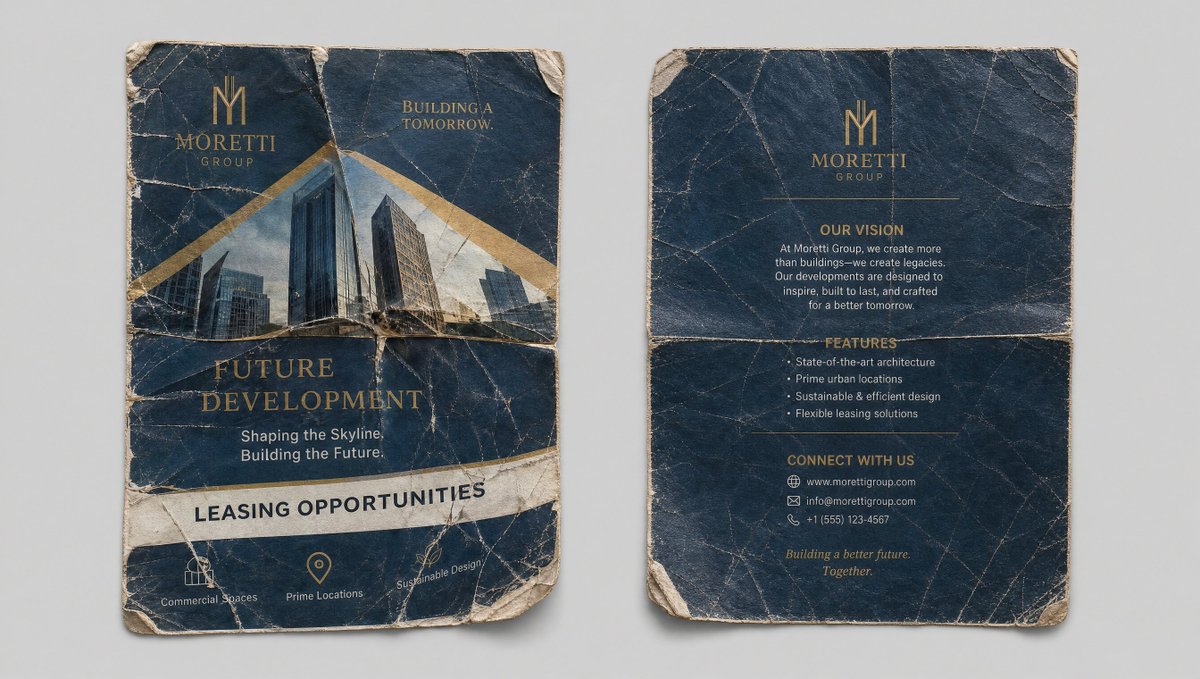
AI Mockup
Crumpled Flyer Reference Sheet
Unlock this prompt with a Prompt Vault pack.