
Sample output generated with this exact prompt. Results vary per run.
Wong Kar-wai Style Melancholy Phone Booth Scene
Fill in the variables
0 of 5 filledType your own values below and we'll drop them straight into the prompt. Leave any blank to keep the placeholder.
How to use this prompt
Copy the prompt
Hit copy above - the full, exact wording lands on your clipboard.
Paste into your AI tool
Drop it into Seedance (or any compatible tool) exactly as written. Add a reference image and tell it to keep your model or product consistent across the generation.
Tweak the variables
Swap the bracketed variables below to make the result your own.
Paste into Seedance 2.0 to recreate this video style with your own subject.
More like this
View all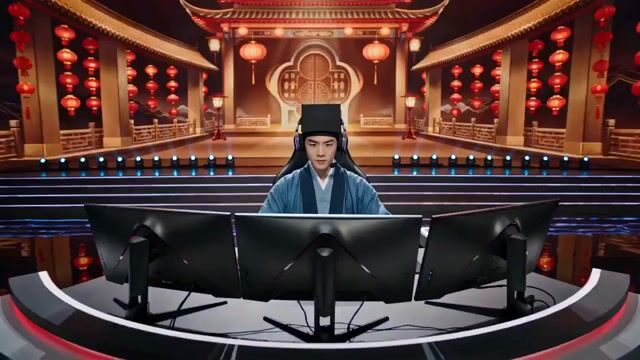
AI Cinematic
Tang Bohu E-Sports Showdown (Spring Festival Gala Style)
A highly detailed, 10-second prompt for a video blending Ming Dynasty scholar aesthetics with modern e-sports, set on a grand Spring Festival Gala stage. The script specifies character attire (Ming Dynasty robes + LED gaming headset), environment (red/gold festive lighting, RGB keyboard, ink-wash MOBA game), dynamic camera movements (push-in, ECU), and dialogue, creating an absurd, high-contrast scene.
AI Cinematic
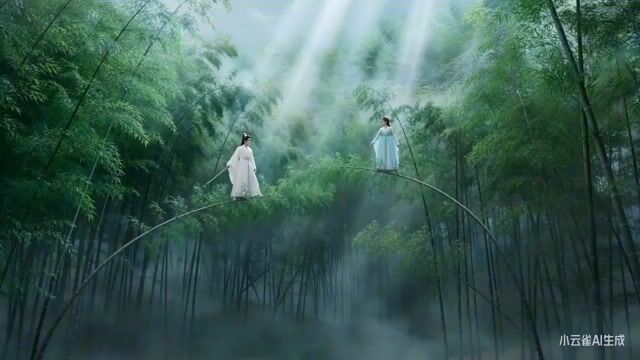
Moonlit Bamboo Forest Swordsman Scene
A detailed prompt for generating a cinematic video sequence featuring a swordsman in a moonlit bamboo forest. The prompt specifies camera movements (360-degree rotation, long take push-in), action sequences (drawing the sword, cutting bamboo with a sword energy), and environmental sound effects, aiming for a dramatic martial arts film style.
AI Cinematic
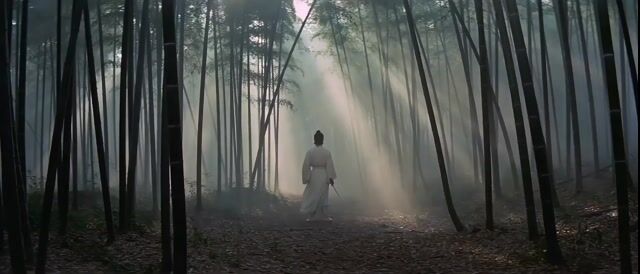
King Hu Style Wuxia Film Aesthetic Video Prompt
A detailed prompt for generating a 10-second video in the style of director King Hu, focusing on Wuxia film aesthetics, 70s film grain, Peking Opera movements, Zen philosophy, and the use of negative space. The prompt specifies the video duration and the first shot as an extreme wide shot.
AI Cinematic
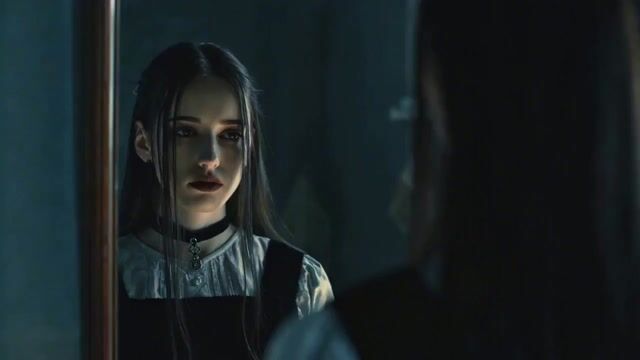
Emotional Breakdown Scene with Image and Video References
A complex prompt utilizing multiple references: an image for the character, an image for the pose, and a video for the action, emotions, and facial expressions during a dramatic breakdown and scream scene.
AI Cinematic
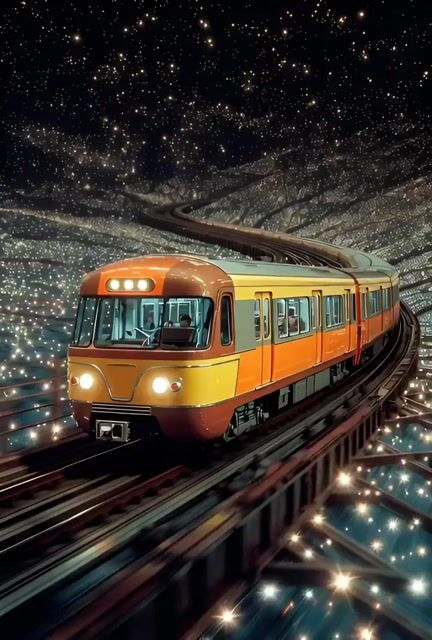
Train Zooming in Star Field Video Prompt
A cinematic prompt for Grok Imagine depicting a train zooming through a field of stars, followed by a slow camera zoom out.

AI Cinematic
Cinematic Fantasy Photograph Prompt
A prompt for Grok Imagine describing a cinematic fantasy photograph of an ethereal woman posing on a golden beach with sparkling sand. Although described as a 'photograph', the output is a video, making this a valid Grok Imagine prompt.
AI Cinematic
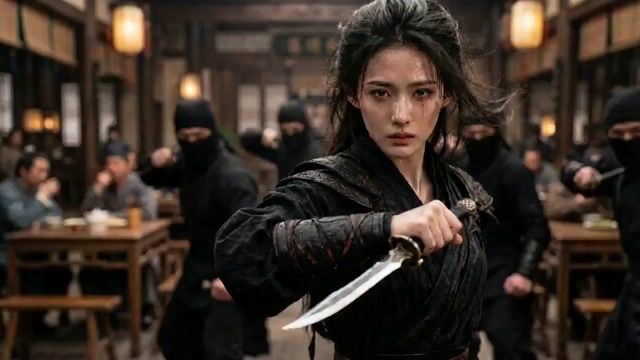
Video prompt for a tavern fight scene
This is a detailed video generation prompt for creating a dynamic fight scene in a tavern, focusing on a woman in black fighting assassins. The prompt specifies using the beginning and ending frames as reference points, requiring smooth transitions, shot composition, and different camera angles to achieve a rhythmic and cinematic feel.
AI Cinematic
Surrealist Megalophobia Sci-Fi Reveal Prompt
A detailed, time-segmented prompt for a 15-second surrealist, megalophobia-themed sci-fi video. The scene starts with a peaceful sky that is then unzipped by a giant hand, revealing a cyberpunk future or a giant mechanical eye, ultimately showing the world is a miniature ecosystem observed by a giant.
AI Cinematic
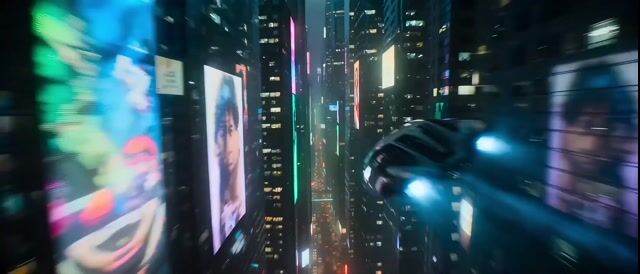
Hollywood Sci-Fi Cyberpunk Chase Scene
A highly detailed, three-shot prompt for a 10-second video simulating a Hollywood Sci-Fi Blockbuster with Cyberpunk Aesthetics. It specifies camera techniques (wide-angle tracking, tight action shot, epic pull-back), environment (rainy megacity, neon lights, holographic ads), and technical parameters (8k UHD, Teal & Orange grading, HDR, complex particle effects) focusing on a high-speed anti-gravity vehicle chase.