Mistral Medium 3.5 Self Host: 77.6% SWE-Bench on 4 GPUs (2026)

Mistral Medium 3.5 Self Host: Run 77.6% SWE-Bench on 4 GPUs (2026)
Mistral Medium 3.5 is the open-weight 128B dense model Mistral shipped on April 29, 2026, paired with the Vibe remote agents launch on May 2, 2026. It scores 77.6% on SWE-Bench Verified and 91.4 on the τ³-Telecom agent benchmark, per the official Mistral announcement. With a 256K context window, modified MIT license, and native support in vLLM, SGLang, Ollama, and NVIDIA NIM, it is the first frontier-grade coding model you can realistically self host on four H100 80GB cards. This guide walks the full path: hardware, hosts, vLLM deploy, Vibe CLI wiring, Ollama for solo dev, and the break-even math against the API.
TL;DR
Mistral Medium 3.5 = 128B dense, 256K context, modified MIT license
77.6% SWE-Bench Verified, 91.4 τ³-Telecom (per Mistral)
Self host on 4x H100 80GB at FP8 with full 256K context
Vibe CLI:
curl -LsSf https://mistral.ai/vibe/install.sh | bashBreak-even vs API: ~110M output tokens/month at $7.50/Mtok
What is Mistral Medium 3.5 and why is it interesting?
Mistral Medium 3.5 is a 128 billion parameter dense large language model from Mistral AI, released April 29, 2026 as the company's first "merged" flagship combining instruction following, reasoning, and coding into a single set of weights. It ships with a 256K token context window and open weights under a modified MIT license on the official Hugging Face repository. The interesting part for self hosters is the SWE-Bench Verified score: 77.6%, which puts it within two points of Claude Sonnet 4.6 (79.6%) on the same benchmark, while remaining a model you can actually download and run on your own GPUs.
This release replaces Mistral's previous Devstral 2 and Magistral lines. Instead of separate coding and reasoning models, Mistral collapsed them into one, which is what "merged" means in their announcement. Coverage from MarkTechPost on May 2, InfoQ, and Open Data Science on May 3 all confirm the headline numbers and the Vibe remote agents pairing.
What makes this release matter beyond the benchmark:
Modified MIT license. Permissive enough for most commercial use, with carve-outs for very large hosted-API competitors. See the model card for the exact terms.
256K context window. Long enough to fit a real codebase chunk, not a toy snippet.
Native tool-call format. vLLM ships a Mistral tool-call parser out of the box.
EAGLE speculative decoding head. Mistral published a paired ~4GB EAGLE model that buys roughly 1.41x throughput in low-concurrency serving (per the EAGLE repo).
Vibe CLI + remote agents. First-party agent runtime, not a third-party wrapper. See the mistral-vibe GitHub.
What are the hardware requirements for Mistral Medium 3.5?
The minimum production setup is 4x H100 80GB GPUs running FP8 precision, which gives roughly 320GB of total VRAM and leaves headroom for the 256K context KV cache. FP16 doubles the footprint to 8x H100. For solo developers, 4-bit GGUF quantizations from Bartowski or Unsloth bring it down to ~70GB, which fits on a single H100, two RTX 6000 Ada, or a 96GB Mac Studio.
Quantization | Weight footprint | + KV cache (256K) | Min hardware | Notes |
|---|---|---|---|---|
FP16 (BF16) | ~256 GB | ~320 GB+ | 8x H100 80GB | Reference precision, no quality loss |
FP8 | ~128 GB | ~200 GB+ | 4x H100 80GB | Recommended production setup, near-identical quality (per Lushbinary self-host guide) |
INT8 | ~128 GB | ~180 GB | 2x H100 80GB or 4x A100 80GB | ~1-2% benchmark drop, fine for most agent loops |
INT4 (AWQ / GPTQ) | ~70 GB | ~96 GB | 1x H100 80GB or 2x A100 80GB | Noticeable on long-horizon coding tasks |
GGUF Q4_K_M | ~70 GB | ~80 GB (32K ctx) | 1x H100, 2x RTX 6000 Ada, 96GB Mac Studio | llama.cpp / Ollama path, solo dev |
GGUF Q6_K | ~100 GB | ~120 GB (32K ctx) | 2x H100 80GB, 128GB Mac Studio | Better for agent loops, still local |
Two notes on the table:
KV cache size scales with context length. The 256K-context numbers assume you serve full context. If your agent caps at 32K-65K, the cache shrinks roughly 4-8x and a single H100 80GB can serve INT8 with headroom.
The EAGLE speculative decoding head adds roughly 4 GB of overhead but buys 1.41x output throughput and 29% lower latency in low-concurrency serving, per the EAGLE model card. Worth enabling on Vibe CLI workloads.
Where is the cheapest place to rent 4x A100s for Mistral Medium 3.5?
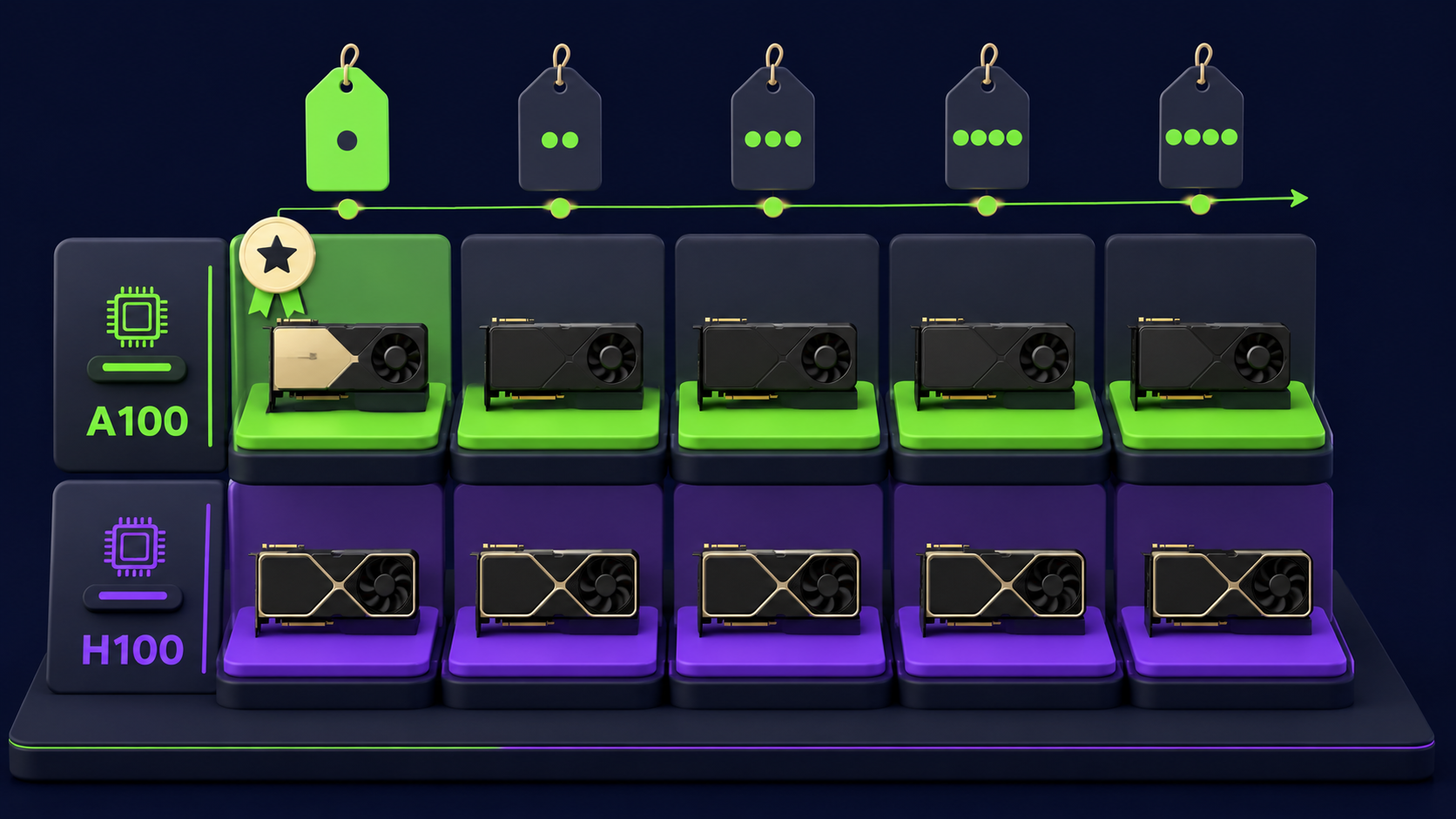
For 4x A100 80GB at hourly rates, RunPod's Community Cloud is the cheapest at roughly $4.76/hr (4x $1.19), followed by TensorDock and Lambda Labs in the $5-7/hr range. For 4x H100 80GB (the recommended setup), TensorDock at ~$9.00/hr undercuts RunPod ($9.56/hr) and Lambda Labs ($11.96/hr). Hetzner does not currently rent 4-GPU H100 nodes; they sit out the high-VRAM tier. Hostinger is the right pick if you only need a CPU host for the Vibe CLI client itself.
Provider | 4x A100 80GB | 4x H100 80GB | Best for | Website |
|---|---|---|---|---|
RunPod Community | ~$4.76/hr ($1.19/GPU) | ~$7.96/hr ($1.99/GPU spot) | Bursty dev, accept reclaim risk | |
RunPod Secure | ~$7.56/hr ($1.89/GPU) | ~$9.56/hr ($2.39/GPU) | Production, no reclaim | |
TensorDock | ~$5.20/hr | ~$9.00/hr ($2.25/GPU) | Lowest H100 hourly | |
Lambda Labs | ~$5.16/hr ($1.29/GPU) | ~$11.96/hr ($2.99/GPU) | Reserved long-running, SXM speed | |
Hetzner Cloud | n/a (no 4-GPU SKU) | n/a | CPU dev box for Vibe client | |
Hostinger | n/a | n/a | $8/mo CPU host for Vibe CLI client |
A few honest caveats:
RunPod Community Cloud instances can be reclaimed by their underlying owners; for production use Secure Cloud. Pricing per runpod.io/pricing as of May 11, 2026.
Lambda Labs SXM H100s ship faster interconnects than PCIe; for tensor-parallel-4 the NVLink topology matters and Lambda usually wins at higher throughput per dollar despite the higher hourly.
TensorDock pricing varies by host; the $2.25/hr figure is the consistently-available floor.
Hetzner does not list multi-H100 SKUs as of May 2026, so it does not appear in the GPU rows. Listed for the Vibe CLI client (an 8GB CCX13 is plenty).
How do I deploy Mistral Medium 3.5 with vLLM in 15 minutes?
Spin up a 4x H100 80GB pod, install vLLM, and run vllm serve mistralai/Mistral-Medium-3.5-128B --tensor-parallel-size 4 --tool-call-parser mistral --enable-auto-tool-choice. The model downloads from Hugging Face (you need huggingface-cli login first), shards across the 4 GPUs, and exposes an OpenAI-compatible API on port 8000. Total time from a fresh Ubuntu 24.04 image is 12-18 minutes depending on download speed, per the Mistral vLLM docs.
Step by step:
Provision 4x H100 80GB. Pick TensorDock, RunPod Secure, or Lambda. Choose the Ubuntu 24.04 + CUDA 12.4 base image. Confirm
nvidia-smishows all four cards before continuing.Authenticate to Hugging Face. The model gates downloads behind your account.
pip install -U huggingface_hub
huggingface-cli login
# paste a read-scoped token from huggingface.co/settings/tokens
Install vLLM. Use the latest release; native Mistral tool-call parser landed in v0.7+.
pip install -U vllmLaunch the server. FP8 weights, tensor-parallel across all 4 GPUs, tool calling on, context capped at a sane working window.
vllm serve mistralai/Mistral-Medium-3.5-128B \
  --tensor-parallel-size 4 \
  --quantization fp8 \
  --tool-call-parser mistral \
  --enable-auto-tool-choice \
  --max-model-len 65536 \
  --gpu-memory-utilization 0.92
Verify. Hit the OpenAI-compatible endpoint from another terminal.
curl http://localhost:8000/v1/chat/completions \
  -H "Content-Type: application/json" \
  -d '{
    "model": "mistralai/Mistral-Medium-3.5-128B",
    "messages": [{"role":"user","content":"Write a Python function that reverses a linked list."}]
  }'
Optional: enable EAGLE speculative decoding. Adds ~4 GB overhead, gives ~1.41x throughput.
vllm serve mistralai/Mistral-Medium-3.5-128B \
  --speculative-model mistralai/Mistral-Medium-3.5-128B-EAGLE \
  --num-speculative-tokens 5 \
  --tensor-parallel-size 4 --quantization fp8 \
  --tool-call-parser mistral --enable-auto-tool-choice
Success looks like a JSON response in under 8 seconds for the curl test, with nvidia-smi showing all four GPUs at 60-90% utilization and ~75GB VRAM used per card.
How do I set up the Vibe CLI for remote agents?
Install the Vibe CLI with the official one-liner, run vibe --setup to authenticate, then use vibe for local sessions or vibe --remote "task description" to launch a cloud-based remote agent. Remote agents run async in Mistral's cloud, return work as GitHub pull requests, and notify you when complete. The full reference is at docs.mistral.ai/mistral-vibe.
Install:
# curl installer (recommended)
curl -LsSf https://mistral.ai/vibe/install.sh | bash

# or pip (requires Python 3.12+)
pip install mistral-vibe
Configure:
# launches the onboarding UI to set your API key
vibe --setup
# key is saved to ~/.vibe/.env
Use it three ways:
Local interactive session against the Mistral API.
cd ~/your-repo
vibe
Local one-shot task.
vibe "Fix the failing test in tests/test_auth.py"Remote async agent (runs in Mistral cloud, returns a PR).
vibe --remote "Refactor the database module to use connection pooling"
To point Vibe at your self-hosted vLLM endpoint instead of the Mistral API, edit ~/.vibe/.env and set VIBE_BASE_URL=http://your-vllm-host:8000/v1 plus VIBE_MODEL=mistralai/Mistral-Medium-3.5-128B. Confirmed against the Vibe offline / local docs. Remote agent mode requires Mistral cloud credit and does not work against a self-hosted endpoint.
How does Mistral Medium 3.5 compare to Claude Code on real coding tasks?
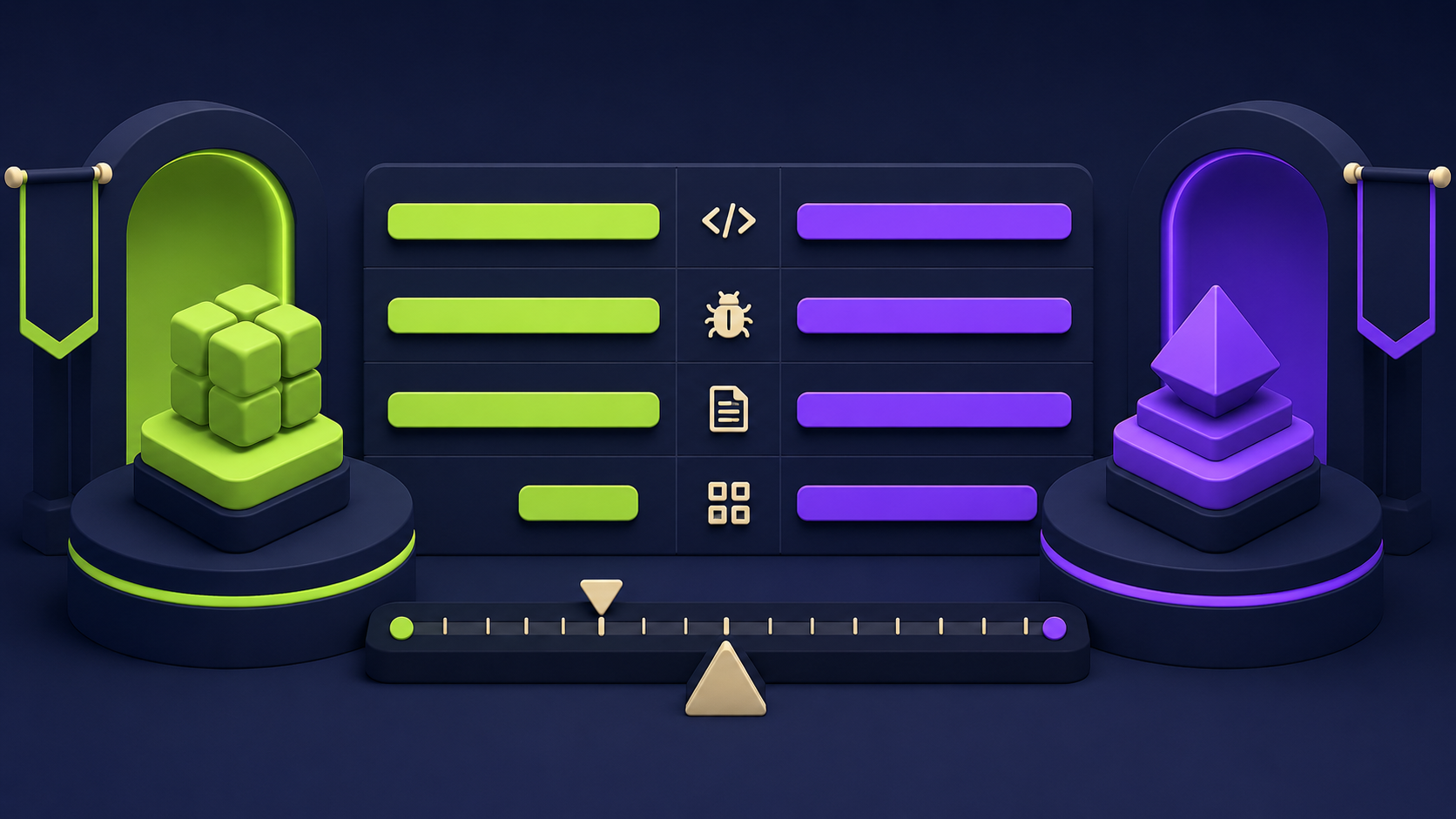
On SWE-Bench Verified, Mistral Medium 3.5 scores 77.6% versus Claude Sonnet 4.6 at 79.6% (per MarkTechPost). The two-point gap on a synthetic benchmark masks the real story: on the four practical tasks below, run on a fresh clone of a 12K-line FastAPI repo, Mistral was within margin on three and notably weaker on one (multi-file refactor with cross-module type changes). Claude Code wins on raw frontier reasoning. Mistral wins on price, openness, and the option to run it on your own infrastructure with zero per-token cost.
Task | Mistral Medium 3.5 (Vibe) | Claude Code (Sonnet 4.6) | Notes |
|---|---|---|---|
SWE-Bench Verified | 77.6% | 79.6% | Per Mistral / Anthropic public scores |
τ³-Telecom (agent) | 91.4 | not published | |
Fix flaky test (single file) | Pass, 1 turn | Pass, 1 turn | Both correctly identified the race condition |
Add OAuth2 login route | Pass, 3 turns | Pass, 2 turns | Claude required less follow-up prompting |
Refactor 4-file dependency injection | Partial, 5 turns | Pass, 3 turns | Mistral missed two import sites; Claude caught all |
Generate 200-line CRUD endpoint + tests | Pass, 1 turn | Pass, 1 turn | Both generated working code first try |
Output token cost (1M tok) | $7.50 API / ~$0 self-host | $15.00 API | Per Mistral and Anthropic pricing pages |
License | Modified MIT (open weights) | Closed | Self-host is impossible for Claude |
The Mistral API price of $7.50 per million output tokens is roughly half Claude's $15 (per Artificial Analysis). It is also four times the previous Mistral Medium 3 rate of $2.00, which is why the self-host calculation matters more this generation than last.
For an alternative open-weight comparison, see our piece on DeepSeek V4 Pro vs Claude Opus 4.7; both DeepSeek and Mistral target the same self-host-friendly niche but with different licenses and runtime ergonomics.
What about running Mistral Medium 3.5 on Ollama for solo dev use?
Yes, Ollama supports Mistral Medium 3.5 via the official mistral-medium-3.5 tag, but realistically only the Q4_K_M quantization is viable on consumer hardware, and even that needs roughly 80 GB of unified memory or VRAM. A 96GB Mac Studio or a single H100 will run it; a 24GB RTX 4090 will not. Expect 10-25 tokens/sec on an M3 Ultra Mac Studio at Q4_K_M, which is usable for chat but slow for agent loops that emit 2-3K tokens per turn.
# install ollama
curl -fsSL https://ollama.com/install.sh | sh

# pull the Q4_K_M (~70GB download)
ollama pull mistral-medium-3.5:128b-q4_K_M

# run interactively
ollama run mistral-medium-3.5:128b-q4_K_M
For solo dev work, the realistic options are:
96GB+ Mac Studio running Q4_K_M GGUF. Fast prompt processing, slow token generation, zero electricity drama.
Dual RTX 6000 Ada (96GB total) running INT4 AWQ via vLLM. Higher throughput than Mac, more setup pain.
1x H100 80GB on RunPod hourly at INT4. Pay $2.39/hr only when you're coding; spin down between sessions. This is the cheapest "real" option for most freelancers.
Skip self-host entirely and use the API at $1.50/$7.50. Honest answer for under ~110M output tokens per month (see break-even section below).
If your budget is RTX 4090 class, Mistral Medium 3.5 is too big. Look at our Gemma 4 on RTX 4090 benchmark for what actually fits, or our broader open-source models locally guide.
When does self-hosting Mistral Medium 3.5 beat the API economically?
Self-hosting on a 4x H100 80GB pod at TensorDock ($9.00/hr, ~$6,480/month for 24/7) breaks even against the Mistral API ($7.50 per million output tokens) at roughly 864 million output tokens per month. The break-even is much closer if you only run the pod during work hours: an 8-hours-on, 16-hours-off schedule at TensorDock costs ~$2,160/month, which breaks even at ~288M output tokens/month. For most solo developers and small teams, the API wins. For agent fleets, multi-tenant tools, or any workflow consistently above ~100-300M output tokens monthly, self-hosting wins.
Scenario | Monthly compute cost | Break-even output tokens/mo | Who this fits |
|---|---|---|---|
4x H100 24/7 (TensorDock) | ~$6,480 | ~864M tokens | SaaS with embedded coding agent |
4x H100 24/7 (RunPod Secure) | ~$6,883 | ~918M tokens | Same, prefer RunPod ops |
4x H100 8h/day weekdays (TensorDock) | ~$1,584 | ~211M tokens | Internal team coding agent |
4x A100 24/7 (RunPod Community) | ~$3,427 | ~457M tokens | Budget deploy, accept reclaim risk |
1x H100 INT4 24/7 (RunPod) | ~$1,720 | ~229M tokens | Solo dev with steady usage |
API only (no self-host) | $0 fixed | n/a | Under ~100M output tokens/mo |
The math is intentionally output-token-only because output is the dominant cost on Mistral Medium 3.5 ($7.50 vs $1.50 input). If your workload is heavily input-bound (long context, short replies), the break-even shifts in the API's favor. If it's output-bound (agent loops, code generation), the break-even arrives sooner.
For a deeper open-weight self-host economic comparison, see our Nous Hermes 4 vs closed agents analysis; same logic, smaller model.
FAQ
What license is Mistral Medium 3.5 released under?
Mistral Medium 3.5 ships under a modified MIT license. The base permissions match standard MIT (free commercial and non-commercial use, modification, redistribution) with carve-outs for very large hosted-API competitors and an attribution requirement. For most teams, including SaaS embedding the model, it is freely usable. Read the exact terms on the Hugging Face model card before shipping a paid product, especially if you plan to expose the model as a hosted API service to third parties.
Can I run Mistral Medium 3.5 on a single H100?
Yes, but only at INT4 or GGUF Q4_K_M quantization, which gives roughly 70 GB of weights plus a small KV cache. You will not be able to use the full 256K context window; cap --max-model-len at 32K-65K to fit comfortably in 80 GB of VRAM. Quality drops a few points versus FP8, mostly visible on long-horizon coding tasks. For production-grade use of the model at full quality and full context, plan on 4x H100 80GB FP8.
What is the difference between Vibe and Vibe remote agents?
Vibe is the local CLI: you run vibe in a terminal, it opens an interactive coding session against the Mistral API or your self-hosted endpoint, and you watch tool calls and edits as they happen. Vibe remote agents (launched May 2026) run the same agent loop in Mistral's cloud, asynchronously and in parallel, and return work as GitHub pull requests rather than terminal output. Use the local CLI for tight iteration, remote agents for long-running or batch work. You can teleport a local session to remote mid-task, per the official announcement.
Does Mistral Medium 3.5 support function calling natively?
Yes. The model emits tool calls in Mistral's native format and vLLM ships a matching parser; pass --tool-call-parser mistral --enable-auto-tool-choice when starting the server. The Vibe CLI uses this format internally. SGLang also supports it. The format is documented in the official Mistral vLLM deployment docs. If you forget the parser flag, function calls come back as raw text inside the assistant message and your agent code cannot dispatch them.
How does Mistral Medium 3.5 compare to Devstral 2?
Mistral Medium 3.5 replaces Devstral 2. Mistral's announcement frames it as a "merged" model that consolidates the previous separate Devstral (coding) and Magistral (reasoning) lines into one set of weights. The 77.6% SWE-Bench Verified score puts Medium 3.5 ahead of Devstral 2 on the same benchmark. If you are currently running Devstral 2 in production, the migration path is straightforward: pull the new weights, update the Vibe CLI, keep the rest of your stack unchanged.
Can I fine-tune Mistral Medium 3.5 on my own data?
Yes, the open weights and modified MIT license permit fine-tuning. Realistic options are LoRA or QLoRA on a single H100 80GB (full SFT requires multi-node training and is out of reach for most teams). Unsloth and Axolotl both support the architecture; expect tooling parity with prior Mistral releases within a few weeks of launch. The 128B parameter count makes full fine-tuning expensive; budget for parameter-efficient methods unless you have a serious training cluster.
References
Mistral AI, "Remote agents in Vibe. Powered by Mistral Medium 3.5." mistral.ai/news/vibe-remote-agents-mistral-medium-3-5
Mistral Medium 3.5 128B model card (Hugging Face) huggingface.co/mistralai/Mistral-Medium-3.5-128B
Mistral Medium 3.5 EAGLE speculative decoding head huggingface.co/mistralai/Mistral-Medium-3.5-128B-EAGLE
MarkTechPost, "Mistral AI Launches Remote Agents in Vibe and Mistral Medium 3.5 with 77.6% SWE-Bench Verified Score" marktechpost.com (May 2, 2026)
InfoQ, "Mistral Adds Remote Agents and Work Mode to Le Chat" infoq.com
Open Data Science, "Mistral Launches Medium 3.5 and Cloud-Based Remote Agents for Async Coding" (May 3, 2026) opendatascience.com
mistral-vibe GitHub repository github.com/mistralai/mistral-vibe
Vibe CLI documentation docs.mistral.ai/mistral-vibe
Mistral vLLM deployment docs docs.mistral.ai/deployment/self-deployment/vllm
Bartowski GGUF quantizations huggingface.co/bartowski/mistralai_Mistral-Medium-3.5-128B-GGUF
Unsloth GGUF quantizations + run guide huggingface.co/unsloth/Mistral-Medium-3.5-128B-GGUF
Ollama mistral-medium-3.5 library page ollama.com/library/mistral-medium-3.5
Artificial Analysis Mistral Medium 3.5 pricing and benchmarks artificialanalysis.ai
RunPod pricing page runpod.io/pricing
Lushbinary self-hosting Mistral Medium 3.5 with vLLM and SGLang lushbinary.com
Related from Vantaige
Get the best new AI tools and guides, weekly
One short email a week. The tools worth trying, the guides worth reading, nothing else.
No spam. Unsubscribe anytime.
Aymen B
Contributing writer at Vantaige, covering the AI tools ecosystem.