Grok Bot Complete Guide (2026): Who It’s For, What Breaks, and the Honest Math
Grok Bot Complete Guide (2026): Who It’s For, What Breaks, and the Honest Math
Grok Bot is a new kind of AI agent: a named teammate that can work in a persistent cloud computer after your laptop is closed. That makes it more useful than chat for multi-step work in real apps. It also creates its defining trade-off: every Bot on your account shares the same computer, files, browser sessions, and sign-ins.
Our take after checking the product documentation, live plan information, and early user reports: try it if you already have eligible access and can begin with a low-risk, review-first workflow. Do not treat separate Bots as a security boundary, or give the product a primary admin, banking, or production credential in its first week. For a concise product snapshot, see Vantaige’s Grok Bot tool page.
This page was last fact-checked on August 27, 2026; access and usage limits are changing quickly, so confirm the live plan screen before purchase.
What Grok Bot is — and is not
Launched in early beta on August 11, 2026, Grok Bot is SpaceXAI and Cursor’s persistent-agent product. A Bot has a name, a role, a conversation, and working context. It can use a browser, files, the command line, connected tools, and a cloud computer while you are away. It is distinct from the Grok chatbot. SpaceXAI’s launch announcement and the Grok Bot overview explain the product model.
It is not:
- A per-Bot security boundary. SpaceXAI explicitly says not to use separate Bots as one.
- A blank-cheque automation system. Sensitive actions should stay behind approval rules, and a test run can perform real work.
- A model picker. SpaceXAI says model routing and failover are product-managed for both members and admins.
- A replacement for a normal coding workflow. Treat a Bot that delegates work to Cursor as an additional workflow to budget and supervise, not a free coding-agent substitute.
The supported surfaces at launch are macOS (Apple silicon and Intel), Windows (x64 and Arm64), and iPhone on iOS 18 or later. There is no Linux desktop, Android, or iPad app at launch. See the FAQ.
The one detail that should drive your decision: the shared computer
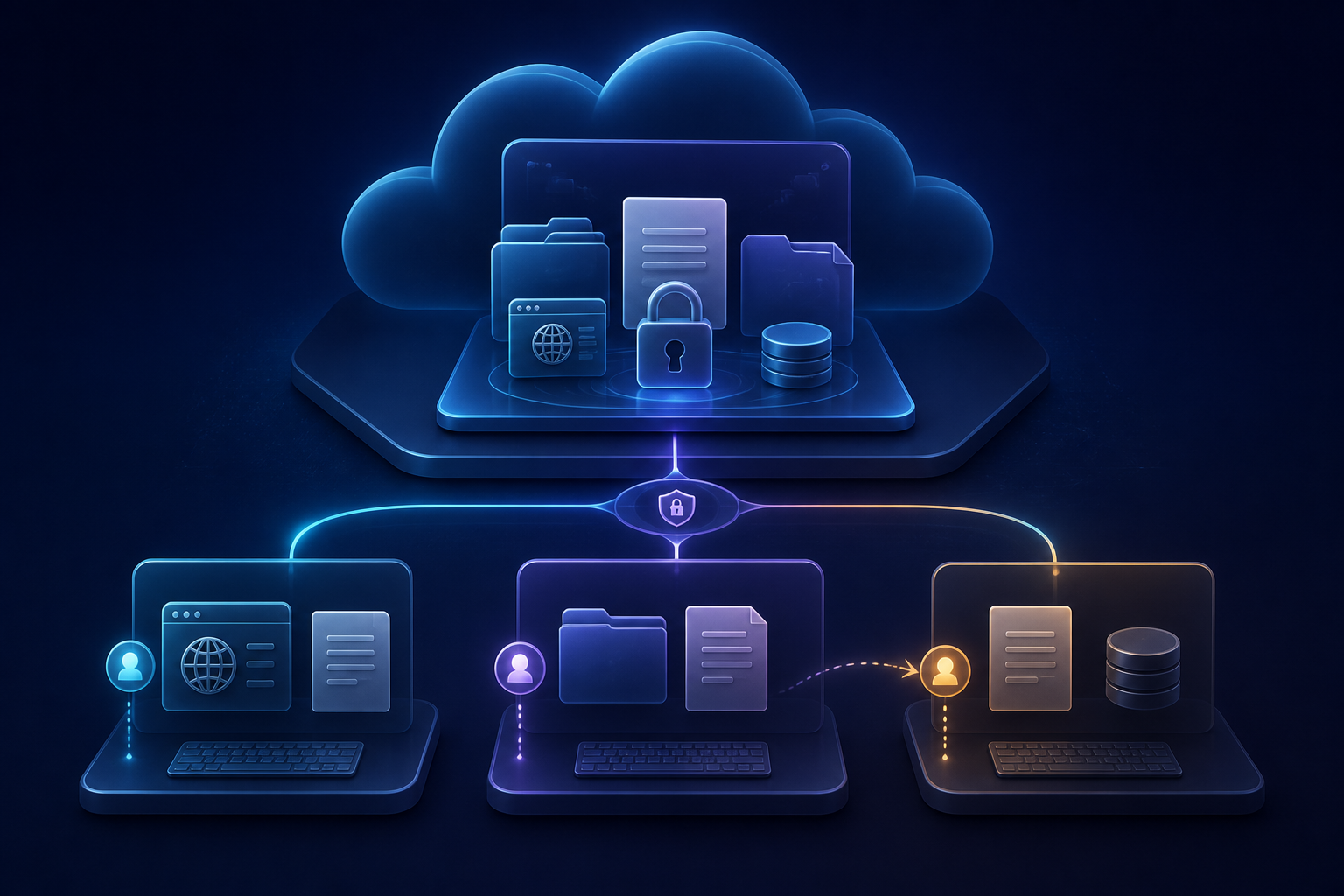
Each user gets one managed Linux cloud computer. Every Bot in that user’s roster shares its files, browser sessions, cookies, and command-line credentials; each has its own screen so several can work in parallel. Screens are separate work surfaces, not separate environments. That boundary is documented here.
This is convenient: a research Bot can leave a file and a handoff Bot can pick it up without another login. It is also a material security and reliability risk:
- A login made available to one Bot is available to the others on the account.
- A computer outage can affect all Bots using it. Early Cursor-forum reports include shared-computer recovery problems; treat those as early-beta reports, not a measured reliability rate.
- A computer reset can discard recent unsaved work. Keep important files in the shared workspace or attach results to the conversation.
Use a dedicated, least-privilege account for the first workflow. Do not combine multiple clients, production administrators, or financial accounts on the same Bot computer.
How Bots, skills, routines, and approvals fit together
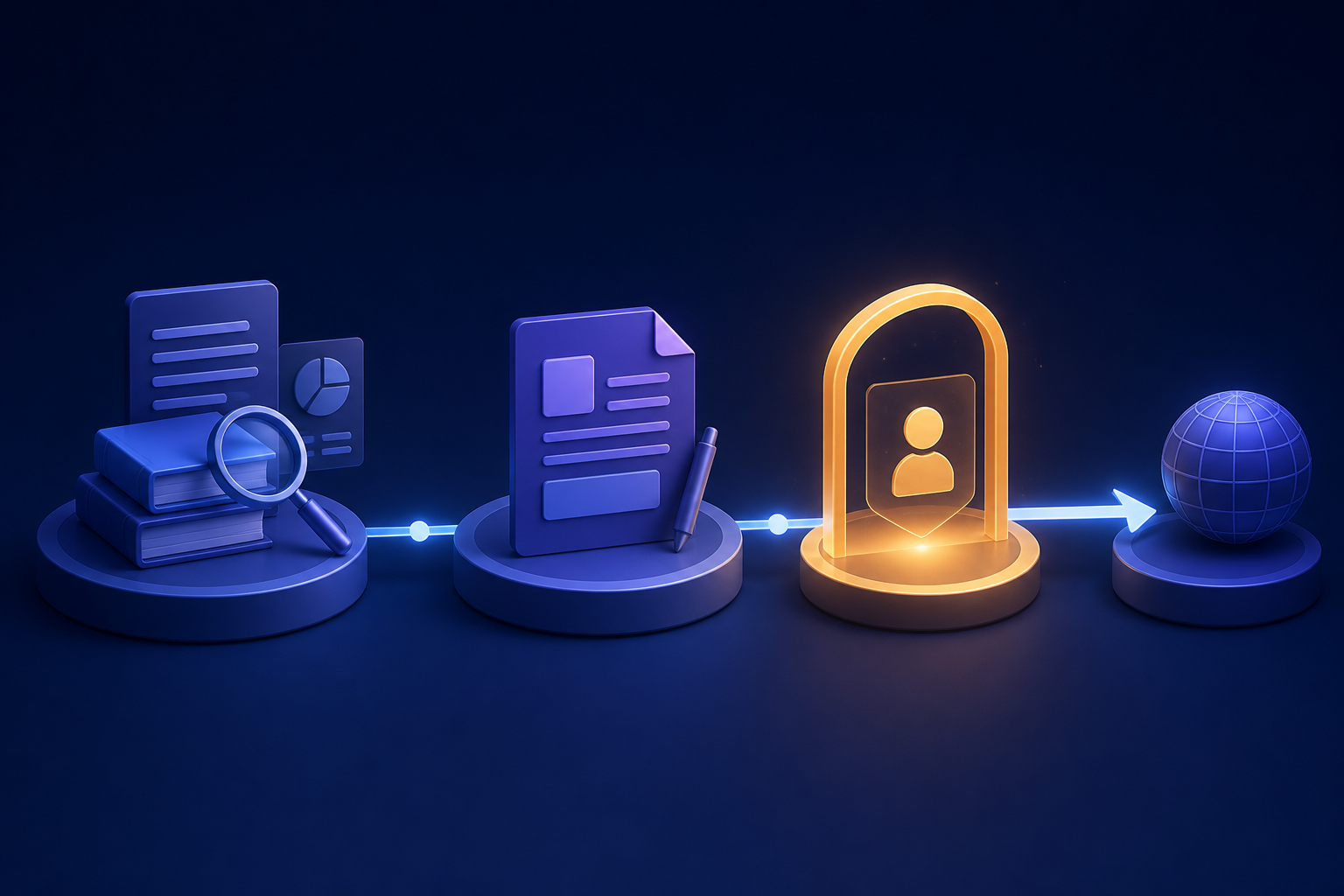
Start with one Bot and one result. SpaceXAI recommends putting durable rules in the Bot description and task-specific instructions in the conversation. A useful description might say: “Prepare a daily customer-risk summary. Never contact a customer or change an account without approval.” Create and manage Bots.
A skill is a reusable set of instructions: sources, decision rules, output format, validation, and safety boundaries. A routine tells one Bot when to run that workflow, either on a schedule or, where enabled, after a narrow event. Skills can be used across Bots, but relevant sign-ins and connectors remain account-wide. Read the skills and routines guide.
If Teach a task is available, it records up to ten minutes of visible browser interaction and produces a draft skill. Review it and test it with safe inputs before scheduling it. A “Test run” is not a simulation: it can visit sites, edit files, and call connected tools.
For risky actions, use three layers together:
- Put a clear stop condition in the Bot description and task.
- Add narrow Require Approval rules for sending, publishing, purchasing, deleting, permission changes, and production changes.
- Give the Bot only the access it needs. Auto Review is model-based; it complements least privilege rather than replacing it.
Passwords, two-factor codes, CAPTCHAs, and payments should use computer takeover or the provider’s secure handoff—not ordinary chat. Local-computer execution is separate from cloud work and defaults to asking each time; keep it set to Never allowed unless the use case clearly needs it. Approvals, security, and privacy.
Pricing and access: check the live plan page
There is no standalone Grok Bot subscription. As checked on August 27, 2026, Cursor’s live Plans and billing page says access is included with Cursor Pro, Pro+, Ultra, and self-serve Teams seats. It also lists individual SuperGrok, SuperGrok Plus, and SuperGrok Heavy as linkable sources of Grok Bot usage; SuperGrok Team/Enterprise and SuperGrok Lite are excluded.
The documentation has changed quickly and some older announcement and team-doc pages retain a narrower access list. That is why this article does not treat an older announcement date as the source of truth. Use the live plan screen at checkout.
| Route | Grok Bot access | What to know |
|---|---|---|
| Cursor Pro | Included | Weekly usage below Pro+. |
| Cursor Pro+ | Included | More weekly usage than Pro, below Ultra. |
| Cursor Ultra | Included | Highest individual Cursor weekly usage. |
| Cursor Teams Standard / Premium | Included for self-serve seats | Allowance follows the seat; Premium has higher limits. |
| Individual SuperGrok / Plus / Heavy | Link to a Cursor account | A link grants usage; it does not change the Cursor plan and cannot be moved later. |
| Enterprise | Rolling out | Confirm controls and access with the account team. |
Paid access includes a weekly usage allowance. When it runs out, extra work can use account-level on-demand spend if enabled. SpaceXAI documents no Grok Bot-specific spend cap, although account-level on-demand controls apply. The free trial is a usage credit with a seven-day window; a long task can consume it quickly. Check the current usage screen before allowing unattended routines. Billing details.
We intentionally omit reported prices from social posts. Price claims age fast and should come from the checkout page or the publisher’s current pricing page, not an article snapshot.
Who should use Grok Bot?
The fit is a workflow, not a job title.
| Good first workflow | Why it fits | Keep it safe by |
|---|---|---|
| Weekly research brief from defined sources | It combines browsing, files, and a repeatable output. | Cite each source; report missing data instead of using old results. |
| CRM or support triage that produces drafts | The Bot can collect evidence and prepare a human review queue. | Never send, enroll, or change customer records without approval. |
| Staging bug reproduction | It can follow a multi-tool path and return screenshots and steps. | Use staging and test accounts only. |
| Expense or operations reconciliation | It can sort documents and flag exceptions. | No payments, reimbursements, or final submissions. |
| One-client content research and draft pack | Persistent instructions can preserve a house format. | Use a least-privilege account; do not mix client credentials. |
It is a weak fit for primary-bank access, unsupervised outreach, production changes, workflows that need strict separation between teams or clients, and anyone who needs a predictable per-Bot budget before running an automation.
What early feedback says
The early feedback is useful but not statistically representative: the product is only weeks old, and most detailed reports are self-selected forum posts and first-person reviews.
The recurring upside is lower setup friction. Reviewers such as Ben Tossell and Aditi Gupta describe the appeal as giving work to a teammate rather than building a workflow from scratch. The persistent computer is particularly useful for browser work on services without a clean API, and Teach a task lowers the effort of capturing a repeatable path. Ben’s Bites and Aditi Gupta’s review provide concrete early examples.
The recurring downside is that computer-use reliability and control are not yet mature enough for unsupervised consequential work. Users have reported stuck computers, incomplete browser tasks, and surprisingly fast usage burn. Those reports are reasons to start small, not proof that every task will fail. The official limitations matter more: shared credentials, real test runs, beta status, a product-managed model choice, and no Bot-specific spend cap. Cursor forum discussion.
Grok Bot versus the alternatives
Grok Bot’s differentiator is persistent computer use: it can keep working in browser-based tools after your laptop is closed. That makes it distinct from a desktop-oriented local-file agent, an app-connected chat workspace, or a self-hosted agent stack.
Choose Grok Bot when the work needs a browser or several real tools, has an explicit final state, and can stop for review. Choose a local agent for sensitive local files or when you need direct control of the machine. Choose a self-hosted system when credential isolation and infrastructure ownership outweigh setup and maintenance cost. In all cases, require a human approval gate for external or irreversible actions.
A safe seven-day trial plan
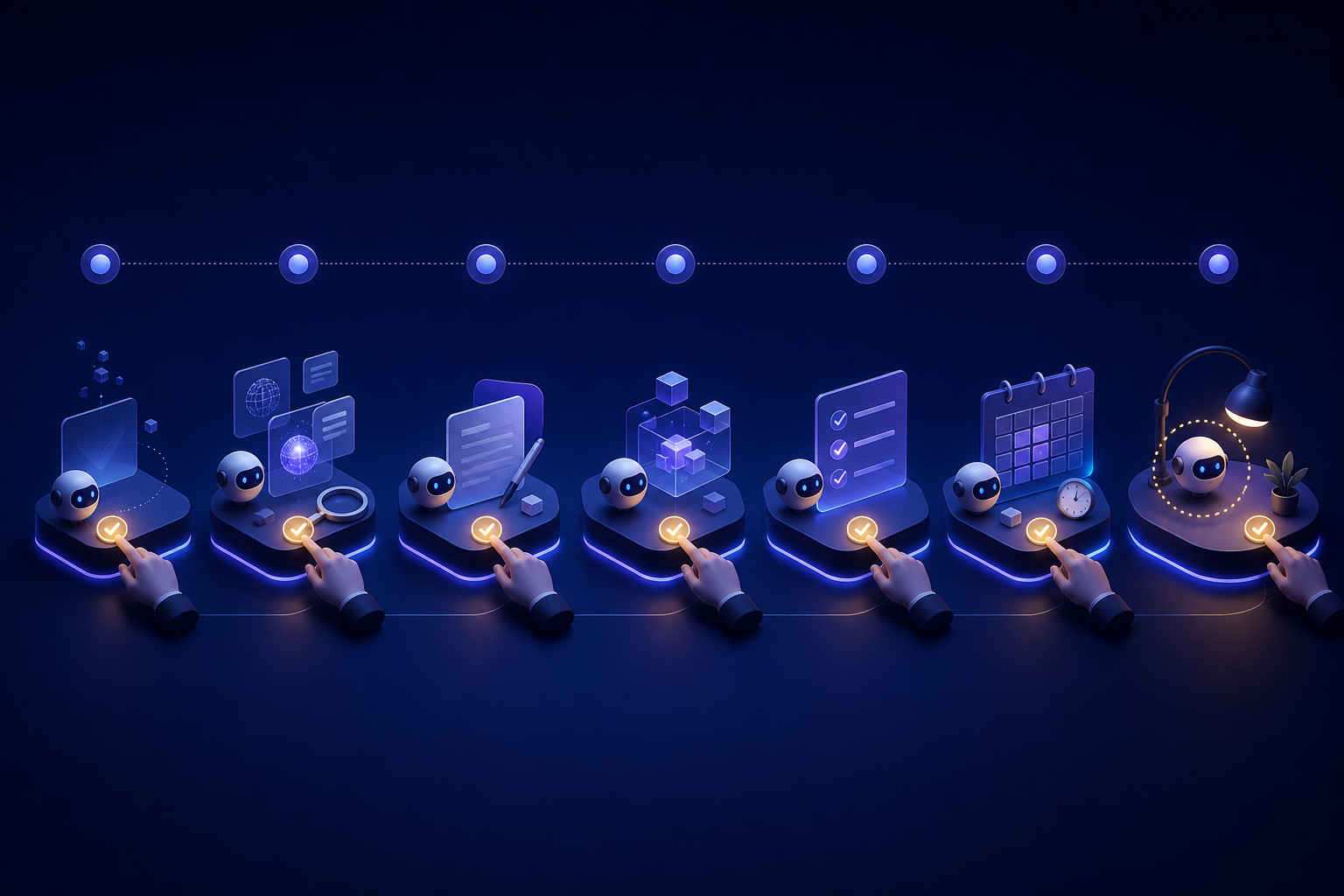
Day 0: inventory access. List every system the Bot could reach. Create a least-privilege account. Set local-computer execution to Never allowed. Add approval rules for sending, publishing, buying, deleting, and production changes.
Days 1–2: one Bot, read-only result. Give one Bot a bounded research or summarization task. Require links or screenshots. Do not add broad connectors or a routine yet.
Days 3–4: create a draft workflow. Add one source system. Have the Bot create an unsent review list, a report, or a draft—not an external action. Save the successful method as a skill.
Days 5–6: test safely. Run the skill against a throwaway target or safe data. Confirm it selected current inputs, used the required output format, surfaced failure states, and stopped at the approval rule. Remember: the test can perform real work.
Day 7: decide whether to schedule. Review the run history and usage. Add one routine only if the result has been consistently correct and the stop conditions worked. If computer failures, bad source selection, or usage burn already make the workflow uneconomic, do not scale it with more Bots.
FAQ
Is Grok Bot the same as Grok?
No. Grok is the assistant/chat product. Grok Bot is the persistent-agent product that can use a cloud computer and connected tools.
Do separate Bots keep data separate?
No. Their conversations and role context are separate, but they share the account’s cloud computer, files, browser sessions, and sign-ins. Do not use Bots as a security boundary.
How much does Grok Bot cost?
There is no standalone subscription. Eligibility and prices can change; check the current Cursor plan page before buying. Paid access has a weekly allowance and may use account-level on-demand spend after it is exhausted.
Can I select the model?
No. SpaceXAI says product-managed routing chooses from a fixed set of models and can fail over automatically.
Can I try a routine safely?
Use a safe target and approval rules. A test run performs real work, so it is not a dry run.
Sources
Get the best new AI tools and guides, weekly
One short email a week. The tools worth trying, the guides worth reading, nothing else.
No spam. Unsubscribe anytime.
Similar articles
Vantaige Launches the LLM VRAM Calculator: A Free GPU Compatibility Finder for Open-source and Open-Weight AI
Xiaomi MiMo-V2.6 Deep Dive: The 1-Trillion-Parameter Open-Source Titan Disrupting the Frontier