Claude vs Microsoft Copilot in Word, Excel and Outlook: Which Should You Actually Use (2026)

You can now have Claude or Microsoft Copilot (or both) sitting inside Word, Excel, PowerPoint and Outlook. They look similar in screenshots and behave very differently in practice: they get into your apps through different doors, touch different data, and bill you in different ways. Here is the comparison broken down the way you actually decide: app by app, with real seat prices.
The short answer
Pick Copilot if your team lives inside Teams, SharePoint and Excel all day and needs an assistant that already sees your organizational data. Pick Claude if your work is client-facing writing, proposals, analysis and email, where output quality per dollar matters more than deep tenant integration, or if part of your team runs on Google Workspace. Many teams run both: Copilot as the organizational layer, Claude as the better writer and reasoner. Nothing stops you from installing both in the same Microsoft 365 tenant.
How each one gets into your Office apps
Copilot is built into the ribbon by Microsoft: no install, and it operates on files in place, with native awareness of your SharePoint, Teams and OneDrive content through Microsoft Graph.
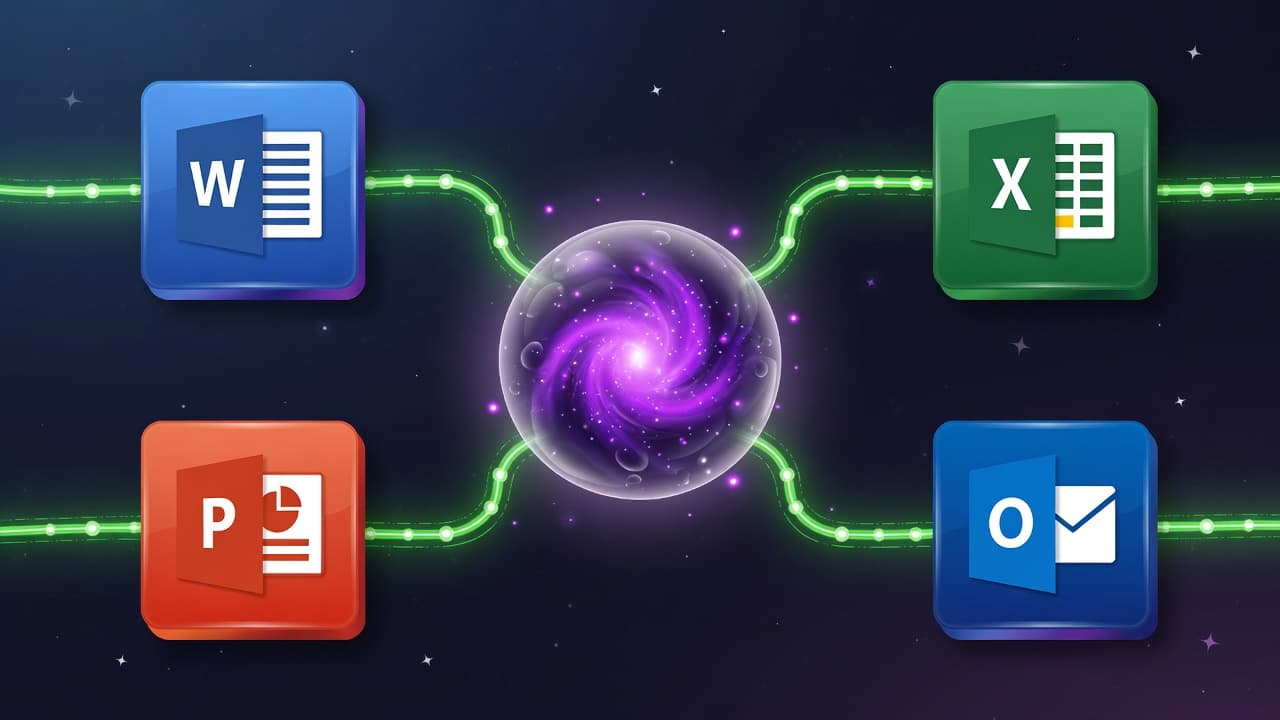
Claude arrives as four official Anthropic add-ins ("Claude by Anthropic" for Excel, Word, PowerPoint and Outlook) installed from AppSource, running as a side pane with a separate Claude sign-in. The add-ins share one conversation context, so a single chat can span your workbook, document and deck without copy-paste. One operational note: in EU, EFTA and UK commercial tenants the Claude integration is off by default and needs an admin opt-in; everywhere else it is on by default. Setup steps are in our install guide, and if anything misbehaves, the troubleshooting guide covers every documented failure.
Excel: formulas and models head to head
Copilot is more deeply embedded: in-cell formula generation, pattern detection and its Agent Mode operate natively on the grid. Claude works from the side pane, and its strengths are different: it answers questions about your workbook with cell-level citations you can click and verify, modifies values while preserving formula dependencies, and debugs broken formulas conversationally. Claude supports .xlsx and .xlsm files but cannot touch data tables, macros or VBA, so heavily automated workbooks favor Copilot. For building and explaining models, and for catching why a formula chain broke, Claude's citation-first approach is easier to trust and audit.
Word: drafting, editing and redlines
This is Claude's strongest app. Its edits land as native tracked changes you review in Word's revision pane, it works comment threads with replies and explanations, it inherits your document's styles when drafting, and its document search is semantic rather than keyword-only. Copilot drafts competently and is convenient for quick in-place rewrites, but for long documents, tone-matched client work and contract-style redlining, Claude's writing quality is the reason teams that write for a living pick it.
Outlook: inbox triage and drafting
Claude for Outlook (still in beta) triages your inbox into what needs you, what Claude can handle and what is noise, drafts replies in your own voice learned from your Sent folder, summarizes long threads with per-email citations, and reads Office and PDF attachments inline. It deliberately cannot send anything: drafts land unsent in your compose window, every time. Copilot's Outlook features are solid for summarize-and-draft, and it benefits from seeing your calendar and org context natively. If email is where your day goes, test both on a week of real inbox: the voice-matching in Claude's drafts is the differentiator most people notice.
Update, August 2026: Claude narrowed the Outlook gap on July 7, 2026, when the Microsoft 365 connector gained write tools: Claude can now send email, manage calendar events, and update files in OneDrive and SharePoint from chat, pending admin consent to the new permissions. Copilot still holds the edge for in-inbox automation, but the read-only caveat no longer applies.
PowerPoint: decks from a prompt
Claude generates full decks from a text description using your existing template's layouts, fonts and colors from the slide master, edits single slides without regenerating the deck, and converts bullets into native, editable PowerPoint charts rather than static images. Copilot also builds and restyles decks and is improving quickly here. If brand-template fidelity matters, Claude's slide-master awareness is currently the sharper tool.
Data access: where Copilot clearly wins
Copilot natively sees your tenant: SharePoint sites, Teams conversations, meetings, org chart. Claude's Office add-ins see the file you have open plus what you paste or attach. If your core use case is "answer questions across everything my company has ever written," Copilot is built for that and Claude's add-ins are not. Claude does offer a separate Microsoft 365 connector that lets claude.ai search your SharePoint, OneDrive, Outlook and Teams through delegated permissions, and unusually it is available on every Claude plan including Free, but it requires a business Microsoft tenant and a one-time admin consent, and it lives in the Claude app rather than inside Office.
Pricing at real seat counts
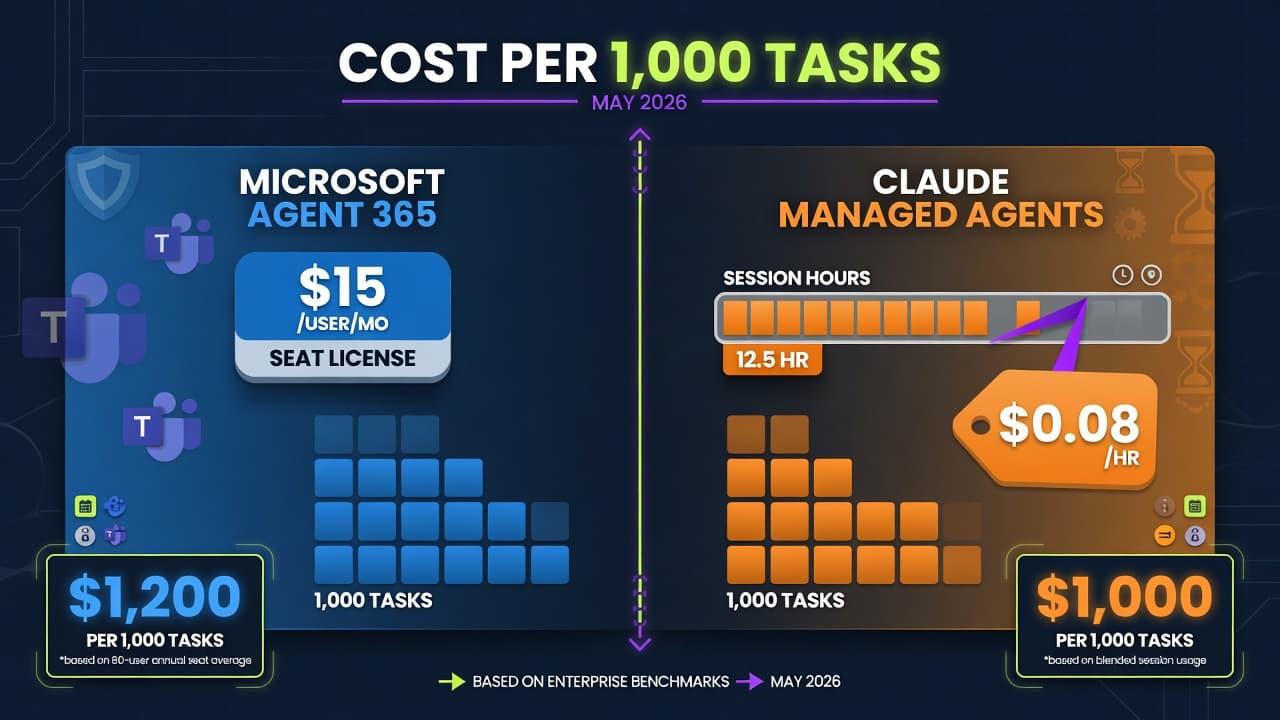
Copilot costs $30 per user per month on top of your Microsoft 365 licensing. Claude's Office add-ins carry no separate fee: they are included in any paid Claude plan (Pro $20/month, Team Standard $25 per seat with a 5-seat minimum, Team Premium $125 per seat, Enterprise from $20 per seat plus usage, billed annually).
Seats | Claude (Pro / Team Standard) | Copilot (added to M365) | Notes |
|---|---|---|---|
1 | $20/mo (Pro) | $30/mo | Claude Pro also covers claude.ai and Claude Code, not just Office |
10 | $250/mo (Team Standard) | $300/mo | Team Standard requires at least 5 seats |
50 | $1,250/mo (Team Standard) | $1,500/mo | Enterprise pricing shifts to seat plus usage, annual only |

Two nuances the sticker prices hide. Claude add-in usage draws from your subscription's normal usage limits, so extremely heavy Office use shares a budget with everything else you do with Claude. And your Claude subscription is useful far outside Office, while Copilot's value ends at Microsoft's walls. Model your own team's numbers in our AI cost calculator.
Security and compliance for regulated teams
Data boundary: Copilot lives inside Microsoft's compliance boundary, including the EU Data Boundary. Claude does not: that is why EU, EFTA and UK tenants get Claude switched off by default, and why true EU data residency for Claude workloads today means routing through AWS Bedrock or Google Vertex EU regions rather than the add-ins.
Government clouds: Claude's Office add-ins are unavailable in GCC, GCC High and DoD environments. Copilot has government variants.
Retention: Claude add-in inputs and outputs are auto-deleted within 30 days (Enterprise can override with its own retention policy), and chat history is stored locally in your browser, not on Anthropic servers.
Blast radius: Claude's Outlook add-in cannot send mail at all, which is a genuinely useful safety property. Anthropic also openly documents prompt injection from untrusted files and emails as a risk for all four add-ins and advises human review before anything ships. Treat both assistants as drafting tools, not autopilots, for audit-critical work.
An odd footnote: Copilot sometimes runs Claude
Since early 2026, Microsoft has used Anthropic models to power parts of Copilot itself, including Excel's Agent Mode and the Researcher agent. So the question is less "which model is smarter" and more "which product surface, data access and bill fits your team."
Who should pick which
Consultants, agencies, anyone shipping client documents: Claude. Tracked-changes editing and voice-matched drafting are the daily win.
Ops and finance teams deep in Excel with macros and org data: Copilot. VBA and data-table workbooks are outside Claude's reach.
Email-heavy roles: trial Claude for Outlook against Copilot on your real inbox for a week; drafts-in-your-voice is Claude's edge, native calendar context is Copilot's.
Mixed Microsoft and Google shops: Claude, since your subscription also covers Google Sheets workflows via connectors while Copilot stops at Microsoft's border.
Regulated EU industries: Copilot by default; adopt Claude deliberately with your compliance team using EU-region API routing where needed.
Budget-first small teams: Claude undercuts Copilot at every seat count and the subscription does double duty outside Office.
FAQ
Can you use Claude and Copilot in the same Microsoft 365 tenant at the same time?
Yes. They install and operate independently, and many teams run both: Copilot for tenant-aware lookups, Claude for writing and analysis.
Which one is cheaper for a 20-person team?
Claude Team Standard is $500/month for 20 seats; Copilot adds $600/month on top of your Microsoft licensing. Claude also covers usage outside Office in the same subscription.
Does Claude see my SharePoint and Teams data like Copilot does?
Not from the Office add-ins, which see only the open file and what you provide. The separate Microsoft 365 connector gives claude.ai delegated access to SharePoint, OneDrive, Outlook and Teams, but it requires business-tenant admin consent and lives in the Claude app, not the Office ribbon.
Which one writes better client-facing documents?
Claude, and it is not particularly close today: native tracked changes, style inheritance and stronger long-form writing are exactly the client-document workflow. Copilot is catching up fastest on quick in-place rewrites.
Is Copilot required for regulated-industry compliance, or does Claude qualify too?
Neither is automatically compliant; Copilot inherits Microsoft's boundary commitments, which is why EU tenants get Claude off by default. Claude can be deployed compliantly, but EU data residency requires API routing through Bedrock or Vertex EU regions, and government clouds are Copilot-only territory.
Do I need both, or is one enough?
Start with the one matching your dominant workload (writing and email: Claude; tenant data and Excel automation: Copilot). Add the second only if a real gap shows up in the first month.
References
Get the best new AI tools and guides, weekly
One short email a week. The tools worth trying, the guides worth reading, nothing else.
No spam. Unsubscribe anytime.
Aymen B
Contributing writer at Vantaige, covering the AI tools ecosystem.