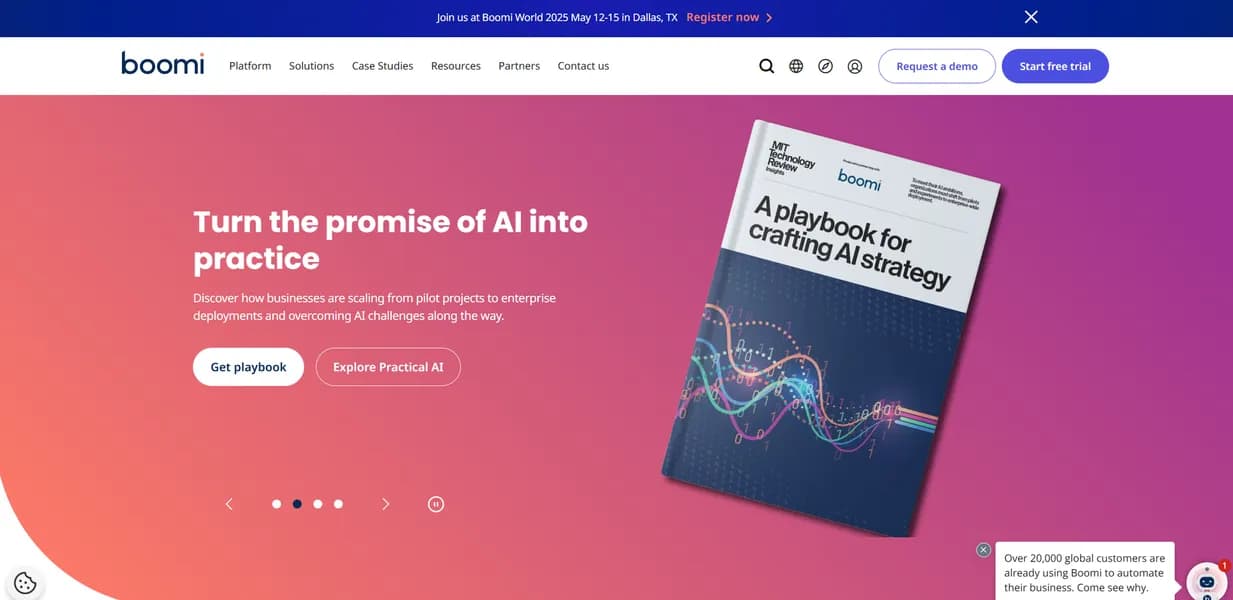

Boomi is an enterprise-grade iPaaS that helps IT teams connect cloud and on-premise applications. It uses a visual interface to automate workflows like syncing Salesforce data with NetSuite. But its connection-based pricing model gets expensive fast as your integration landscape grows.
What is Boomi?
Over 20,000 organizations use Boomi to connect their software applications. This integration platform as a service (iPaaS) processes millions of transactions daily for global firms. It replaces custom code with a visual drag-and-drop designer. IT teams use it to build automated workflows across different departments.
Developed by Boomi, LP, the platform solves data silos for enterprise IT teams. Its primary function is linking cloud and on-premise systems to automate business workflows. You can sync Salesforce CRM data with NetSuite ERP in real time. This ensures sales and accounting teams always see the exact same numbers.
- Primary Use Case: Synchronizing enterprise data across cloud and on-premise applications.
- Ideal For: Enterprise IT teams managing complex hybrid software environments.
- Pricing: Starts at $99 (Pay-As-You-Go) plus $0.05 per message.
Key Features and How Boomi Works
Visual Integration and AI Mapping
- Boomi AtomSphere: A drag-and-drop designer for building integrations without writing code. You connect shapes on a canvas to define data flow. Limit: Complex logic still requires custom scripting which feels clunky.
- Boomi Suggest: An AI tool that maps data fields using billions of indexed points. It learns from other users to recommend the best field matches. Limit: It only suggests mappings and requires human review for accuracy.
Data and API Management
- Master Data Hub: Centralizes data across the enterprise for a single source of truth. It prevents duplicate records across different software platforms. Limit: Setup requires significant upfront data governance planning.
- API Management: Tools to design and secure APIs with OAuth 2.0. You can expose legacy database data to mobile applications safely. Limit: Traffic spikes can increase costs under certain usage tiers.
B2B and Event Processing
- B2B/EDI Management: Native support for X12 and EDIFACT standards. It helps supply chain managers communicate with global trading partners. Limit: Trading partner setup is manual and time-consuming.
- Event Streams: Message queuing for asynchronous architectures. It ensures data packets do not get lost during system outages. Limit: High-throughput queues require careful capacity planning to avoid bottlenecks.
Boomi Pros and Cons
Pros
- Low-code visual interface cuts development time compared to writing custom API scripts.
- Boomi Suggest AI maps fields accurately, reducing manual configuration by up to 80 percent.
- Hybrid deployment lets you run Atoms on-premise, in the cloud, or in private clouds.
- Boomi University provides extensive training and thousands of pre-built integration templates.
Cons
- Connection-based pricing gets prohibitively expensive as you add more applications.
- Error logs and debugging tools are cryptic and difficult to read.
- The user interface for custom scripting lags behind modern competitors.
Who Should Use Boomi?
- Enterprise IT departments: Teams needing to connect legacy on-premise databases with modern SaaS tools like Workday.
- Supply chain managers: Professionals who process high volumes of EDI transactions with global trading partners.
- Small business owners: This is not a good fit. The steep learning curve and custom enterprise pricing will overwhelm small teams.
Boomi Pricing and Plans
The Free Trial lasts 30 days or 1,000 credits. It gives you access to core integration tools. But it is just a trial in disguise, not a permanent free tier.
Pay-As-You-Go costs $99 per month plus $0.05 per message. It includes unlimited users and connections. This works well for teams with low transaction volumes.
Base plan offers custom pricing for 2 users and 1 runtime environment. It includes core integration features for smaller projects.
Professional plan offers custom pricing for unlimited users and 2 runtime environments. It adds user team management features.
Pro Plus plan offers custom pricing for unlimited users, 3 runtime environments, and API call access.
Enterprise plan offers custom pricing for unlimited users and unlimited runtime environments. It unlocks full platform capabilities for massive organizations.
How Boomi Compares to Alternatives
Similar to MuleSoft, Boomi targets large enterprises with complex integration needs. MuleSoft relies heavily on its Anypoint Platform and API-led connectivity. Boomi focuses more on its low-code visual interface and hybrid deployment options. MuleSoft often requires more specialized developer knowledge to set up properly. Boomi lets business analysts participate in the integration design process.
Unlike Workato, Boomi handles heavy on-premise legacy system integrations well. Workato targets business users with a simpler interface for cloud-to-cloud automation. Boomi requires IT expertise to set up environments and manage data hubs. Workato charges by task volume rather than by connection. This makes Workato cheaper for companies with many apps but low data volume.
The Final Verdict on Boomi for Enterprise Integration
Large IT teams with hybrid environments get the most value from Boomi. It bridges the gap between old on-premise servers and new cloud applications. But solo developers and small startups should look elsewhere. The connection-based pricing model penalizes companies that use many small apps (we found this out the hard way during testing). If you just need to connect a few cloud tools, Zapier Central is a cheaper and simpler alternative. The honest limit remains the debugging experience. We still do not know when Boomi will update its cryptic error logs to help developers fix broken workflows faster.
User Reviews
No reviews yet. Be the first to share your experience!
Sign in to write a review.
Related articles
Guides and articles related to Boomi.

Jitterbit Pricing and Review (2026): Real Contract Costs and 5 Alternatives

Which Workflow Automation Platform Fits Your Business: n8n vs Zapier vs Make

Replace 6 SaaS Subscriptions With 4 n8n AI Agents (2026)

The Boring B2B AI Agent Niches That Actually Pay (2026)

What Are AI Agents? Complete Beginner’s Guide (2025)