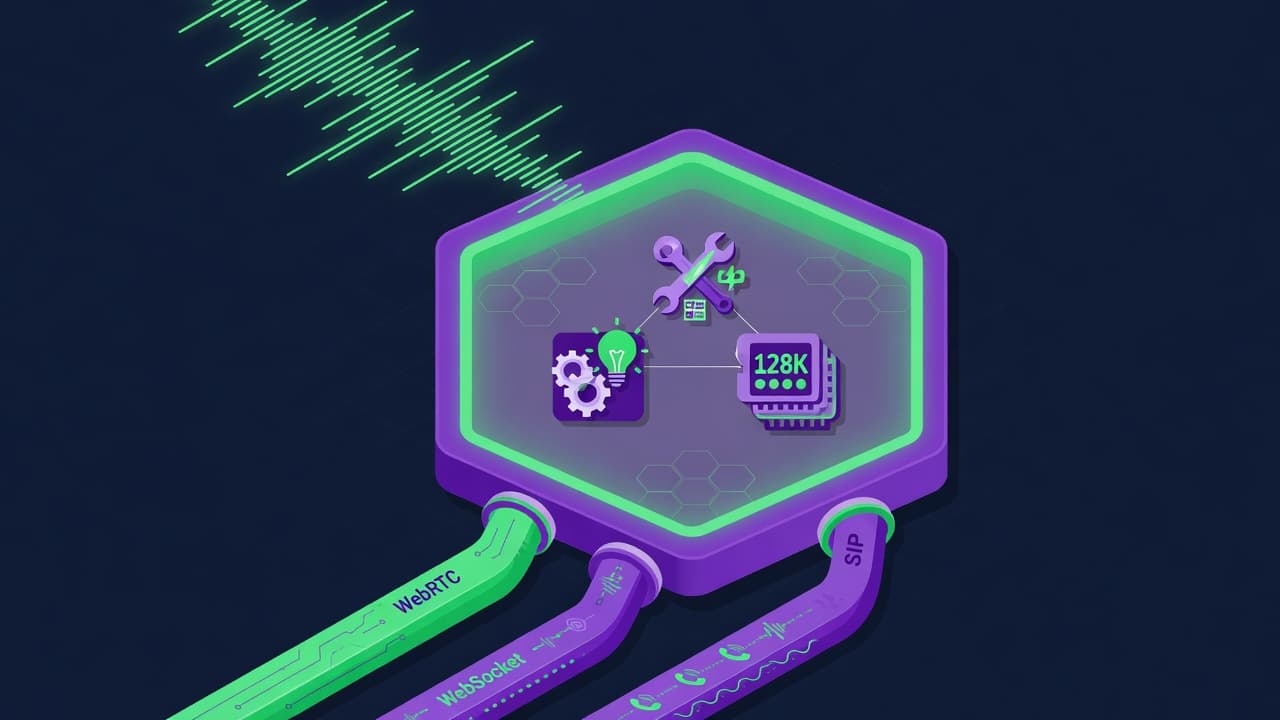

Browserbase provides managed cloud browser infrastructure for AI agents, pairing raw headless Chromium sessions with Stagehand, an open-source SDK that replaces brittle CSS selectors with natural language act(), extract(), and observe() primitives.
Browserbase is a cloud headless-browser infrastructure platform built specifically for AI agents. Founded in 2023 by Paul Klein IV, a former Twilio engineer and StreamClub CTO, the company runs sandboxed Chromium instances in the cloud that LLM-powered agents access via standard Playwright, Puppeteer, or Selenium connections. The core problem it solves is what Paul Klein calls "the 85% APIs can't reach": the web pages, portals, and authenticated applications that have no machine-readable API endpoint and were designed purely for human browsers. Browserbase makes those reachable for agents at production scale.
The platform ships in three layers. The infrastructure layer provides cloud browser sessions billed by browser-hour, with built-in CAPTCHA solving, stealth fingerprinting, proxy management, and session replay with video playback. Stagehand is the open-source SDK layer (MIT license, TypeScript and Python, 22,400+ GitHub stars) that wraps browser control with four AI primitives: act() for natural-language action execution, extract() for structured data pulling, observe() for previewing what an action would do, and agent() for autonomous multi-step task delegation. Director is the natural-language UI layer, launched June 2025, that lets non-technical users describe automations in plain English and generate runnable scripts without writing code. As of March 2026, Browserbase processes roughly 37 million unique browser sessions per month across more than 10,000 companies, with Stagehand pulling 800,000 weekly SDK downloads.
What Browserbase actually does in April 2026
Browserbase's infrastructure gives agents a full Chromium browser instance accessible over WebSocket using the Chrome DevTools Protocol. You connect your existing Playwright or Puppeteer code with a single endpoint change; the session runs in Browserbase's cloud instead of your server. From there, the agent can navigate, click, fill forms, handle JavaScript-heavy pages, solve CAPTCHAs automatically, and maintain cookies across requests. Sessions include built-in live view (watch the browser in real time), post-session video replay, DOM snapshots, and prompt logs for debugging failed runs.
Stagehand v3, launched October 29, 2025, is a significant architectural milestone. Earlier versions of Stagehand were built on top of Playwright; v3 moved to native CDP, making it compatible with Puppeteer, Bun, and other CDP-based drivers. The framework now runs 44% faster on average than v2, with particular gains in nested iframes and shadow DOM interactions, which were the dominant failure modes for earlier agent scripts on modern web apps. Stagehand v3 also added automatic element caching: once an act() or extract() run discovers page elements, subsequent runs reuse those without additional LLM inference, cutting both latency and API costs for repeated workflows.
The platform's observability layer deserves separate mention because it's a genuine differentiator. Session replay includes full video, DOM inspection at any frame, and a log of which LLM prompts were fired and what they returned. When an agent fails at step 7 of a 12-step workflow, you can scrub to that moment and see exactly what the browser was rendering and what the model inferred. Competitors either lack post-session replay entirely or gate it behind enterprise plans.
"Made it insanely easy to run real browser sessions for our AI agents. Without it, the whole system would be 10x harder to build and scale.". Elijah Muraoka, Soshi founder, Product Hunt, June 2025
"The API was easy to integrate against, and provides a feature set that is critical for numerous business use cases.". Zach Tratar, Embra founder, Product Hunt, May 2025
Where Browserbase sits versus Apify and Anchor Browser
The headless browser and agent-automation space has at least three distinct architectures, and Browserbase, Apify, and Anchor Browser each represent a different one.
Browserbase vs. Apify: Apify is an automation marketplace built around "Actors," serverless Node.js or Python functions you write once and deploy to their cloud. The key structural difference is that Apify's model is execution of pre-coded tasks from a library (4,000+ ready-made Actors for specific sites like LinkedIn, Amazon, and Google Maps), while Browserbase provides raw, uncoded browser sessions that your agent's logic runs on top of. If you need to scrape a site that already has an Apify Actor, Apify is faster to start with. If you are building an agent that encounters unpredictable, novel pages, a software sales tool navigating vendor portals, a research agent hitting obscure government databases. Apify's actor model doesn't cover you. You'd call Apify from an orchestrator as a known tool; Browserbase is the surface your agent's entire browser loop lives on. The cost model also differs: Apify bills per Actor compute unit and proxy bandwidth, without a session-replay debugging layer built for agent use cases.
Browserbase vs. Anchor Browser: Anchor is philosophically closer to Browserbase: both provide cloud browser sessions accessible via CDP. Anchor's differentiator is its "agentic tools" endpoint abstraction, instead of raw CDP access, you call higher-level endpoints like "perform web task" or "navigate to." Anchor prioritizes deterministic execution through explicit scripting. In a 2025 benchmark comparing session creation speed, Anchor averaged 13.1 seconds versus Browserbase's 11.9 seconds, though Anchor handled 3/3 parallel free-tier sessions where Browserbase ran them sequentially. Where Anchor clearly lags is ecosystem: there is no Anchor equivalent of Stagehand, the open-source SDK with 22k+ stars that hundreds of developer teams have standardized on. Browserbase's observability tooling (post-session video replay, DOM snapshots) is also more complete; Anchor offers live view during execution but not post-session replay. For teams that want raw browser access plus an opinionated, well-supported framework around it, Browserbase is the complete answer. For teams that want deterministic high-level task APIs without writing their own agent logic, Anchor is worth evaluating.
What the Stagehand agent loop reality looks like
A Stagehand workflow sits between two failure modes: pure Playwright (fast and cheap but breaks every time a class name changes) and pure LLM agent loops (flexible but expensive, slow, and non-deterministic). Stagehand's design forces you to choose, step by step, how much AI involvement you want.
For a typical SDR agent, a developer would write deterministic code for the stable parts (navigate to a known URL, log in with stored credentials) and use act() for the parts that change (click the contact form button, which might be labeled differently across sites). Extract() pulls structured data from the page without requiring you to write CSS selectors that break on redesigns. Observe() lets you preview what Stagehand would do before committing, which is useful for building test coverage or logging intent. The agent() primitive hands off multi-step goals entirely to an underlying LLM, useful for exploratory tasks where the path is unknown.
The practical tension developers hit is cost. Every act() or extract() invocation fires an LLM call unless the element has been cached from a prior run. Early in development, before caching is populated, costs add up. Developers on Hacker News have noted that bare Playwright might be cheaper for workflows with stable, well-known page structures. Stagehand v3's automatic element caching addresses this directly for repeated workflows, but novel pages still incur LLM inference costs each time.
Debugging is where Browserbase's platform earns its keep over local Playwright. When an agent fails at an unexpected page state, an interstitial ad, a region-locked error, an A/B test variant the agent hasn't seen, session replay lets you scrub to the exact frame and understand the DOM state the model was reasoning about. Without this, debugging failed agent runs is reconstructing a crash from a stack trace. With it, you have video.
Who Browserbase is built for
Browserbase is the default choice for teams building production AI agents that need to interact with the live web at scale. That covers a wide range of product categories: AI sales development reps (11x is a named customer), research agents that aggregate data from sites without APIs, RPA replacements that handle government portals and legacy forms, competitive intelligence tools that monitor pricing and job listings, and developer tools that run browser-based acceptance tests across changing UIs.
The Stagehand SDK specifically suits TypeScript and Python developers who are already comfortable with Playwright and want to layer AI primitives on top of it rather than switching frameworks entirely. The learning curve is shallow: existing Playwright scripts continue working; you add act() calls where brittle selectors used to be.
Enterprise teams get added value from the observability layer. Being able to replay exactly what an agent saw and decided at each step is important for compliance in regulated industries, debugging customer-reported failures, and improving agent prompts over time. Companies with HIPAA requirements can get BAA coverage on the Scale plan.
The platform is also a strong fit for startups that want to skip the infrastructure build entirely. Running reliable headless browsers at scale involves proxy rotation, CAPTCHA services, browser fingerprinting, session state management, and monitoring. Browserbase abstracts all of that into a single API and a monthly bill.
What Browserbase is not
Browserbase is not the right choice when you need many very short browser sessions. The one-minute billing minimum means a 10-second form check bills as a full minute. If your workflow involves hundreds of quick, deterministic interactions, price checks, status pings, webhook verifications, the cost model works against you. A self-hosted Playwright setup or a lighter scraping API will be cheaper.
It is also not a substitute for traditional web scraping infrastructure when the target sites have known, stable structure and pre-built Actors already exist in Apify's marketplace. If you need Amazon product data, LinkedIn profiles from a structured export, or Google SERP results at scale, purpose-built scraping tools have more efficient pricing for those known targets.
Teams looking for fully deterministic scripting with no LLM involvement at runtime should look elsewhere, or should use Browserbase's infrastructure with plain Playwright code and skip Stagehand entirely. The platform works without Stagehand; the browser access is the foundation. But the LLM-at-runtime architecture of Stagehand is a real tradeoff: it adds cost and non-determinism to every step where you invoke AI. For teams who find this acceptable, Stagehand's resilience to UI changes is worth it. For teams building tightly controlled, high-frequency workflows where every cent per run matters, the calculus is different.
Finally, authentication flows remain a real reliability concern. Testing on login-heavy workflows involving OTP codes and email verification showed failure rates around 60%. Browserbase's CAPTCHA solving handles visual CAPTCHAs well; time-sensitive email-based OTP flows require additional orchestration that the platform does not currently provide natively.
User Reviews
No reviews yet. Be the first to share your experience!
Sign in to write a review.
Featured in collections
Curated lists that include Browserbase.
Related articles
Guides and articles related to Browserbase.
AI User Testing in 2026: The Tools That Test Your Product While You Sleep

Build and Sell AI Automations as a Service: The Operator Playbook (2026)
Run a Company With AI Agents: The Open-Source Orchestration Setup (2026)

Turn Any AI Agent Into a Superagent: The 12-Integration Stack (2026)
AI Agents for Business: What They Actually Are and 12 Things You Can Automate Today