
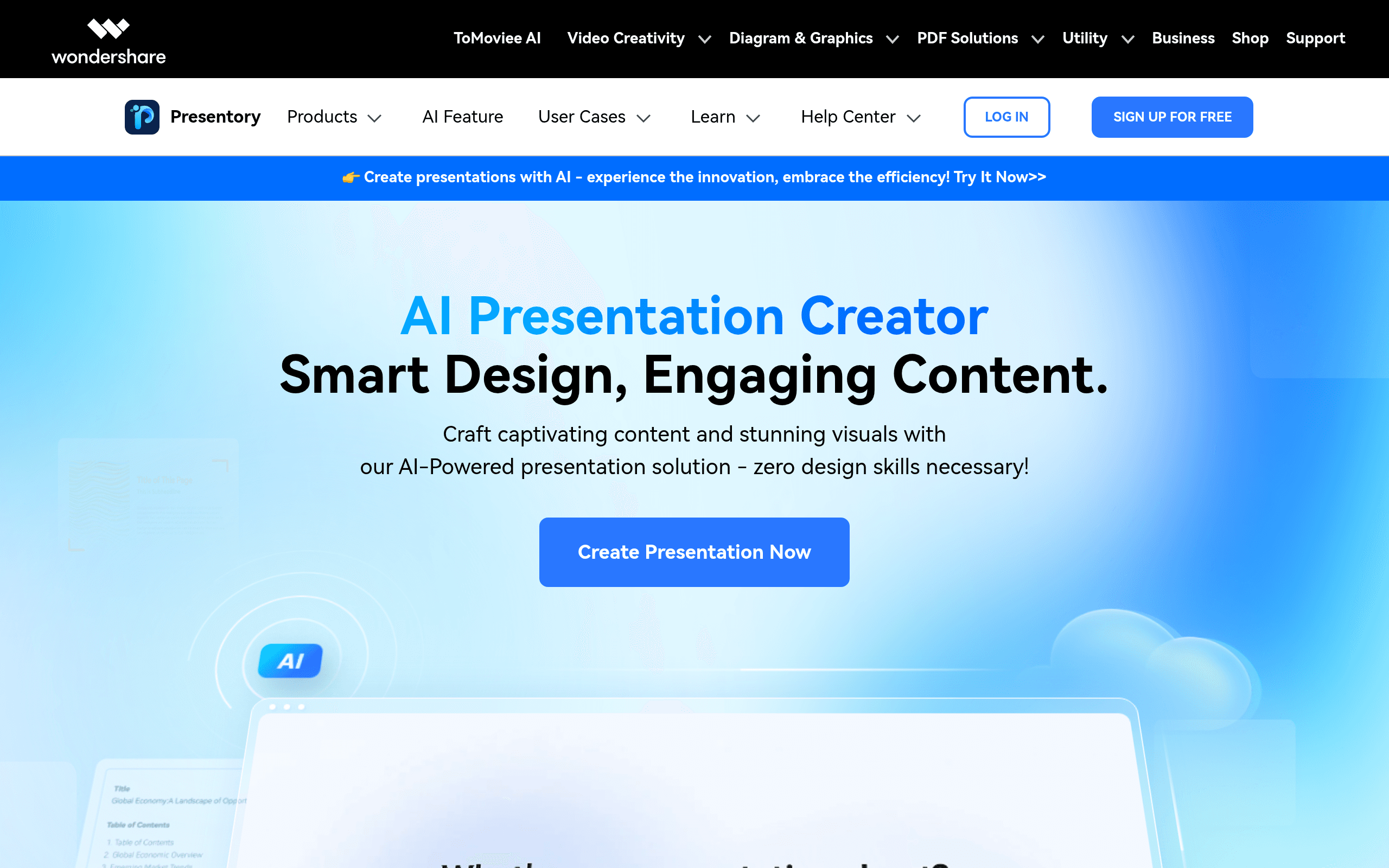

Wondershare Presentory is an AI-powered desktop app that generates presentation outlines and slides. It targets educators and sales professionals who record video presentations. The built-in teleprompter keeps you looking at the camera. However, the free trial exports contain a massive watermark.
What is Wondershare Presentory?
Wondershare Presentory is a desktop application that generates presentation outlines and slides using artificial intelligence. It combines slide creation with video recording tools like a built-in teleprompter and virtual camera output. The interface resembles standard video editing software, placing your webcam feed directly alongside your slide content.
Developed by Wondershare Technology Group Co., Ltd., the software targets educators and business professionals who record video presentations or host live webinars. It solves the problem of managing notes and slides while trying to maintain eye contact with a webcam. The application handles both the visual presentation and the video capture in one interface.
This tool eliminates the need to juggle separate slide decks and recording software.
- Primary Use Case: Recording video presentations with a built-in teleprompter and AI-generated slides.
- Ideal For: Educators and sales professionals who frequently present on Zoom or Microsoft Teams.
- Pricing: Starts at $7.00 per month (Quarterly plan). The $34 one-time perpetual license offers the best long-term value.
Key Features and How Wondershare Presentory Works
AI Content Generation
- AI Outline Generation: Creates a full presentation structure based on a user-provided topic, limited by your available AI credits.
- AI Credits: Usage-based system providing up to 8,000 credits per year on the annual plan for content generation.
Video and Recording Tools
- Teleprompter: Floating window with adjustable scroll speed and font size for script reading, limited to the desktop app interface.
- HD Recording: High-definition video recording of presentations with internal audio capture, restricted by your local hard drive space.
- One-Click Streaming: Direct integration with Zoom, Microsoft Teams, and YouTube Live via a virtual camera driver.
Visual Enhancements
- Virtual Backgrounds: Library of 3D scenes and the ability to upload custom images or videos, which requires decent GPU performance.
- AI Beauty Filters: Real-time skin smoothing and facial enhancement for webcam video, limited to basic facial tracking.
- 3D Resources: Over 2,000 stickers, emojis, and 3D assets for slide decoration, though advanced animation controls are absent.
Wondershare Presentory Pros and Cons
Pros
- Integrated teleprompter reduces the need for script memorization during video recordings.
- AI-driven outline generation cuts down on initial research and structuring time.
- Virtual camera driver connects directly to major meeting platforms like Zoom and Teams.
- Perpetual license option costs $34 and avoids recurring subscription fees.
Cons
- Free trial exports include a prominent watermark that makes them unsuitable for professional use.
- AI credit system restricts power users who generate multiple presentations daily.
- High system requirements cause noticeable performance lag on older hardware during 3D rendering (I noticed significant fan noise on a 2019 MacBook Pro).
Who Should Use Wondershare Presentory?
- Educators and Trainers: Teachers can record video lectures using the teleprompter and virtual backgrounds to keep students engaged.
- Sales Professionals: Account executives can stream live pitches directly to Microsoft Teams without switching between multiple windows.
- Not for Advanced Animators: Users who need complex slide transitions or custom motion graphics should look elsewhere. The animation controls lag behind dedicated video editors.
Wondershare Presentory Pricing and Plans
The Free Trial costs $0 but limits you to 1,500 AI credits and 4 free templates. All exports contain a large watermark. This makes the free tier function strictly as a testing environment rather than a usable product.
The Monthly Plan costs $9.00 per month. It removes the watermark and provides 5,000 AI credits monthly alongside advanced editing tools.
The Quarterly Plan drops the price to $7.00 per month. You are billed $21 every three months and keep the 5,000 monthly credits.
The Yearly Plan costs $5.67 per month, billed at $68 annually. This tier provides 8,000 AI credits per year.
The Perpetual Plan costs a one-time fee of $34.00. You get lifetime access to the current software version and 3,000 AI credits.
How Wondershare Presentory Compares to Alternatives
Similar to Gamma, Presentory uses AI to generate presentation outlines from a single text prompt. Unlike Gamma, which operates entirely in the browser and focuses on web-based sharing, Presentory is a desktop application built specifically for video recording and live streaming. Gamma excels at creating documents that read like websites, while Presentory focuses entirely on the speaker’s performance.
Prezi is another major competitor in the presentation space. Prezi relies on a zooming canvas to show relationships between ideas. Presentory sticks to a traditional linear slide format but adds a virtual camera and teleprompter. Users who present live on Zoom will find Presentory easier to set up (the virtual camera connects instantly). Prezi requires a steeper learning curve to master its spatial navigation.
The Best Presentation Tool for Live Video Pitching
Wondershare Presentory combines AI slide generation with practical video recording tools.
The software forces you to work within its specific video-first workflow, which benefits solo presenters. Sales teams and educators get the most value from its virtual camera integration and built-in teleprompter. Users who just need standard slide decks without video features should stick to Canva.
User Reviews
No reviews yet. Be the first to share your experience!
Sign in to write a review.
Related articles
Guides and articles related to Wondershare Presentory.

Perplexity AI Tutorial: Maximize Your Research Workflows

Wix Logo Maker Review (2026): Real Costs, the Edit Catch, and AI Alternatives

How to Get an AI Model Wearing Your Clothes (Step by Step)

Best AI Fashion Model Generators for Clothing Brands (2026)

Undetectable AI Review (2026): What It Does, What It Costs, and 7 Alternatives
