Notion AI is the AI layer built into the Notion workspace: meeting transcription, document Q&A, database autofill, and autonomous agents. It saves real time when your work already lives in Notion, but the May 2025 bundling change forced many teams onto a more expensive plan to keep it.
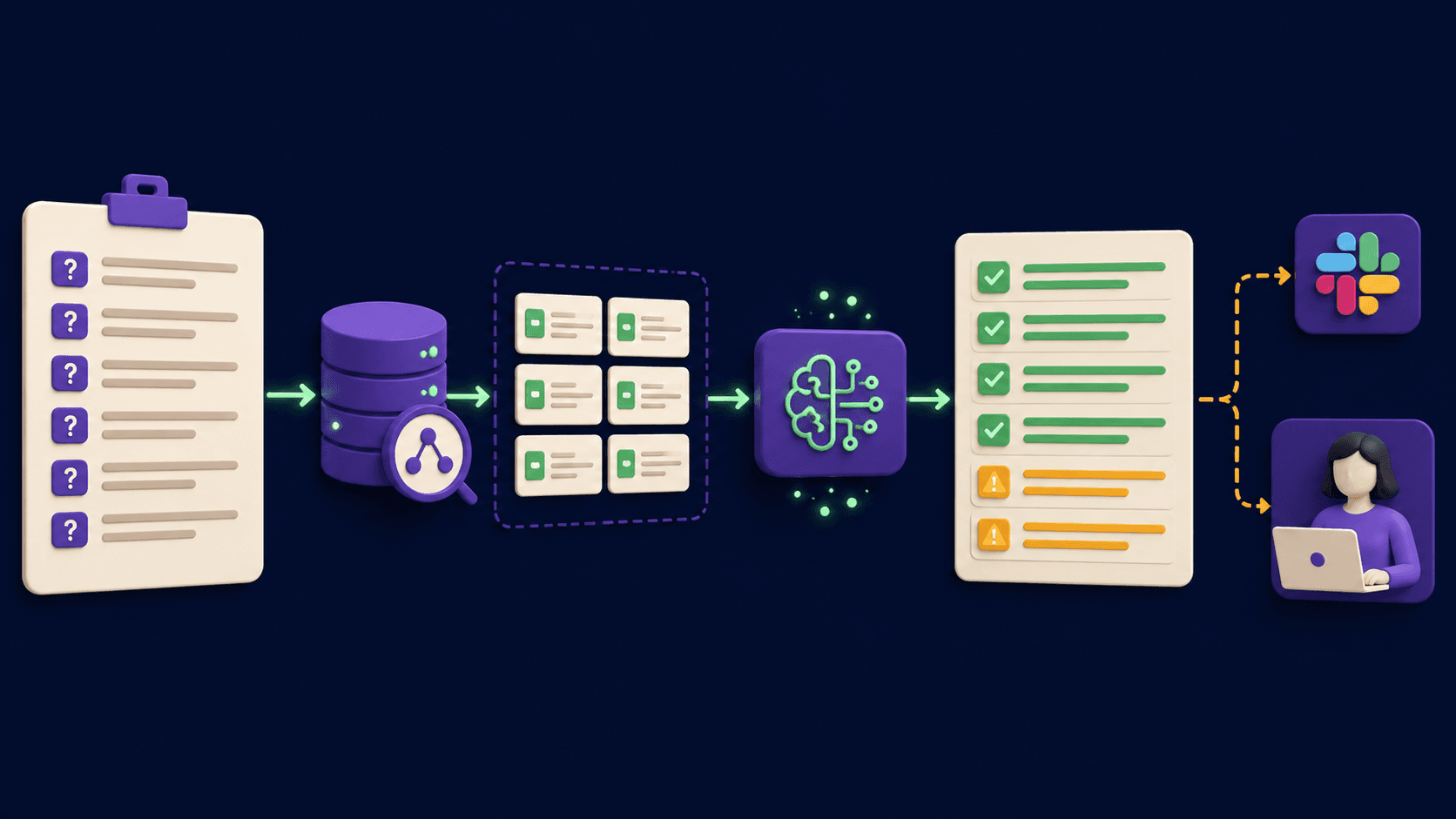
In a Notion workspace holding 8 linked PRD pages, a product manager asked Notion AI to summarise all open questions and flag missing acceptance criteria across the sprint. The Q&A returned a useful list, sourced from 5 of the 8 pages. Two PRDs were missed entirely. A block of notes from an unrelated project was folded into the answer as if it belonged there. The product manager still saved roughly 20 minutes, but had to verify every gap the AI identified before trusting it in a team standup. That experience captures Notion AI's honest value proposition in April 2026: a real time-saver when your information is clean and consolidated, a liability if you treat its output as complete.
Notion AI's real role in your workflow (not the marketing version)
Notion AI is not a standalone product. It is a feature layer built into the Notion platform, which means its value is inseparable from how well your team actually uses Notion. If your documentation is inconsistent or spread across disconnected pages, no AI layer compensates for that.
The capability set includes: writing and editing assist (tone adjustment, summarisation, rewriting, blank-page generation); Meeting Notes (automatic transcription and summary of Zoom and Google Meet calls via Notion Calendar); Database AI Autofill (AI-populated properties, action-item extraction, bulk classification); Enterprise Search / Q&A (natural-language questions answered from your workspace plus Slack, Google Drive, Jira, GitHub, and more); Notion Agent (launched September 2025, multi-step autonomous actions: project plans, bulk database updates, formula generation); and Custom Agents (added February 2026, scheduled or trigger-based AI teammates for recurring tasks).
The practical reality: writing assist is convenient but not best-in-class; Q&A works well for single-page lookups but degrades when synthesis across multiple documents is required; Meeting Notes captures accurately but produces no speaker labels; Custom Agents require precise instructions to behave predictably. What holds all of it together is workspace context, the AI already sees your pages without copy-pasting. For teams living in Notion all day, that integration dividend is real. For teams that don't, it mostly isn't.
"I use Notion AI to create the skeleton of my weekly reports. It saves me hours of work, allowing me to focus on adding nuanced insights rather than struggling with the basic structure.". Reddit user in r/Notion, 2025
Accuracy, speed, and where it falls short
The most useful published accuracy benchmark for Notion AI Q&A comes from workflowautomation.net's 2025 testing: approximately 80% accuracy when the answer exists on a single page, dropping to approximately 60% when synthesis across multiple pages is required. It is reliable for single-document lookups and unreliable for anything that requires cross-referencing several sources. Database-native questions are a separate documented weak point, asking "which tasks are overdue?" is cited as likely to produce inaccurate answers. The Q&A was built for page content retrieval, not structured database querying. That is an architectural limit, not a tuning problem.
Meeting Notes transcription turns around quickly and eliminates the 15-20 minutes most teams spend on post-call write-ups. The quality issue is that summaries degrade for longer meetings. Tl;dv reviewer Dani Jones documented this in 2026 after testing across Zoom, Google Meet, YouTube videos, and voice recordings: "As the conversation stretched on, the AI summaries became vaguer and less helpful." Multilingual calls were handled inconsistently, some segments auto-translated to English, others left in the original language with no clear pattern.
Writing output is consistently described as "convenient, not best-in-class." Multiple reviewers keep a separate Claude or ChatGPT window open alongside Notion for any writing task where quality matters. The pitch is not superiority, it is that the AI is already in the document, with no context switch required. For quick structural drafts that is often sufficient. For polished prose, it is not.
Integrations that actually matter
As of April 2026, Enterprise Search indexes your full Notion workspace plus Slack, Google Drive, Microsoft SharePoint, OneDrive, Teams, Jira, GitHub, Linear, Gmail, Outlook, Notion Mail, Notion Calendar, Google Calendar, Salesforce, and Box. The connector list is genuinely broad.
What the marketing does not lead with: all connectors are read-only. They surface information from connected apps but cannot take action in those apps without Custom Agents layered on top. Initial sync takes up to 72 hours. Data is typically limited to the last year, so long institutional history may not be indexed. There is no way to preview how Enterprise Search performs with your actual workspace data before rollout, you configure it, wait 72 hours, and discover what it found. Ask specific questions about specific content; broad synthesis queries produce incomplete and sometimes hallucinated answers.
Meeting Notes requires a manual click to start before each call, there is no automatic session capture. Forgotten starts have no recovery path. This is a recurring friction point for teams whose meeting discipline is already inconsistent.
Privacy, where your data goes and who sees it
Per notion.com/help/notion-ai-security-practices (fetched April 2026): Anthropic and OpenAI are the primary LLM providers. Neither Notion nor its AI subprocessors use customer data to train models by default, this is contractually enforced. Non-Enterprise plans: LLM providers retain data 30 days or fewer. Enterprise: zero data retention with LLM providers. Embeddings for Q&A are deleted within 60 days of workspace deletion. Certifications: SOC 2 Type 2, ISO 27001, HIPAA-supported.
The security record requires direct acknowledgment. In December 2025, PromptArmor reported via HackerOne a prompt injection vulnerability in Notion AI agents. The attack: hidden white-on-white text in a PDF (1-point font) instructed Notion AI to construct a URL embedding extracted workspace data and insert it as an "image", causing the browser to transmit that data to an attacker's server. Crucially, Notion AI saved its edits before the user approved them, so exfiltration completed before the user noticed. Notion initially closed the HackerOne report as non-applicable on December 29. PromptArmor disclosed publicly January 7, 2026. Notion confirmed a fix January 8. Security researcher Simon Willison had named this the "lethal trifecta" attack surface: an AI tool that can access private data, read untrusted content, and communicate externally creates the conditions for exactly this class of attack.
"As much as I love using Notion, they have a terrible track record when it comes to dealing with and responding to security issues.". Hacker News commenter, January 2026, responding to the prompt injection vulnerability disclosure
For teams using Custom Agents with access to sensitive databases. HR records, financial models, client data, this incident is worth understanding in detail before deployment. The patch is confirmed, but the January 2026 disclosure pattern (close the report, reverse after public pressure) is a data point about how Notion handles AI security reports.
Team pricing reality check
The critical pricing fact: on May 13, 2025, Notion eliminated AI as a $10/user/month add-on and bundled it into Business and Enterprise only. A team on Plus ($10/user) plus AI ($10/user) paid $20/user/month before and still pays $20/user/month after, but now at Business rate, with Business features they may not have wanted. For Plus teams not already paying for the AI add-on, the cost to get AI doubled outright.
A 10-person Business team costs $2,400/year at the annual rate. There is no per-seat AI control. An aiworthit.com review tracked a 10-person team where several members never used AI features in 5 months of testing; all 10 seats still paid $20/month.
Custom Agents added another cost layer in May 2026: $10 per 1,000 Notion Credits as a Business/Enterprise add-on. Each run costs 45 to 90 credits ($0.11 to $0.22). Free and Plus plans get trial access only, limited responses, no Meeting Notes, no Enterprise Search, no Agents.
The frustrations that keep recurring
No speaker labels in Meeting Notes. Every transcript is one continuous block with no attribution, a dealbreaker for client calls, interviews, or any meeting where you need to know who committed to what. Otter.ai, Fireflies, and tl;dv all label speakers as standard. Notion has not added this despite consistent requests.
Q&A misses obvious workspace content. The AI searches the workspace; it does not load it into context. When an answer requires synthesising several documents, it frequently misses pieces.
"The biggest problem is that it doesn't know your workspace, it just searches it. If it had your workspace loaded in its context the usefulness would be 100% better.". Reddit user in r/Notion, 2025
Database autofill auto-updates are unreliable. Auto-update on page edits is supposed to refresh AI-populated fields automatically. In practice, updates are delayed by minutes to hours or fail entirely. Pages with five or more AI autofill blocks sometimes load in 4+ seconds versus under 1 second without them.
Per-seat billing with no granular control. No way to activate AI for only the users who need it. Every workspace seat pays the Business rate.
Custom Agent precision requirements. Instructions like "near good schools" produce technically correct but unhelpful results; "school district rated 7/10 or above on GreatSchools" produces the intended behaviour. Vague natural language is interpreted literally, not inferred. Most non-technical users discover this gap only after building a workflow that quietly misbehaves.
Writing quality below standalone AI. Multiple reviewers keep a separate Claude or ChatGPT window open for any writing task where quality matters, which undermines the core pitch of staying in one tool.
Notion AI vs. ChatGPT Team vs. Microsoft 365 Copilot
ChatGPT Team ($30/user/month) gives unrestricted access to frontier models (GPT-4o, o1) with noticeably stronger writing and reasoning output. The tradeoff: zero workspace context. Every interaction starts from a copy-paste. Notion AI's only structural advantage over ChatGPT Team is that the AI already sees your pages. Reddit's consistent advice for solo users: stay on Plus and use the ChatGPT free tier rather than paying Business rates. When writing quality is the priority rather than workspace retrieval, ChatGPT Team is the better tool at a $10/user premium.
Microsoft 365 Copilot costs $30/user/month on top of an existing M365 license. Its advantages are ecosystem-specific: Excel analysis and PowerPoint generation are significantly stronger than anything Notion AI offers, and it is embedded deeply in Word, Outlook, Teams, and SharePoint. For organisations already on M365, Copilot provides workplace AI without a platform switch. For teams outside the Microsoft ecosystem using Notion as their central knowledge base, Copilot's integration provides no leverage. Notion AI at $20/user/month is purpose-built for document-centric knowledge work; Copilot at $30+/user/month is purpose-built for Office productivity. The decision follows the platform: Google Workspace and Notion teams choose Notion AI; M365 shops choose Copilot.
The honest summary: Notion AI is the right choice when workspace context integration is the primary value driver. When output quality matters most, ChatGPT Team wins. When Office integration matters most, Copilot wins. Notion AI wins specifically when the team lives in Notion and needs AI that acts on what is already there.
User Reviews
No reviews yet. Be the first to share your experience!
Sign in to write a review.
Featured in collections
Curated lists that include Notion AI.
Related articles
Guides and articles related to Notion AI.

The Personal AI Productivity Stack (2026): One Tool Per Job, Nothing Extra
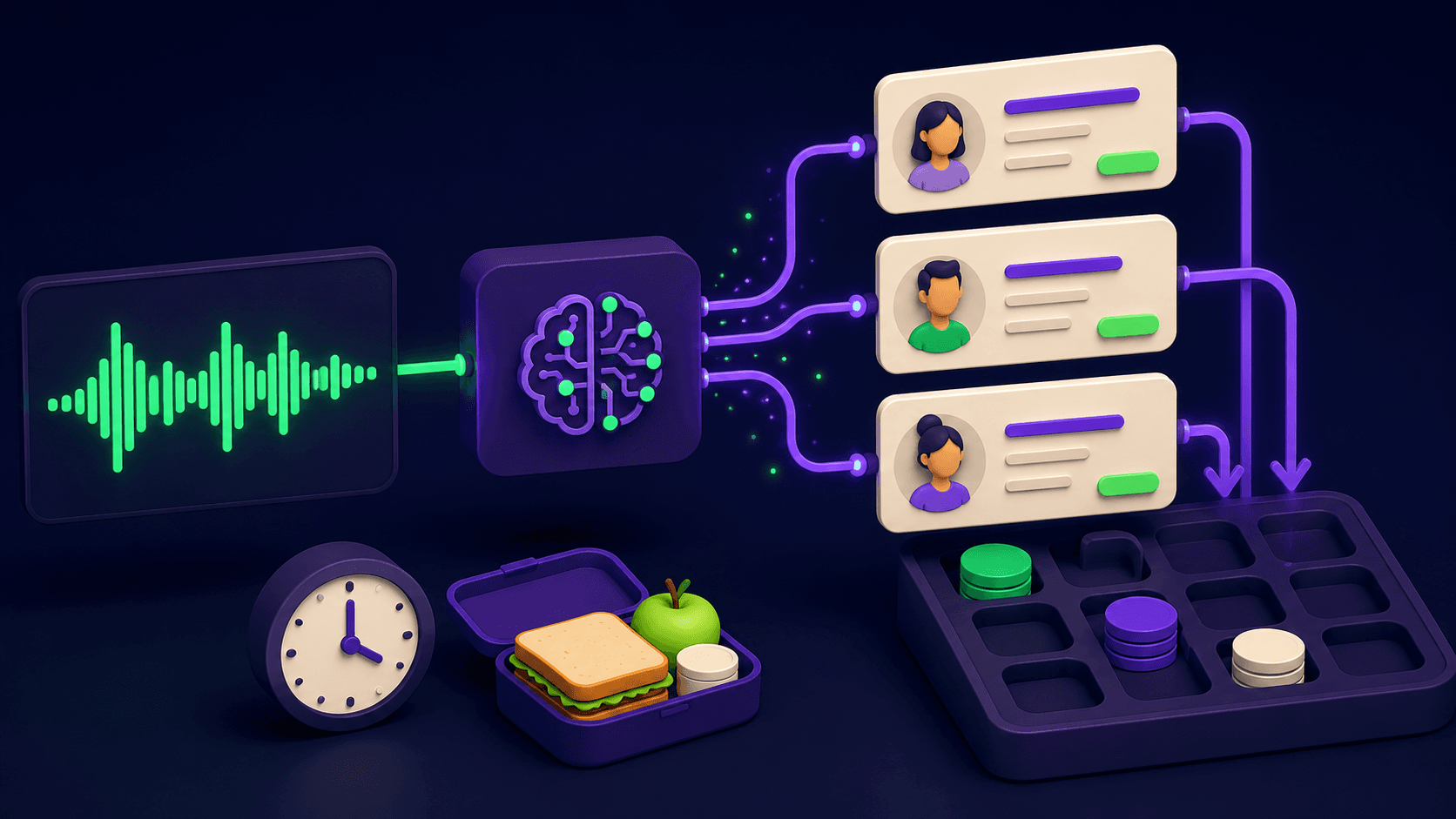
Claude Plus Notion: Turn Meeting Transcripts Into Tasks Automatically (2026)

Turn Any AI Agent Into a Superagent: The 12-Integration Stack (2026)

Replit Pricing Explained (2026): Core vs Pro and Effort-Based Agent Billing
AI User Testing in 2026: The Tools That Test Your Product While You Sleep