Wix Logo Maker Review (2026): Real Costs, the Edit Catch, and AI Alternatives

Wix Logo Maker Review (2026): Real Costs, the Edit Catch, and the AI Tools That Beat It
Wix Logo Maker is free to use and not free to own, and the gap between those two facts is where most buyers get surprised. This review covers how the generator actually works, what downloads cost in 2026, the no-free-edits catch nobody mentions until checkout, and which AI logo tools produce better marks for specific kinds of brands. The pricing table and the edit-policy section are the parts to read before you pay.
TL;DR
Creating and previewing logos is free; downloads are paid
One-time logo files start around $20 to $49
Subscription plans from about $11 per month add commercial rights
Edits after purchase require paying for re-download
Ideogram-class AI tools now beat it on text rendering
What is Wix Logo Maker?
Wix Logo Maker is an AI-assisted logo generator inside the Wix ecosystem. You answer a short quiz about your brand name, industry, and style preferences, and it generates editable logo candidates you can customize with fonts, colors, icons, and layouts before buying download files.
It is built primarily as an on-ramp into Wix websites. The generator is genuinely free to play with, and you can download a free low-resolution sample, per the official Wix plans page. The business model starts when you want files you can actually use: high-resolution downloads, vector formats, and commercial rights all sit behind a purchase.
How much does Wix Logo Maker actually cost in 2026?
Creation is free; ownership is not. One-time logo purchases start around $20 for a basic-resolution package and about $49 for the standard high-resolution tier, while subscription bundles start near $11 per month and stack in website features, per Website Planet's pricing breakdown and BrandFeeler's 2026 review.
Option | Reported price | What you get | Watch for |
|---|---|---|---|
Free sample | $0 | Low-resolution preview file | Not usable for production or print |
Basic one-time download | ~$20 | Standard logo files | Resolution and format limits |
Standard one-time download | ~$49 | High-resolution files, commercial use | No revisions included after purchase |
Value subscription | ~$11/mo | Logo + commercial rights + 1-year domain + site features | You are buying the Wix ecosystem, not just a logo |
Professional subscription | ~$16/mo | Adds resizable vector files, social media kit, business cards | Only tier with the full asset kit |
Prices shift with promotions, so treat these as the reported ranges from 2026 reviews and confirm at checkout on the official tool.
What is the edit catch buyers miss?
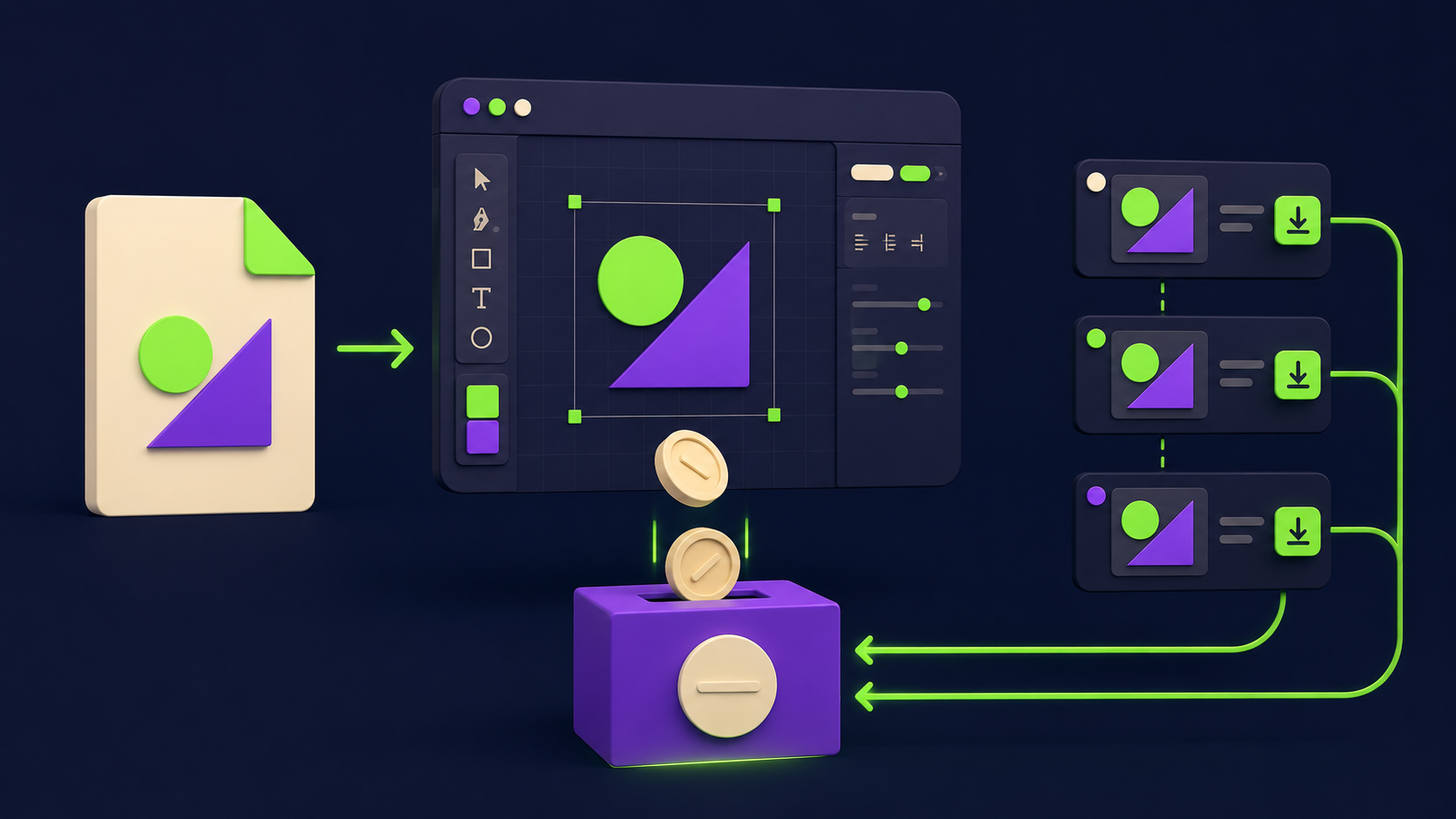
Once you purchase a logo, edits are not free. You can re-open the editor and change your design any time, but downloading the revised files triggers another payment, a policy confirmed across SMB Guide and HostAdvice's start-to-finish test.
This matters because first logos almost always get revised: a tagline gets added, a color gets corrected after print tests, a horizontal lockup turns out to be needed for the website header. Budget for at least one revision cycle, or finalize every variant you need before the first purchase. The Professional tier's resizable files reduce, but do not remove, the issue.
How good are the AI-generated designs?
The output is competent template-grade design: clean icon-plus-wordmark layouts, safe font pairings, industry-appropriate color palettes. TechRadar's review lands where most testers do: solid features, but the AI suggestions lean generic, and two competitors in the same niche can surface near-identical candidates.
For a service business that needs a credible mark this week, that is fine. For a brand that needs to be distinctive in a crowded feed, the template ceiling is real: the icons come from a shared library, and the generator does not produce custom illustration or hand-lettered marks.
Which AI logo tools beat Wix Logo Maker in 2026?
The field has split: dedicated logo platforms compete on brand-kit depth, and general image models now compete on raw mark quality. Where each alternative wins:
Looka wins on the full brand-kit pipeline: logo plus matching social kits, email signatures, and brand guidelines in one flow. The closest like-for-like upgrade.
Tailor Brands wins for new businesses bundling formation, since it packages logo with LLC and branding services.
Ideogram wins on text rendering inside marks. If your logo is type-driven, current Ideogram output beats template generators on letterforms, though you assemble the brand kit yourself.
Recraft wins for designers who want vector-native AI output they can refine in real tooling.
Canva wins on ecosystem if your team already lives there; its logo flow feeds every other asset you make.
Designs.ai wins for one-stop generation across logo, video, and ad creative on a single subscription.
Wix Logo Maker itself wins when the logo is step one of a Wix website, because the subscription bundles the domain and site features you were going to buy anyway.
Who should actually use Wix Logo Maker?

Use it if you are building on Wix and want brand, domain, and site in one bill: the Value bundle is genuinely efficient for that path. Use a dedicated alternative if you need revisions without re-purchase, distinctive custom marks, or files for a brand that lives outside the Wix ecosystem.
The decision rule that holds up: buy the bundle when the website is the product, buy the specialist when the brand is the product.
FAQ
Is Wix Logo Maker really free?
Free to create and preview, paid to own. You can design indefinitely and download a low-resolution sample at no cost, but production files, vector formats, and commercial rights require a one-time purchase or subscription.
Do I own the logo commercially?
Yes, paid tiers include commercial usage rights. The free sample does not. If you plan trademark registration, have a professional check distinctiveness first, because template-library icons can appear in other brands' marks.
Can I edit my logo after buying?
You can edit anytime in the editor, but downloading revised files costs again. Finalize every variant you need, including horizontal and icon-only lockups, before your first download.
Does it export vector files?
Resizable vector output is reported on the Professional tier, not the basic packages. If you need SVG for print and signage, price the Professional plan, not the entry one.
What is the best alternative for text-heavy logos?
Ideogram. Its text rendering inside generated images currently leads the category, which matters most for wordmark-style logos. You trade away the brand-kit convenience, so pair it with a template tool if you need the full asset set.
Compare these tools side by side
Vantaige tracks 540+ AI tools with pricing, use cases, and alternatives. Browse the directory and create a free account to save tools to a shortlist and compare them before you commit to a subscription.
Related from Vantaige
References
Wix Help Center, "About the Wix Logo Maker Plans." support.wix.com
Website Planet, "Wix Logo Maker Pricing: Are There Any Hidden Costs?" websiteplanet.com
BrandFeeler, "Wix Logo Maker Review 2026: Features, Pricing and Design." brandfeeler.com
TechRadar, "I tested Wix's logo maker." techradar.com
HostAdvice, "Wix Logo Maker Review (2026): I Tested It Start to Finish." hostadvice.com
SMB Guide, "Wix Logo Maker Review: Pricing, Comparisons, and FAQs." thesmbguide.com
Get the best new AI tools and guides, weekly
One short email a week. The tools worth trying, the guides worth reading, nothing else.
No spam. Unsubscribe anytime.
Aymen B
Contributing writer at Vantaige, covering the AI tools ecosystem.