How to Get an AI Model Wearing Your Clothes (Step by Step)

How to Get an AI Model Wearing Your Clothes (Step by Step)
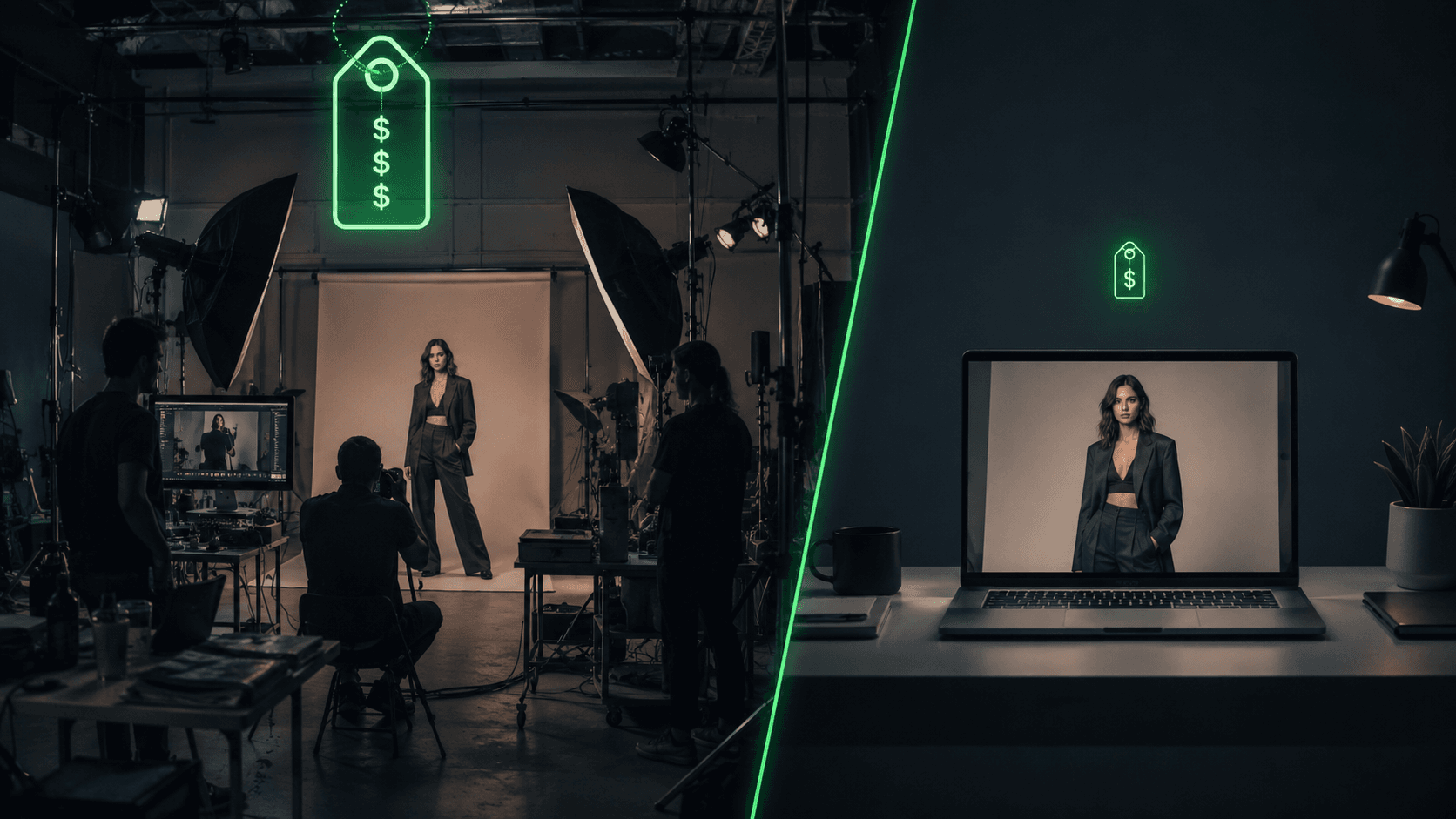
A traditional photoshoot to get your clothes on a model costs $2,600 to $15,000 a day and takes two to eight weeks from booking to usable files, which is why so many solo designers and small brands launch with plain flat-lays and quietly lose sales to competitors who show their products on a person. Getting an AI model wearing your clothes skips all of that: you upload a photo of your garment, choose a model, and an AI fashion tool returns a studio-style image of that piece worn by a lifelike person in minutes, for cents. This guide shows exactly how to do it, step by step.
Who this is for: fashion designers and brand founders, Shopify and DTC clothing sellers, jewelry and accessory makers, saree and ethnic-wear sellers, dropshippers who never physically hold the product, Etsy and Amazon sellers, and marketing or UGC teams producing fashion creative on a deadline.
What you'll be able to do by the end: take a single garment photo and produce publishable on-model images yourself, pick the right tool for your product and budget, set up the model and scene, sidestep the common quality failures, and know what the whole thing costs versus a real shoot, all without hiring a photographer or booking a model.
TL;DR: Shoot a clean flat-lay, pick a tool that matches your product and budget, choose a model that looks like your customer, generate, then fix hands and check logos before publishing. Expect a few cents to about a dollar per image. Simple garments work best; tiny logos and sheer fabrics are the weak spots.
Why are brands skipping the photoshoot?
It helps to be clear about the problem you are solving, because it is bigger than cost. A lean shoot day starts near $2,600 and a branded one runs past $15,000; one small Shopify boutique shared a quote of $7,400 for a single day plus $1,800 retouching, which is $9,200 before anything went live. On top of that, a shoot takes two to eight weeks from brief to delivered files, with four to ten week booking lead times in peak season, so the trend you wanted to ride has often passed by the time the images arrive.
Then come the traps that are not on the invoice. You cannot photograph a product that does not exist yet, and a sample takes four to six weeks to make, so designers who need visuals for pre-orders, investor decks, or retailer pitches are stuck. Studios routinely receive boxes where some products are missing or arrived wrinkled and unphotographable. And the worst one is the edit you catch too late:
"I once photographed a shirt with a small stain and didn't notice until editing. What a pain to fix." (Helena Vaher, fashion photographer, Medium)
Once the shoot is over and the sample is sold, returned, or out of stock, there is nothing left to reshoot. A dropshipper has it worse still: they cannot hold inventory, so a traditional shoot is impossible and they are stuck using the same supplier images as every competitor. Getting an AI model wearing your clothes removes each of these: you generate from a single garment photo, you can regenerate any time, and you never need to hold or ship a sample.
What does "an AI model wearing your clothes" actually mean?
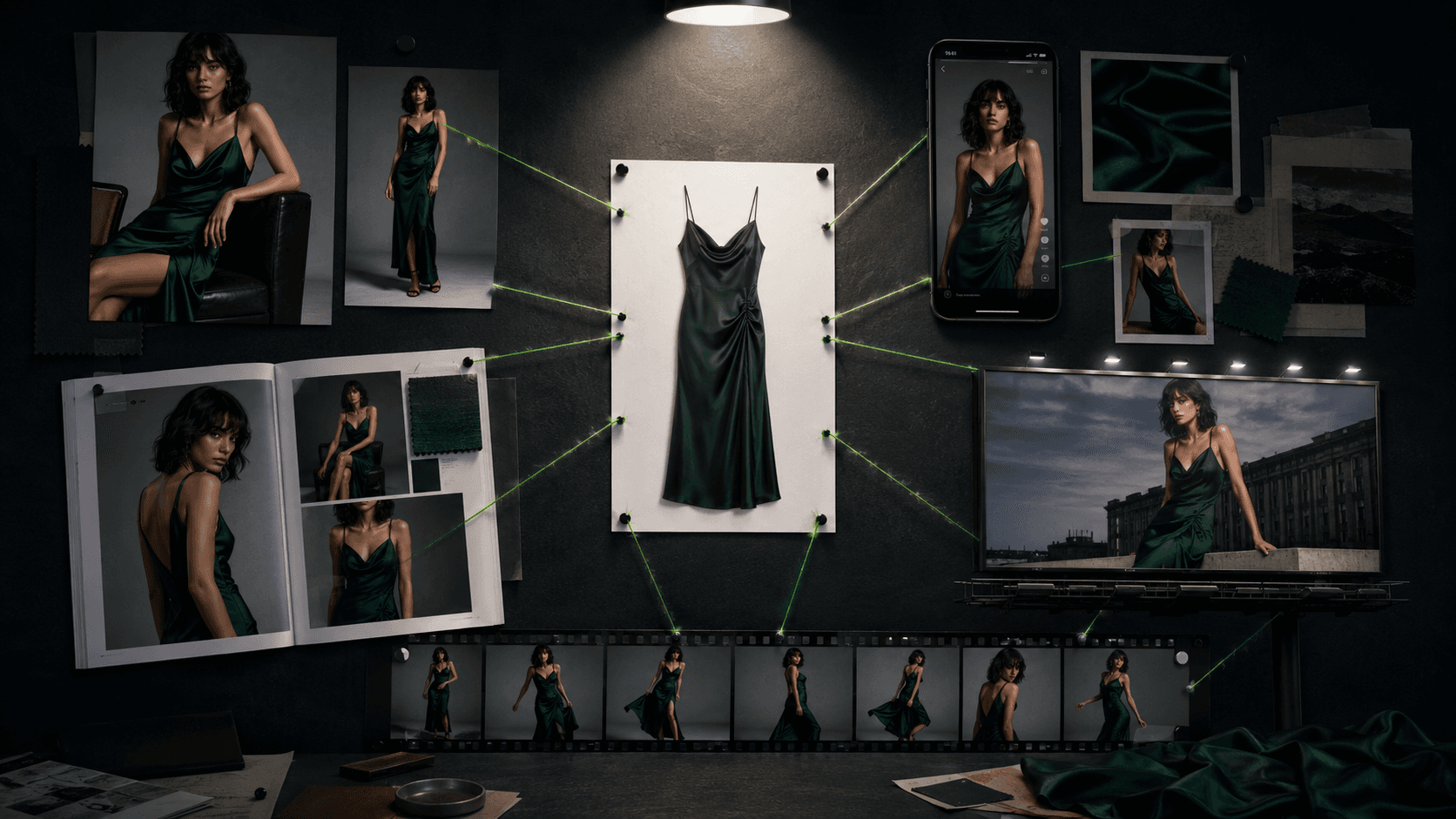
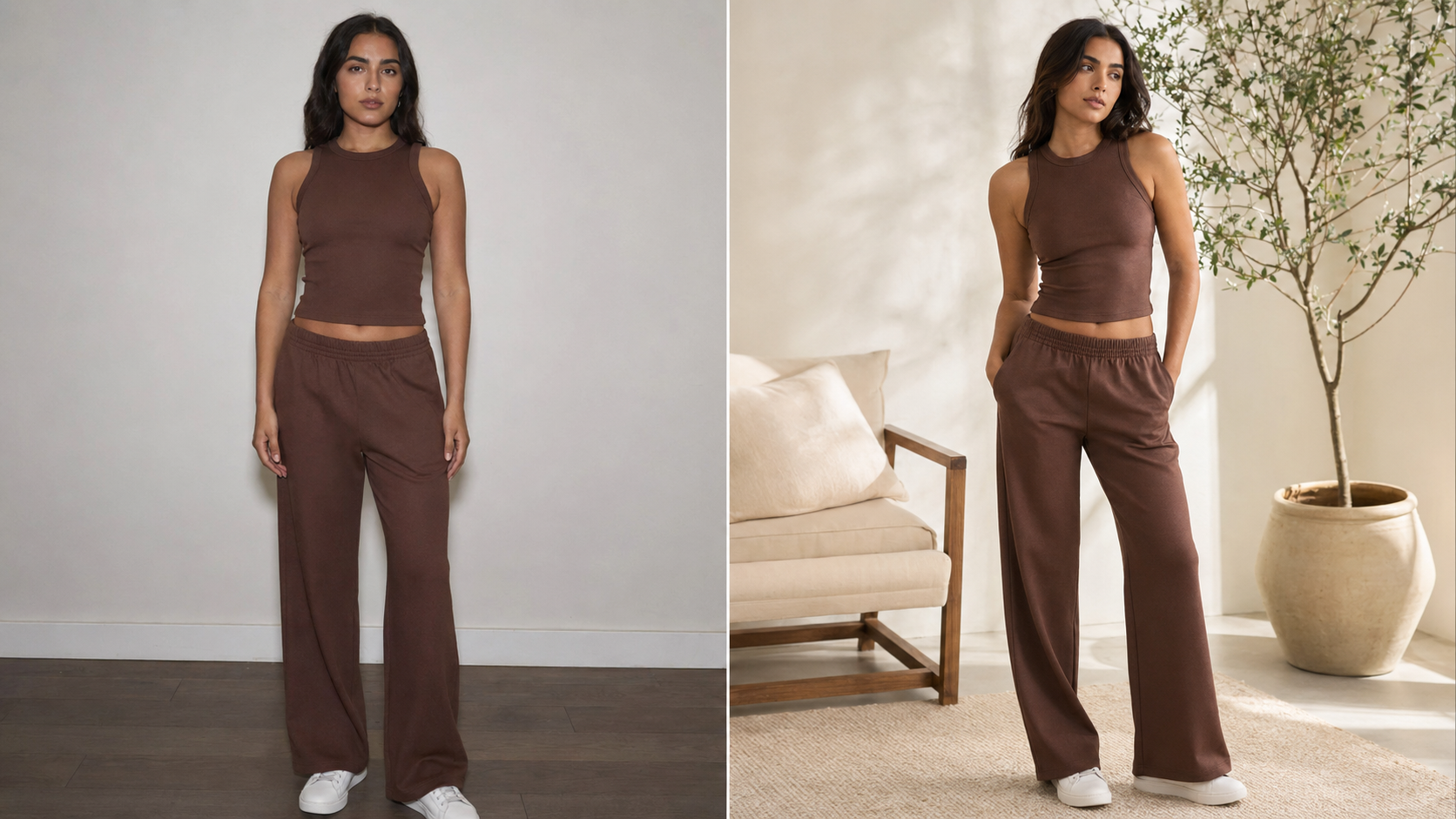
It means generating a photo of your specific product on a synthetic human model, without booking a model, studio, or photographer. There are two ways tools do this. The first generates a brand-new AI model around your garment from a flat-lay, which is the common path for catalog photos. The second is virtual try-on, which re-dresses an existing model photo with your garment and tends to preserve fit and drape more precisely. For most sellers starting out, the flat-lay-to-model path is the simplest, and it is what the steps below assume.
What do you need before you start?
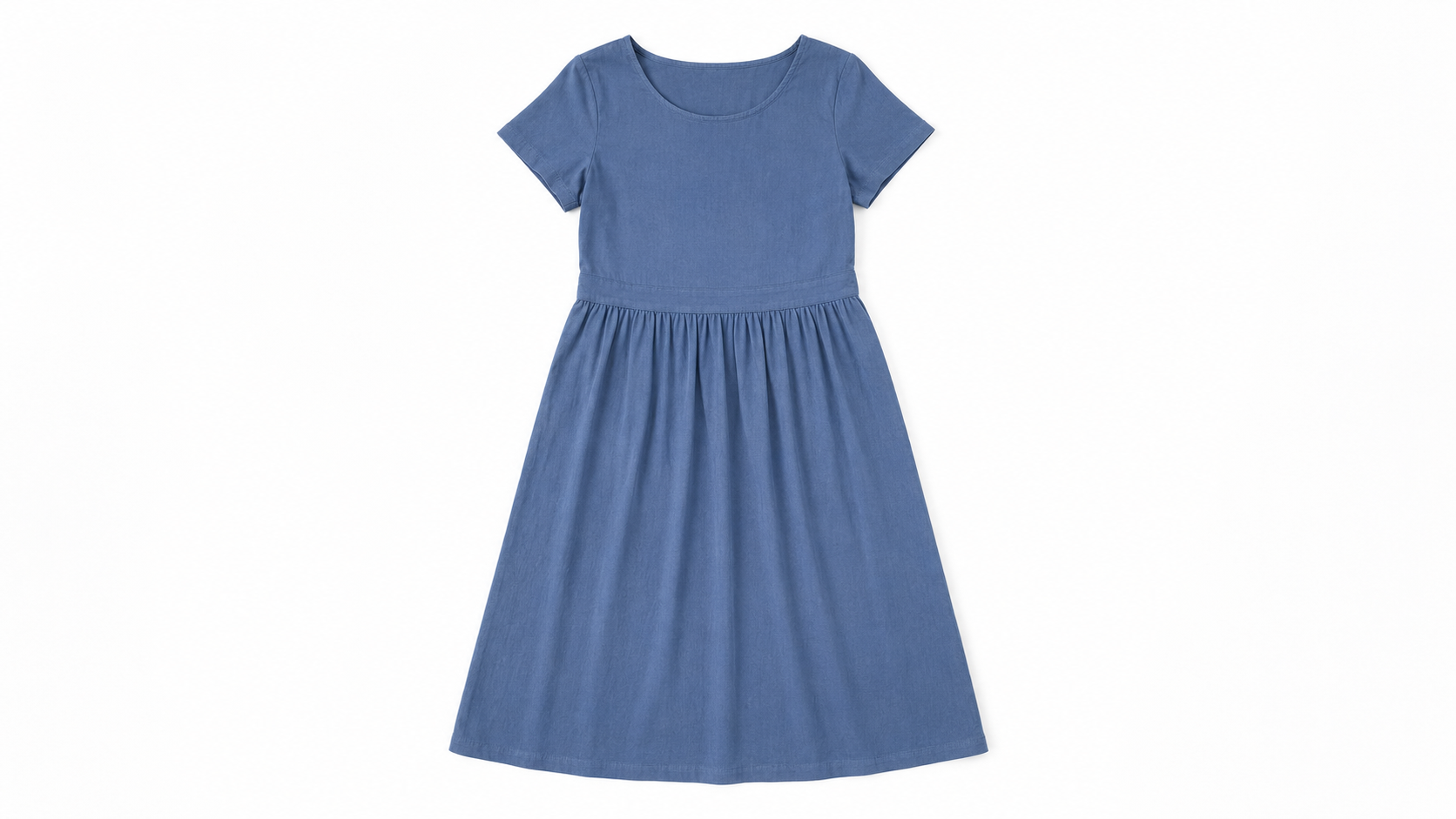
The quality of your input sets the ceiling on your output. You need a clear photo of the garment, ideally a flat-lay on a plain, evenly lit background, shot straight on, wrinkle-free, with the full piece visible. A ghost-mannequin or hanger shot also works. You do not need a model, a studio, or editing skills, which is the whole point for a solo designer or a dropshipper. You will also want a rough idea of your customer so you can pick a matching model (age, body type, ethnicity), and a target resolution for your store, commonly 2K or higher for zoomable product pages.
How do you create an AI model wearing your clothes?
The process is similar across tools. Here is the reliable sequence:
Prepare the garment photo. Lay the item flat on a clean background, light it evenly, remove wrinkles, and shoot straight on. Good input prevents most failures.
Choose a tool that fits your product and budget (see the table below).
Upload and pick your model. Set ethnicity, body type, age, pose, and background to match your target customer and brand look.
Generate, then review. Check the three usual problem areas: hands, any logo or printed text, and overall fit. Regenerate or run the tool's enhance step if needed.
Lock a consistent model for a catalog. If you are doing more than one product, use a consistent-model feature so the same face and body appear across every page.
Direct the look with prompts and reference images for a more art-directed result, rather than accepting the default.
Upscale, confirm commercial rights, and publish. Export at your store's resolution and upload.
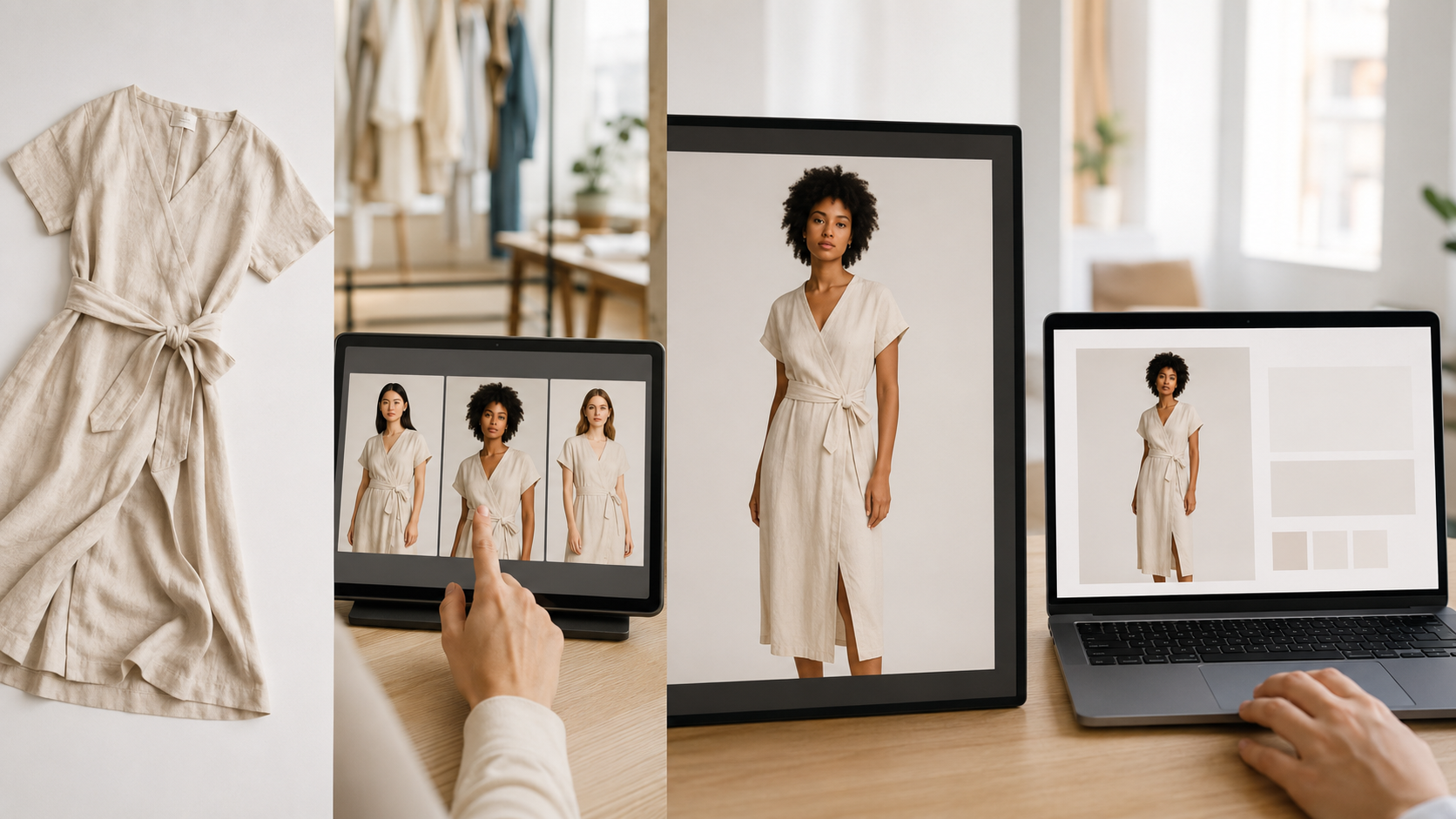
Which tool should you use?
The best tool depends on your product type, platform, and volume. This table matches common situations to a recommended tool and a rough cost.
Your situation | Recommended tool | Why | Rough cost |
|---|---|---|---|
Clothing brand, fidelity matters | Best garment drape, preserves prints, has an API | $19/mo or $0.075/image | |
Large catalog (hundreds to thousands of SKUs) | 10,000-item CSV batch, pay-as-you-go | $0.10/credit | |
Shopify store, no-code | Native Shopify app, sync back to listings | $33/mo or $12 one-time | |
Jewelry, eyewear, bags, footwear | Dedicated accessory try-on | $12 one-time | |
All-in-one (backgrounds, video, ghost mannequin) | Full pipeline in one workspace | $24/mo or ~$9/mo | |
Tiny budget or just testing | Free credits, lowest entry cost | Free to $10 |
If you are unsure, start with a free tier or a cheap one-time pack, run your hardest product through it, and judge the output before committing. A dropshipper or a saree seller, in particular, should test a draped or detailed piece first, since those are the hardest cases.
How do you get realistic results?
A few habits separate publishable images from obvious fakes. Start with clean, well-lit, straight-on inputs. Lead with simpler garments and patterns, since solid colors and basic prints render most reliably, and treat tiny logos, slogans, and sheer or heavily draped fabrics as the hard cases that need checking. Generate two or three variations per product and keep the best rather than accepting the first result. Match the model to your actual customer so the image reads as authentic, and if you sell across regions, use a tool that can swap the model's look for each market from the same base photo. Then run the keeper through the tool's enhance step to fix hands and faces, and upscale only the images you intend to use, so you are not paying to upscale rejects. For repeatable, on-brand looks, work from a prompt and reference-image recipe rather than starting from scratch each time.
Two audience-specific notes. If you sell jewelry, eyewear, or bags, choose a tool with a dedicated accessory mode and inspect reflections and color closely, since reflective items are where mismatch-driven returns start, and ghost-mannequin or flat-lay shots rarely do them justice. If you are a marketing agency or studio running several brands, lock one consistent model per client so each catalog stays coherent across drops, and keep a saved prompt recipe per brand so any team member can reproduce the look.
What does it cost compared with a photoshoot?
This is where the decision usually gets made. A real shoot runs $2,600 to $15,000 a day, and that boutique example landed at $9,200 for one day. Generating the same products with AI costs a fraction: most tools offer a free tier or starter credits to test, then charge from roughly $0.02 per image on pay-as-you-go tools like VModel up to about $1.10 on premium tools like Botika, with most landing between $0.10 and $0.50. Two images each for 50 products is under $10 on a pay-as-you-go tool, or about $110 even on the priciest option, against the thousands a shoot would cost. For a solo designer, where photography can eat 4% to 66% of total startup capital, that gap decides whether a brand launches at all. Operators report the per-image rate only becomes the deciding cost once a catalog passes a few hundred products, so for a small store a monthly plan or a one-time pack is usually the simplest choice.
What are the limits and legal considerations?
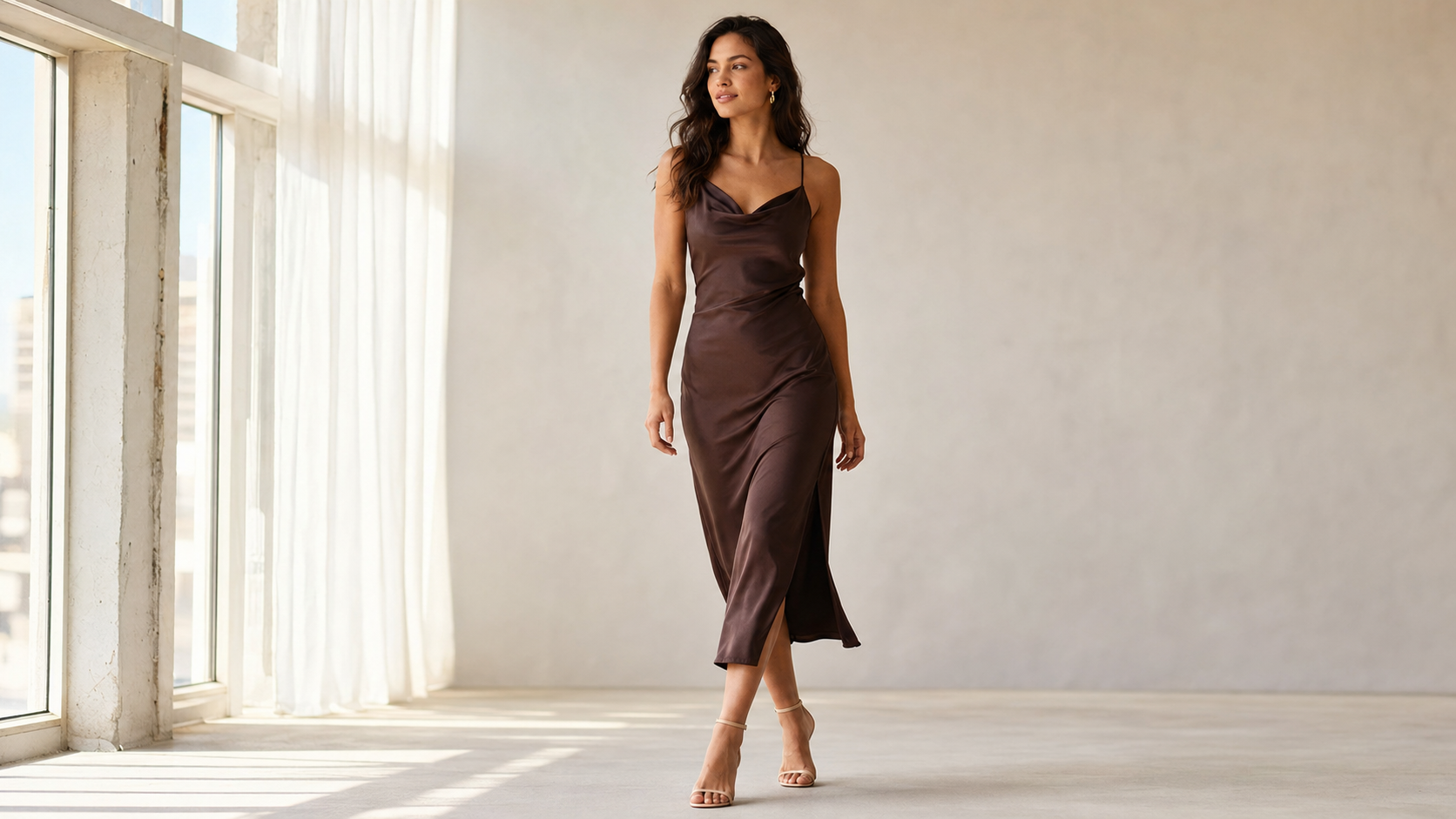
Three limits are worth planning around. Hands are the most common artifact, so budget time for the enhance step. Small logos and printed text often distort, so branded apparel where the logo is the focus may still need a real photo. Complex fabrics like silk sarees and heavy embroidery are the hardest for any tool to render accurately. On the legal side, paid plans generally grant commercial rights to the images you generate, and the models are synthetic rather than real people, but free tiers are often watermarked or non-commercial. Check each tool's terms, since a few define ownership loosely, and follow the disclosure rules on your sales platform and in your region for AI-generated imagery.
Frequently asked questions
Can I put my own clothes on an AI model?
Yes. You upload a photo of your garment, a flat-lay, ghost-mannequin, or hanger shot, and the tool generates a model wearing that exact piece, preserving fabric, color, and most patterns. The reliable exceptions are tiny logos, fine text, and very sheer or draped fabrics, which can render inaccurately.
What is the easiest tool to get an AI model wearing my clothes?
For a no-code start, Botika and Modelia are easiest, especially on Shopify, and Modelia has a low $12 one-time entry. For the best image quality, FASHN.ai. For testing on a tiny budget, VModel or Insmind offer free credits.
Do I need a photo of a real model first?
No. Flat-lay-to-model tools generate the model for you from just the garment photo. You only need an existing model photo if you specifically use a virtual try-on tool that re-dresses a person, which is a separate workflow.
Will the AI keep my logo and print accurate?
Large, simple prints usually survive, but small logos and fine text frequently come out blurry or garbled. FASHN.ai is the strongest at preserving prints and logos. For anything where the logo is the selling point, check each image and be ready to retouch or shoot it traditionally.
How much does it cost to get an AI model wearing my clothes?
Most tools have a free tier or starter credits, then charge roughly $0.02 to $1.00 per usable image. A small catalog can be done for under $10 to about $110 depending on the tool, compared with $2,600 to $15,000 for a single photoshoot day.
How long does it take?
A single image takes seconds to a minute or two depending on the tool and resolution. A small catalog of a few dozen products can be done in an afternoon, including the review and enhance steps, versus the two to eight weeks a traditional shoot needs.
Related on Vantaige
To compare every tool mentioned here side by side, see Vantaige's guide to the best AI fashion model generators. For the prompt and reference-image recipes that turn generic output into art-directed shots, see the Vantaige Prompt Vault, which collects fashion and AI-model prompts for sellers. Individual reviews of Uwear, WearView, FASHN.ai, Claid.ai, Modelia, Botika, Insmind, and VModel are on Vantaige.
References
Fashion photoshoot cost and turnaround: wearview.co, tryly.ai, picjam.ai
Sample logistics and the reshoot-too-late problem: designkit.com, squareshot.com, Helena Vaher (Medium)
Solo designer and startup photography budgets: ajgfashionconsulting.com, nightjar.so
Tool official sites and pricing: fashn.ai, uwear.ai, wearview.co, modelia.ai, botika.com, claid.ai
Want your AI models to look intentional instead of generic? Start with the Vantaige Prompt Vault for fashion and AI-model prompts you can adapt to your own products.
Get the best new AI tools and guides, weekly
One short email a week. The tools worth trying, the guides worth reading, nothing else.
No spam. Unsubscribe anytime.
Aymen B
Contributing writer at Vantaige, covering the AI tools ecosystem.