Best AI Fashion Model Generators for Clothing Brands (2026)

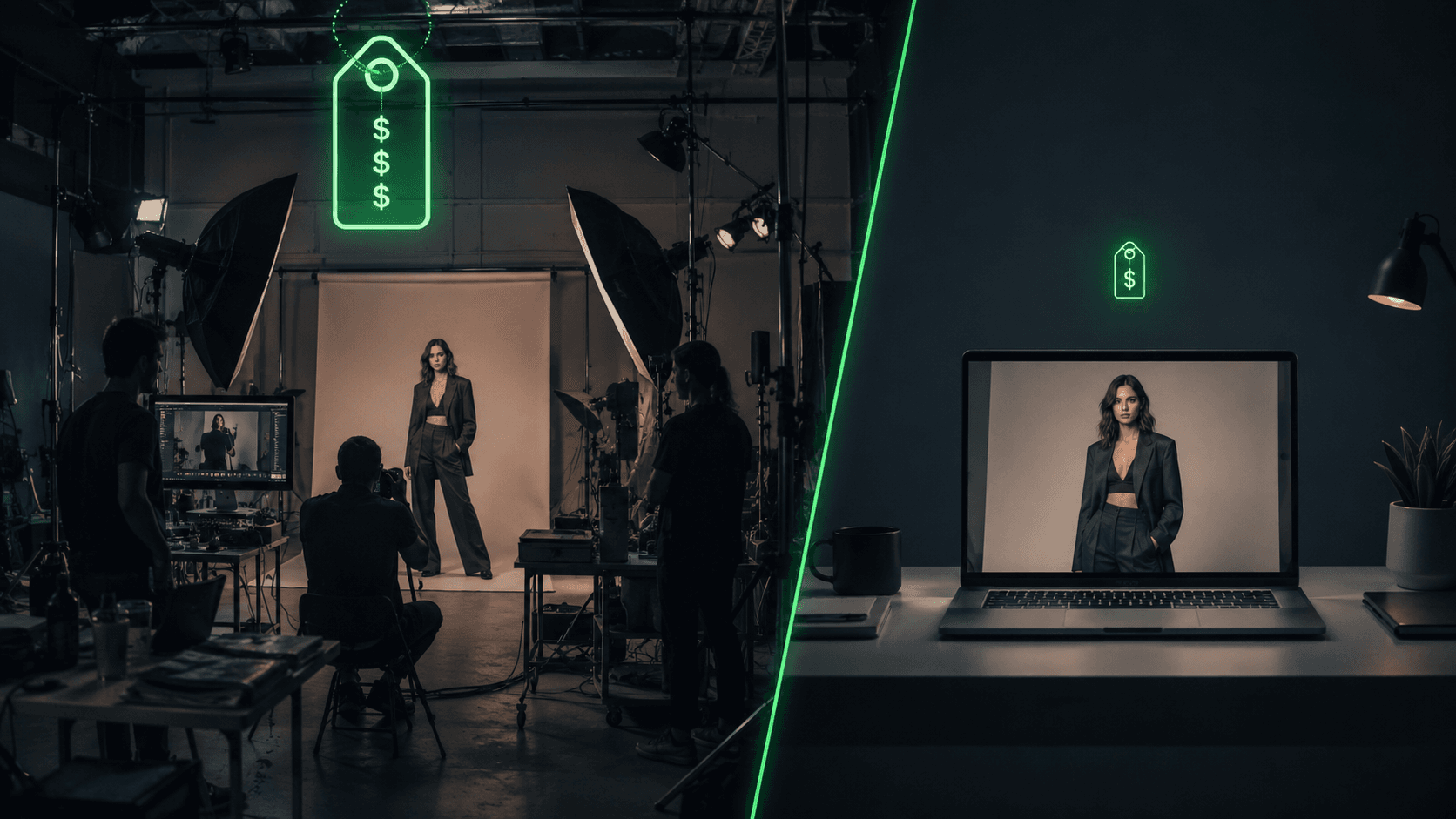
A single fashion photoshoot now runs between $2,600 and $15,000 a day once you add the model, photographer, studio, stylist, and retoucher, and it takes two to eight weeks from brief to usable files. For a clothing brand launching collection after collection, that is a budget and a timeline that does not scale. An AI fashion model generator removes most of it: you upload a flat-lay of your garment and get a studio-style photo of it worn by a lifelike model in minutes, for cents. This guide compares the eight best AI fashion model generators in 2026 so you can pick the one that fits your products, platform, and budget.
Who this guide is for: fashion designers and brand founders shipping a first collection, owners of scaling clothing brands with 50 to 500 SKUs, Shopify and DTC sellers watching cost-per-SKU eat their margin, jewelry and accessory makers, saree and ethnic-wear sellers, dropshippers who never physically hold the product, and marketing agencies producing fashion content for multiple clients.
What you'll get from this guide: a clear picture of what traditional photography actually costs you, a side-by-side comparison of the eight tools on price, quality, batch scale, and product fit, specific picks for your situation, and the honest limits to plan around. You leave knowing which tool to start with and why.
TL;DR: For garment fidelity and a developer API, FASHN.ai leads. For an all-in-one mid-market workspace with video and ghost mannequin, WearView. For batch scale across thousands of SKUs, Uwear. For jewelry and accessories, Modelia. For the lowest entry cost, VModel. Botika is the most Shopify-native, and Insmind is the easiest free start. Comparison table and picks below.
What does a fashion photoshoot actually cost you?
Before the tools, the math that pushes brands toward them. A lean shoot day starts around $2,600; a mid-tier branded shoot runs $7,000 to $15,000 or more. One small Shopify boutique shared a spring quote of $7,400 for a single day with model and studio, plus $1,800 for retouching, which is $9,200 before a single product went live. Scale that and a 500-SKU brand spends $125,000 to $250,000 a year on photography alone, and solo founders report losing 10 to 15 hours a week just coordinating shoots.
Cost is only the first wall. The table below shows the problems an AI fashion model generator is actually being hired to solve.
The problem | What it looks like in practice |
|---|---|
Cost | $2,600 to $15,000+ per shoot day; $125,000 to $250,000 a year for a 500-SKU brand |
Turnaround | 2 to 8 weeks from brief to delivered files; 4 to 10 week booking lead in peak season |
Reshoots too late | 15 to 20% of shoots need redoing; a reshoot costs 25 to 50% of the original, if the sample still exists |
Sample logistics | Photography cannot start until a sample exists (4 to 6 weeks to make one); studios report 5 of 20 products missing on arrival |
Scale | Brands with 500+ SKUs shoot only their hero ~30%; up to 22% of catalog variants sit unsellable for lack of images |
Model diversity | Covering multiple body types and skin tones needs 6 to 10 models, roughly 3x the budget, at $600 to $4,000+ per added model |
Returns | 22% of returns happen because the item looked different online; apparel returns run 20 to 30%, dresses up to 54% |
Two of these hurt more than the spreadsheet suggests. The first is the edit you only catch when it is too late:
"I once photographed a shirt with a small stain and didn't notice until editing. What a pain to fix." (Helena Vaher, fashion photographer, Medium)
With a traditional shoot, a stain, a wrong background, or a marketing note that arrives after the studio day means a reshoot, and once the sample is sold, returned, or out of stock, there is nothing left to reshoot at all. The second is representation. Explaining why it began testing AI models, Levi's said it wanted to "represent each product with more than just one model, reflecting more types of consumers," an admission that traditional shoots leave most body types and skin tones out of the catalog.
And weak imagery shows up after the sale, not just before it: 45% of shoppers have abandoned a purchase because of poor or insufficient images (Salsify, 2,700 shoppers surveyed), and with US returns reaching $890 billion in 2024, product photos are a revenue line, not a cosmetic one.
What is an AI fashion model generator, and how does it fix this?
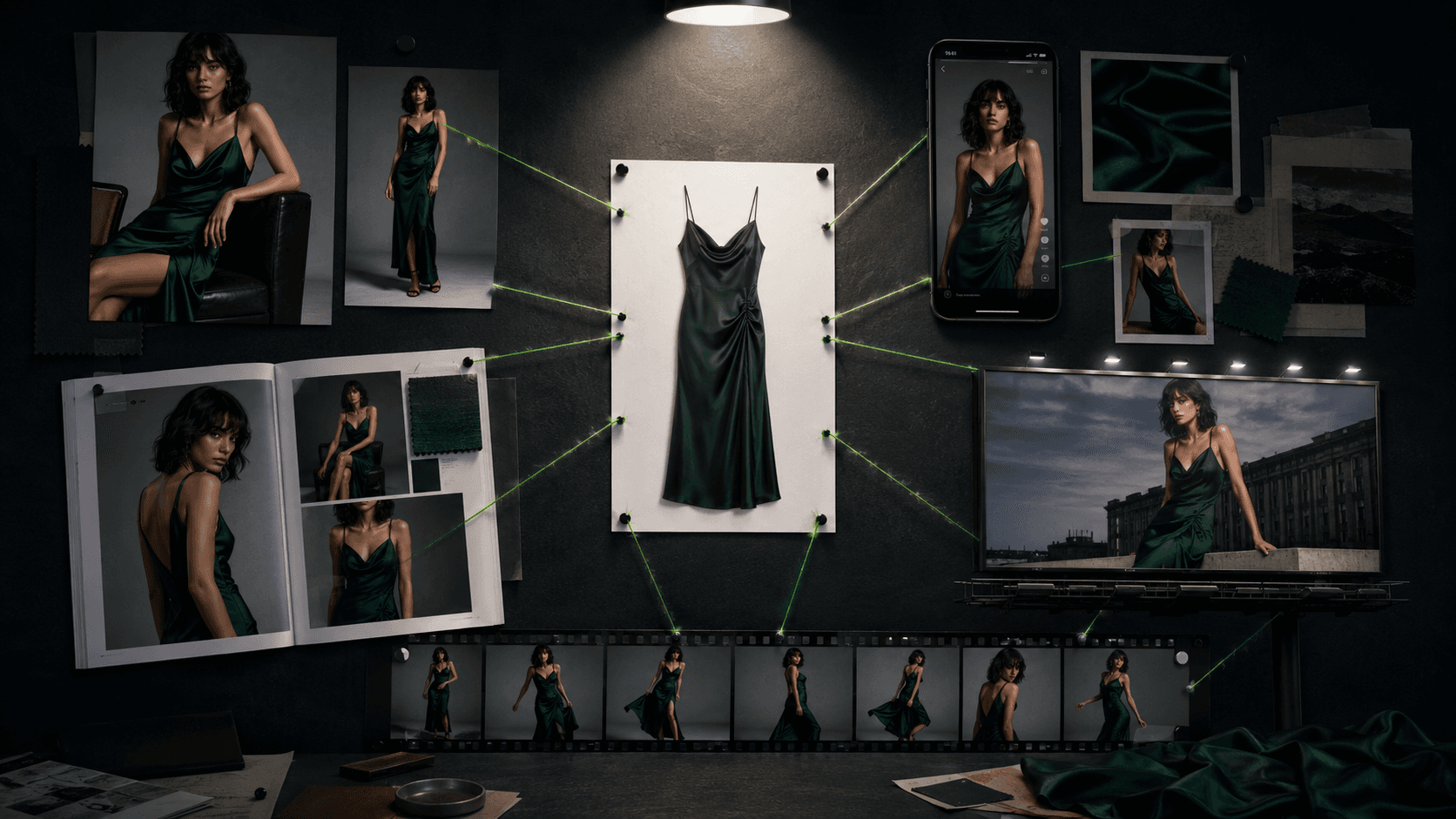
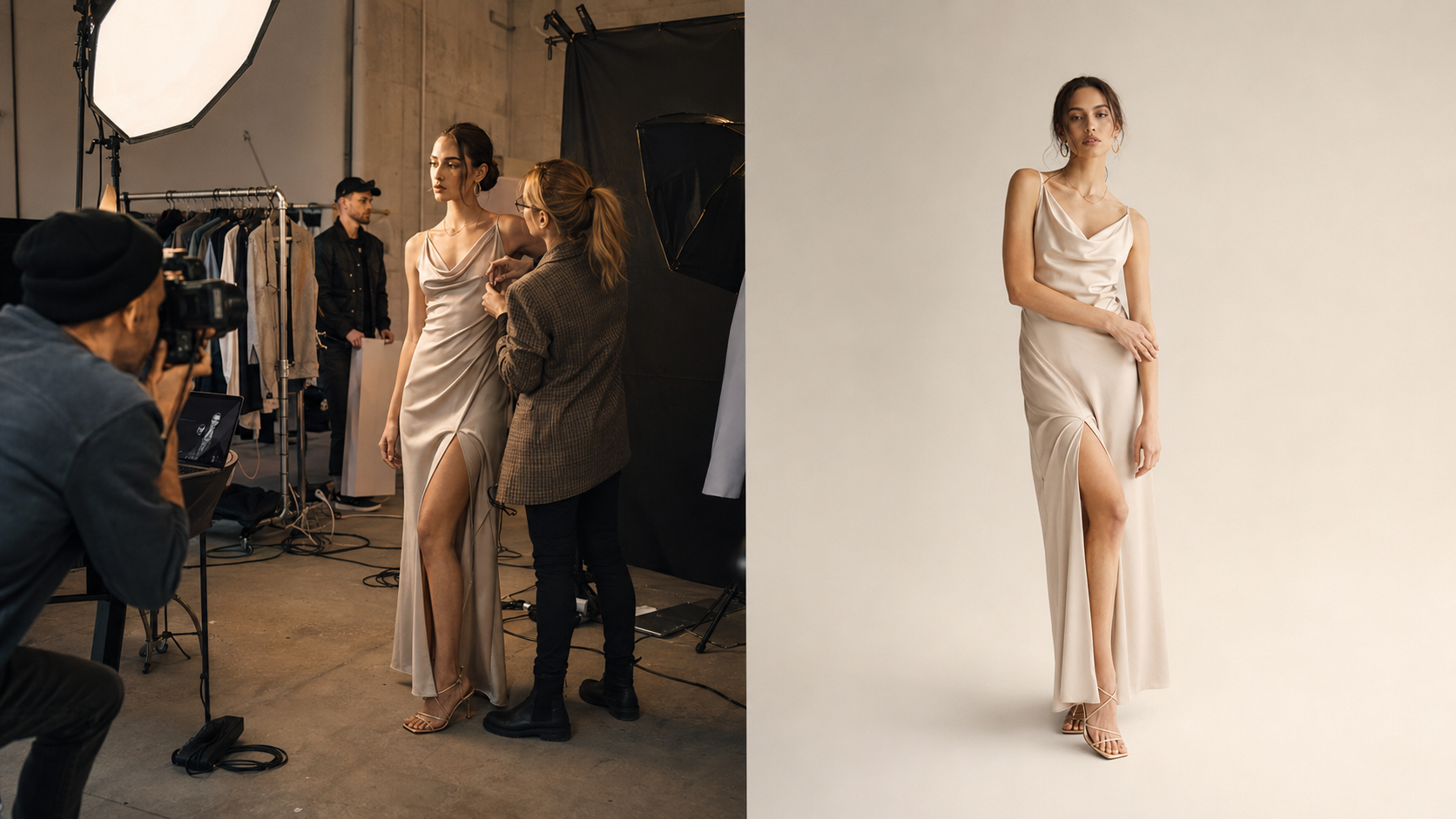
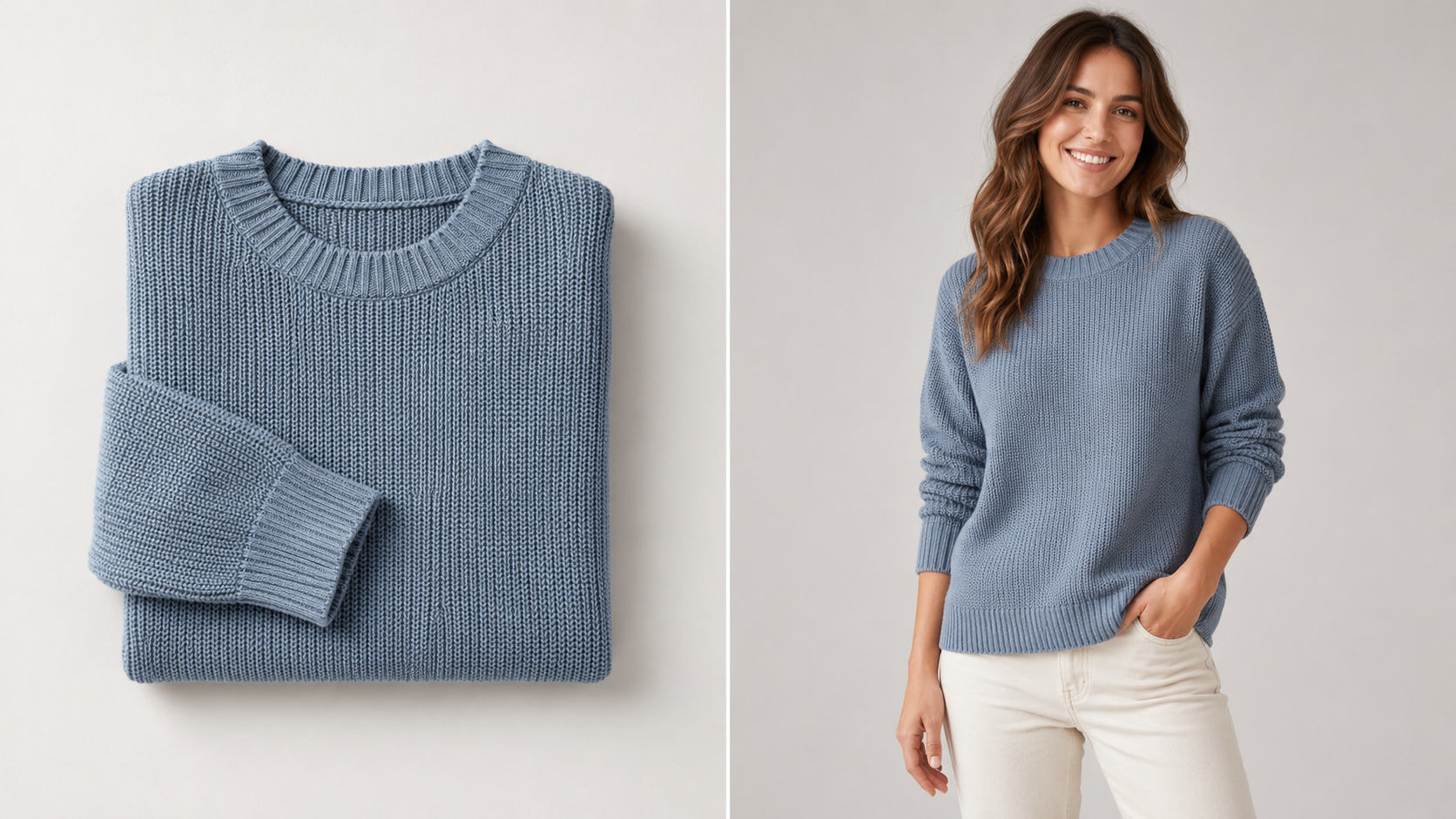
An AI fashion model generator produces on-model product photography from a photo of the garment alone. You upload a flat-lay, ghost-mannequin, or hanger shot, choose a model and a background, and it returns the garment worn by an AI-generated person, usually in under a minute. Map that back to the problems above: the $9,200 shoot becomes a few dollars of credits, the six-week timeline becomes an afternoon, the reshoot you cannot run because the sample is gone becomes a re-generation from the same source photo, the six to ten models you cannot afford become a setting you toggle, and the 70% of your catalog that never got on-model images can finally get them.
There are two underlying methods, and the difference decides which tool fits your products. Some tools generate a brand-new model around your garment from a flat-lay, which is the common path for catalog photos. Others perform a true virtual try-on, re-dressing an existing model photo with your garment, which preserves a specific body and pose more faithfully. A few regenerate the entire frame for more coherent fabric drape. Knowing which method a tool uses tells you whether it will handle a structured jacket or a flowing saree.
Which AI fashion model generator is best in 2026?
There is no single winner, because the right tool depends on your volume, platform, and product type. The table below summarizes the eight tools on the factors that decide most purchases. Scores are Vantaige's editorial ratings based on output quality, pricing, and recurring user feedback.
Tool | Best for | Starting price | Free tier | Batch | API | Video | Score |
|---|---|---|---|---|---|---|---|
Garment fidelity, developers | $19/mo (API $0.075/image) | 10 credits | API | Yes | Yes | 4.2 | |
All-in-one mid-market catalogs | $24/mo | 10 credits | UI only | Enterprise only | Yes | 4.1 | |
Full product-photo pipeline | ~$9/mo | Trial (5 images) | Yes | Yes | Yes | 4.1 | |
Jewelry, accessories, consistent model | $12 one-time | 20 credits (watermark) | Pro tier | Yes | Yes | 4.0 | |
Catalog-scale batch | $0.10/credit (pay as you go) | Starter credits | 10,000 via CSV | Yes | Yes | 3.9 | |
Shopify-native, human QC | $33/mo | 8 credits | Limited | No | Yes | 3.8 | |
Free, budget all-in-one editor | Free / ~$7/mo | Yes (watermark) | Partial | No | Yes | 3.7 | |
Lowest-cost pay-as-you-go, API | $10 one-time | $10 credits | Limited | Yes | No | 3.6 |
The short version: FASHN.ai is the quality and developer pick, WearView and Claid.ai are the strongest all-in-one workspaces, Uwear owns batch scale, Modelia is the accessory and small-brand pick, and VModel is the cheapest way in.
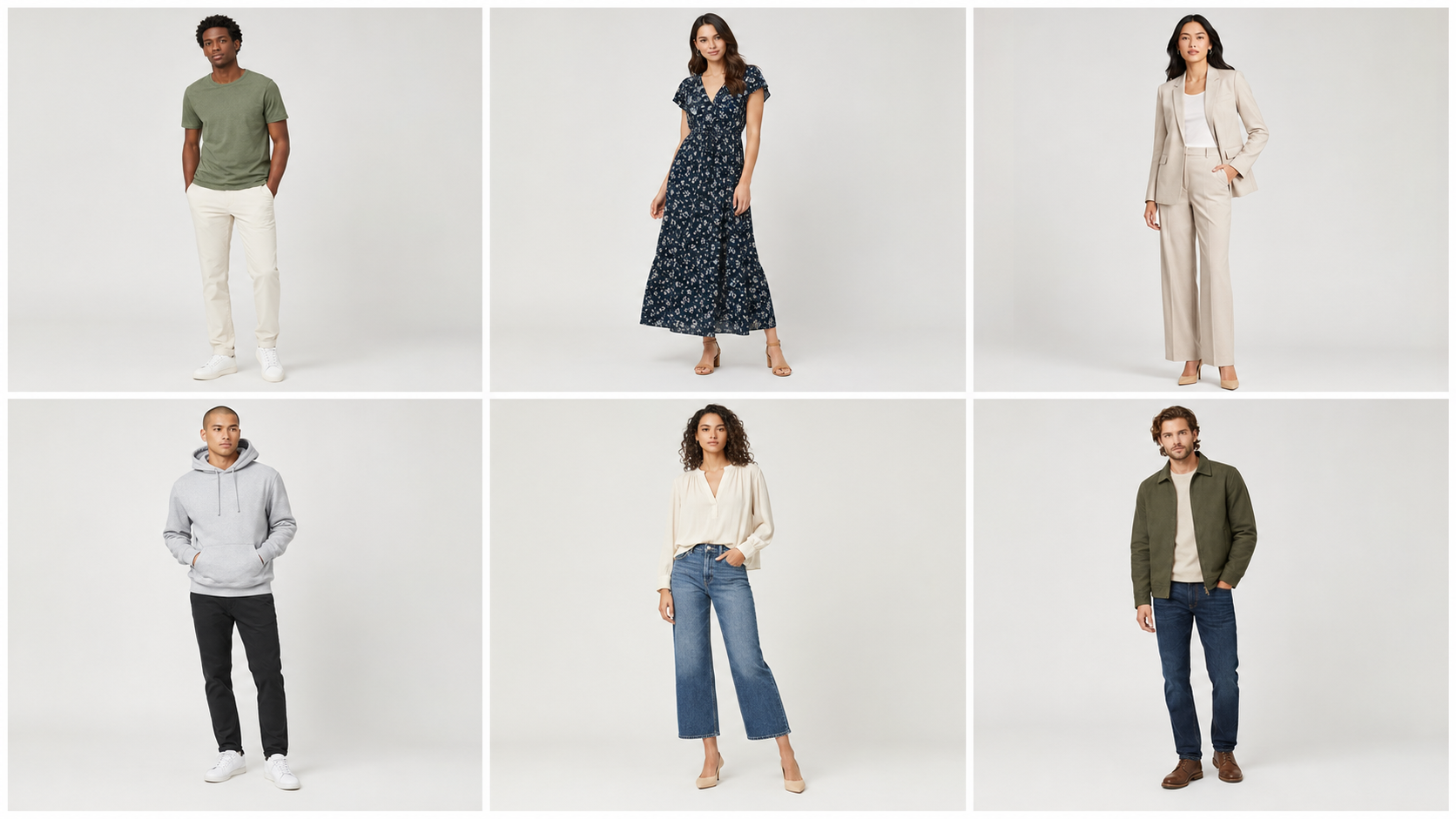
Which tool is best for virtual try-on?
Virtual try-on, re-dressing a model photo with your garment, is where fabric drape and fit accuracy matter most, and it is the feature a jewelry maker or a dressmaker should weigh hardest. FASHN.ai leads here. It uses a maskless diffusion model trained on millions of try-on pairs and ranks at the top for garment drape and for preserving prints, logos, and text, which is why print-on-demand sellers favor it. It also exposes a cheap developer API at about $0.075 per image, so a developer or agency can build try-on into a storefront.
WearView markets a virtual try-on as part of a broader catalog workspace, though its version is a merchant tool for generating on-model imagery rather than a shopper-facing widget. Uwear is the tool to look at if you specifically want a shopper-facing try-on button embedded on your store, sold as a separate widget for larger retailers. For most brands generating their own catalog images, FASHN.ai gives the most realistic result per dollar.
Which is cheapest, and how much do they cost?
Pricing splits into subscriptions, pay-as-you-go credits, and one-time packs. The cheapest recurring entry is Claid.ai at about $9 a month. The lowest-commitment options are pay-as-you-go: VModel sells credit packs from $10 with no subscription and credits that never expire, and Uwear charges $0.10 per credit with no monthly fee. Modelia offers a $12 one-time pack that grants commercial rights, the cheapest way to test the category for real output.
At the other end, Botika is the most expensive per image at roughly $1.10, because it generates models from scratch and offers human quality review on its top tier. The contrast with traditional work is the real story: a 200-product catalog at a few shots each costs well under $50 on Uwear or VModel, around $100 on FASHN.ai or Claid.ai, and into four figures on Botika, against the $9,200 that one boutique paid for a single photoshoot day. For a solo designer for whom photography can eat anywhere from 4% to 66% of total startup capital, that gap is the difference between launching and stalling. Operators report that per-image cost matters most once a catalog passes a few hundred SKUs, so match the pricing model to your volume.
Which works for jewelry, sarees, and accessories?
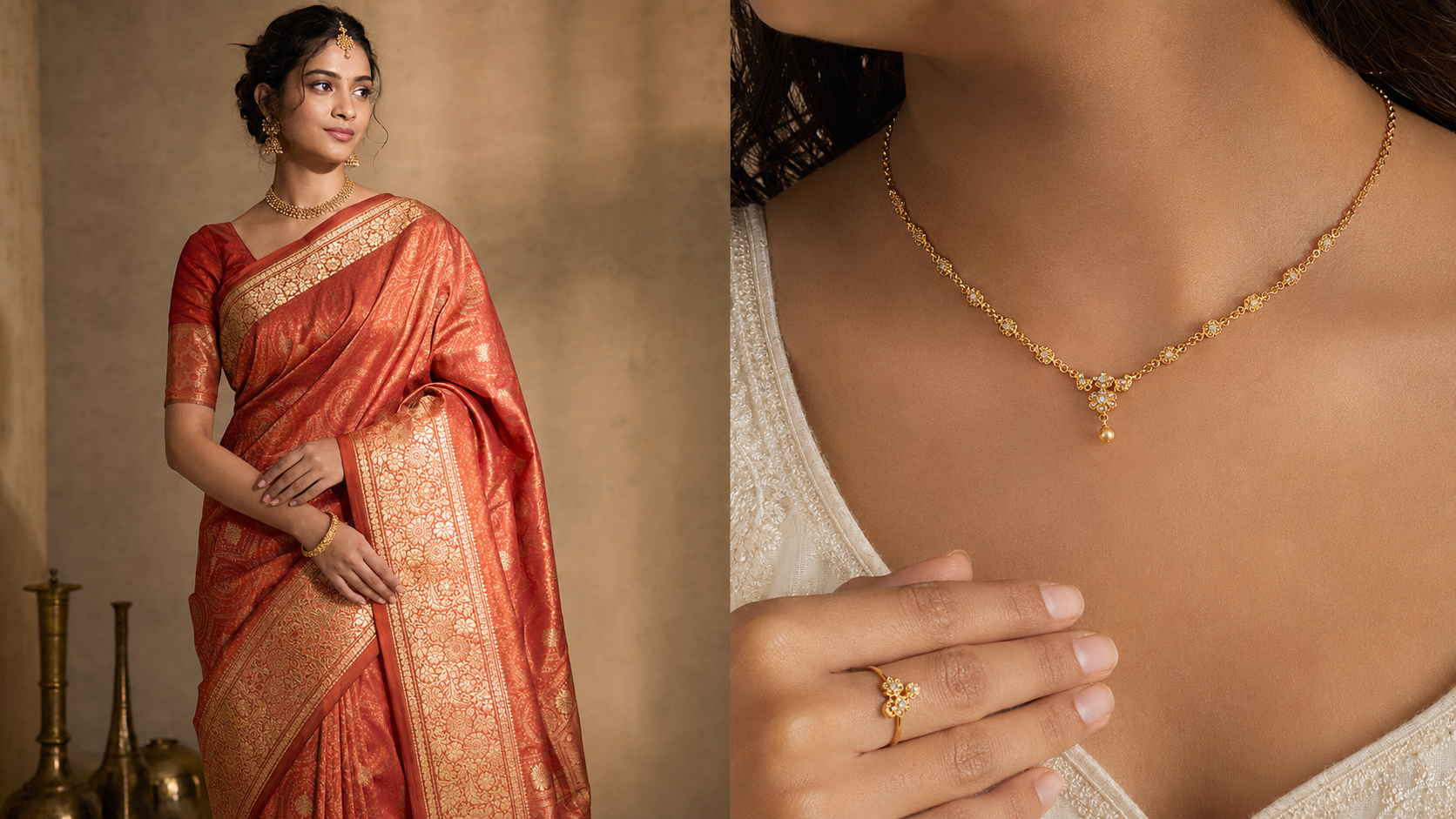
Most tools are clothing-first, so accessory and ethnic-wear sellers should choose carefully. Modelia is the clearest fit, with dedicated try-on for glasses, footwear, handbags, and hats, which makes it usable by jewelry, eyewear, and bag brands rather than only apparel. That matters because reflective items and wearable accessories are exactly where flat lays and ghost mannequin fall short, and where color mismatch drives returns.
For saree, kurta, and lehenga sellers, the deciding factor is fabric. Heavy embroidery, sheer fabric, and the complex fall of a silk saree are the hardest things for any AI model generator to render, and tools that rely on a general diffusion pipeline tend to make flowing fabrics look stiff. Home-based saree sellers, who can face bulk imaging costs running to a lakh of rupees (roughly $1,200 and up) the traditional way, get the most relief here, as long as they lead with simpler cuts and review draped pieces closely. Several tools, including Insmind, also offer market-localization features that swap a model's face to suit different regional audiences from one base photo, which helps brands selling across multiple markets without reshooting.
Where do AI fashion model generators still fall short?
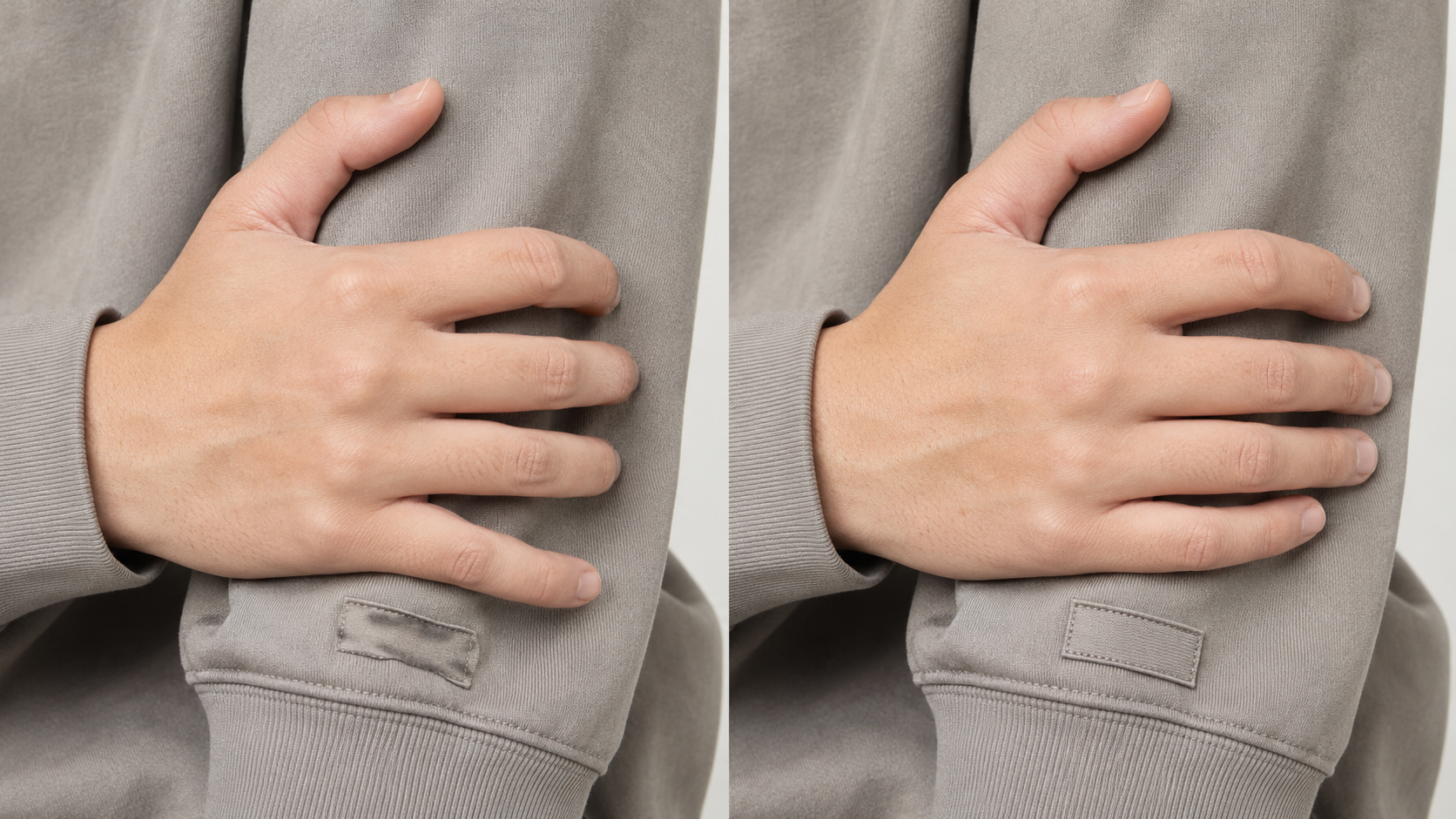
Three weaknesses are common across the category in 2026, and they should shape your expectations. First, hands and fine detail: hands remain the most frequent artifact, and many tools ship a separate enhance step to repair them. Second, logos and printed text: small logos and slogans frequently render as a blurry smudge, so branded apparel where the logo is the focal point needs spot-checking or traditional photography. Third, billing and support: several tools, notably Botika, FASHN.ai, and Insmind, have recurring user complaints about subscription cancellation, charged-but-undelivered credits, or slow support.
The takeaway is to test your hardest garment on a free tier or a cheap one-time pack before committing a card or a large batch, and to confirm the cancellation path on any subscription. None of these tools is flawless, and the best one for you is the one whose strengths match your products and whose weaknesses you can work around.
How do you choose the right one?
Start with your platform and volume. If you run a Shopify store and want native sync without exporting files, Botika and Modelia fit best. If you are a developer or agency building generation into a pipeline, FASHN.ai, Claid.ai, and VModel offer APIs. If you process thousands of SKUs, Uwear's 10,000-item CSV batch is built for it. Then filter by product type: accessories and jewelry point to Modelia, garment-fidelity and print-on-demand point to FASHN.ai, and a single workspace for backgrounds, on-model shots, and upscaling points to Claid.ai or WearView.
Finally, match the pricing model to your cadence. Seasonal and burst generators save money on pay-as-you-go (VModel, Uwear), while steady high-volume teams do better on a subscription with rollover. Whichever you pick, the quality of your inputs and prompts has as much impact as the tool. A clean, evenly lit flat-lay and a clear model brief produce far better output than a rushed phone snapshot.
Frequently asked questions
What is the best AI fashion model generator for clothing brands?
For most clothing brands, FASHN.ai offers the best balance of garment fidelity, pricing, and a developer API. WearView and Claid.ai are the strongest all-in-one workspaces, Uwear is best for high-volume batch, and Modelia is best for accessories and small brands. The right pick depends on your platform, volume, and product type.
Is an AI fashion model generator cheaper than a photoshoot?
By a wide margin for most brands. A traditional shoot day runs $2,600 to $15,000 or more, while AI tools cost from about $0.02 to $1.00 per usable image. A 200-product catalog that would cost thousands to shoot can be generated for under $50 to about $100 depending on the tool, which is why solo designers and high-SKU brands adopt them first.
Can AI fashion model generators put my exact clothes on a model?
Yes, that is the core function. You upload a photo of your garment and the tool generates a model wearing it, preserving fabric, color, and most patterns. The main limitation is small logos, fine printed text, and very complex or sheer fabrics, which can render inaccurately and may need a manual check.
Are AI-generated fashion model images legal to use commercially?
Most tools grant commercial rights to generated images on paid plans, and the AI models are synthetic rather than real people. Free tiers are often watermarked or restricted to non-commercial use. Always confirm the specific tool's terms, since a few define ownership of generated output loosely.
Which AI fashion tool is best for Shopify?
Botika is the most Shopify-native, with a two-way Connector that syncs product images and pushes generated photos back to listings. Modelia also offers a native Shopify app. Tools like FASHN.ai and VModel are stronger for developers who want an API rather than a plug-in.
Related on Vantaige
If you want the step-by-step rather than the comparison, see Vantaige's guide on how to get an AI model wearing your clothes. For the prompt patterns and reference-image recipes that make AI fashion shots look art-directed rather than generic, see the Vantaige Prompt Vault, which collects fashion, AI-model, and product-photography prompts you can adapt to your own SKUs. Individual reviews of each tool here are on Vantaige: Uwear, WearView, FASHN.ai, Claid.ai, Modelia, Botika, Insmind, and VModel.
References
The real cost of fashion photoshoots: wearview.co, tryly.ai, dojobusiness.com
Photography turnaround and the Zalando AI pivot: picjam.ai, chiefaiofficer.com
Catalog scale and unsellable variants: couture.ai, jointellos.com
Model diversity cost and the Levi's quote: dojobusiness.com, claid.ai
Returns and conversion statistics: grabon.com (Adobe/1WorldSync), salsify.com, prime-ai.com, letsenhance.io
Tool official sites and pricing: fashn.ai, wearview.co, uwear.ai, claid.ai, modelia.ai, botika.com, insmind.com, vmodel.ai
Ready to make these tools produce on-brand images instead of generic ones? Browse the Vantaige Prompt Vault for fashion and AI-model prompts built for sellers with a product to photograph.
Get the best new AI tools and guides, weekly
One short email a week. The tools worth trying, the guides worth reading, nothing else.
No spam. Unsubscribe anytime.
Aymen B
Contributing writer at Vantaige, covering the AI tools ecosystem.