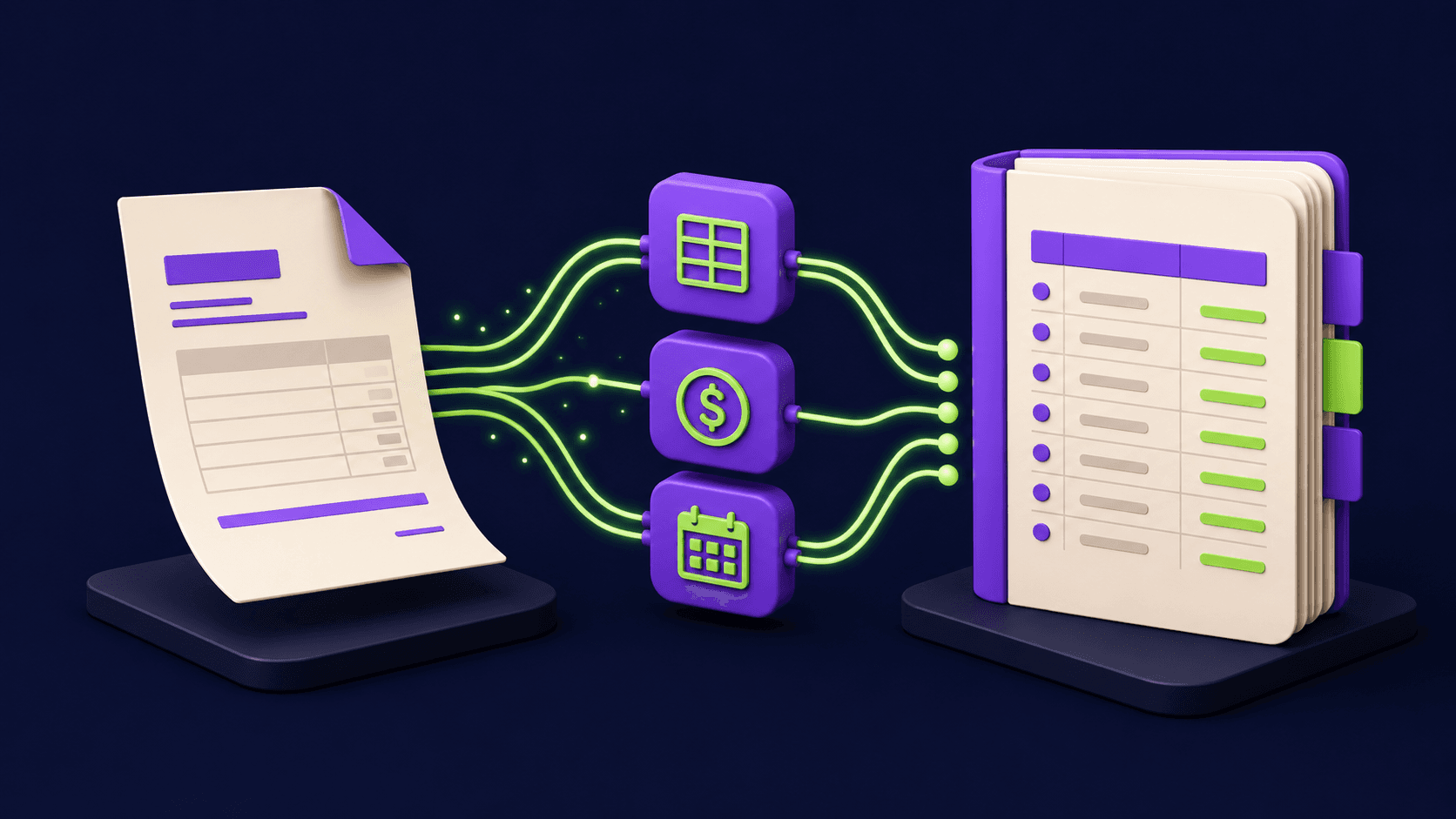
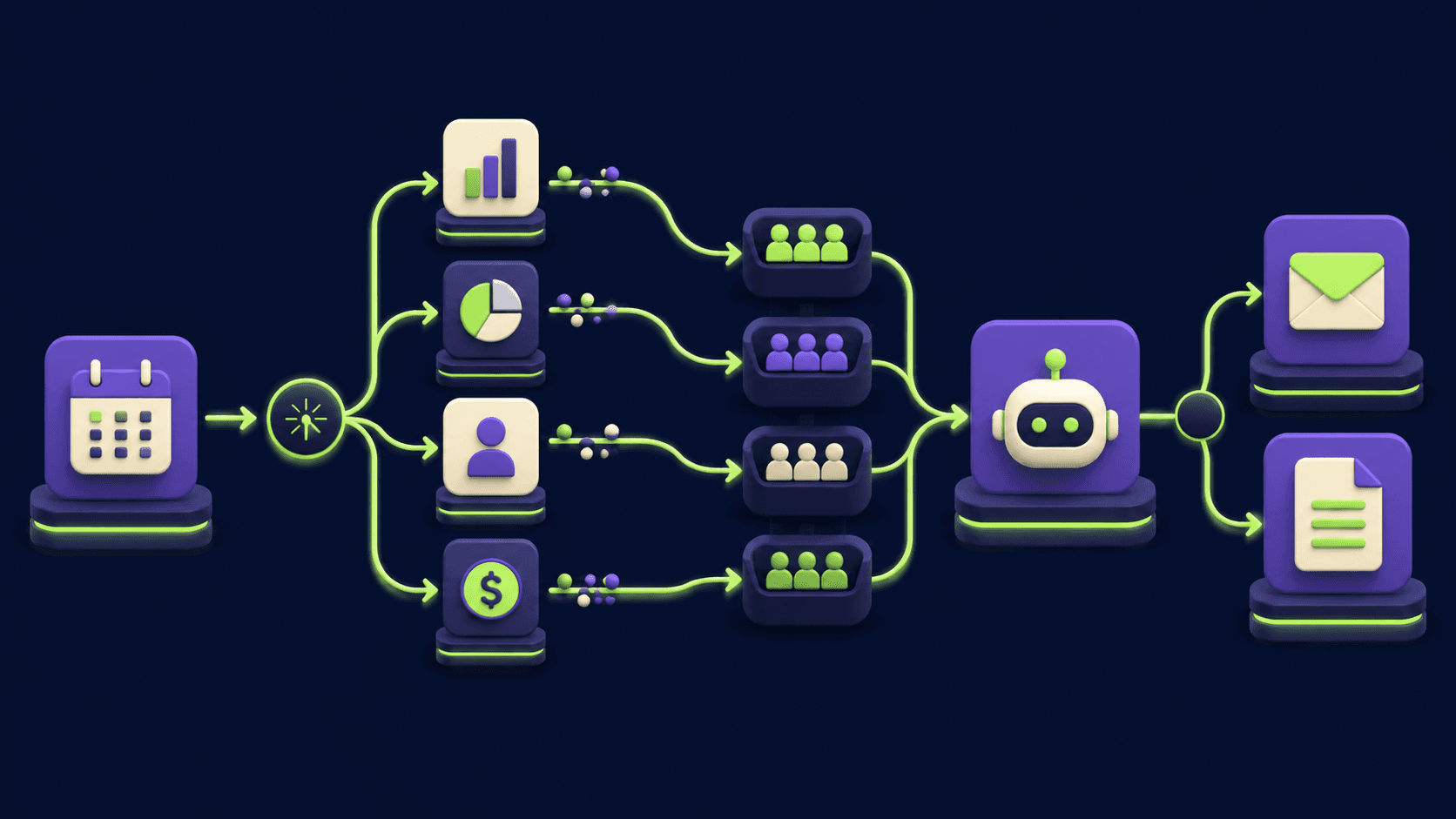
Quote to Paid Invoice in One Workflow: The Service-Business Automation Stack (2026)
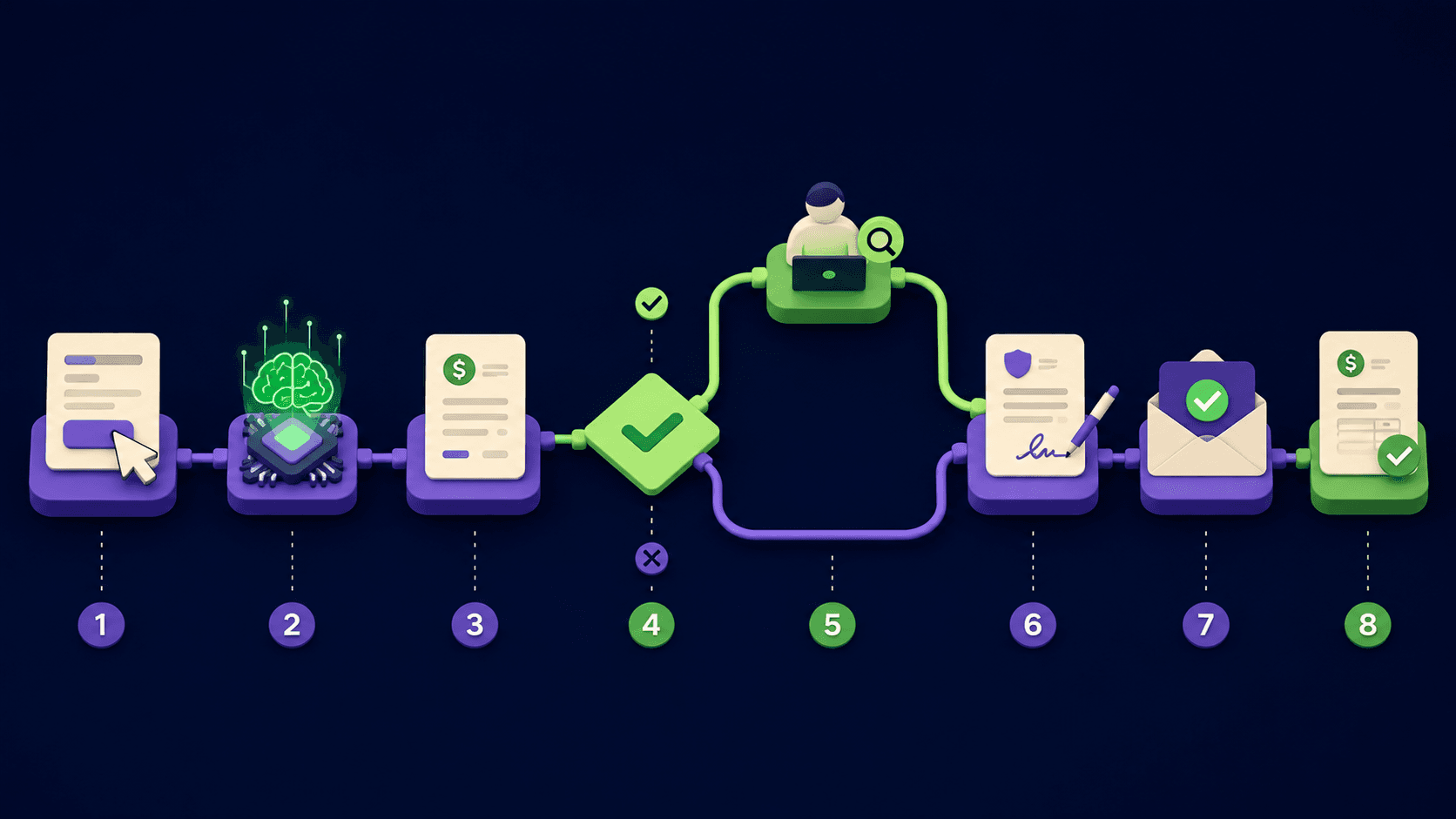
Quote to Paid Invoice in One Workflow: The Service-Business Automation Stack (2026)
If you run a service business, the cash gap between "client said yes" and "invoice marked paid" is where your week disappears. You quote in a doc, chase a signature, switch to Stripe for the invoice, then to a spreadsheet for the books, then back to email to nudge a late payer. The 2024 Atradius Payment Practices Barometer for North America found 55 percent of B2B invoices were paid late, with an average delay of 7 days past terms. This guide builds the n8n stack that takes a client request from form to signed proposal to paid invoice to booked revenue, hands-off, with the right places to keep a human in the loop.
TL;DR
Quote to paid is one workflow, not five disconnected tools.
n8n wires Stripe, DocuSign, and QuickBooks with one AI Agent.
Signature triggers invoice, payment triggers fulfillment and books.
Quotes above a threshold pause for human review.
Regulated work, large enterprise deals stay human first.
Published 2026-05-21. Last reviewed 2026-05-21. 13 min read.
What is the quote-to-cash workflow and why do service businesses lose money to it?
The quote-to-cash workflow is the sequence that turns a prospect's request into recognized revenue: intake, estimate, proposal, signature, invoice, payment, fulfillment, receipt, books. For a typical SMB service business it spans 6 to 9 separate tools and 2 to 4 humans, with no shared source of truth. The Atradius 2024 report measured a 55 percent late-pay rate on B2B invoices in North America, and the most cited cause was administrative friction on the seller side, not buyer cash flow.
The cost shows up in three lines. Cycle time from "yes" to "paid" stretches from days into weeks, pushing your cash conversion cycle out. Manual touches drop balls: quotes sit in drafts, signed PDFs never reach the bookkeeper, invoices never get sent. Month-end reconciliation becomes a 4 to 8 hour scrub job because Stripe, the bank, the CRM, and QuickBooks all disagree about what happened. The fix is not "buy another CRM." The fix is one n8n workflow that owns the chain end to end, with human approval gates wired in only where the risk justifies the wait.
What does the full quote-to-paid n8n architecture look like?
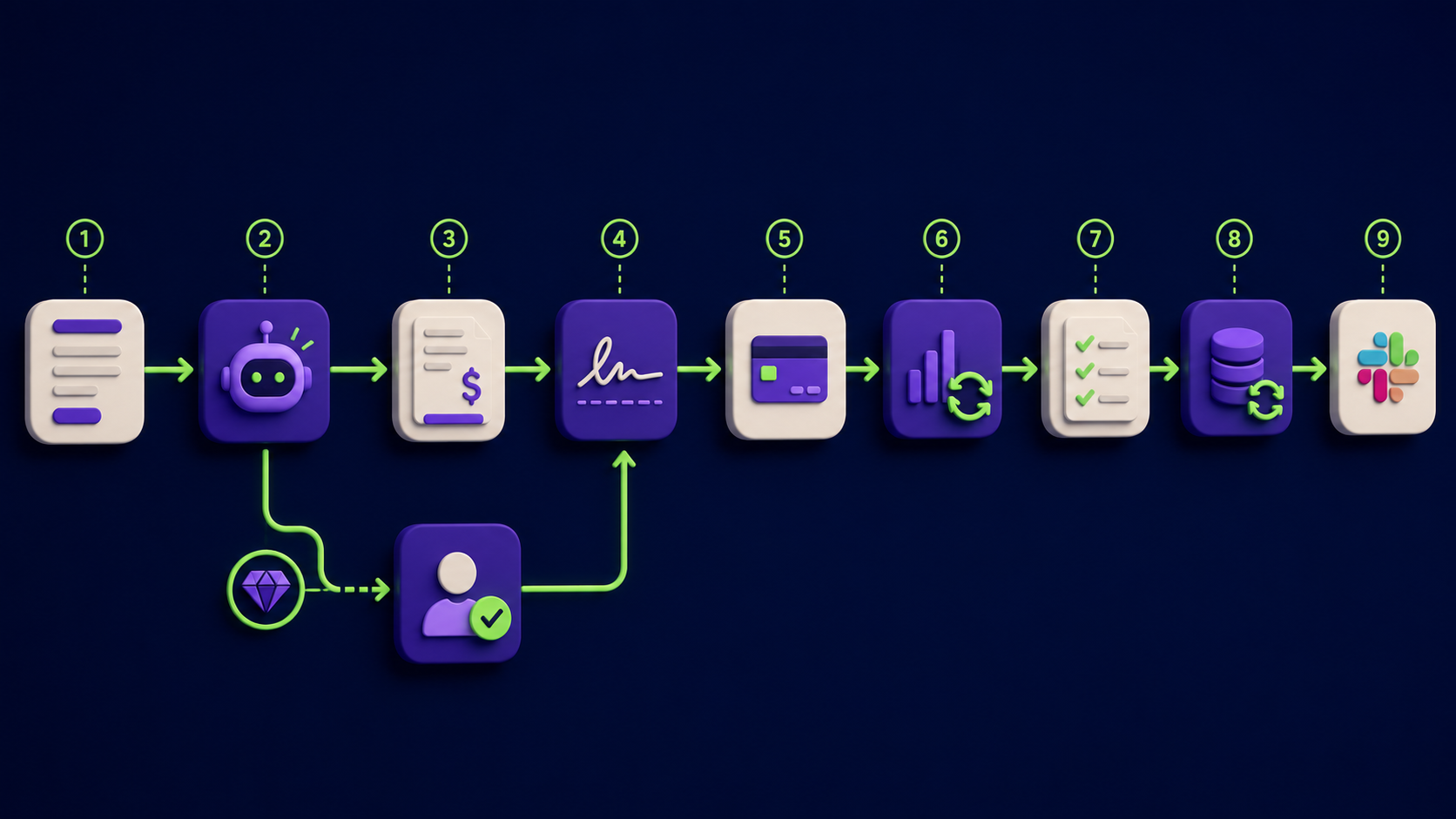
The full architecture is one chain of nine stages, each with a defined trigger, a single n8n node responsible for the work, and an external service that holds the source of truth for its part. The chain runs left to right when everything goes well, and branches out to human review when the deal value or context demands it. The table below is the canonical shape.
Stage | Trigger | n8n node | External service | Output |
|---|---|---|---|---|
1. Intake | Form submit or inbound email | Webhook or Email Trigger | Tally, Typeform, Fillout, Gmail | Normalized lead JSON |
2. Estimate | Lead JSON received | AI Agent | Claude Haiku 4.5 or GPT-5.5 instant + your service catalog | Line-item estimate with totals and reasoning |
3. Approval gate | Estimate total computed | IF + Wait + Slack | Slack approval button | Approved estimate (auto under threshold, human above) |
4. Proposal PDF | Approved estimate | HTTP Request | PandaDoc, DocuSign, or HTML to PDF (Gotenberg) | Branded proposal PDF URL |
5. E-sign | Proposal PDF ready | HTTP Request | DocuSign API, HelloSign (Dropbox Sign), or PandaDoc | Envelope or document ID + signer link |
6. Invoice | Signature webhook fires | Webhook + Stripe | Stripe Invoicing | Stripe invoice ID + hosted invoice URL |
7. Payment | Stripe payment_intent.succeeded | Webhook | Stripe | Paid invoice event with charge ID |
8. Fulfillment + receipt | Payment event | HTTP Request + Email (or Set + Notion) | Notion, Asana, Linear, Gmail SMTP | Fulfillment task created, branded receipt sent |
9. Bookkeeping sync | Payment event | QuickBooks Online or Xero node | QuickBooks Online, Xero | Sales receipt or invoice + payment posted |
Total chain time from "client signs" to "fulfillment task created and books updated" runs 30 to 90 seconds on a healthy n8n instance. The slow step is always the human (signature, sometimes approval), which is the right place for the wait to live.
How does the AI Agent build a real estimate from a service catalog?
The AI Agent builds an estimate by pulling your service catalog into context, mapping the client's request to specific line items with quantities, and returning a structured JSON object the next node uses directly. The catalog is the load-bearing input. Without a precise catalog the agent hallucinates prices and your margins disappear inside a week.
Store the catalog as a JSON file, a Notion database, or an Airtable base with fields per item: sku, name, unit_price, min_qty, max_qty, requires_review_above. Load it into the AI Agent node either as a system prompt (under 8000 tokens) or via a Retrieval sub-node. System prompt: "You are an estimating assistant for [company]. Return strict JSON: {line_items: [{sku, qty, unit_price, line_total}], subtotal, total, confidence (0-1), notes, requires_review (bool)}. Set requires_review=true if total exceeds $5000 or if confidence is under 0.7. Never invent SKUs." Run on Claude Haiku 4.5, GPT-5.5 instant, or self-hosted Qwen-3-6 for compliance-bound shops. Per-estimate token cost is typically under $0.01.
How do you set up the human approval gate without breaking the speed advantage?
Set up the approval gate as a Slack message with two buttons (Approve / Edit) wired through n8n's Wait node, with a hard-block only for anything above your review threshold. The right pattern is fast-path by default, gate only what needs gating. The wrong pattern is to send every estimate to Slack, which collapses back to the slow manual process the workflow was meant to replace.
After the AI Agent returns the estimate, an IF node checks requires_review. If false and total is under the auto-approve threshold (typical SMB default: $2500 to $5000), proceed to proposal generation. If true, the workflow hits a Wait node in "Wait for Webhook" mode and Slack-pings with the estimate summary, the AI's reasoning, and two action buttons that POST back to the wait webhook. Set a 4-hour timeout with a fallback queue: if nobody clicks inside the window, drop the deal into Notion and ping #ops so it does not silently die. The Slack interactive blocks pattern is documented in n8n's Slack node.
How do you generate the proposal PDF and send it for e-signature?
Generate the proposal PDF either by calling PandaDoc's template API (cleanest, includes branding and e-sign in one platform) or by rendering an HTML template through a self-hosted Gotenberg instance and uploading the PDF to DocuSign or Dropbox Sign for signature. Under 50 proposals per month, PandaDoc's all-in-one is simpler. Above that, the split path is roughly half the per-proposal cost.
For the all-in-one path: HTTP Request node POSTs to https://api.pandadoc.com/public/v1/documents with your template ID and the merge fields (client name, line items, totals). A second HTTP Request flips status to "sent" and PandaDoc emails the client. Their webhook fires back when the document is signed. The DocuSign equivalent uses the Envelopes API at https://demo.docusign.net/restapi/v2.1/accounts/{accountId}/envelopes with the PDF base64-encoded into the body, per the DocuSign eSignature REST API documentation. Either way, store the resulting envelope ID in a Set node so the signature webhook can match the event back to the original deal.
How does the signature webhook trigger the Stripe invoice?
The signature webhook triggers the Stripe invoice by receiving the e-sign provider's "document signed" event into a new n8n Webhook node, looking up the deal in your store of record, and then calling the Stripe node's "Invoice: Create" operation with the line items and the customer's email. The chain runs in under 5 seconds from signature to hosted invoice URL in the customer's inbox.
DocuSign sends a Connect webhook with the envelope ID. Dropbox Sign sends a JSON payload with signature_request_id and the signature_request_signed event. PandaDoc sends document.completed via their Webhook v3. In all three cases, verify the provider's signature with the shared secret before trusting the payload. Then use the n8n Stripe node "Invoice: Create" plus "Invoice Item: Create" once per line item plus "Invoice: Finalize and Send." Stripe emails the customer the hosted invoice URL automatically. Use Stripe Checkout for a single-item flat fee if you want one-click payment. The Stripe Docs section on invoicing covers the exact API choreography.
What happens when the customer pays?
When the customer pays, Stripe sends a payment_intent.succeeded or invoice.paid webhook into a second n8n Webhook node, which fans out three jobs in parallel: create the fulfillment task in your project tool, send the branded receipt email, and post the sale to QuickBooks Online or Xero. End to end the fan-out completes in 5 to 20 seconds.
Configure the Stripe webhook in the dashboard under Developers / Webhooks. Subscribe to invoice.paid, payment_intent.succeeded, charge.refunded, and customer.subscription.updated if you have recurring contracts. Verify the signature with a Code node per the Stripe Docs webhook signing guide; reject any payload that fails. The fan-out runs three parallel branches: HTTP Request to Notion or Asana for the fulfillment task with deal name, line items, assignee, and due date; an Email node (Gmail SMTP, Resend, or Postmark) that sends the branded receipt; and the bookkeeping sync covered below.
How do you sync the payment to QuickBooks Online or Xero?
Sync the payment to QuickBooks Online by using the n8n QuickBooks node's "Sales Receipt: Create" operation with the customer reference, the line items, and the payment method set to the Stripe deposit account; for Xero use the Xero node's "Invoice: Create" plus "Payment: Create" sequence. Both flows produce a fully reconciled book entry without manual data entry.
Pre-flight: in QuickBooks Online, upsert the customer via Customer: Find or Create with the email as the key, map each catalog SKU to a QuickBooks Item with the right Income Account, and set up a "Stripe Clearing" bank account that holds deposits before they hit your real bank. The Sales Receipt then posts directly to the clearing account, and your normal Stripe-to-bank reconciliation rolls it forward when the payout lands. The QuickBooks Online Developer documentation covers the Item, Customer, and SalesReceipt entities. For Xero the structure mirrors this with Contact, Item, Invoice, and Payment. One honest gotcha for both: if you sell across states or borders, do not compute tax inside n8n. Pass the line items to TaxJar or Stripe Tax and write the result into the books.
What should you NEVER fully automate in the quote-to-paid chain?
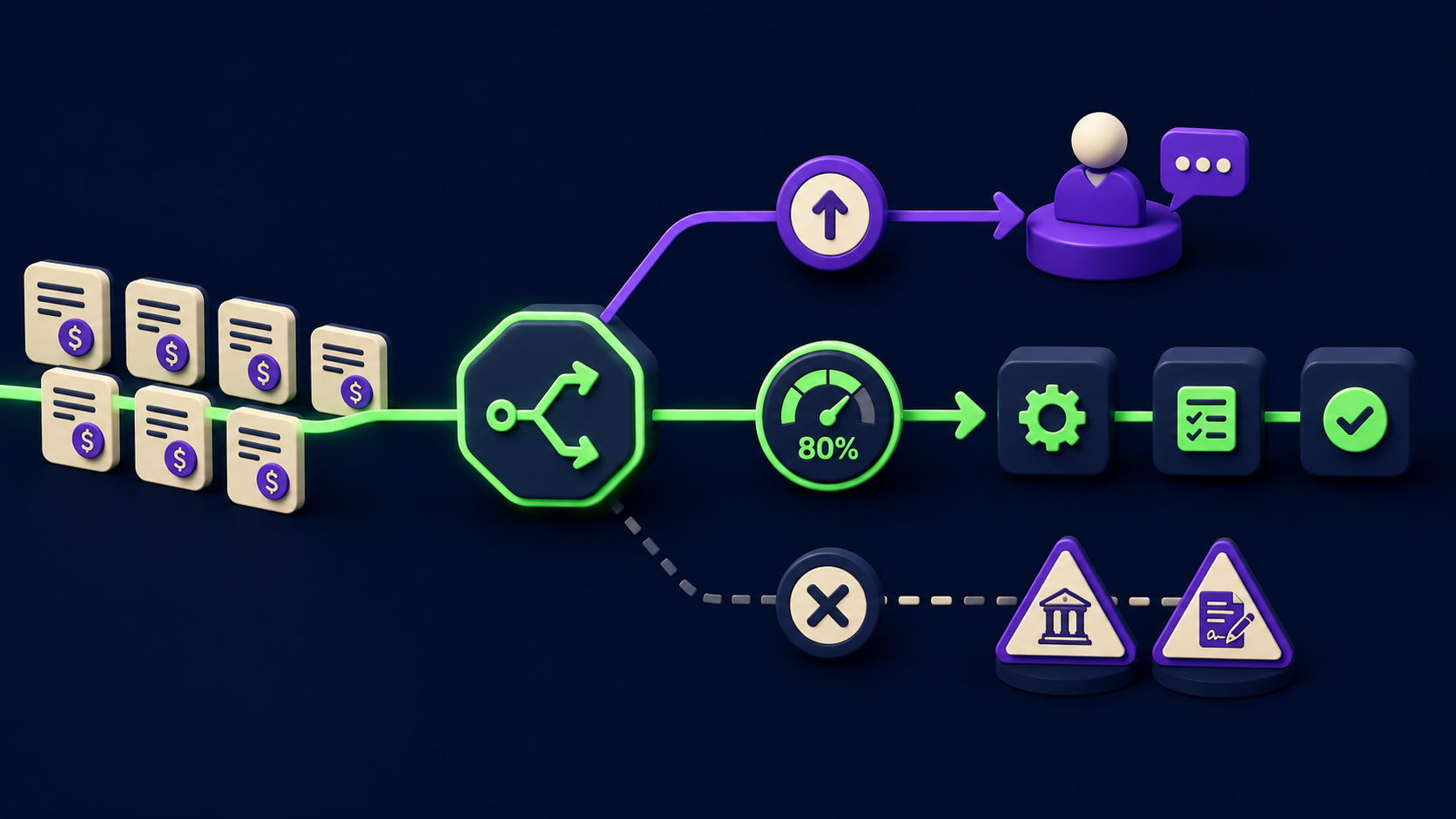
Never fully automate large enterprise contracts, anything in a regulated industry requiring licensure or fiduciary duty, or quotes above your internal review threshold. The speed advantage is the right tool for the bottom 80 percent of inbound where a delay costs more than a mistake. For the top 20 percent, a slow careful human reply costs less than an auto-sent contract you later have to walk back.
Quotes above the internal threshold. Set a hard dollar number per your business (common defaults: $5000 for solo operators, $25000 for small agencies, $100000 for established consulting firms). Above the line, the IF node routes to a Slack approval gate with the AI's reasoning and a one-click "approve and send" button.
Legal contracts and MSAs. An e-signed proposal for a defined scope of work is fine to auto-generate. A master services agreement, an SOW with custom indemnification, or a contract that names a specific liability cap needs a lawyer's review before the e-sign step. Wire a Set node that flags any deal where the AI's notes mention "MSA," "indemnification," "liability," or "warranty" and routes to a legal-review queue.
Regulated industries. Healthcare (HIPAA), finance (FINRA, SEC, FCA), legal services, accounting under PCAOB scope, and any work requiring a licensed professional (doctors, lawyers, CPAs, architects, engineers) cannot be quoted or contracted by an AI agent without human sign-off. Branch these to a human queue and log the regulator-relevant flag for audit.
Anything requiring fiduciary duty. Investment advice, fiduciary financial planning, trustee work, and similar engagements carry duty-of-care obligations that no automated quote can satisfy. The intake form should ask the qualifying questions; the workflow should route fiduciary-flagged leads to a licensed human and stop there.
The cleanest pattern: put these four checks in a Set node that runs after the AI Agent, sets a requires_human boolean, and branch the IF node on that flag first and the dollar threshold second. The default branch gets the full automated flow. The exception branch gets a human-first path with a polite acknowledgement.
What does this stack cost to run per month?
Monthly cost for an SMB service business running 50 to 200 quote-to-paid cycles is roughly $90 to $320, dominated by the e-sign provider and the bookkeeping subscription you probably pay already. The new spend is n8n + AI + the e-sign add-on, typically $50 to $100 per month.
Component | Cost (100 deals/month) | Notes |
|---|---|---|
n8n self-hosted on VPS | $6-12/mo | Hetzner CX22 or Hostinger KVM 2; n8n software is free |
AI Agent (estimating) | $2-10/mo | ~1000 input + 400 output tokens per estimate on Haiku 4.5 |
PandaDoc Essentials | $35-49/user/mo | Or DocuSign Personal at $15/mo + Gotenberg self-host |
Stripe processing | 2.9% + 30c per txn | Standard rate; varies by region and volume tier |
QuickBooks Online Essentials | $30-60/mo | Or Xero Standard at $42/mo; pick what your accountant uses |
Notion or Asana | $0-15/mo | Free tiers usually cover fulfillment tasks for a solo or small team |
Slack approval gate | $0-7.25/user/mo | Free tier works for a few approvers; Pro adds longer history |
The savings are time: a typical SMB owner reclaims 5 to 12 hours per week previously spent chasing signatures, sending invoices, and reconciling the books. At any reasonable hourly rate, the payback is days.
What are the common mistakes when building this stack?
Six mistakes show up in almost every first build of the quote-to-paid chain. Each has a fix that takes less than an hour.
The AI Agent invents SKUs or prices not in the catalog. Fix: enable structured output, tighten the prompt with "Never invent SKUs. Use only items in the catalog," and validate the SKU in a Code node before proceeding.
The approval gate gets bypassed because the IF node order is wrong. Fix: put
requires_humanfirst,total > thresholdsecond, default-proceed third. First matching rule wins in n8n's IF.The e-sign webhook fires before the deal record is stored. Fix: write the deal to your store of record (Notion, Airtable, KV) BEFORE calling the e-sign API. Otherwise the signature event comes back faster than your write and the lookup misses.
Stripe webhooks duplicate-fire and create double invoices. Fix: Stripe delivers at-least-once. Add an idempotency check using the event ID stored in Postgres or Redis. The Stripe Docs section on idempotency covers the pattern.
QuickBooks records show wrong revenue accounts because SKU-to-Item mapping is loose. Fix: every catalog SKU must map to exactly one QuickBooks Item with the correct Income Account. Validate the mapping at workflow startup, not at runtime.
Cycle time stays slow because humans still review every deal. Fix: this is a process problem, not a tech problem. Track the approve rate on the Slack gate for two weeks; if humans auto-approve 90 percent without edits, raise the threshold so 90 percent skip the gate.
How does this compare to all-in-one tools like HoneyBook, Dubsado, or 17hats?
The all-in-one tools (HoneyBook, Dubsado, 17hats, Bonsai) ship the same chain in a single platform with less flexibility and higher per-seat cost; the n8n stack is one-fifth to one-tenth the operating cost above 50 deals per month and lets you swap any component without changing the others. The trade is build time: all-in-ones deploy in a day, the n8n stack takes 1 to 2 days to build plus a week to tune.
The pick depends on volume and edge-case complexity. Under 30 deals per month and standard scope, HoneyBook or Dubsado at $40 to $80 per month is fine and saves the build. Above 100 deals per month, or anywhere you need a non-standard step (custom approval logic, multi-currency tax, a fulfillment tool the all-in-one does not integrate with), the n8n stack pays back inside the first quarter. The full migration math on n8n versus Zapier and Make lives in our 15 AI Agent n8n Workflows guide, and our 2026 AI automation rate card covers what operators charge to build this exact stack.
FAQ
How fast does the quote-to-paid chain actually run end to end?
End to end the chain is bottlenecked by the human signer. The automated portions run in under 90 seconds total: intake to estimate in 5 seconds, estimate to proposal PDF in 10 seconds, signed to Stripe invoice sent in 5 seconds, paid to fulfillment task and books posted in 10 to 20 seconds. The human side (signature) usually takes hours to days. If the entire chain completes inside 24 hours of intake, you have outperformed the SMB industry average of roughly 7 to 14 days from quote to paid invoice.
Do I have to use Stripe, or can I plug in PayPal, Square, or Wise?
You can plug in any payment provider that ships webhooks for "invoice paid" and "payment succeeded." n8n has native nodes for Stripe, PayPal, and Square; Wise and others work via HTTP Request to their REST APIs. The architecture is identical; only the node names change. Stripe is the most common choice in this article because its invoicing API and webhook ergonomics are the best documented and the fee structure is competitive for service businesses. If you already process payments somewhere else, keep it; the integration cost is one afternoon.
Can I run this with self-hosted AI for client confidentiality?
Yes. Swap the Anthropic or OpenAI sub-node on the AI Agent for an Ollama sub-node pointing at a locally hosted Qwen-3-6, Mistral Medium 3.5, or Llama 4 model. Latency goes up by a few seconds and rubric tuning takes a bit longer because smaller models follow instructions less precisely, but no client data leaves your hardware. This is the right pattern for legal, healthcare, finance, and any client with a strict no-third-party-AI policy. The rest of the chain (Stripe, DocuSign, QuickBooks) handles client data either way and is already covered by their respective DPAs.
What happens if the customer disputes the charge?
Stripe sends a charge.dispute.created webhook the moment a chargeback is filed. Wire a fourth Webhook node listening for that event, route it to a human queue (Slack ping plus a Notion ticket with the deal context and the original signed proposal PDF), and pause the related fulfillment task. Do not try to auto-respond; the response process is templated but the substance is case-by-case, and a wrong reply costs you the dispute. Stripe's response window is typically 7 to 21 days depending on the network.
Would rather have this built and connected to your stack?
If you would rather skip the 1 to 2 day build, the e-sign provider integration, and the QuickBooks SKU mapping, Vantaige builds and tunes this exact stack as a one to two-week engagement for service businesses. We wire your intake to n8n, map your service catalog to the AI estimator, connect Stripe and QuickBooks or Xero, and hand over the workflow with documentation. Tell us about your current quote-to-paid cycle and we will reply with a fit-or-not honest answer inside one business day.
Related from Vantaige
If you are building out the rest of the service-business operations stack, these four read as a set:
Lead Form to Qualified Call: The 5-Node Automation That Stops the Leak (2026)
AI Customer Support Triage That Routes 70% of Tickets Without a Human (2026)
References
Atradius Payment Practices Barometer, North America 2024. https://atradius.us/reports/payment-practices-barometer-united-states-and-canada-2024.html
n8n docs: Webhook node. https://docs.n8n.io/integrations/builtin/core-nodes/n8n-nodes-base.webhook/
n8n docs: AI Agent node. https://docs.n8n.io/integrations/builtin/cluster-nodes/root-nodes/n8n-nodes-langchain.agent/
n8n docs: Wait node. https://docs.n8n.io/integrations/builtin/core-nodes/n8n-nodes-base.wait/
n8n docs: Stripe node. https://docs.n8n.io/integrations/builtin/app-nodes/n8n-nodes-base.stripe/
n8n docs: QuickBooks Online node. https://docs.n8n.io/integrations/builtin/app-nodes/n8n-nodes-base.quickbooks/
Stripe Docs: Invoicing API. https://stripe.com/docs/invoicing
Stripe Docs: Webhook signing and idempotency. https://stripe.com/docs/webhooks/signatures
DocuSign eSignature REST API reference. https://developers.docusign.com/docs/esign-rest-api/
Dropbox Sign (HelloSign) API documentation. https://developers.hellosign.com/api/reference/
PandaDoc API reference. https://developers.pandadoc.com/reference/about
QuickBooks Online Developer documentation. https://developer.intuit.com/app/developer/qbo/docs/get-started
Xero API documentation: invoices and payments. https://developer.xero.com/documentation/api/accounting/invoices
Get the best new AI tools and guides, weekly
One short email a week. The tools worth trying, the guides worth reading, nothing else.
No spam. Unsubscribe anytime.
Aymen B
Contributing writer at Vantaige, covering the AI tools ecosystem.